QuickTest - User Testing
Free
1.2for iPhone, iPad
Age Rating
QuickTest - User Testing Screenshots
About QuickTest - User Testing
Quick Test user testing
User testing is essential to all UX designers. For many startups, it’s hard to justify the cost of user testing, and finding participants to give their opinions.
There’s currently no FREE tool to conduct A/B user testing online or in person.
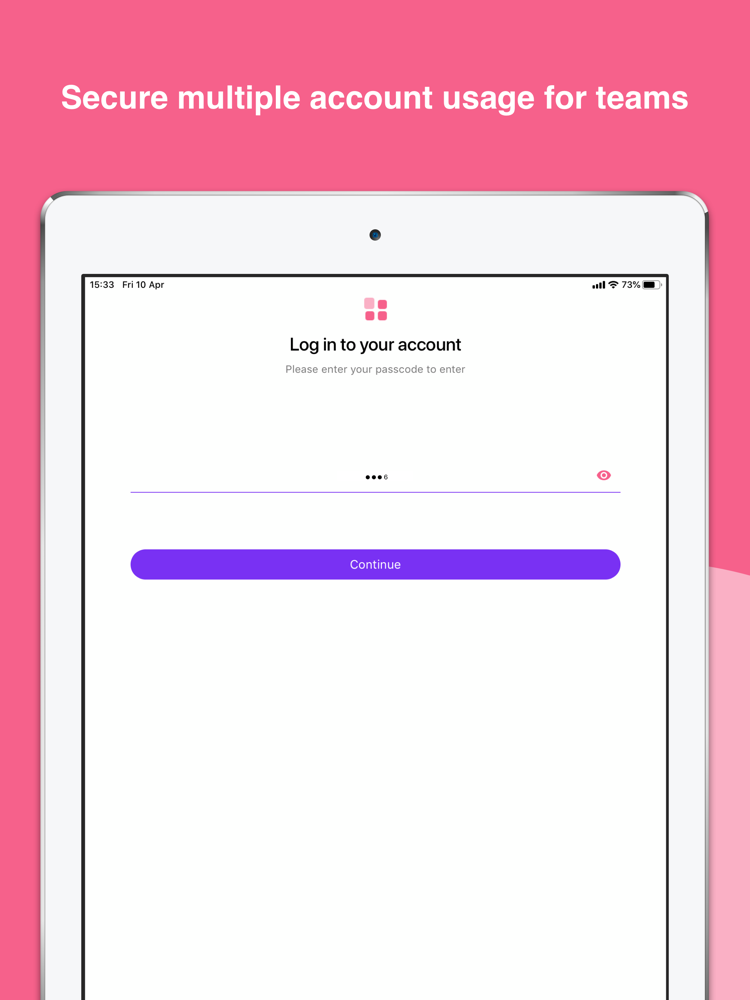
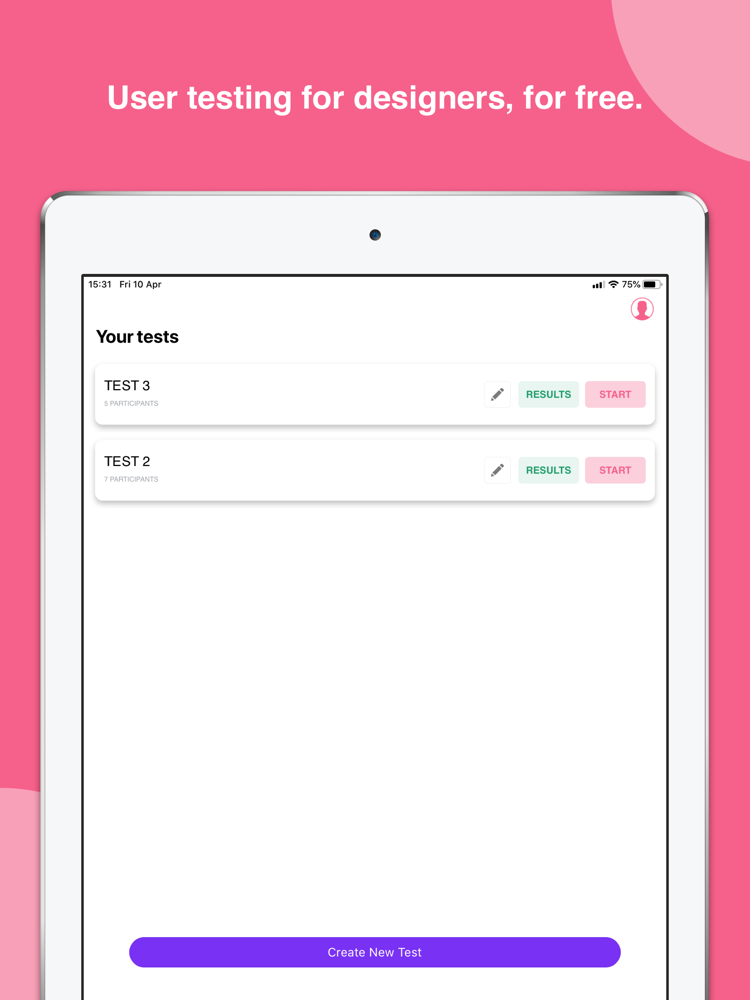
QuickTest lets you test multiple visual designs online or in person, then provides analysed statistics of your results. It’s comparable on both your iPhone and your iPad!
Some of the worlds most popular startups and companies are already using QuickTest to get opinions on their designs.
How it works:
CREATE YOUR TEST
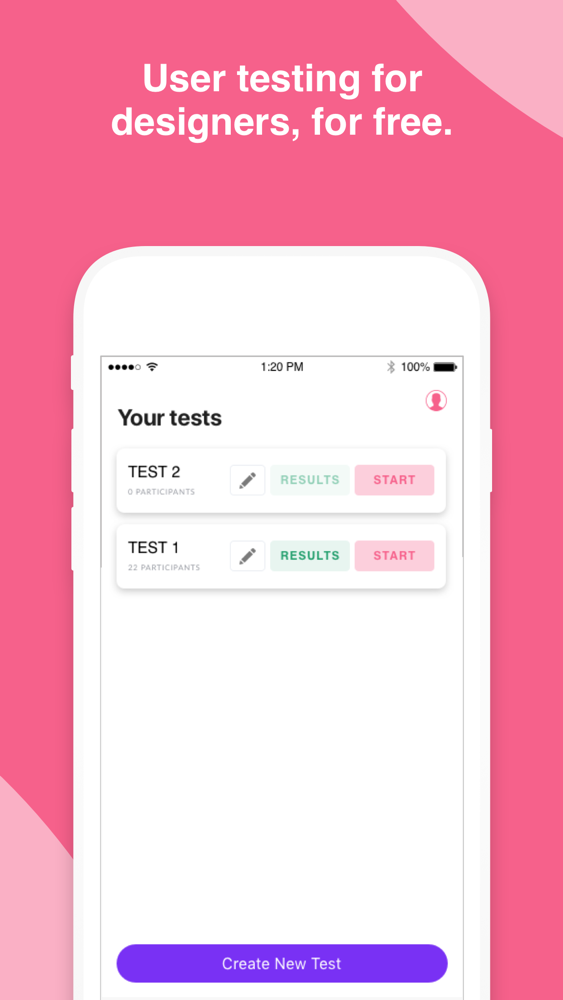
No limit on the number of tests you can create
CUSTOMISE YOUR TEST
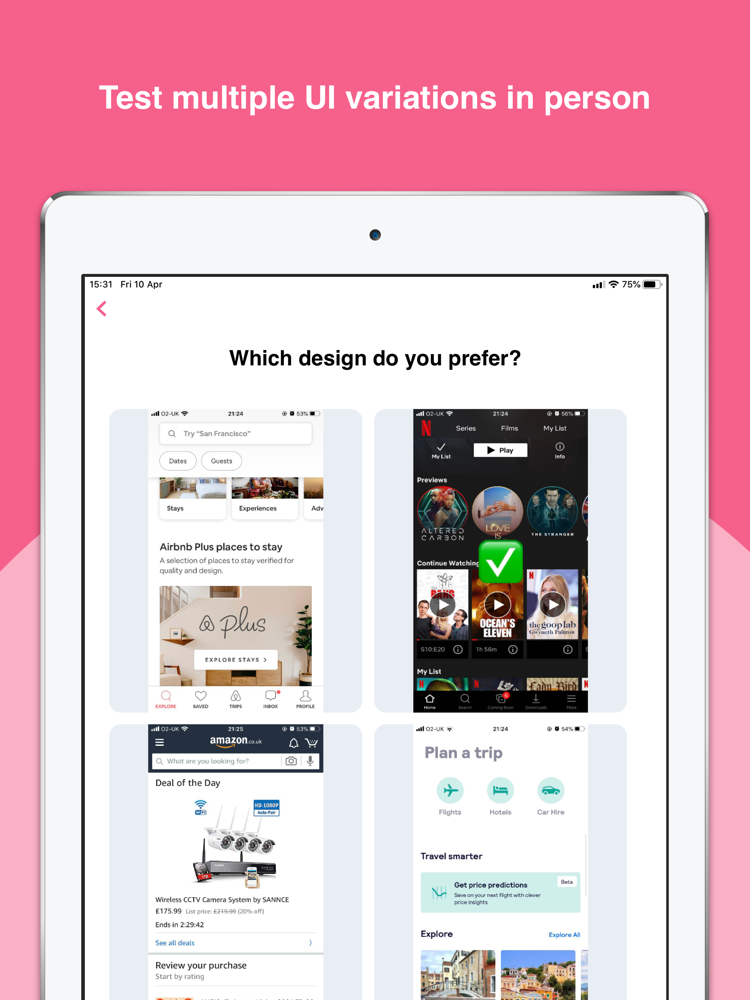
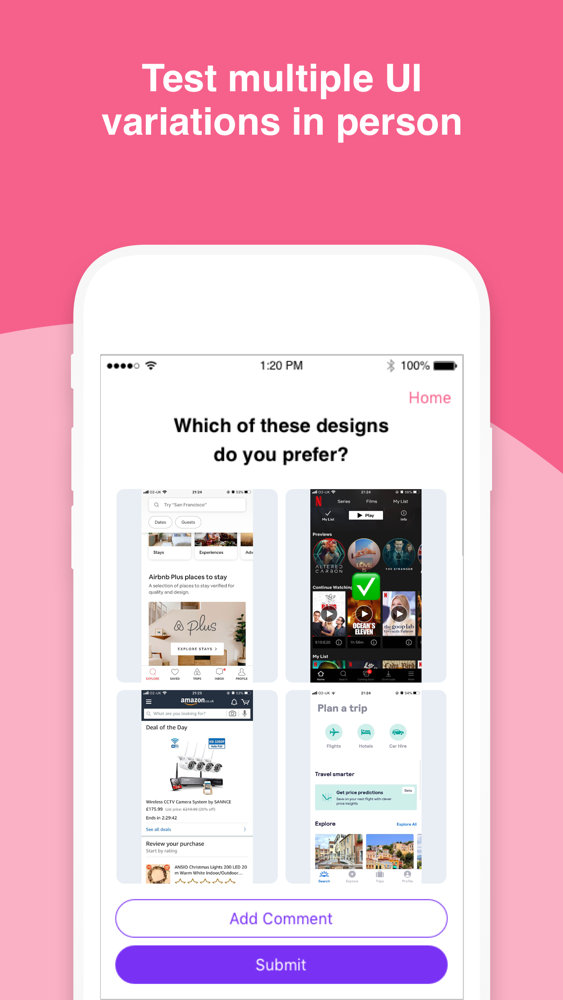
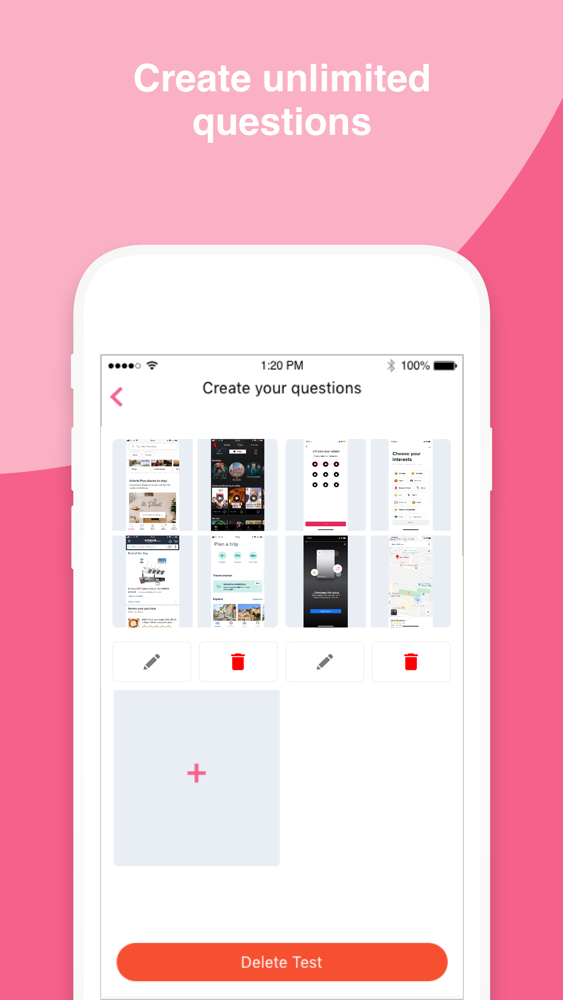
Upload up to 4 UI designs, to check customer, target market and team preferences.
ADD MULTIPLE QUESTIONS
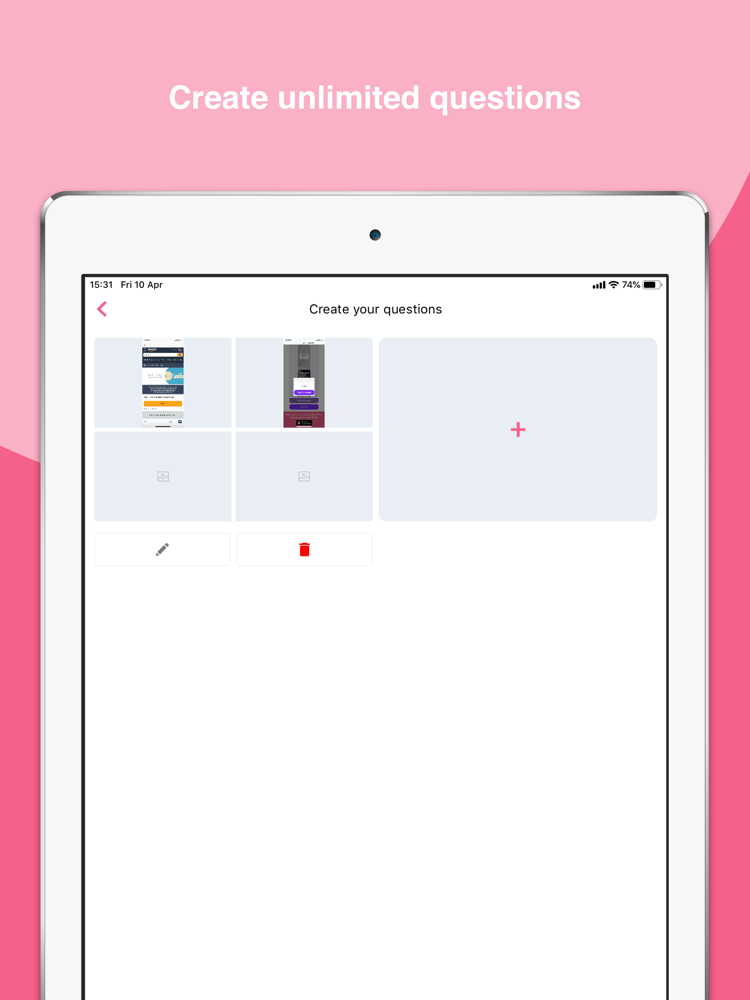
Don’t just limit your test to one question, ask participants as many questions you need to validate your assumptions.
TEST IN-PERSON OR REMOTELY
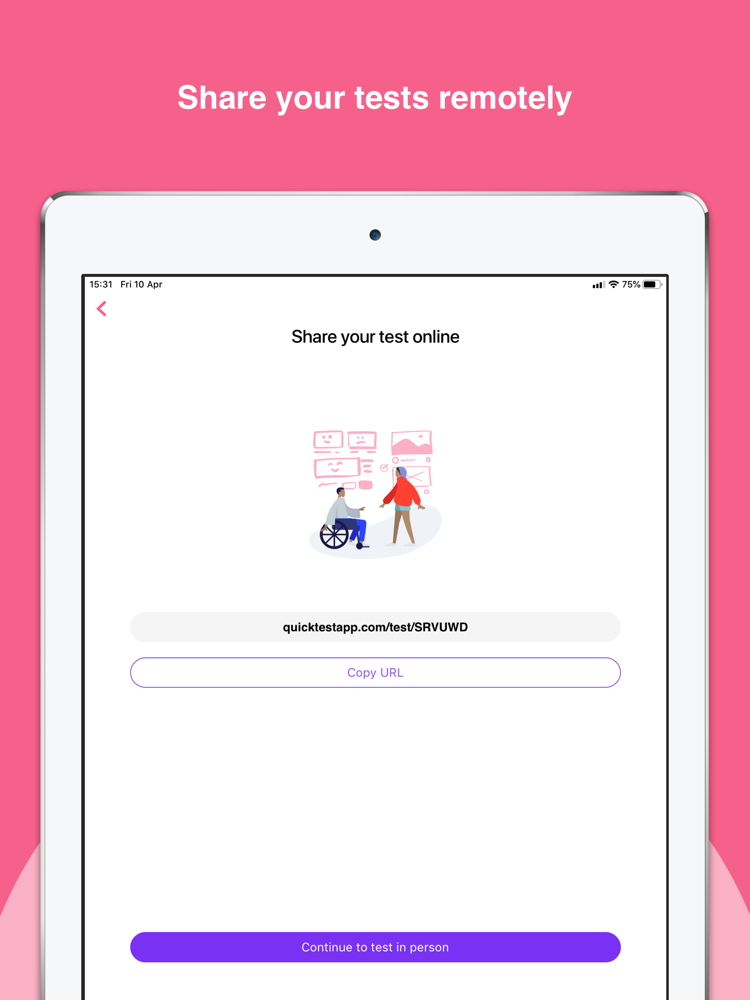
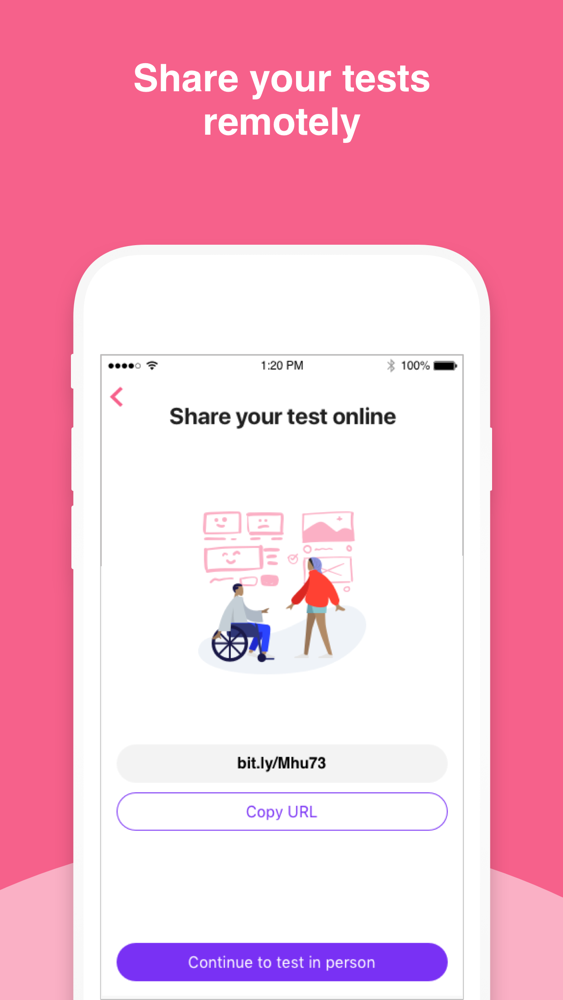
Share a link to your test, which opens a webpage, or test in person directly in the QuickTest app.
RECEIVE ANALYSED RESULTS
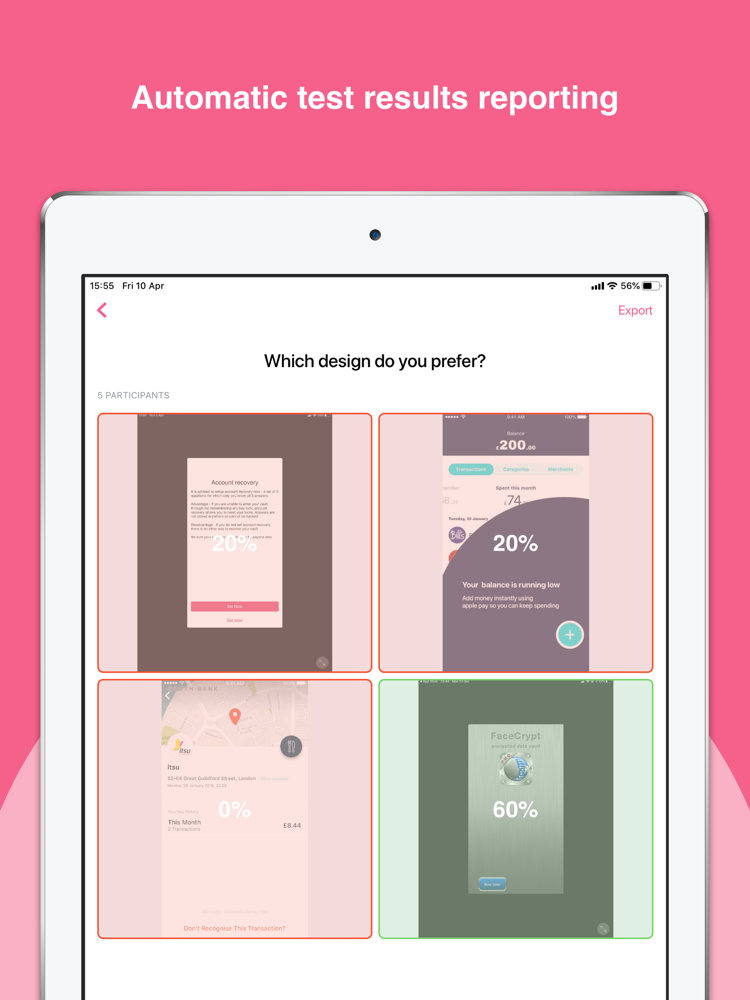
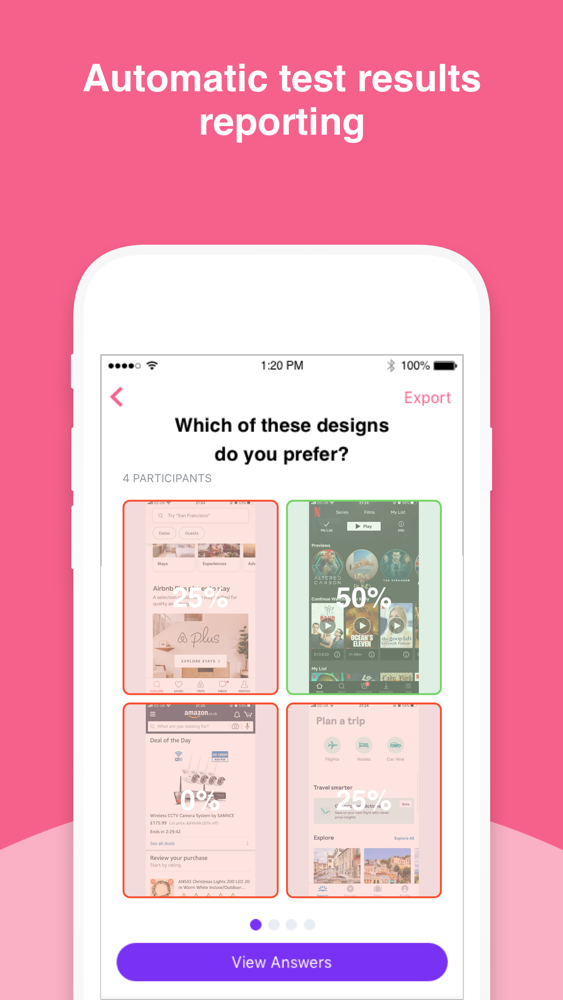
All participants answers are stored and analysed, with results viewable in QuickTest, and exportable as insights reports.
We’ll be working on building a community of testers very shortly to help designers test their designs even quicker.

User testing is essential to all UX designers. For many startups, it’s hard to justify the cost of user testing, and finding participants to give their opinions.
There’s currently no FREE tool to conduct A/B user testing online or in person.
QuickTest lets you test multiple visual designs online or in person, then provides analysed statistics of your results. It’s comparable on both your iPhone and your iPad!
Some of the worlds most popular startups and companies are already using QuickTest to get opinions on their designs.
How it works:
CREATE YOUR TEST
No limit on the number of tests you can create
CUSTOMISE YOUR TEST
Upload up to 4 UI designs, to check customer, target market and team preferences.
ADD MULTIPLE QUESTIONS
Don’t just limit your test to one question, ask participants as many questions you need to validate your assumptions.
TEST IN-PERSON OR REMOTELY
Share a link to your test, which opens a webpage, or test in person directly in the QuickTest app.
RECEIVE ANALYSED RESULTS
All participants answers are stored and analysed, with results viewable in QuickTest, and exportable as insights reports.
We’ll be working on building a community of testers very shortly to help designers test their designs even quicker.
Show More
Was ist neu in der neuesten Version 1.2
Last updated on May 7, 2020
Alte Versionen
Various Bug Fixes
Show More
Version History
1.2
May 7, 2020
Various Bug Fixes
QuickTest - User Testing FAQ
Klicken Sie hier, um zu erfahren, wie Sie QuickTest - User Testing in eingeschränkten Ländern oder Regionen herunterladen können.
Überprüfen Sie die folgende Liste, um die Mindestanforderungen von QuickTest - User Testing zu sehen.
iPhone
iPad
QuickTest - User Testing unterstützt English