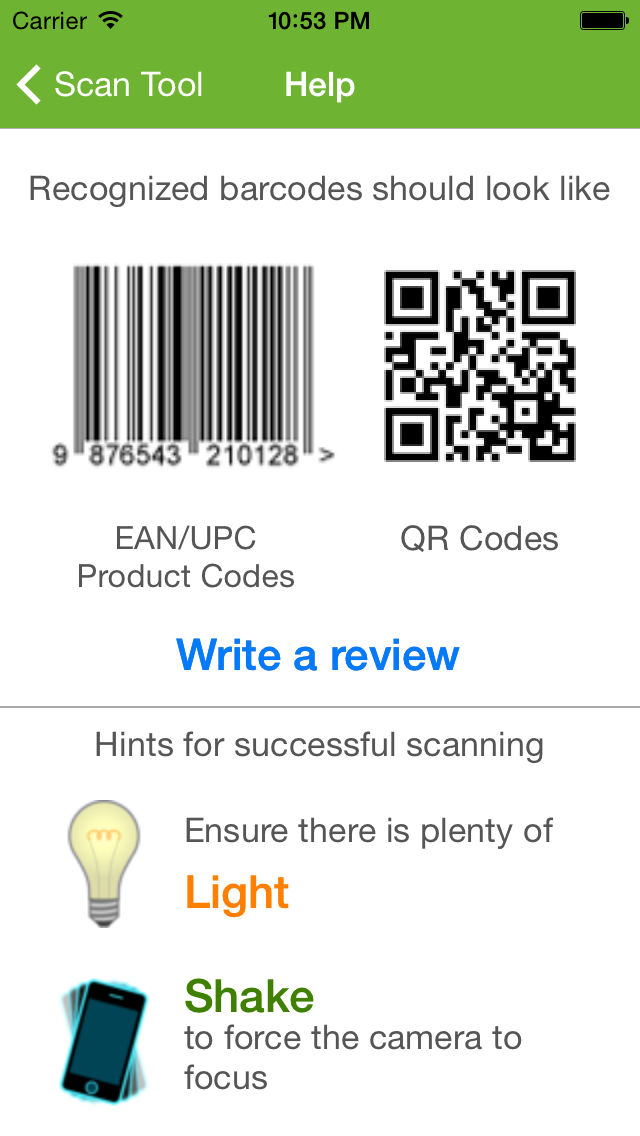
Scan Tool 스크린 샷
About Scan Tool
Scan Tool is a fastest and most user-friendly QR reader and barcode scanner available. If your iPhone, iPad, or iPod came with a built-in scanner, this would be it.
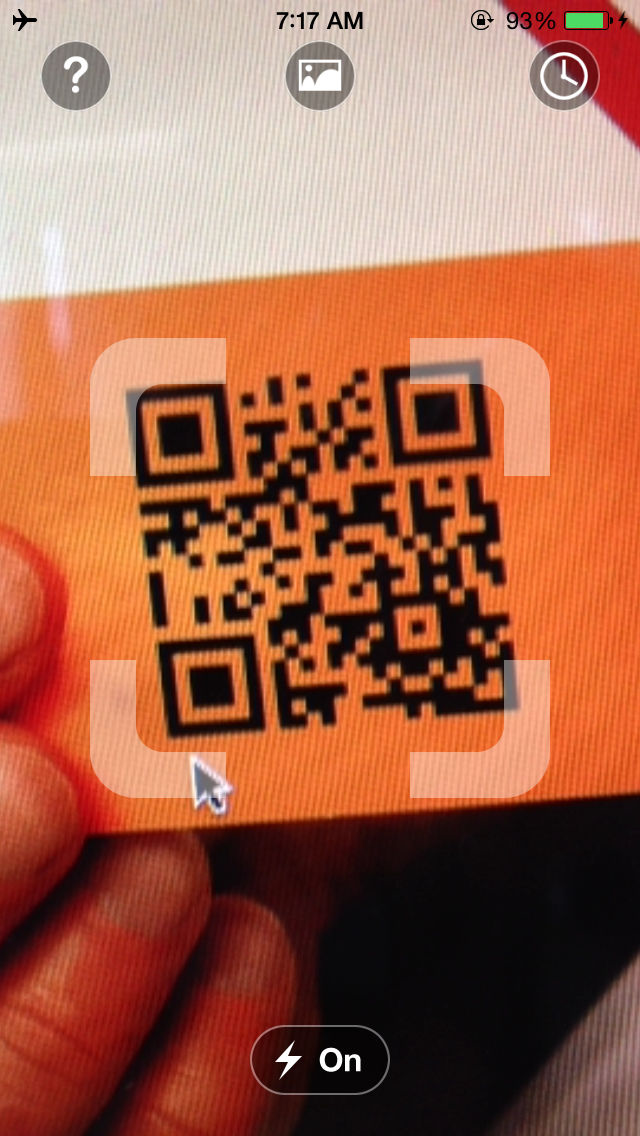
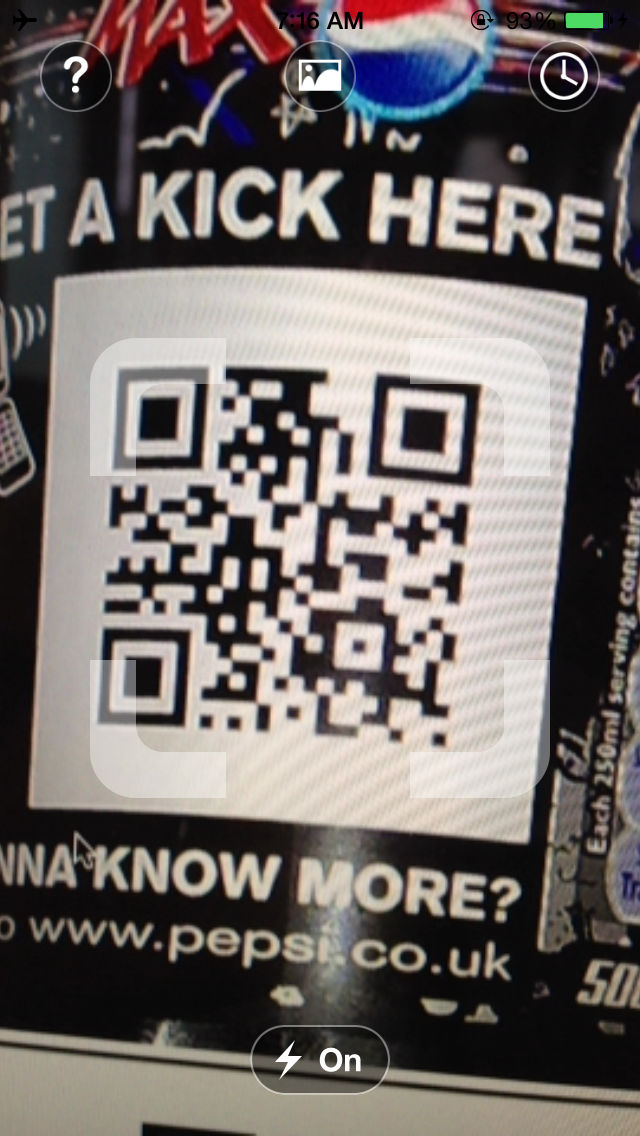
To scan a QR code or barcode simply open the app, point the camera at the code, and you’re done! There is no need to take a photo or press a button. Scan will automatically recognize any code your camera is pointing at.
When scanning finished you'll immediately see the contains text, if the code formats such as url, phone numbers, email addresses, or contact info, you will be prompted to take the appropriate action.
ADDITIONAL FEATURES
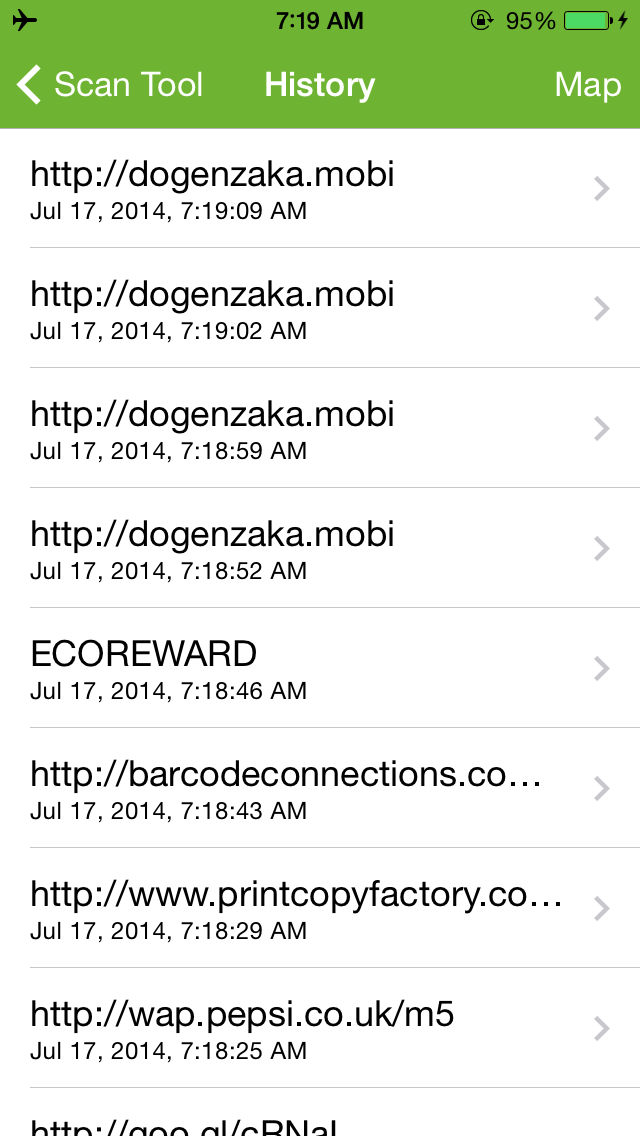
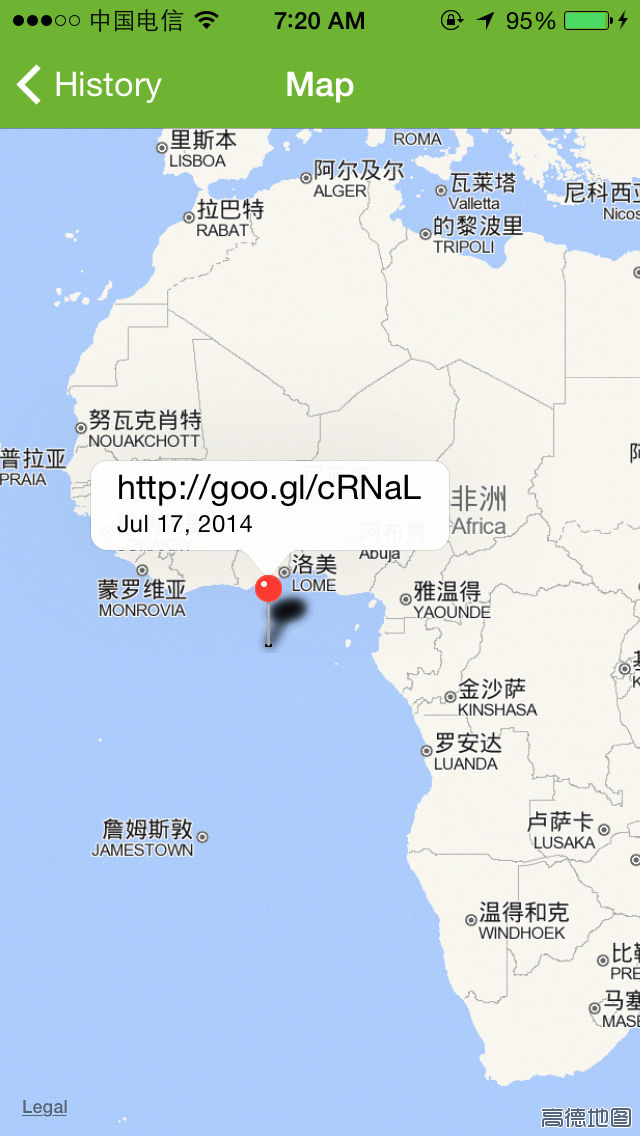
• View a history list and map of all of your past scans
• Set a default browser to open websites in
• Scan pictures of QR codes and barcodes from your camera roll
• A switch to turn on your device’s light (if it has one) for scanning in low-light circumstances

To scan a QR code or barcode simply open the app, point the camera at the code, and you’re done! There is no need to take a photo or press a button. Scan will automatically recognize any code your camera is pointing at.
When scanning finished you'll immediately see the contains text, if the code formats such as url, phone numbers, email addresses, or contact info, you will be prompted to take the appropriate action.
ADDITIONAL FEATURES
• View a history list and map of all of your past scans
• Set a default browser to open websites in
• Scan pictures of QR codes and barcodes from your camera roll
• A switch to turn on your device’s light (if it has one) for scanning in low-light circumstances
Show More
최신 버전 3.0의 새로운 기능
Last updated on Jul 17, 2014
Version History
3.0
Jul 17, 2014
Scan Tool FAQ
제한된 국가 또는 지역에서 Scan Tool를 다운로드하는 방법을 알아보려면 여기를 클릭하십시오.
Scan Tool의 최소 요구 사항을 보려면 다음 목록을 확인하십시오.
iPhone
Scan Tool은 다음 언어를 지원합니다. English