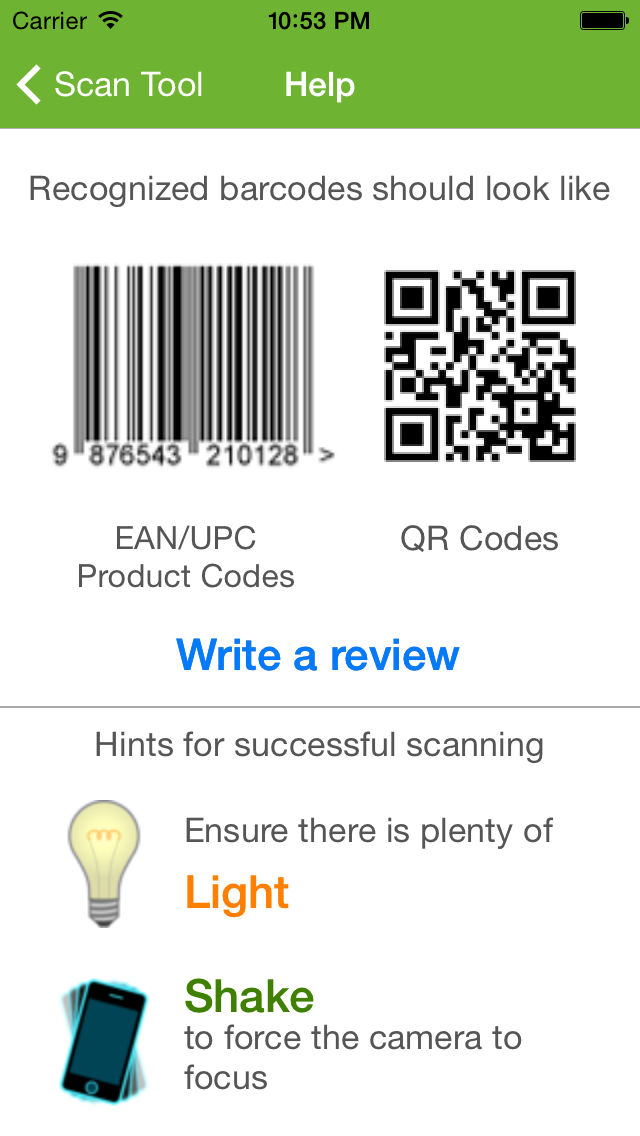
لقطات الشاشة لـ Scan Tool
About Scan Tool
Scan Tool is a fastest and most user-friendly QR reader and barcode scanner available. If your iPhone, iPad, or iPod came with a built-in scanner, this would be it.
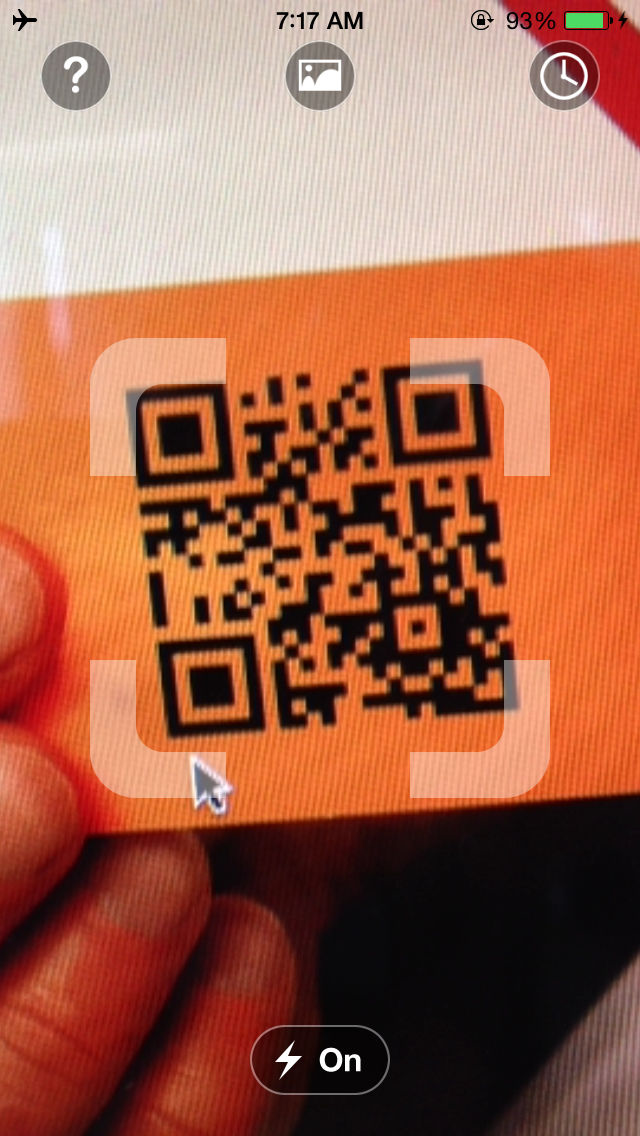
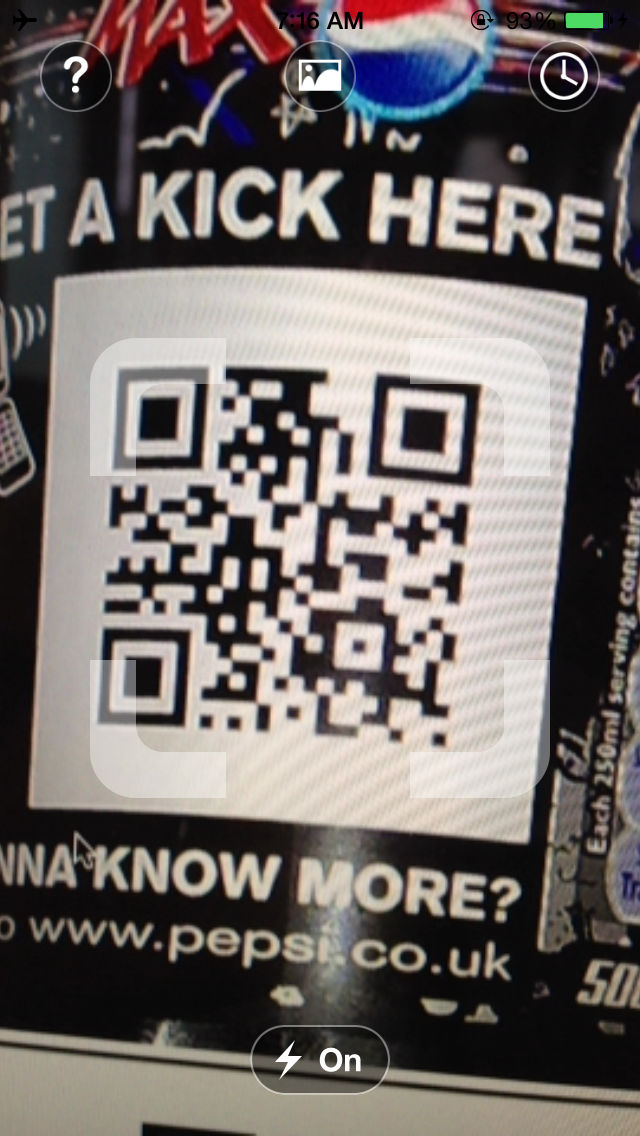
To scan a QR code or barcode simply open the app, point the camera at the code, and you’re done! There is no need to take a photo or press a button. Scan will automatically recognize any code your camera is pointing at.
When scanning finished you'll immediately see the contains text, if the code formats such as url, phone numbers, email addresses, or contact info, you will be prompted to take the appropriate action.
ADDITIONAL FEATURES
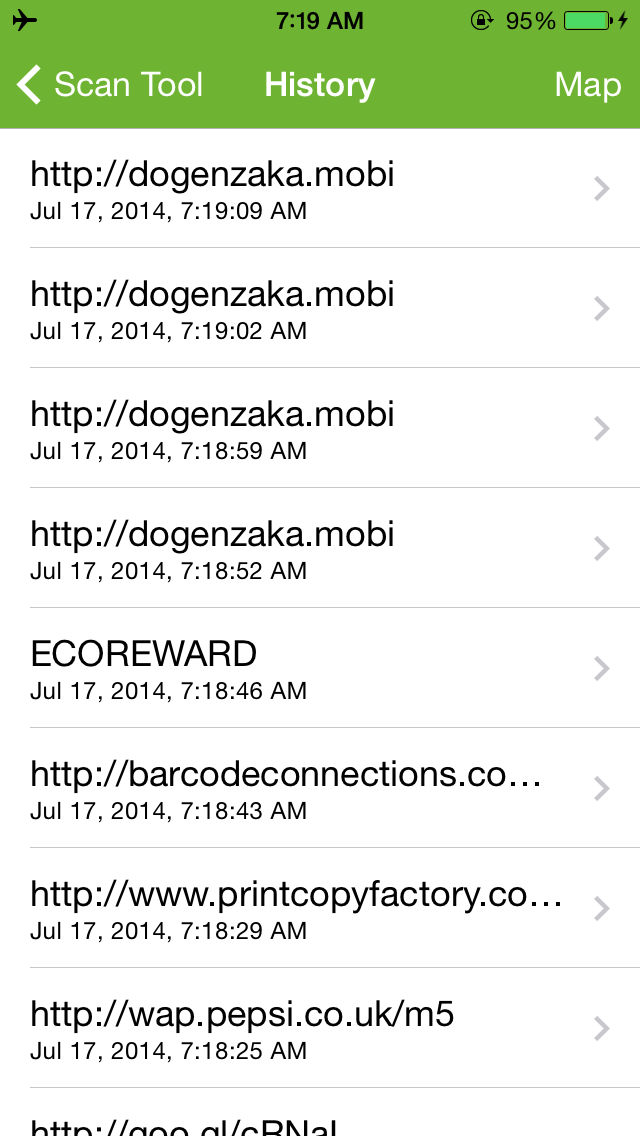
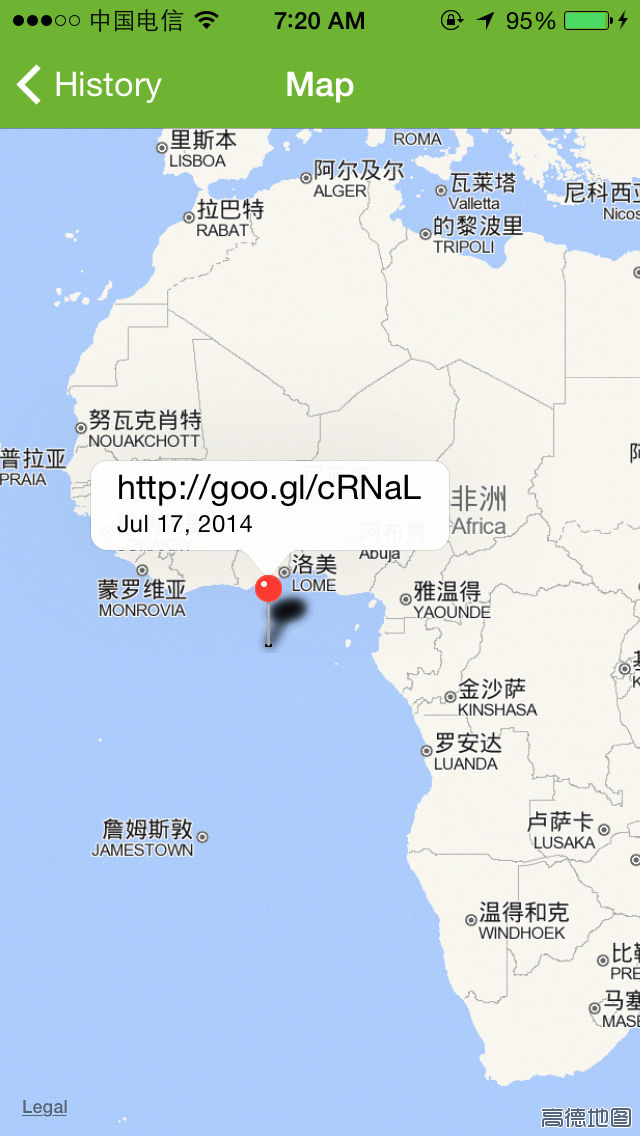
• View a history list and map of all of your past scans
• Set a default browser to open websites in
• Scan pictures of QR codes and barcodes from your camera roll
• A switch to turn on your device’s light (if it has one) for scanning in low-light circumstances

To scan a QR code or barcode simply open the app, point the camera at the code, and you’re done! There is no need to take a photo or press a button. Scan will automatically recognize any code your camera is pointing at.
When scanning finished you'll immediately see the contains text, if the code formats such as url, phone numbers, email addresses, or contact info, you will be prompted to take the appropriate action.
ADDITIONAL FEATURES
• View a history list and map of all of your past scans
• Set a default browser to open websites in
• Scan pictures of QR codes and barcodes from your camera roll
• A switch to turn on your device’s light (if it has one) for scanning in low-light circumstances
Show More
تحديث لأحدث إصدار 3.0
Last updated on 17/07/2014
Version History
3.0
17/07/2014
Scan Tool FAQ
انقر هنا لمعرفة كيفية تنزيل Scan Tool في بلد أو منطقة محظورة.
تحقق من القائمة التالية لمعرفة الحد الأدنى من المتطلبات Scan Tool.
iPhone
Scan Tool هي مدعومة على اللغات English