Age Rating
Stage Plot Maker 스크린 샷
About Stage Plot Maker
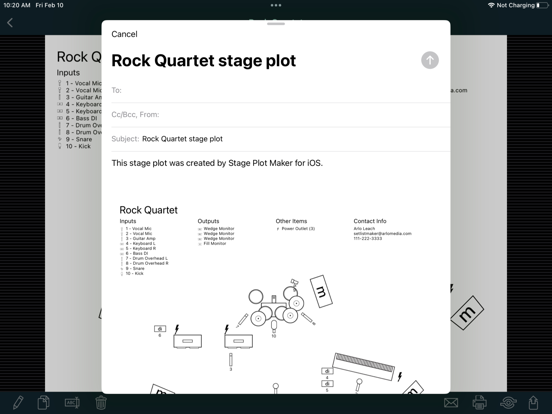
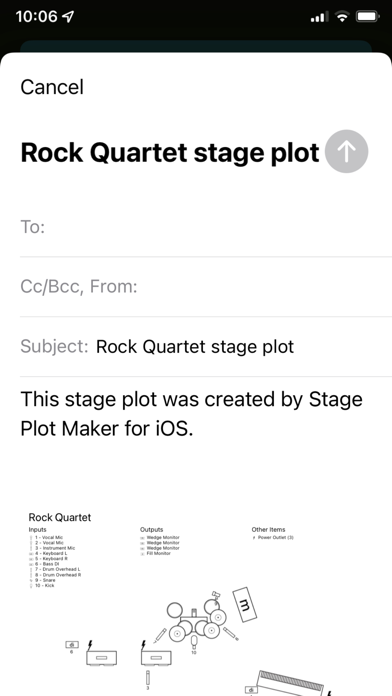
Stage Plot Maker helps you build clear, readable stage plots to communicate your band's technical requirements to a sound engineer. You can build a collection of stage plots for different kinds of gigs, then print or email them directly from your mobile device.
Running the app on a tablet is recommended for building stage plots. Once you build a stage plot, you can copy it to the phone app for quick access on the go.
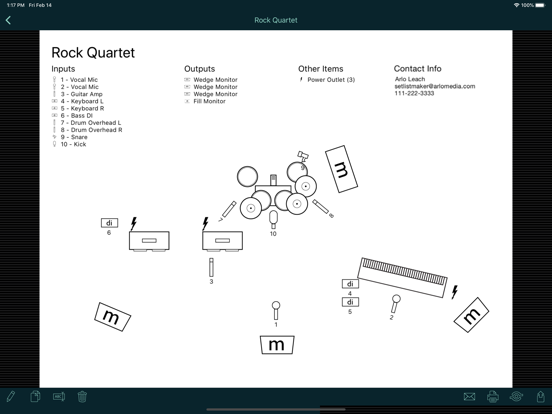
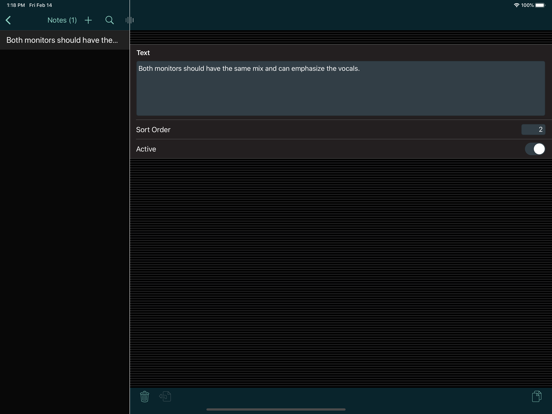
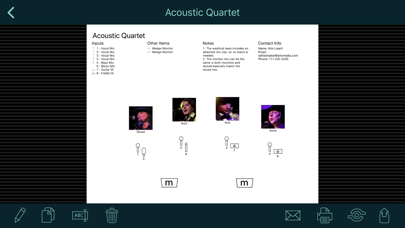
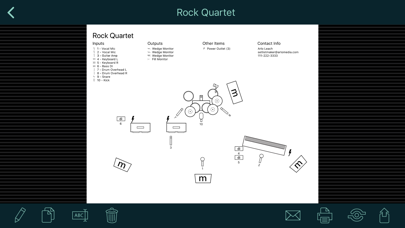
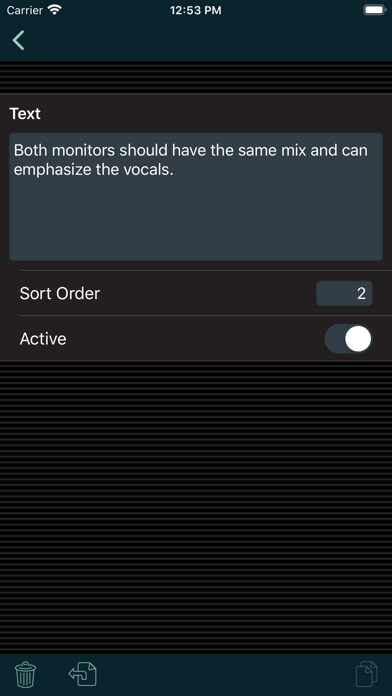
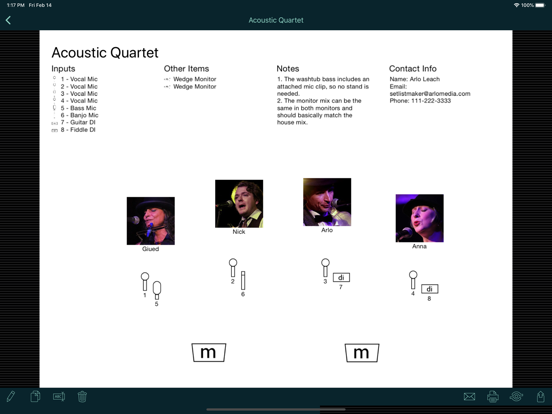
Stage plots can include a diagram to show the placement of elements on stage; numbered input and output lists; a list of other required items like chairs and music stands; the name and photo of each performer; notes for the sound engineer; and your contact info.
Note that this app doesn't use pictures for small instruments like guitars, trumpets, etc. Instead, it uses symbols for the inputs that those instruments go into, like mics or DI boxes. You can label those inputs to show what instrument they are used for. This provides a streamlined display that shows sound engineers just what they need to set up the stage for you. The app does include symbols for large instruments like piano and drums that are typically placed on stage first with the inputs positioned around them. Please see the screen shots and demo video for examples.
*** If you have a problem or a suggestion, please contact me before writing a bad review. I respond promptly to all emails and posts in my support forum. ***

Running the app on a tablet is recommended for building stage plots. Once you build a stage plot, you can copy it to the phone app for quick access on the go.
Stage plots can include a diagram to show the placement of elements on stage; numbered input and output lists; a list of other required items like chairs and music stands; the name and photo of each performer; notes for the sound engineer; and your contact info.
Note that this app doesn't use pictures for small instruments like guitars, trumpets, etc. Instead, it uses symbols for the inputs that those instruments go into, like mics or DI boxes. You can label those inputs to show what instrument they are used for. This provides a streamlined display that shows sound engineers just what they need to set up the stage for you. The app does include symbols for large instruments like piano and drums that are typically placed on stage first with the inputs positioned around them. Please see the screen shots and demo video for examples.
*** If you have a problem or a suggestion, please contact me before writing a bad review. I respond promptly to all emails and posts in my support forum. ***
Show More
최신 버전 1.2.12의 새로운 기능
Last updated on Sep 6, 2024
오래된 버전
• Updated the print window to make the Print button visible regardless of the device color theme.
Show More
Version History
1.2.12
Sep 6, 2024
• Updated the print window to make the Print button visible regardless of the device color theme.
Stage Plot Maker 가격
오늘:
₩6,600
최저 가격:
₩5,500
최고 가격:
₩6,600
Stage Plot Maker FAQ
제한된 국가 또는 지역에서 Stage Plot Maker를 다운로드하는 방법을 알아보려면 여기를 클릭하십시오.
Stage Plot Maker의 최소 요구 사항을 보려면 다음 목록을 확인하십시오.
iPhone
iPad