TM Timer

TM Timer


Free

2.0for iPhone, iPad
Age Rating
4+
Apps in this category do not contain restricted content.
9+
Apps in this category may contain mild or occasional cartoon, fantasy or real-life violence, as well as occasional or mild adult, sexually suggestive or horrifying content and may not be suitable for children under 9 years of age.
12+
Apps in this category may contain occasional mild indecent language, frequent or intense cartoon or real-life violence, minor or occasional adult or sexually suggestive material, and simulated gambling, and may be for children under 12 years of age.
17+
You must be at least 17 years old to access this App.
Apps in this category may contain frequent and intense offensive language; Frequent and intense cartoon, fantasy or realistic violence: frequent and intense adult, scary and sexually suggestive subjects: as well as sexual content, nudity, tobacco, alcohol and drugs, may not be suitable for children under 17 years of age.
TM Timer 스크린 샷
TM Timer 포스터TM Timer 포스터TM Timer 포스터TM Timer 포스터TM Timer 포스터

About TM Timer

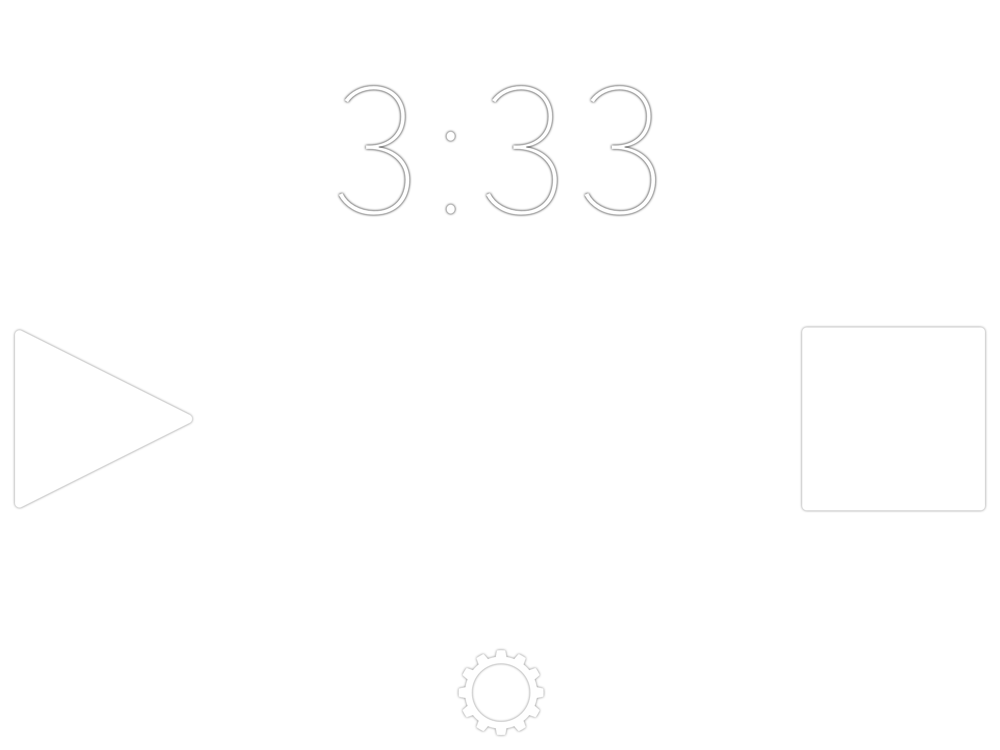
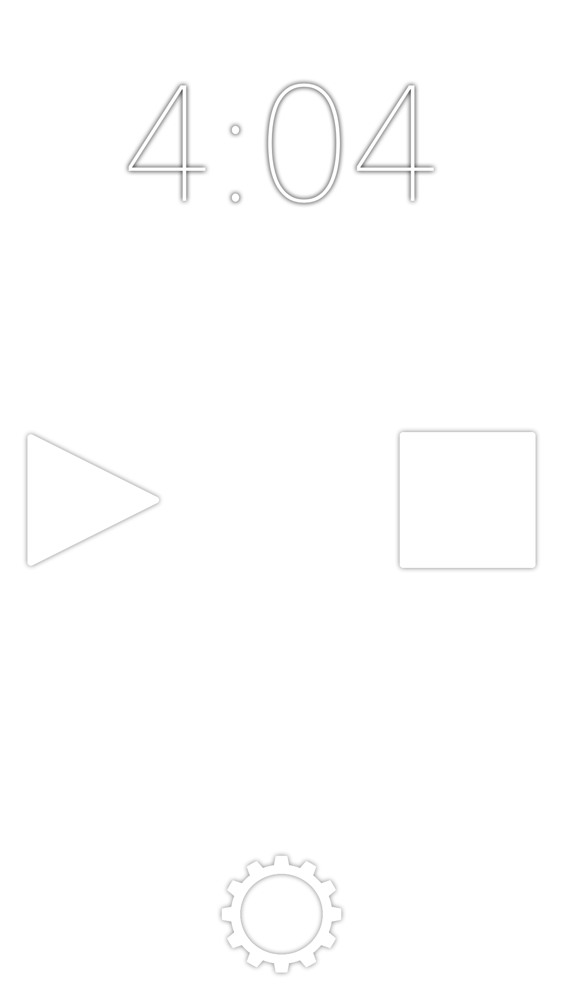
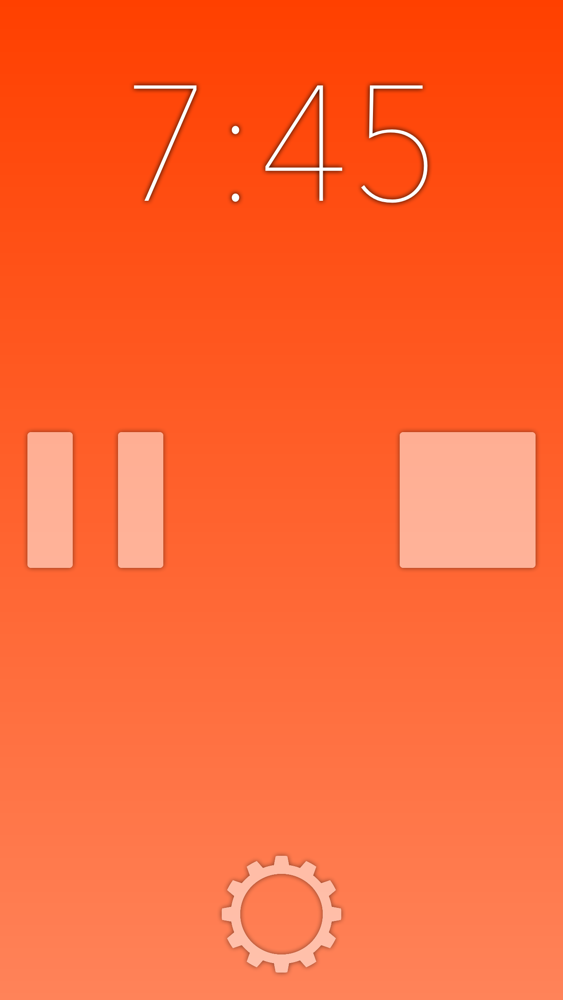
TM Timer is a timer/stopwatch combo that changes color at set intervals.
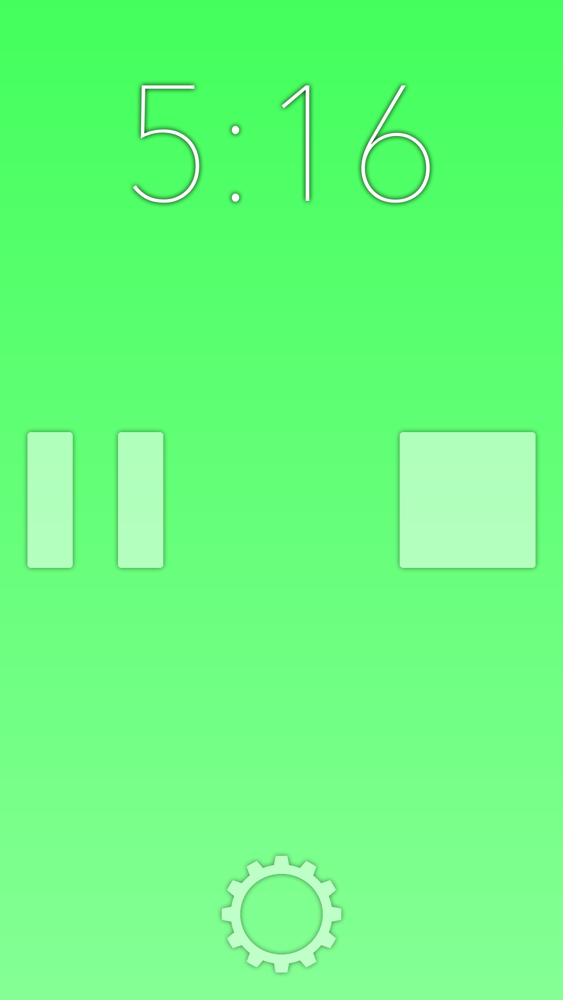
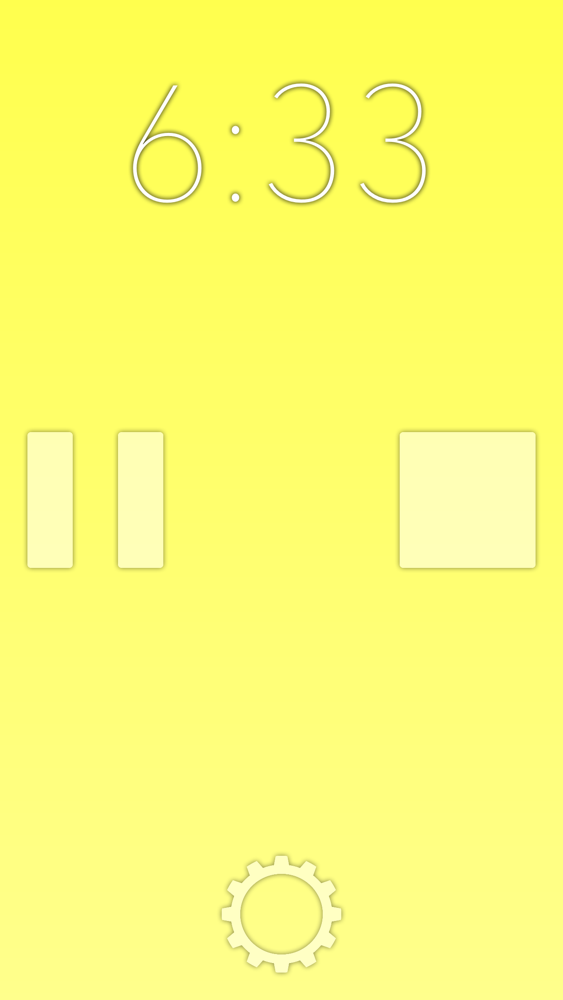
TM Timer can act as a silent timer and turn a customizable colors to warn you you're running out of time, or act as a stopwatch and change colors periodically to remind you hurry up. When TM Timer counts down to zero, the screen subtly flashes instead of sounding an alarm, making it ideal for timing public speeches or tracking your studying in a library.

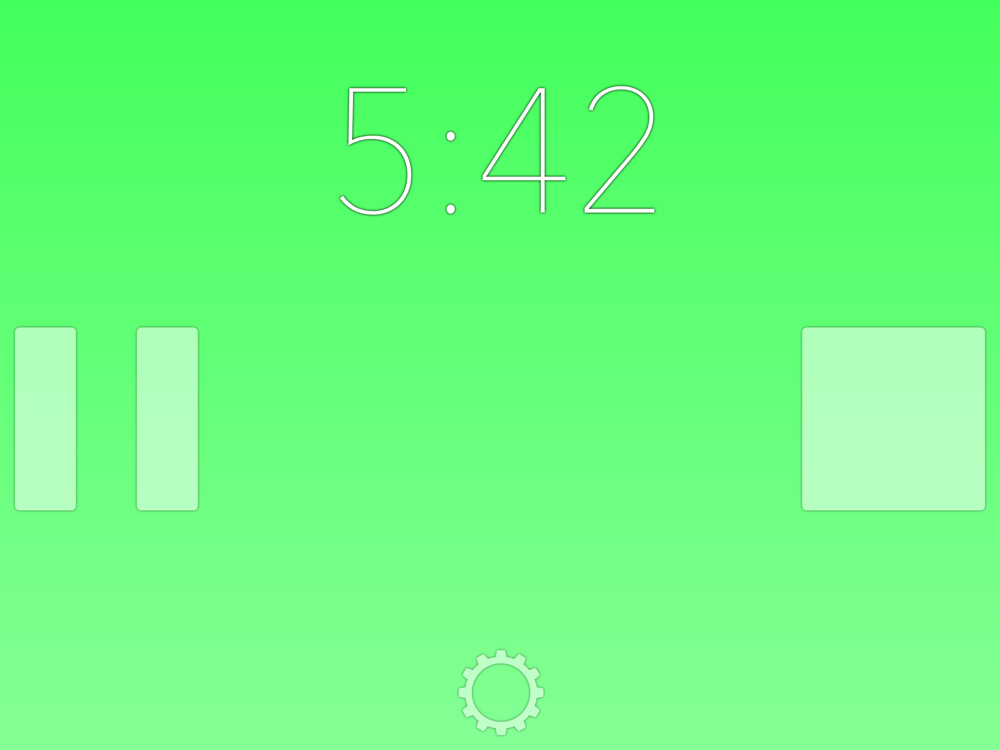
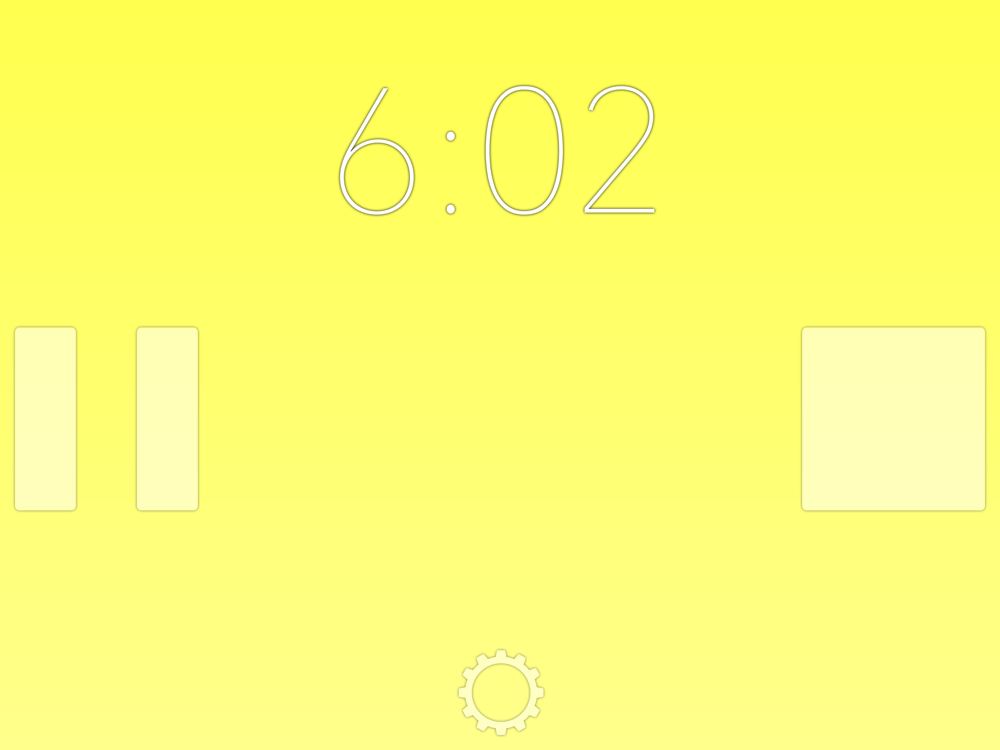
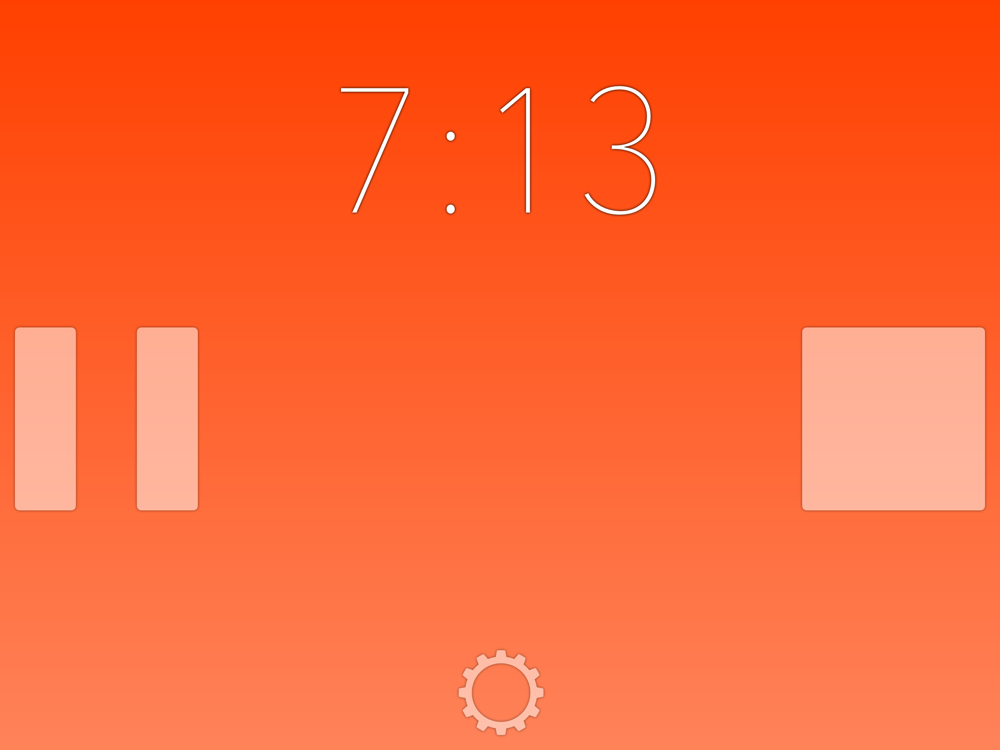
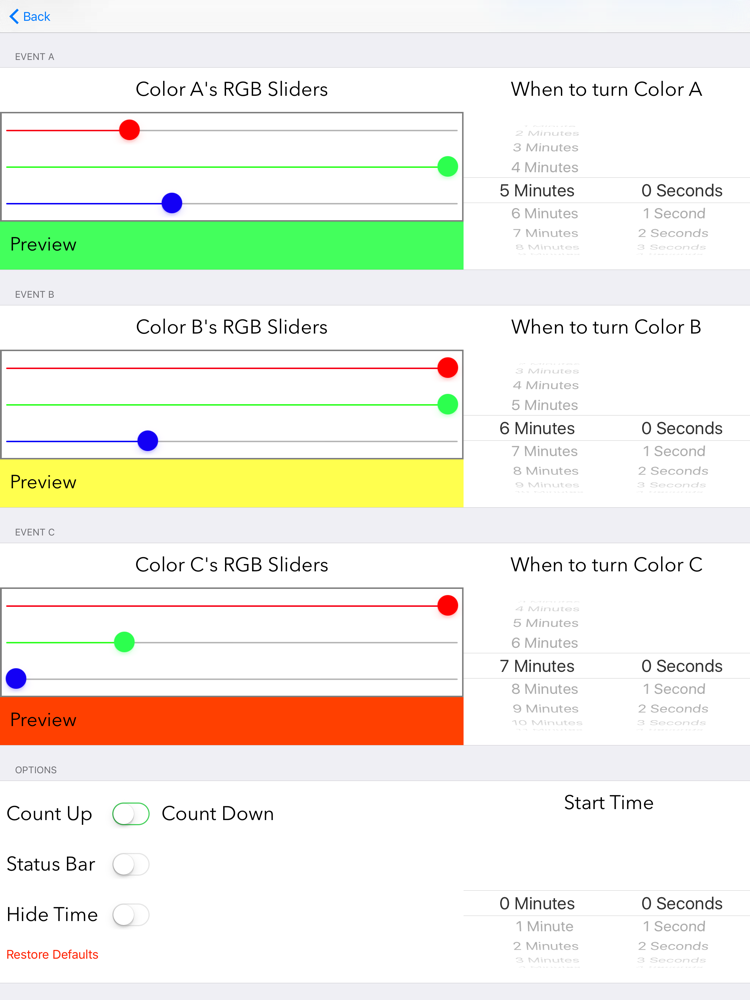
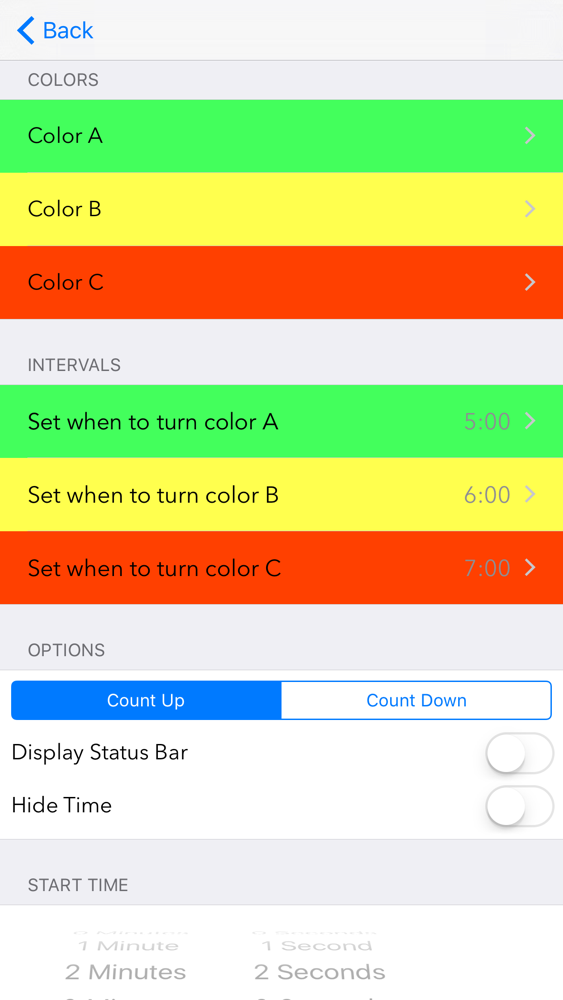
TM Timer is fully customizable, with three modifiable intervals to change colors at, such as:
• Turn green at 5 minutes
• Turn yellow at 6 minutes
• Turn red at 7 minutes
or
• Turn purple at 4 minutes
• Turn grey at 8 minutes
• Turn blue at 16 minutes 57 seconds

TM Timer has a very simplistic timer display, but the settings menu is packed with useful features, such as:
• Choose whether to count up or down (stopwatch or timer)
• Set what time to start at
• Set what colors to change to
• Set the intervals to change colors at
• Remove advertisements for $1
• Show or hide the status bar (clock & battery displays)
• Full support for landscape (sideways device) orientation
• Hide the timer itself and just monitor the color changes
• Reset everything to defaults

Show More

최신 버전 2.0의 새로운 기능

Last updated on Mar 15, 2016
오래된 버전
• Ad-free option for $1
• New icon
• New loading screen
• New menu system
• iOS 9 optimization
• More modern, less intrusive buttons
• Now compatible with people who have enormous fingers
• Subtle animation during color change and timer hiding
• Sleek background gradient
• Option to hide time and just see the colors (user suggestion)
• Dropped iOS 5 & 6 support
• Updated font
• Basically, everything is 100% better.
Show More
Version History
2.0
Mar 15, 2016
• Ad-free option for $1
• New icon
• New loading screen
• New menu system
• iOS 9 optimization
• More modern, less intrusive buttons
• Now compatible with people who have enormous fingers
• Subtle animation during color change and timer hiding
• Sleek background gradient
• Option to hide time and just see the colors (user suggestion)
• Dropped iOS 5 & 6 support
• Updated font
• Basically, everything is 100% better.

TM Timer FAQ

제한된 국가 또는 지역에서 TM Timer를 다운로드하는 방법을 알아보려면 여기를 클릭하십시오.
TM Timer의 최소 요구 사항을 보려면 다음 목록을 확인하십시오.
iPhone
iPad
TM Timer은 다음 언어를 지원합니다. English

TM Timer 대안

당신은 또한 좋아할 수도 있습니다

Nick Muzzin에서 더 많은 것을 얻기