TM Timer
Free
2.0for iPhone, iPad
Age Rating
TM Timer Screenshots
About TM Timer
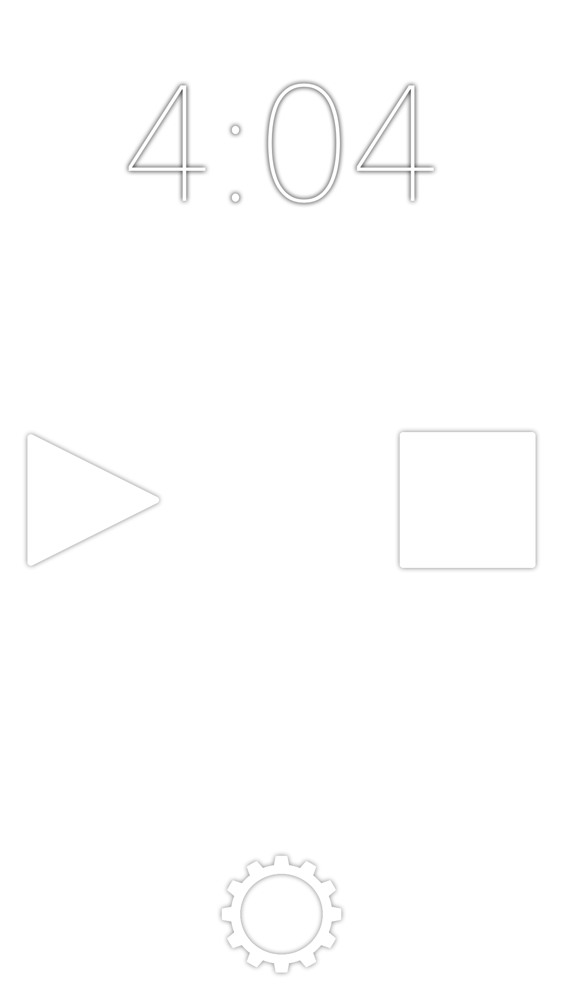
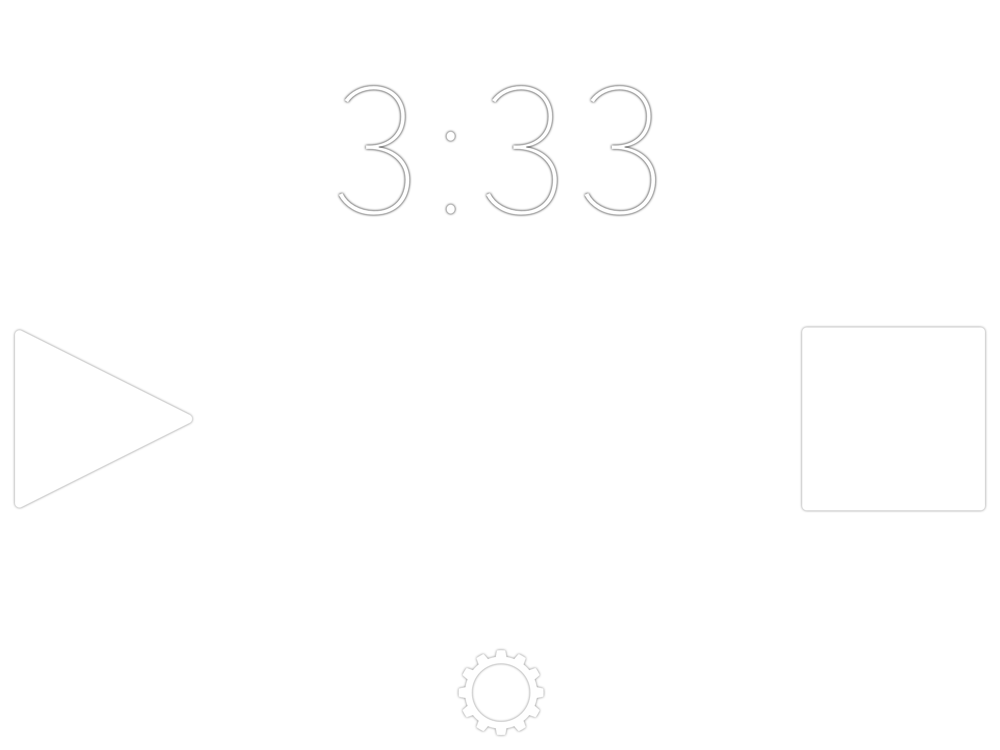
TM Timer is a timer/stopwatch combo that changes color at set intervals.
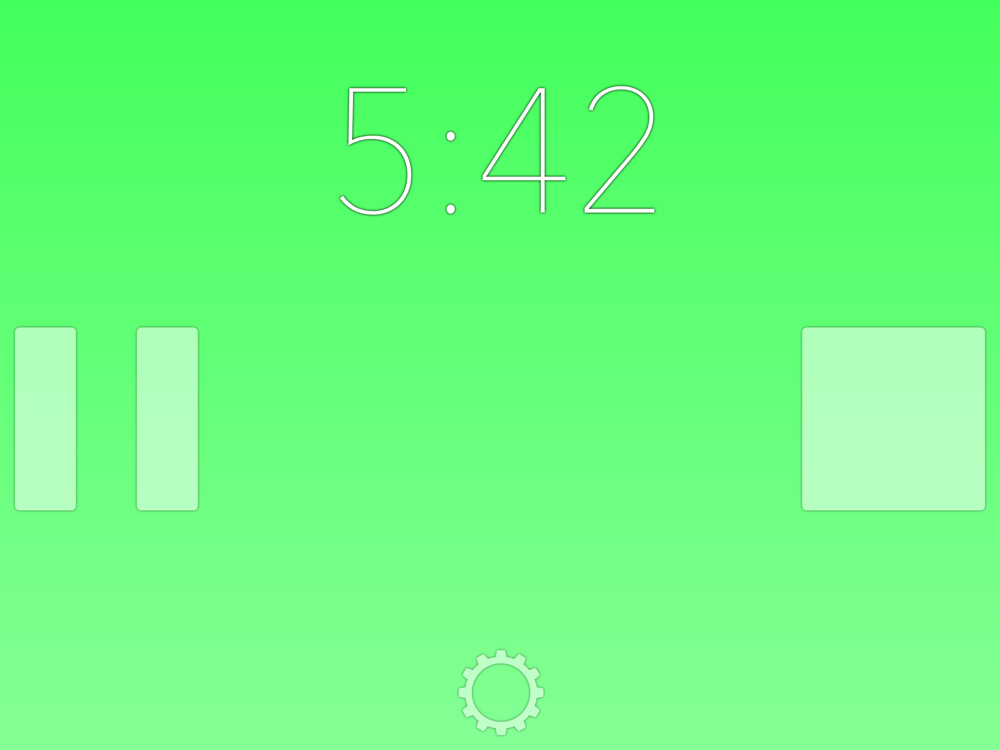
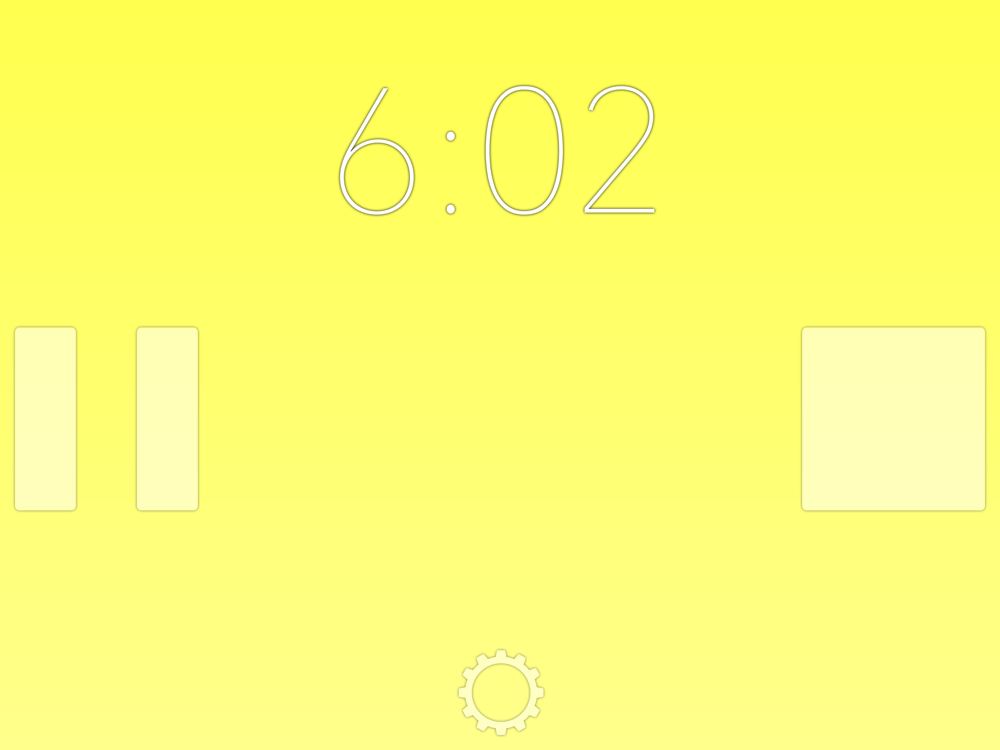
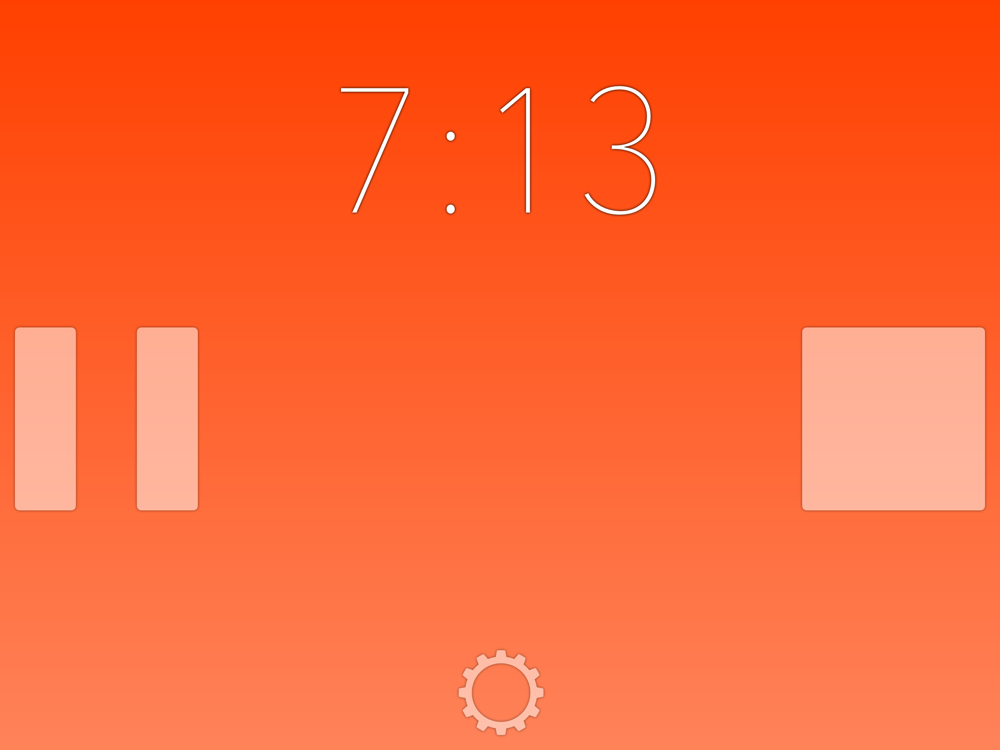
TM Timer can act as a silent timer and turn a customizable colors to warn you you're running out of time, or act as a stopwatch and change colors periodically to remind you hurry up. When TM Timer counts down to zero, the screen subtly flashes instead of sounding an alarm, making it ideal for timing public speeches or tracking your studying in a library.
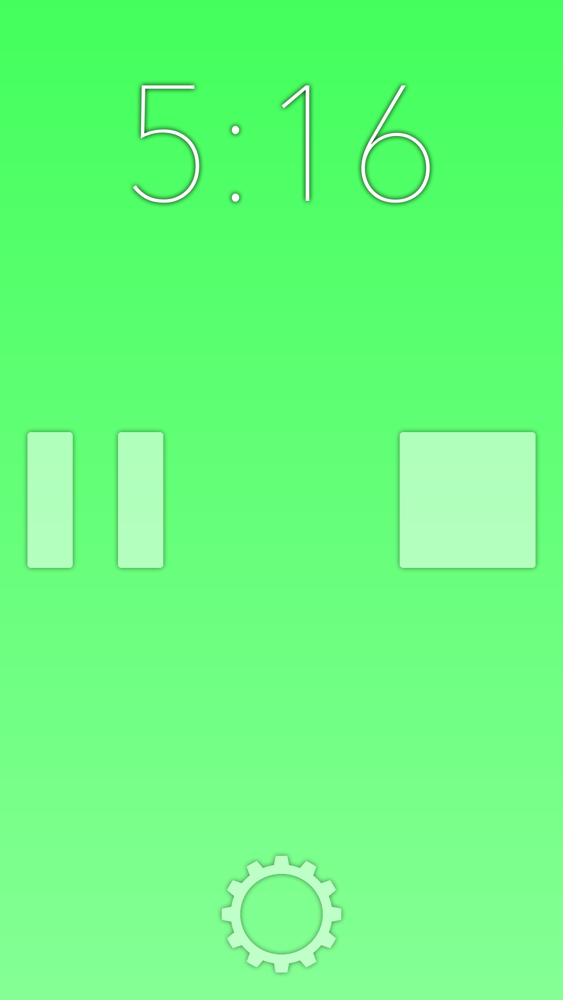
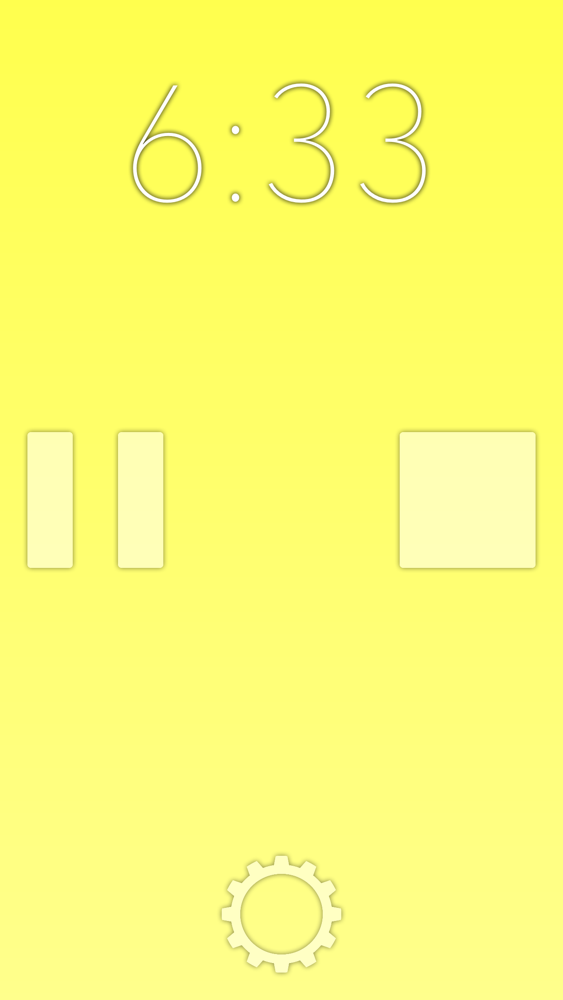
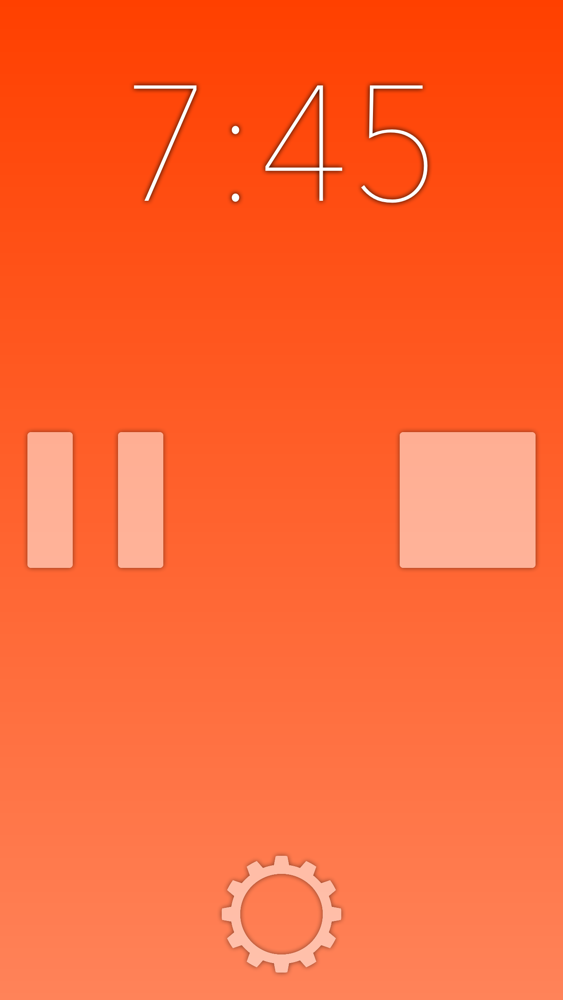
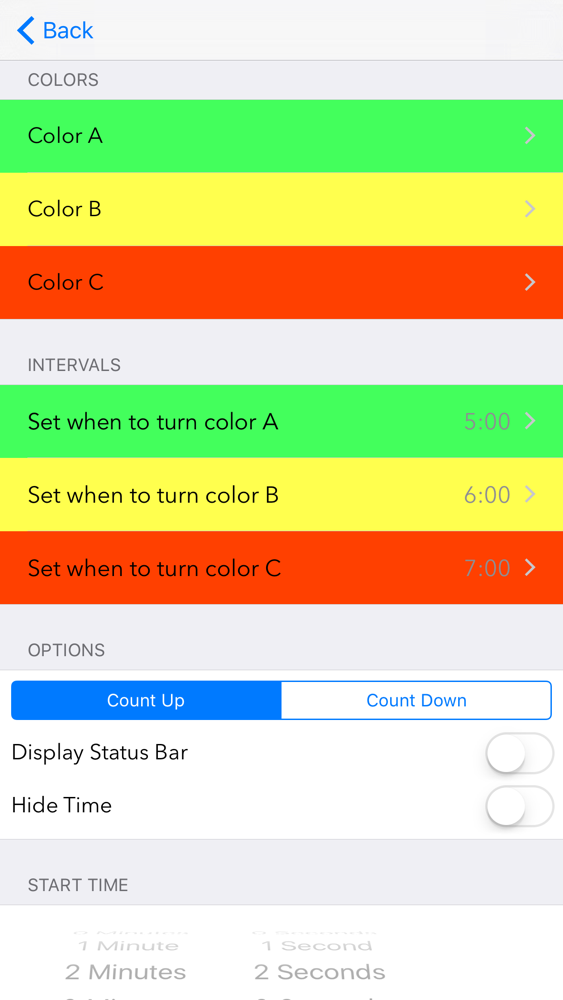
TM Timer is fully customizable, with three modifiable intervals to change colors at, such as:
• Turn green at 5 minutes
• Turn yellow at 6 minutes
• Turn red at 7 minutes
or
• Turn purple at 4 minutes
• Turn grey at 8 minutes
• Turn blue at 16 minutes 57 seconds
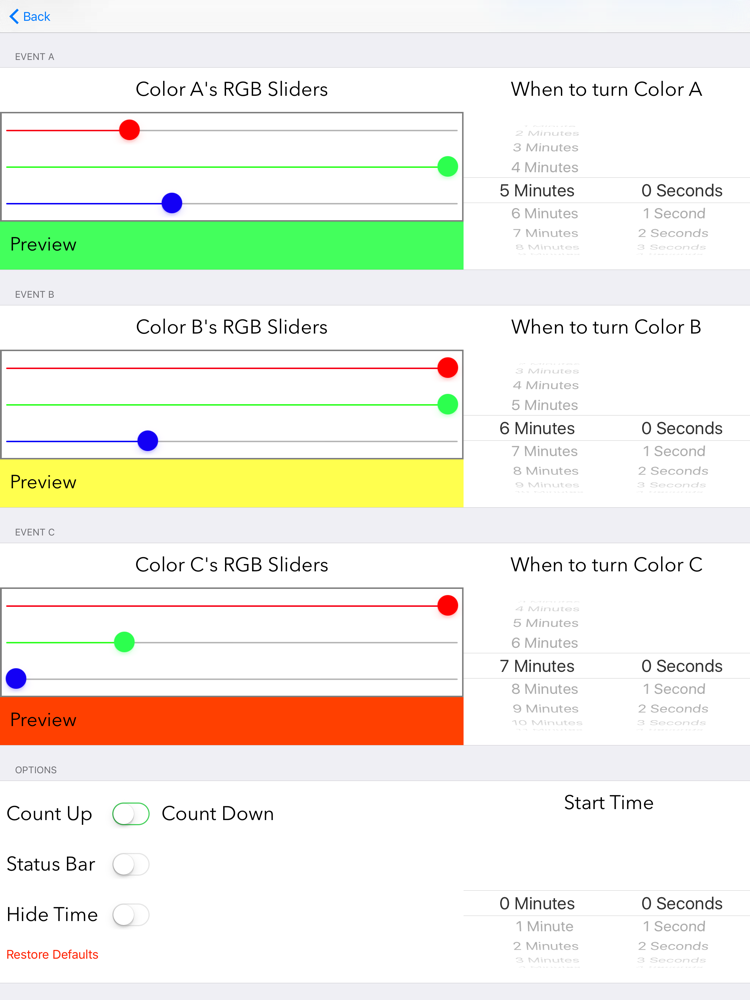
TM Timer has a very simplistic timer display, but the settings menu is packed with useful features, such as:
• Choose whether to count up or down (stopwatch or timer)
• Set what time to start at
• Set what colors to change to
• Set the intervals to change colors at
• Remove advertisements for $1
• Show or hide the status bar (clock & battery displays)
• Full support for landscape (sideways device) orientation
• Hide the timer itself and just monitor the color changes
• Reset everything to defaults

TM Timer can act as a silent timer and turn a customizable colors to warn you you're running out of time, or act as a stopwatch and change colors periodically to remind you hurry up. When TM Timer counts down to zero, the screen subtly flashes instead of sounding an alarm, making it ideal for timing public speeches or tracking your studying in a library.
TM Timer is fully customizable, with three modifiable intervals to change colors at, such as:
• Turn green at 5 minutes
• Turn yellow at 6 minutes
• Turn red at 7 minutes
or
• Turn purple at 4 minutes
• Turn grey at 8 minutes
• Turn blue at 16 minutes 57 seconds
TM Timer has a very simplistic timer display, but the settings menu is packed with useful features, such as:
• Choose whether to count up or down (stopwatch or timer)
• Set what time to start at
• Set what colors to change to
• Set the intervals to change colors at
• Remove advertisements for $1
• Show or hide the status bar (clock & battery displays)
• Full support for landscape (sideways device) orientation
• Hide the timer itself and just monitor the color changes
• Reset everything to defaults
Show More
What's New in the Latest Version 2.0
Last updated on Mar 15, 2016
Old Versions
• Ad-free option for $1
• New icon
• New loading screen
• New menu system
• iOS 9 optimization
• More modern, less intrusive buttons
• Now compatible with people who have enormous fingers
• Subtle animation during color change and timer hiding
• Sleek background gradient
• Option to hide time and just see the colors (user suggestion)
• Dropped iOS 5 & 6 support
• Updated font
• Basically, everything is 100% better.
• New icon
• New loading screen
• New menu system
• iOS 9 optimization
• More modern, less intrusive buttons
• Now compatible with people who have enormous fingers
• Subtle animation during color change and timer hiding
• Sleek background gradient
• Option to hide time and just see the colors (user suggestion)
• Dropped iOS 5 & 6 support
• Updated font
• Basically, everything is 100% better.
Show More
Version History
2.0
Mar 15, 2016
• Ad-free option for $1
• New icon
• New loading screen
• New menu system
• iOS 9 optimization
• More modern, less intrusive buttons
• Now compatible with people who have enormous fingers
• Subtle animation during color change and timer hiding
• Sleek background gradient
• Option to hide time and just see the colors (user suggestion)
• Dropped iOS 5 & 6 support
• Updated font
• Basically, everything is 100% better.
• New icon
• New loading screen
• New menu system
• iOS 9 optimization
• More modern, less intrusive buttons
• Now compatible with people who have enormous fingers
• Subtle animation during color change and timer hiding
• Sleek background gradient
• Option to hide time and just see the colors (user suggestion)
• Dropped iOS 5 & 6 support
• Updated font
• Basically, everything is 100% better.
TM Timer FAQ
Click here to learn how to download TM Timer in restricted country or region.
Check the following list to see the minimum requirements of TM Timer.
iPhone
iPad
TM Timer supports English