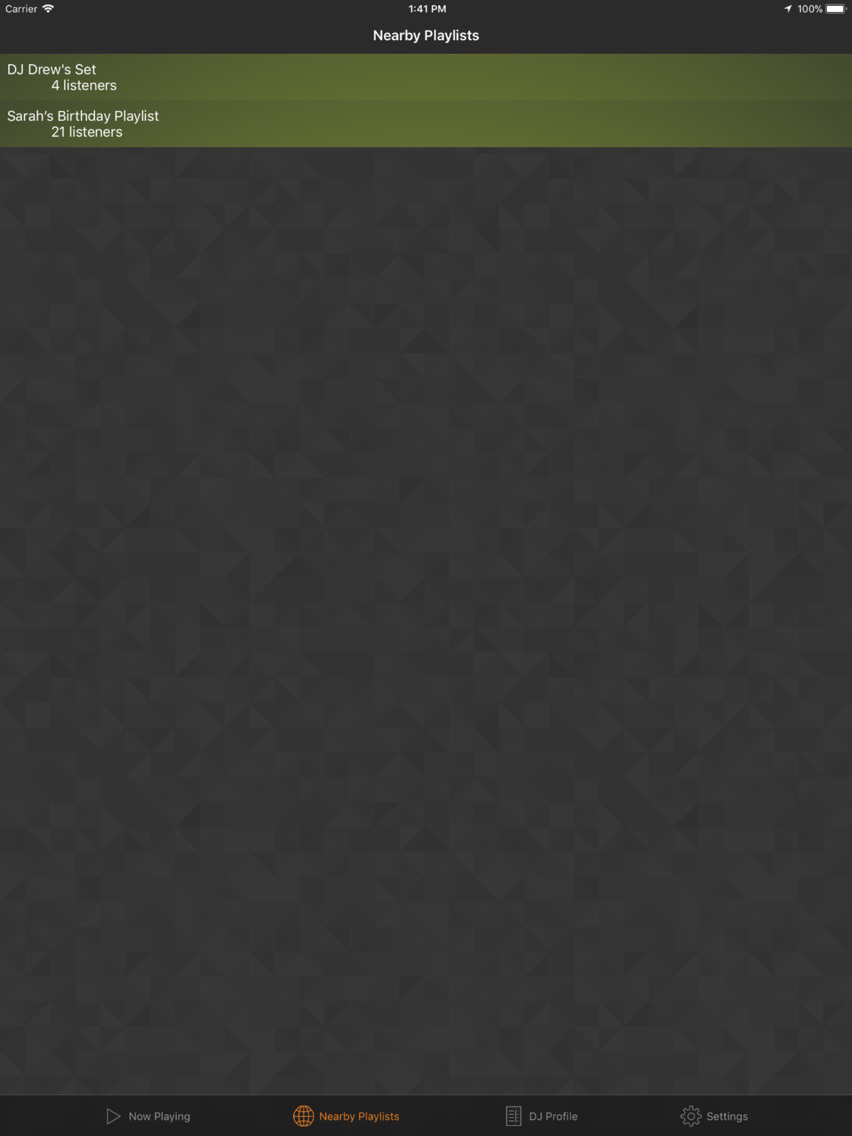
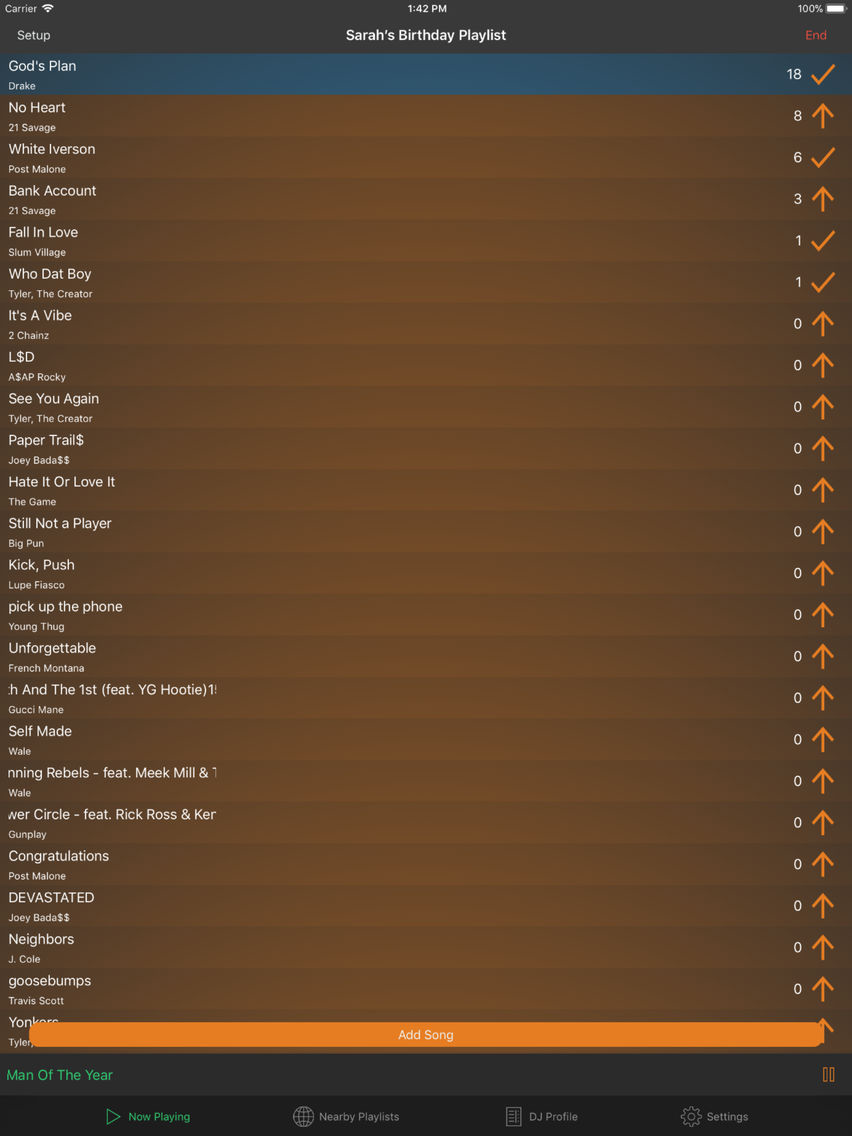
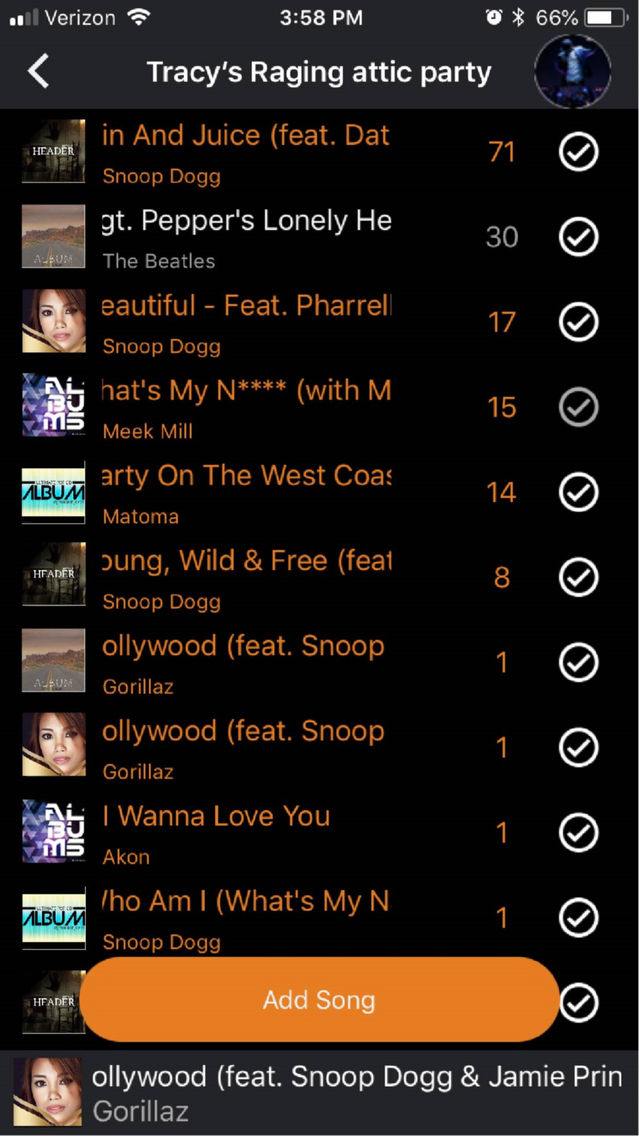
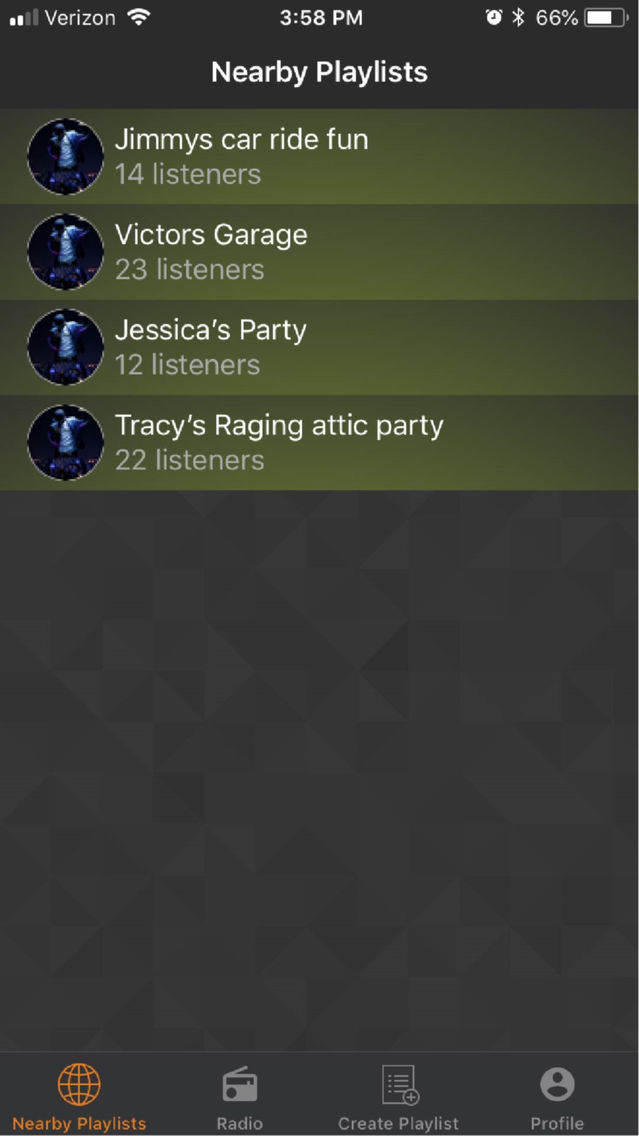
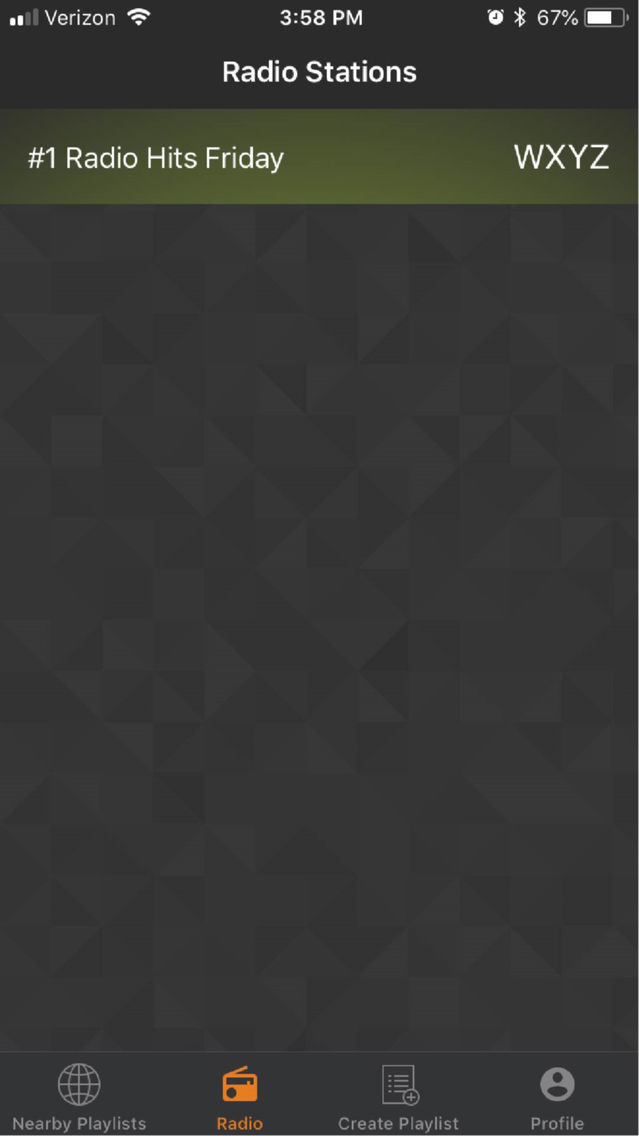
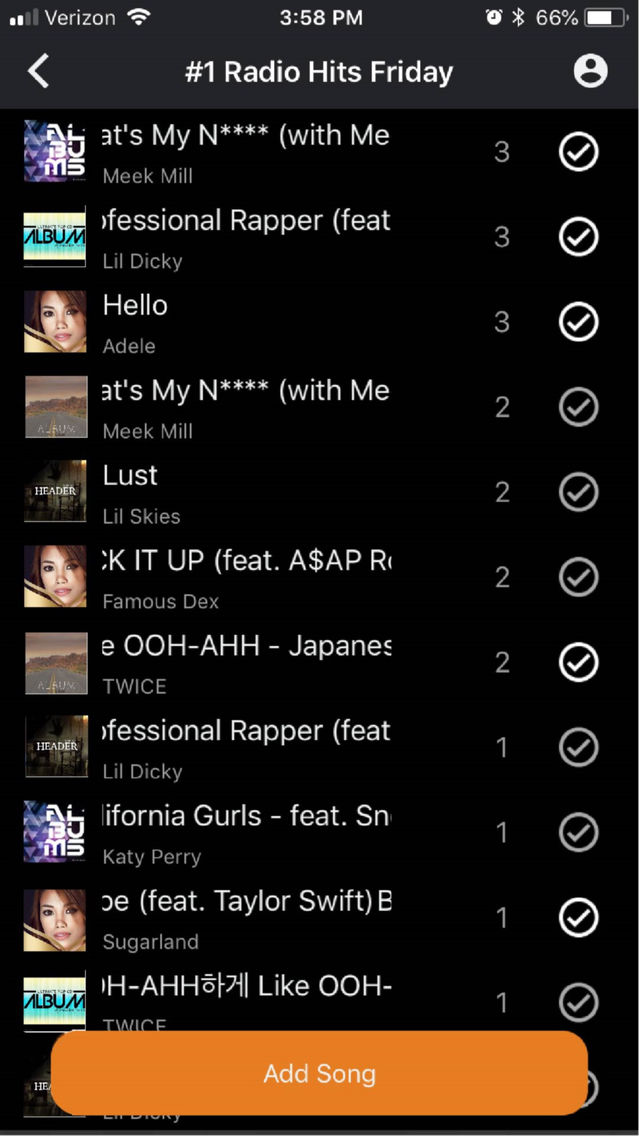
Ever been somewhere and the music just isn’t your style? Maybe the dude with the aux cord is blaring 90s music and killing everyone’s vibe. Then this is the app for you! Tryce allows users to connect to Spotify and begin streaming their favorite playlist. Users nearby can connect to that playlist to up-vote and add songs. The song with the highest score is played next!
Are you a DJ and tired of people screaming song recommendations at you? We got you fam. With Tryce’s DJ mode, you can see what people around you want to hear in real-time. The most requested song always up top. No more loud conversations about what Jenna’s friend wants you to play for her birthday. No more sifting through twitter to find what songs are wanted.
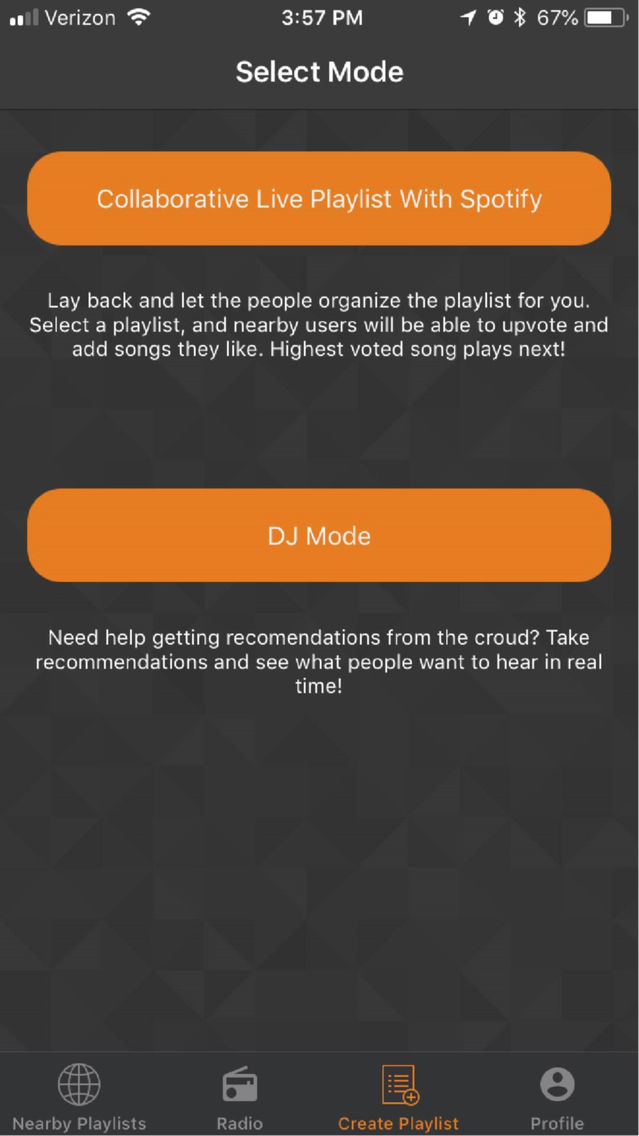
*****Modes*****
- Collaborative Live Spotify Playlist
Connect your Spotify account and let your guests choose what to play. Guests can interact with the playlist to add and up-vote songs. Highest
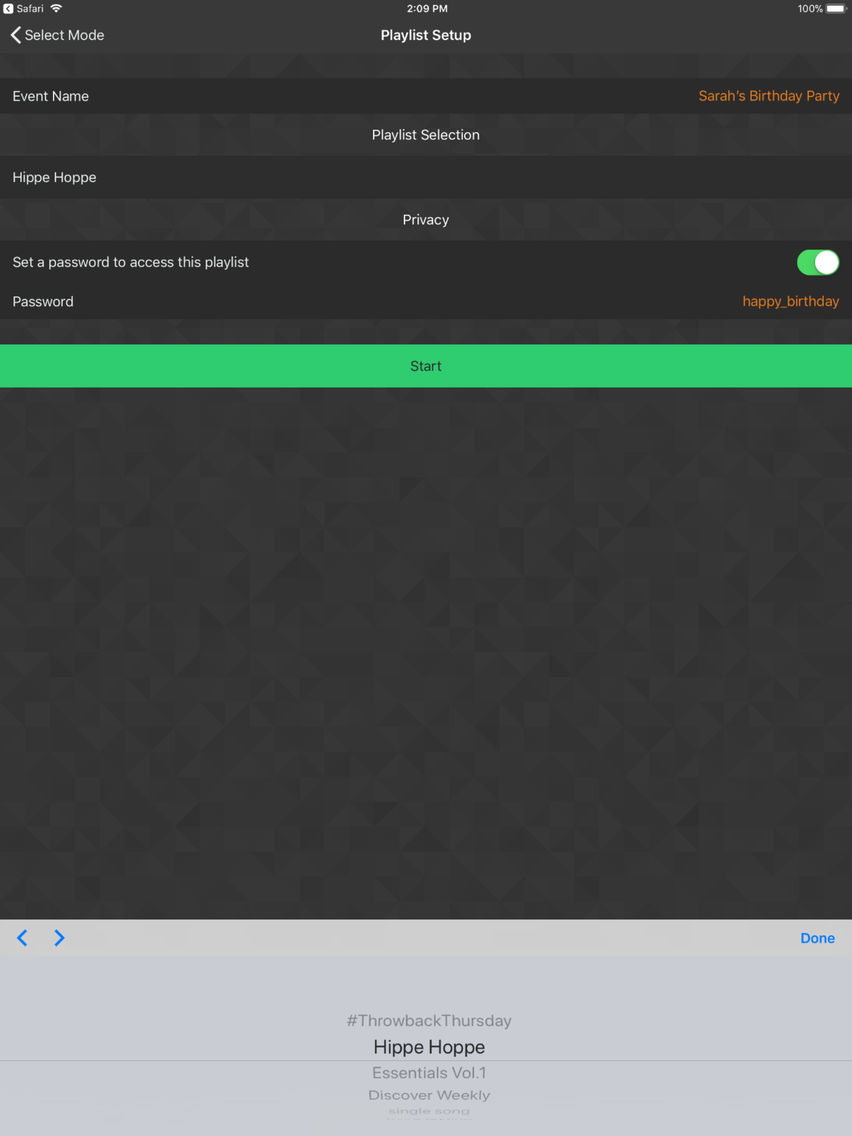
voted song is always played next! Here's how it works: The host connects his/her Spotify account, chooses a playlist and sets settings, and voila... now anybody nearby can add or up-vote songs on the playlist! Democracy has been achieved in this playlist.
Note: Spotify Premium necessary for this mode
- DJ Mode
With DJ mode you can see what songs people are requesting, no Spotify account necessary. Here's how it works: Start a new DJ playlist, choose whether or not to use a password, and voila! You are all ready to receive song requests. To dismiss a song request, just swipe it to the left.