Ultimate Keyboard
무료
1.1for iPhone, iPad and more
Age Rating
Ultimate Keyboard 스크린 샷
About Ultimate Keyboard
Your Ultimate Keyboard
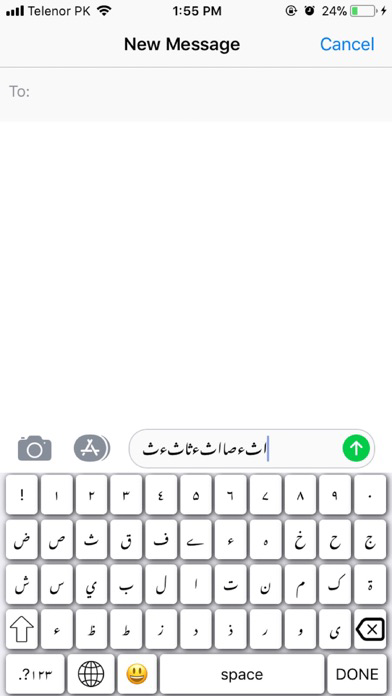
Are you after something stylish, lightweight, free, easy-to-use keyboard with one-touch typing stylish and fun? Then look no further than “Ultimate Keyboard”. It’s a straightforward, simple, fast keyboard with a colourful twist.
It’s not just a keyboard but a smart productivity tool. Not only offer great features and look great, but have a strong user security and robust privacy so you can rest easy when typing away.
A minimalist design that fits in perfectly Focusing on better typing, customisation and more on fun. Easy switch between languages, layouts, or even other keyboards.
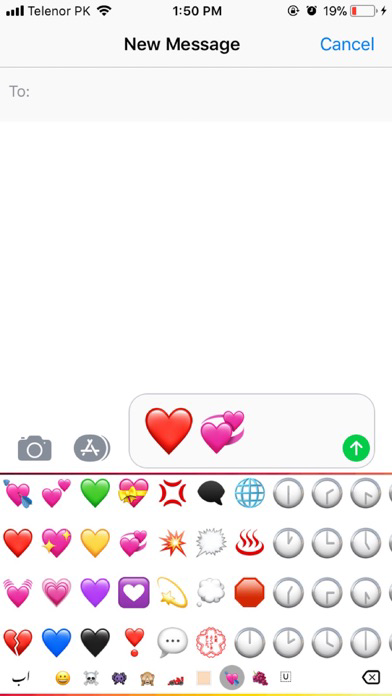
Along with the core typing experience and themes, standard features and keyboard customisation you also get access to emoji’s and other fun extras.
Works with any messaging app. Write an email, or comment on your favourite social network from your “Ultimate Keyboard” keyboard.
Ultimate Features:
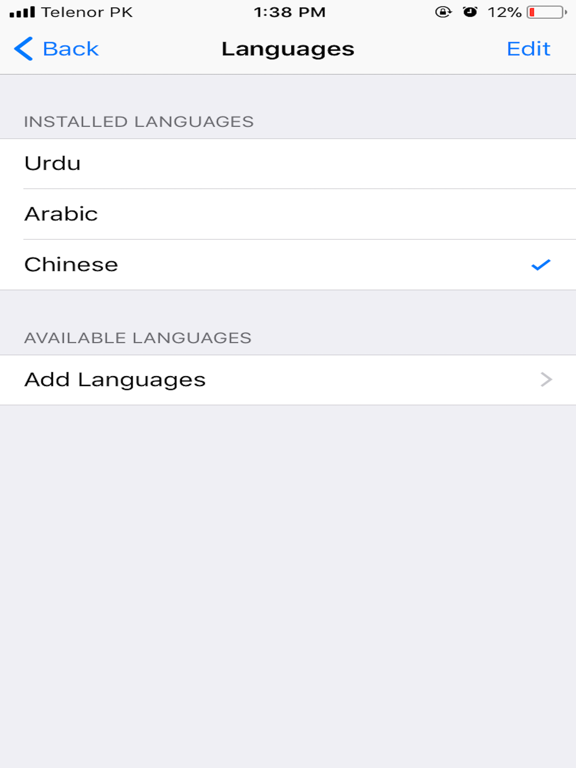
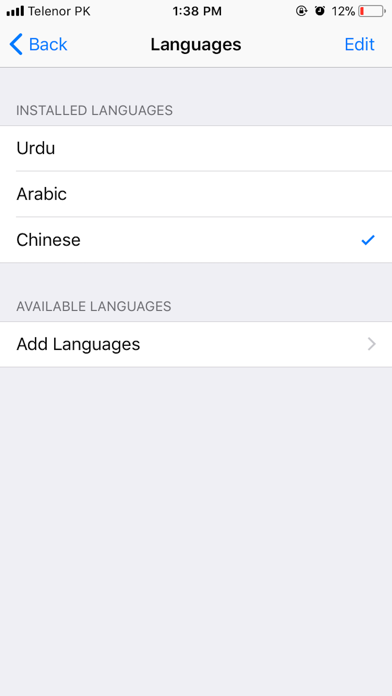
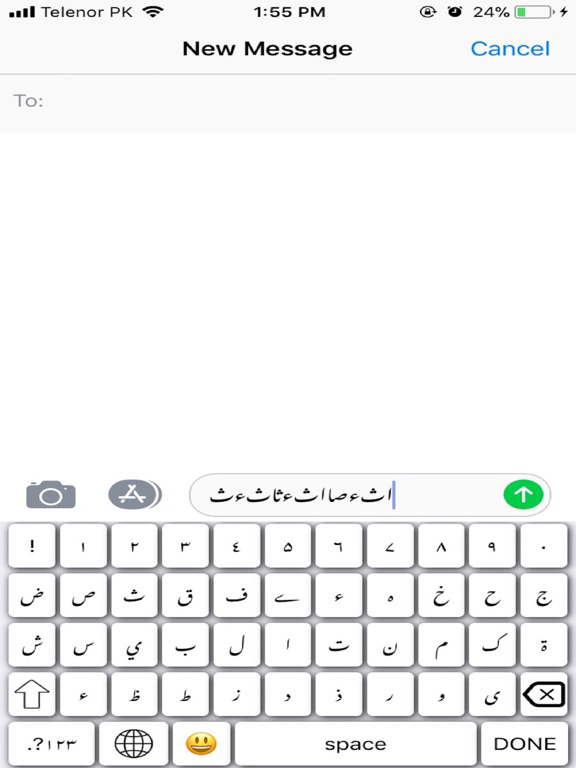
Multi-language typing
If you’re someone who enjoys having a lot — and we mean a lot — of keyboards to choose from, then “Ultimate Keyboard is the way to go. The one stop shop for multiple languages. In fact, this keyboard supports over 100 languages.
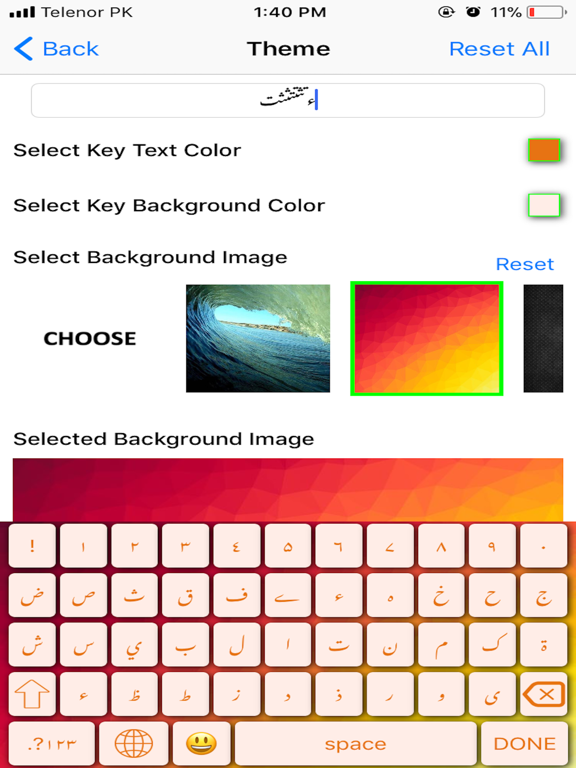
Amazing free themes
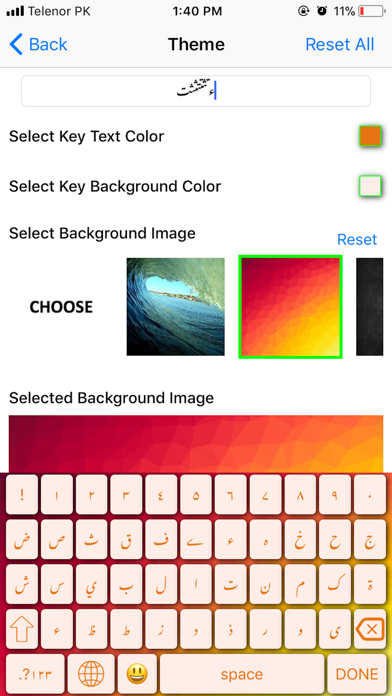
There is themes to add to your customisation, you can change the colour of the keyboard to suit your theme or tastes.
Ultra customisable
High level of personalisation. Themes, emojis, key colour change,fonts colour change,keypad sounds,keypad vibrations and much more.
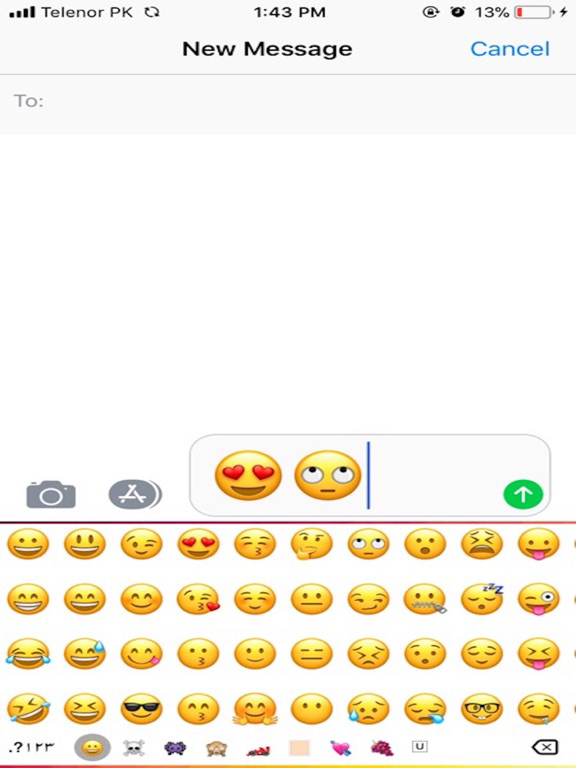
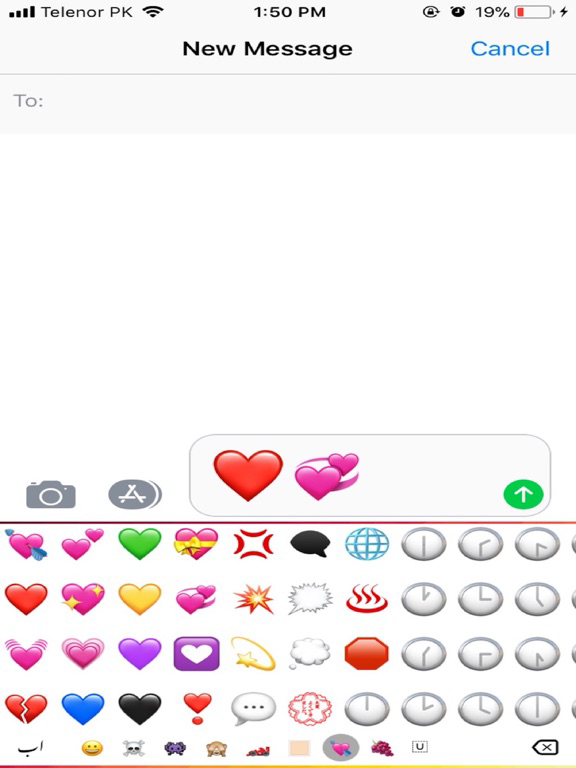
Emoji’s Support
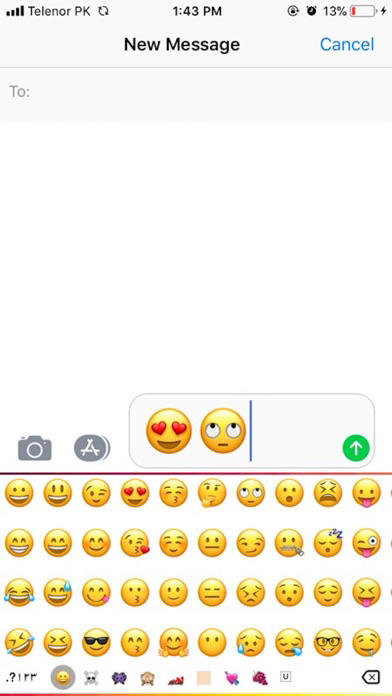
Color Emoji Sticker, emoticon, symbols,
Privacy
Your privacy is our main concern. We will never share your data or learn from password fields.
Security
There is no need to worry about malware, adware, or any nasty stuff on this app.

Are you after something stylish, lightweight, free, easy-to-use keyboard with one-touch typing stylish and fun? Then look no further than “Ultimate Keyboard”. It’s a straightforward, simple, fast keyboard with a colourful twist.
It’s not just a keyboard but a smart productivity tool. Not only offer great features and look great, but have a strong user security and robust privacy so you can rest easy when typing away.
A minimalist design that fits in perfectly Focusing on better typing, customisation and more on fun. Easy switch between languages, layouts, or even other keyboards.
Along with the core typing experience and themes, standard features and keyboard customisation you also get access to emoji’s and other fun extras.
Works with any messaging app. Write an email, or comment on your favourite social network from your “Ultimate Keyboard” keyboard.
Ultimate Features:
Multi-language typing
If you’re someone who enjoys having a lot — and we mean a lot — of keyboards to choose from, then “Ultimate Keyboard is the way to go. The one stop shop for multiple languages. In fact, this keyboard supports over 100 languages.
Amazing free themes
There is themes to add to your customisation, you can change the colour of the keyboard to suit your theme or tastes.
Ultra customisable
High level of personalisation. Themes, emojis, key colour change,fonts colour change,keypad sounds,keypad vibrations and much more.
Emoji’s Support
Color Emoji Sticker, emoticon, symbols,
Privacy
Your privacy is our main concern. We will never share your data or learn from password fields.
Security
There is no need to worry about malware, adware, or any nasty stuff on this app.
Show More
최신 버전 1.1의 새로운 기능
Last updated on Apr 5, 2018
오래된 버전
This app has been updated by Apple to display the Apple Watch app icon.
Multiple Language typing support added.
keypress highlighting option added when user types .
minor bugs fixed.
Multiple Language typing support added.
keypress highlighting option added when user types .
minor bugs fixed.
Show More
Version History
1.1
Apr 5, 2018
This app has been updated by Apple to display the Apple Watch app icon.
Multiple Language typing support added.
keypress highlighting option added when user types .
minor bugs fixed.
Multiple Language typing support added.
keypress highlighting option added when user types .
minor bugs fixed.
1.0
Feb 25, 2018
Ultimate Keyboard FAQ
제한된 국가 또는 지역에서 Ultimate Keyboard를 다운로드하는 방법을 알아보려면 여기를 클릭하십시오.
Ultimate Keyboard의 최소 요구 사항을 보려면 다음 목록을 확인하십시오.
iPhone
iOS 10.0 이상 필요.
iPad
iPadOS 10.0 이상 필요.
iPod touch
iOS 10.0 이상 필요.
Ultimate Keyboard은 다음 언어를 지원합니다. 영어