Ultimate Keyboard

Ultimate Keyboard


Free

1.1for iPhone, iPad and more
3.9
5 Ratings
Irfan Khan
Developer
37.6 MB
Size
Apr 5, 2018
Update Date
Utilities
Category
4+
Age Rating
Age Rating
4+
Apps in this category do not contain restricted content.
9+
Apps in this category may contain mild or occasional cartoon, fantasy or real-life violence, as well as occasional or mild adult, sexually suggestive or horrifying content and may not be suitable for children under 9 years of age.
12+
Apps in this category may contain occasional mild indecent language, frequent or intense cartoon or real-life violence, minor or occasional adult or sexually suggestive material, and simulated gambling, and may be for children under 12 years of age.
17+
You must be at least 17 years old to access this App.
Apps in this category may contain frequent and intense offensive language; Frequent and intense cartoon, fantasy or realistic violence: frequent and intense adult, scary and sexually suggestive subjects: as well as sexual content, nudity, tobacco, alcohol and drugs, may not be suitable for children under 17 years of age.
Ultimate Keyboard Screenshots
Ultimate Keyboard posterUltimate Keyboard posterUltimate Keyboard posterUltimate Keyboard posterUltimate Keyboard poster

About Ultimate Keyboard

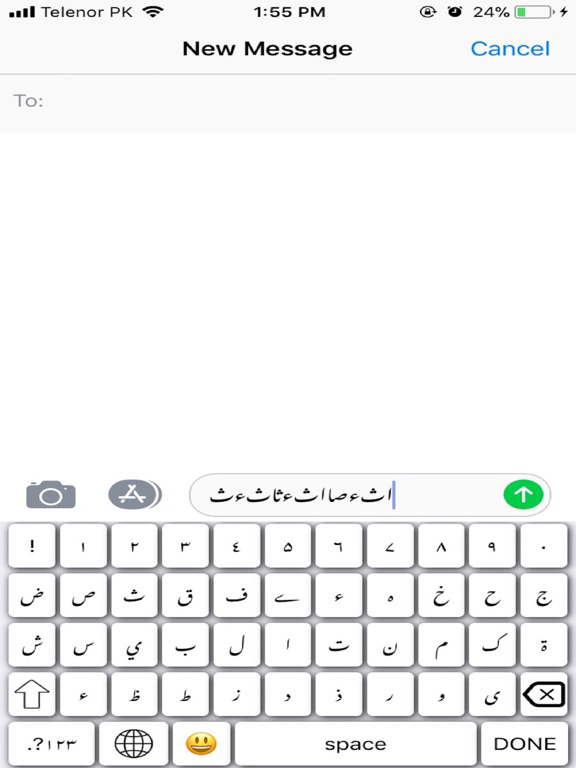
Your Ultimate Keyboard

Are you after something stylish, lightweight, free, easy-to-use keyboard with one-touch typing stylish and fun? Then look no further than “Ultimate Keyboard”. It’s a straightforward, simple, fast keyboard with a colourful twist.
It’s not just a keyboard but a smart productivity tool. Not only offer great features and look great, but have a strong user security and robust privacy so you can rest easy when typing away.

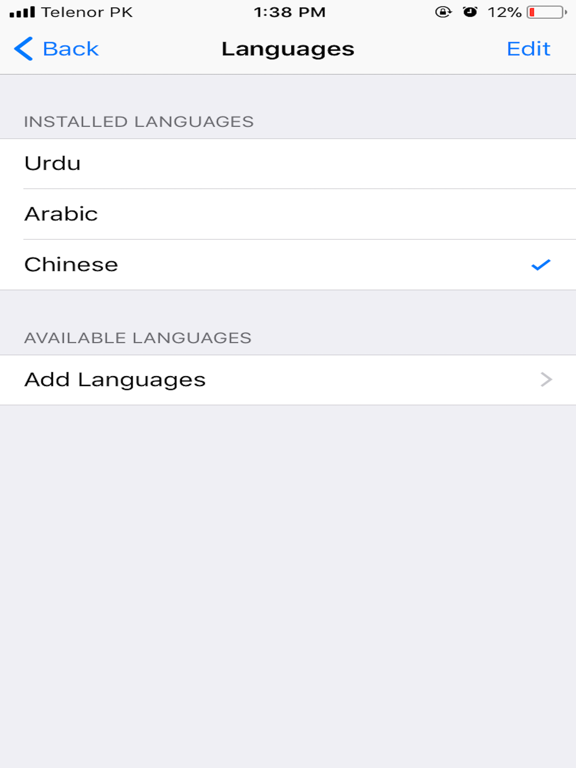
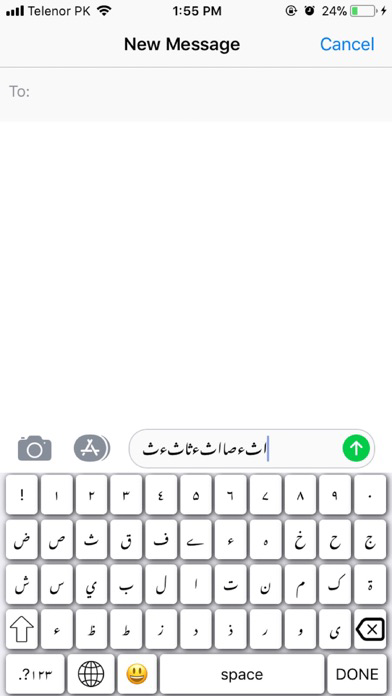
A minimalist design that fits in perfectly Focusing on better typing, customisation and more on fun. Easy switch between languages, layouts, or even other keyboards.
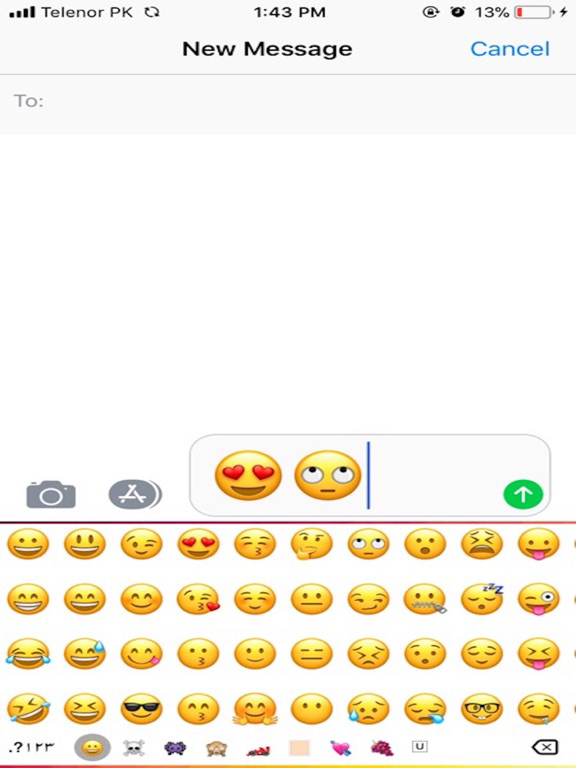
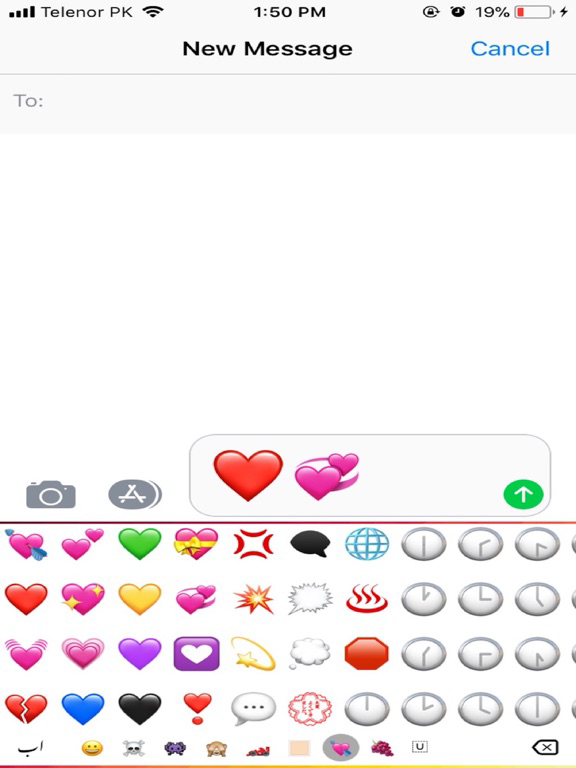
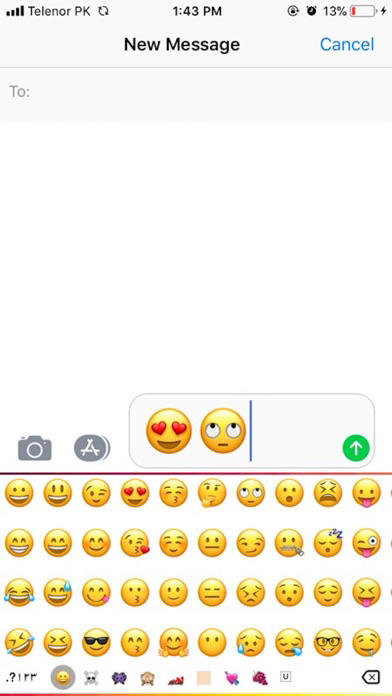
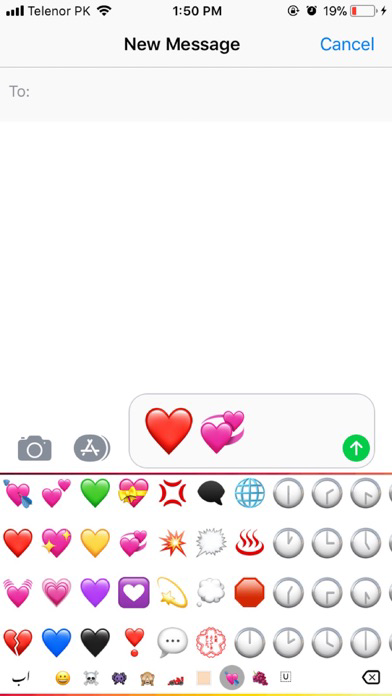
Along with the core typing experience and themes, standard features and keyboard customisation you also get access to emoji’s and other fun extras.
Works with any messaging app. Write an email, or comment on your favourite social network from your “Ultimate Keyboard” keyboard.

Ultimate Features:
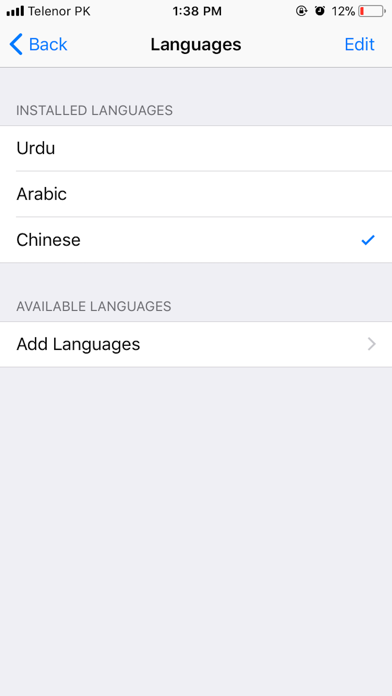
Multi-language typing

If you’re someone who enjoys having a lot — and we mean a lot — of keyboards to choose from, then “Ultimate Keyboard is the way to go. The one stop shop for multiple languages. In fact, this keyboard supports over 100 languages.
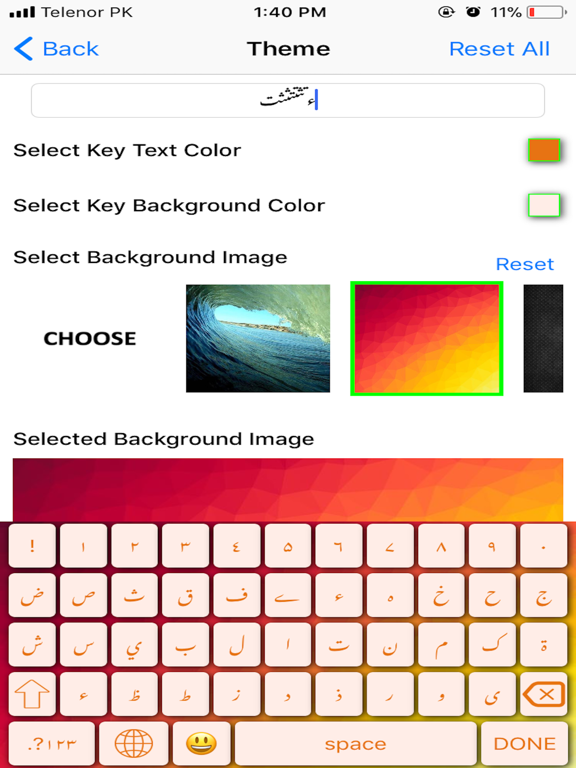
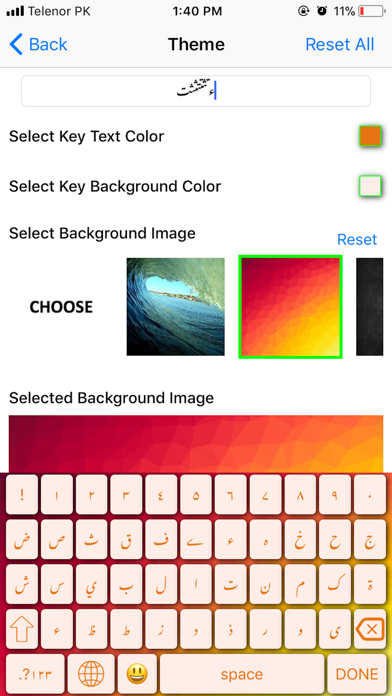
Amazing free themes
There is themes to add to your customisation, you can change the colour of the keyboard to suit your theme or tastes.

Ultra customisable
High level of personalisation. Themes, emojis, key colour change,fonts colour change,keypad sounds,keypad vibrations and much more.

Emoji’s Support
Color Emoji Sticker, emoticon, symbols,

Privacy
Your privacy is our main concern. We will never share your data or learn from password fields.

Security
There is no need to worry about malware, adware, or any nasty stuff on this app.

Show More

What's New in the Latest Version 1.1

Last updated on Apr 5, 2018
Old Versions
This app has been updated by Apple to display the Apple Watch app icon.

Multiple Language typing support added.
keypress highlighting option added when user types .
minor bugs fixed.
Show More
Version History
1.1
Apr 5, 2018
This app has been updated by Apple to display the Apple Watch app icon.

Multiple Language typing support added.
keypress highlighting option added when user types .
minor bugs fixed.
1.0
Feb 25, 2018

Ultimate Keyboard FAQ

Click here to learn how to download Ultimate Keyboard in restricted country or region.
Check the following list to see the minimum requirements of Ultimate Keyboard.
iPhone
Requires iOS 10.0 or later.
iPad
Requires iPadOS 10.0 or later.
iPod touch
Requires iOS 10.0 or later.
Ultimate Keyboard supports English

Ultimate Keyboard Alternative

You May Also Like

Get more from Irfan Khan