Unity Virtual Camera
무료
1.3.2for iPhone, iPad
Age Rating
Unity Virtual Camera 스크린 샷
About Unity Virtual Camera
* This app requires a connection to the Unity Editor to function (see the requirements below).
* Setup: https://docs.unity3d.com/Packages/com.unity.live-capture@4.0/manual/virtual-camera.html
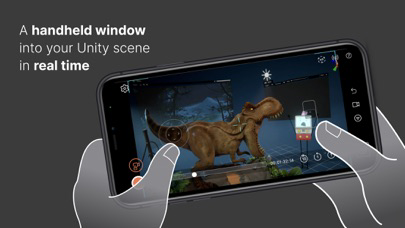
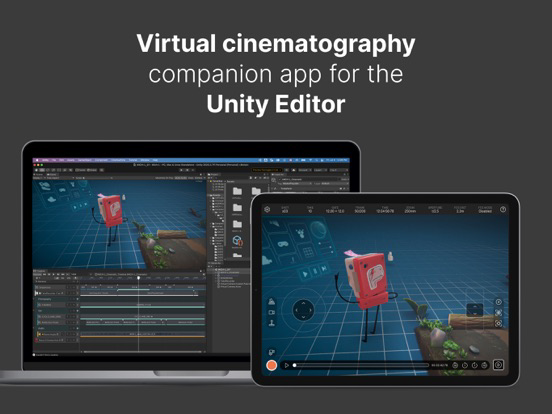
Unity Virtual Camera is a simple, intuitive tool for virtual cinematography in Unity. It captures the position and orientation of your mobile device and allows you to control a camera in Unity in real time.
Use Unity Virtual Camera to:
- Preview and record camera motion for films, animations, games, and other content.
- Block shots and discover your lens language.
- Create storyboards.
- Scout locations in virtual environments to explore, feel, and understand the space.
Key Features:
- See results in real time, both in-Editor and on the device.
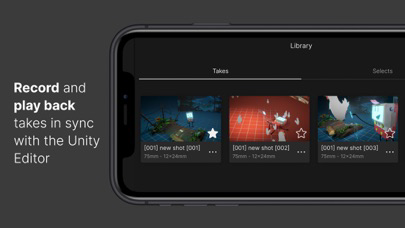
- Play back your takes instantly.
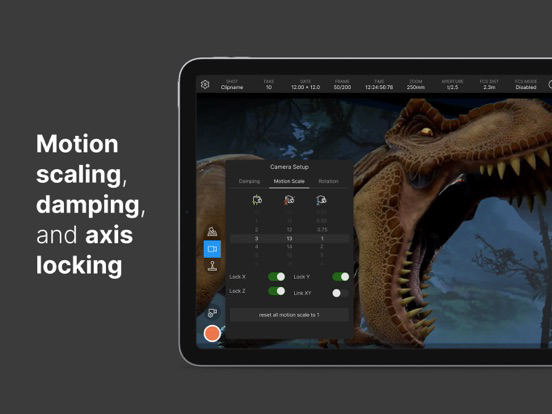
- Adjust ergonomic controls for comfortable handling.
- Record everything in a single pass, or isolate elements for finer control.
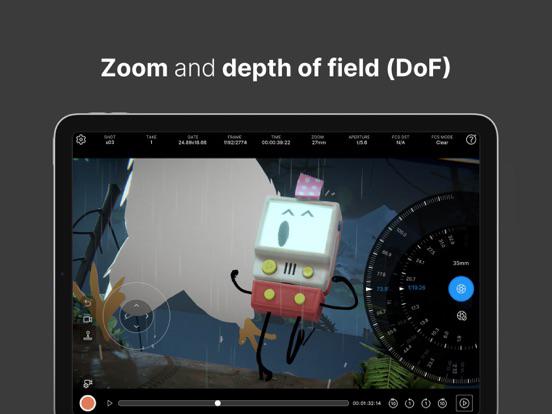
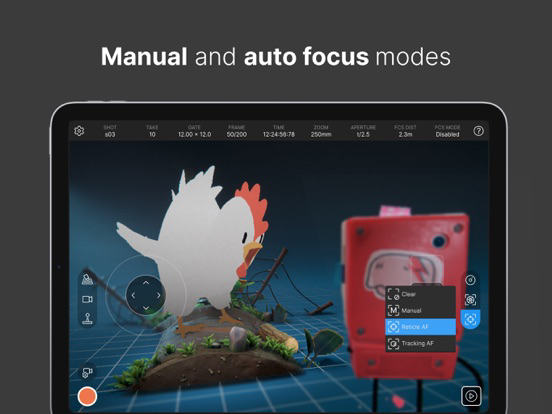
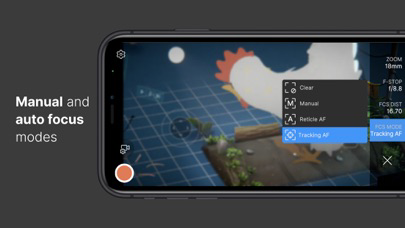
- Control focus, zoom, depth-of-field, and more.
- Synchronize the app data with other connected devices using a centralized timecode source.
Requirements:
- Computer running Windows or macOS
- Unity Editor 2021.3 or later version
- Live Capture (Unity package)
- Private network access for both the app and the Unity Editor
Documentation:
- User Manual: https://docs.unity3d.com/Packages/com.unity.live-capture@4.0/manual/virtual-camera.html
- Forum: https://forum.unity.com/threads/1111255/

* Setup: https://docs.unity3d.com/Packages/com.unity.live-capture@4.0/manual/virtual-camera.html
Unity Virtual Camera is a simple, intuitive tool for virtual cinematography in Unity. It captures the position and orientation of your mobile device and allows you to control a camera in Unity in real time.
Use Unity Virtual Camera to:
- Preview and record camera motion for films, animations, games, and other content.
- Block shots and discover your lens language.
- Create storyboards.
- Scout locations in virtual environments to explore, feel, and understand the space.
Key Features:
- See results in real time, both in-Editor and on the device.
- Play back your takes instantly.
- Adjust ergonomic controls for comfortable handling.
- Record everything in a single pass, or isolate elements for finer control.
- Control focus, zoom, depth-of-field, and more.
- Synchronize the app data with other connected devices using a centralized timecode source.
Requirements:
- Computer running Windows or macOS
- Unity Editor 2021.3 or later version
- Live Capture (Unity package)
- Private network access for both the app and the Unity Editor
Documentation:
- User Manual: https://docs.unity3d.com/Packages/com.unity.live-capture@4.0/manual/virtual-camera.html
- Forum: https://forum.unity.com/threads/1111255/
Show More
최신 버전 1.3.2의 새로운 기능
Last updated on Oct 16, 2023
오래된 버전
Rebuilt the app using a more recent version of the Unity engine to benefit from the latest core feature improvements and fixes. This doesn't affect the Live Capture package and the Unity Editor version that you are using for your project.
Show More
Version History
1.3.2
Oct 16, 2023
Rebuilt the app using a more recent version of the Unity engine to benefit from the latest core feature improvements and fixes. This doesn't affect the Live Capture package and the Unity Editor version that you are using for your project.
Unity Virtual Camera FAQ
제한된 국가 또는 지역에서 Unity Virtual Camera를 다운로드하는 방법을 알아보려면 여기를 클릭하십시오.
Unity Virtual Camera의 최소 요구 사항을 보려면 다음 목록을 확인하십시오.
iPhone
iPad