Unity Virtual Camera
免費
1.3.2for iPhone, iPad
Age Rating
Unity Virtual Camera 螢幕截圖
About Unity Virtual Camera
* This app requires a connection to the Unity Editor to function (see the requirements below).
* Setup: https://docs.unity3d.com/Packages/com.unity.live-capture@4.0/manual/virtual-camera.html
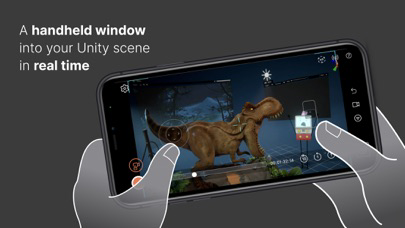
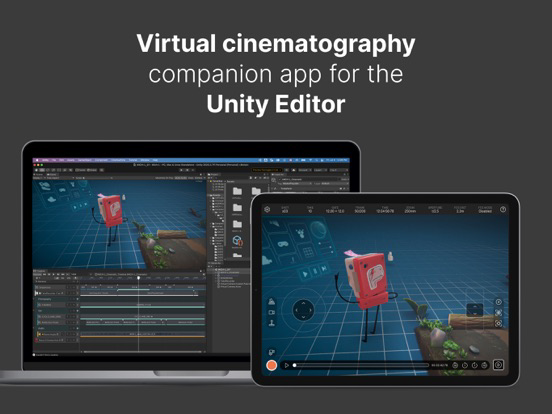
Unity Virtual Camera is a simple, intuitive tool for virtual cinematography in Unity. It captures the position and orientation of your mobile device and allows you to control a camera in Unity in real time.
Use Unity Virtual Camera to:
- Preview and record camera motion for films, animations, games, and other content.
- Block shots and discover your lens language.
- Create storyboards.
- Scout locations in virtual environments to explore, feel, and understand the space.
Key Features:
- See results in real time, both in-Editor and on the device.
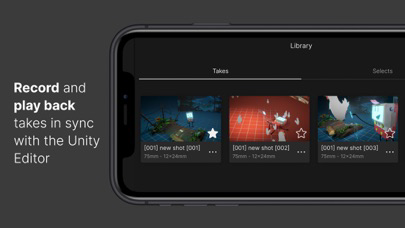
- Play back your takes instantly.
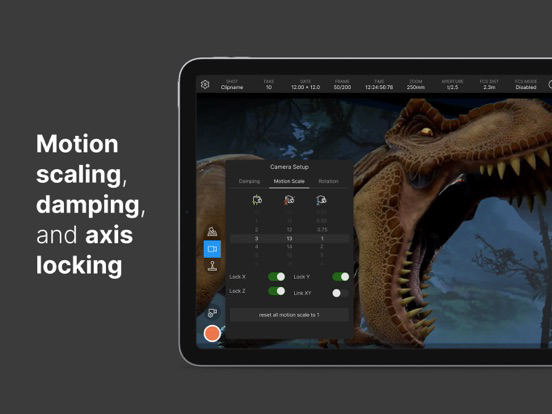
- Adjust ergonomic controls for comfortable handling.
- Record everything in a single pass, or isolate elements for finer control.
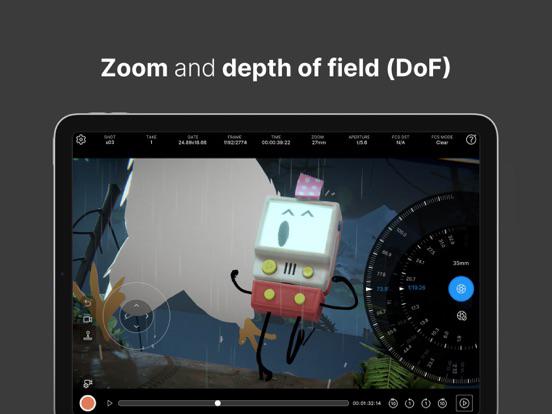
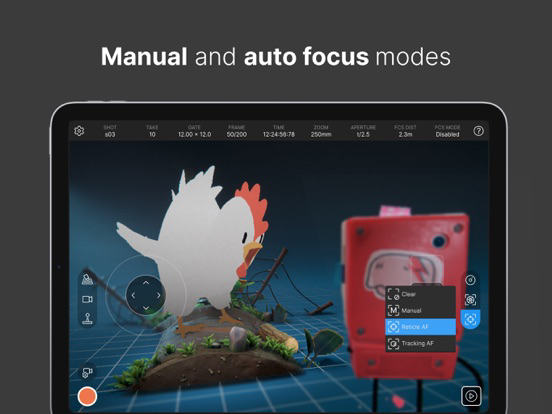
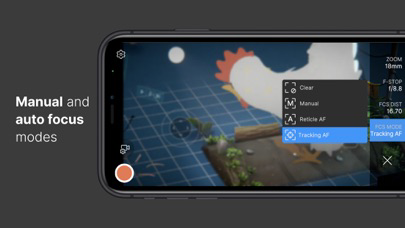
- Control focus, zoom, depth-of-field, and more.
- Synchronize the app data with other connected devices using a centralized timecode source.
Requirements:
- Computer running Windows or macOS
- Unity Editor 2021.3 or later version
- Live Capture (Unity package)
- Private network access for both the app and the Unity Editor
Documentation:
- User Manual: https://docs.unity3d.com/Packages/com.unity.live-capture@4.0/manual/virtual-camera.html
- Forum: https://forum.unity.com/threads/1111255/

* Setup: https://docs.unity3d.com/Packages/com.unity.live-capture@4.0/manual/virtual-camera.html
Unity Virtual Camera is a simple, intuitive tool for virtual cinematography in Unity. It captures the position and orientation of your mobile device and allows you to control a camera in Unity in real time.
Use Unity Virtual Camera to:
- Preview and record camera motion for films, animations, games, and other content.
- Block shots and discover your lens language.
- Create storyboards.
- Scout locations in virtual environments to explore, feel, and understand the space.
Key Features:
- See results in real time, both in-Editor and on the device.
- Play back your takes instantly.
- Adjust ergonomic controls for comfortable handling.
- Record everything in a single pass, or isolate elements for finer control.
- Control focus, zoom, depth-of-field, and more.
- Synchronize the app data with other connected devices using a centralized timecode source.
Requirements:
- Computer running Windows or macOS
- Unity Editor 2021.3 or later version
- Live Capture (Unity package)
- Private network access for both the app and the Unity Editor
Documentation:
- User Manual: https://docs.unity3d.com/Packages/com.unity.live-capture@4.0/manual/virtual-camera.html
- Forum: https://forum.unity.com/threads/1111255/
Show More
最新版本1.3.2更新日誌
Last updated on 2023年10月16日
歷史版本
Rebuilt the app using a more recent version of the Unity engine to benefit from the latest core feature improvements and fixes. This doesn't affect the Live Capture package and the Unity Editor version that you are using for your project.
Show More
Version History
1.3.2
2023年10月16日
Rebuilt the app using a more recent version of the Unity engine to benefit from the latest core feature improvements and fixes. This doesn't affect the Live Capture package and the Unity Editor version that you are using for your project.
Unity Virtual Camera FAQ
點擊此處瞭解如何在受限國家或地區下載Unity Virtual Camera。
以下為Unity Virtual Camera的最低配置要求。
iPhone
iPad