Vectorize!

Vectorize!


₩17,000
1.1.1for iPhone, iPad
Age Rating
4+
Apps in this category do not contain restricted content.
9+
Apps in this category may contain mild or occasional cartoon, fantasy or real-life violence, as well as occasional or mild adult, sexually suggestive or horrifying content and may not be suitable for children under 9 years of age.
12+
Apps in this category may contain occasional mild indecent language, frequent or intense cartoon or real-life violence, minor or occasional adult or sexually suggestive material, and simulated gambling, and may be for children under 12 years of age.
17+
You must be at least 17 years old to access this App.
Apps in this category may contain frequent and intense offensive language; Frequent and intense cartoon, fantasy or realistic violence: frequent and intense adult, scary and sexually suggestive subjects: as well as sexual content, nudity, tobacco, alcohol and drugs, may not be suitable for children under 17 years of age.
Vectorize! 스크린 샷
Vectorize! 포스터Vectorize! 포스터Vectorize! 포스터Vectorize! 포스터Vectorize! 포스터Vectorize! 포스터

About Vectorize!

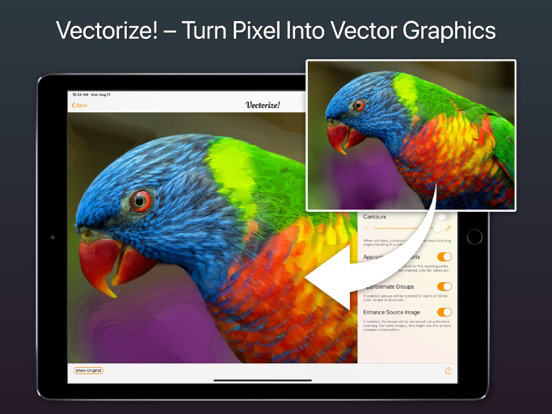
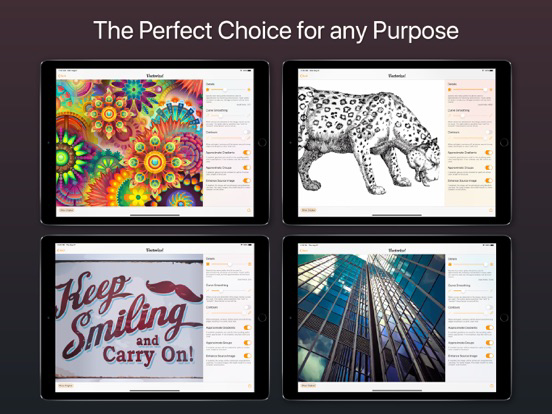
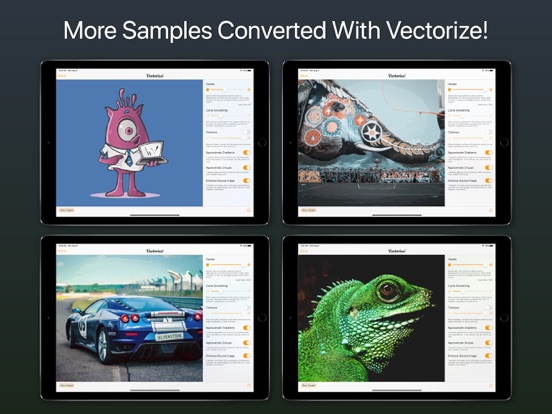
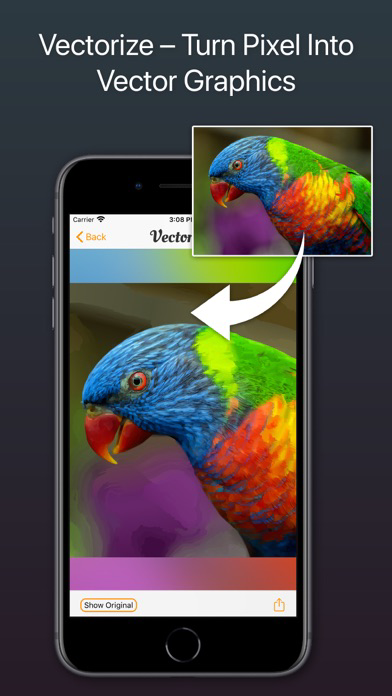
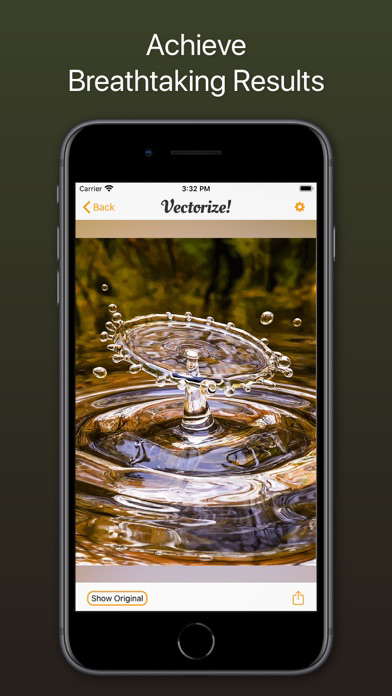
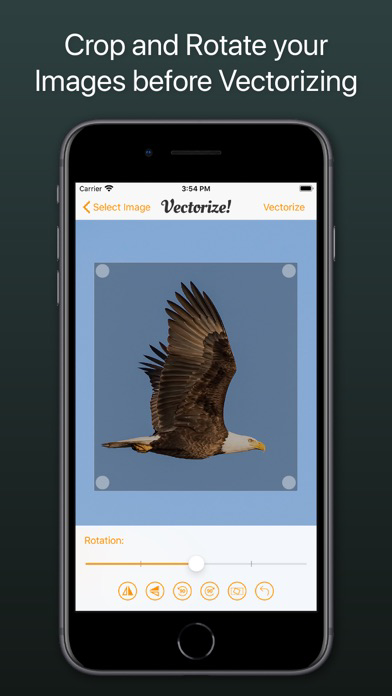
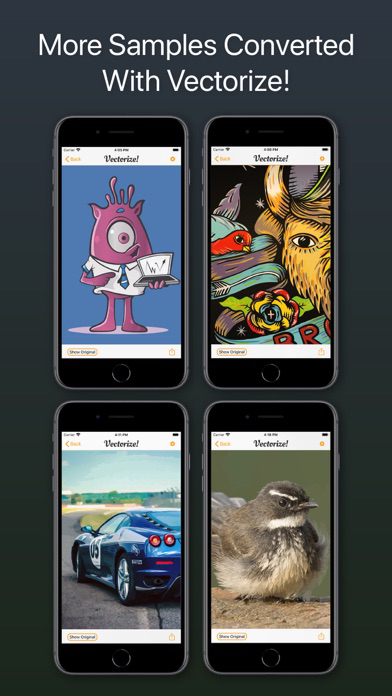
Vectorize! is the perfect tool for quickly and easily converting any pixel graphic into a resolution-independent, scalable vector format – and not just for iPhone and iPad, but also for Mac. No matter you’d like to convert, let’s say a low resolution JPG Logo, a comic, sketch, or even a complete photo – Vectorize! will turn your pixels into vectors. The starting material can then be upscaled at will.

Import, Convert, Export
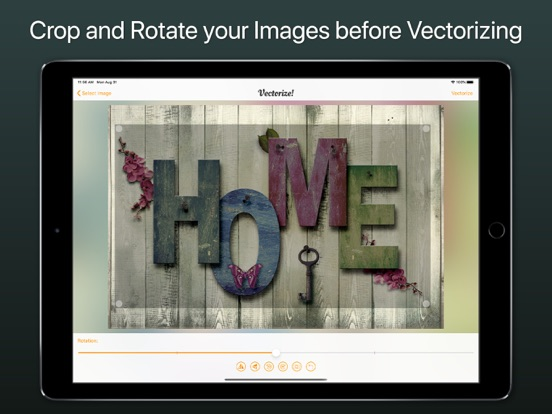
Converting a pixel-based-graphic (e.g. a photo, drawing, etc.) into a resolution-independent vector graphic with Vectorize! is quite self-explanatory: First, simply choose a file, or use your iPhone to take a picture – and then let Vectorize! do the rest. Using your iPhone to take a photo to directly import into Vectorize! is another very practical option at your disposal.

Your options for importing are:
• JPG
• PNG
• TIFF
• HEIC
• GIF

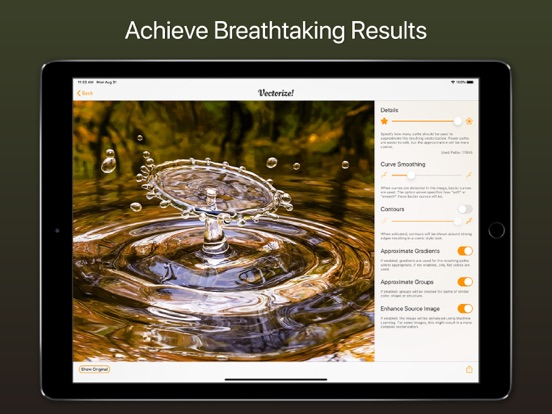
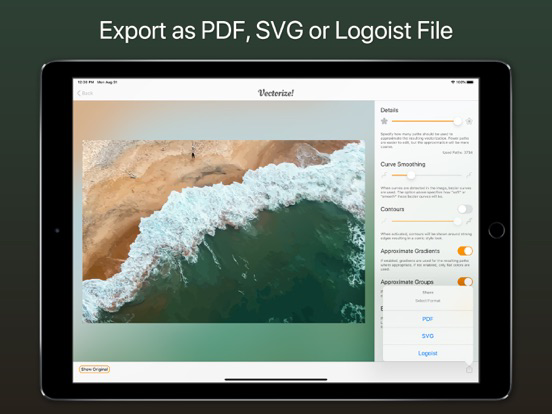
After your graphic has been selected and imported, you can determine the desired level of detail of your result and if additional contours or edge smoothing should be applied, after which the final product is only click on “Export” away.


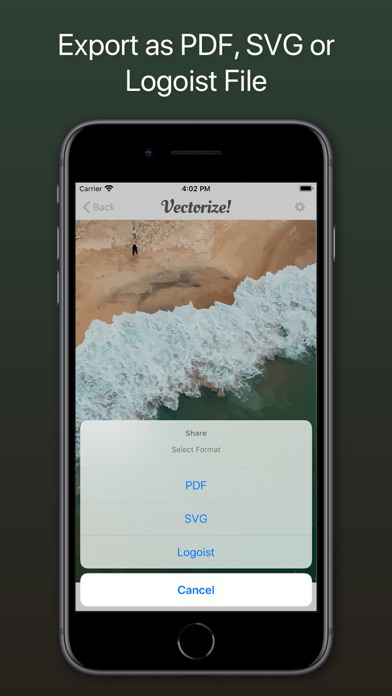
Your options for exporting are:
• PDF
• SVG
• Logoist file – for further subsequent editing

Show More

최신 버전 1.1.1의 새로운 기능

Last updated on Sep 20, 2021
오래된 버전
Fixes for an upcoming iOS release
Show More
Version History
1.1.1
Sep 20, 2021
Fixes for an upcoming iOS release

Vectorize! 가격

오늘:
₩17,000
최저 가격:
₩6,600
최고 가격:
₩17,000

Vectorize! FAQ

제한된 국가 또는 지역에서 Vectorize!를 다운로드하는 방법을 알아보려면 여기를 클릭하십시오.
Vectorize!의 최소 요구 사항을 보려면 다음 목록을 확인하십시오.
iPhone
iPad

Vectorize! 대안

당신은 또한 좋아할 수도 있습니다

Synium Software GmbH에서 더 많은 것을 얻기