VisualTimer byNSDev
무료
1.0.0for iPhone
Age Rating
VisualTimer byNSDev 스크린 샷
About VisualTimer byNSDev
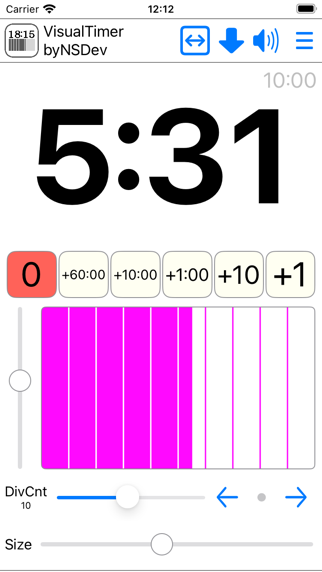
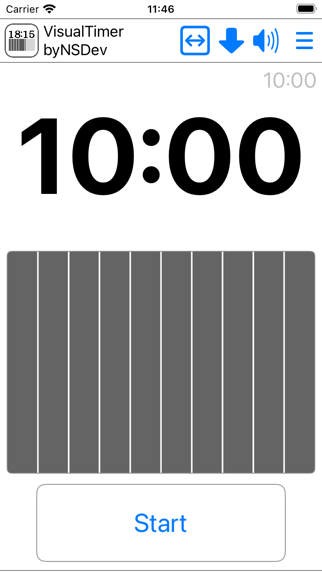
Tap the time text to enter editing mode.
Tap the time text again to enter execution mode.
The following settings can be changed:
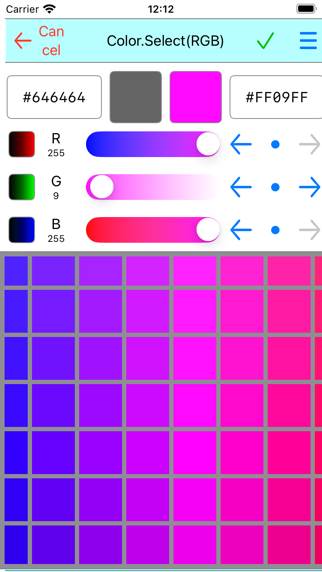
* Tap the time bar to change the foreground and background colors.
* Change the number of divisions in the time bar.
* Adjust the size of the time text.
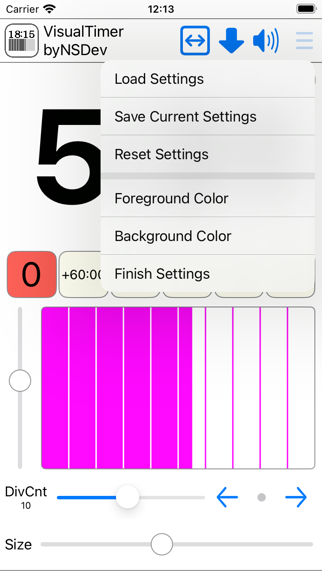
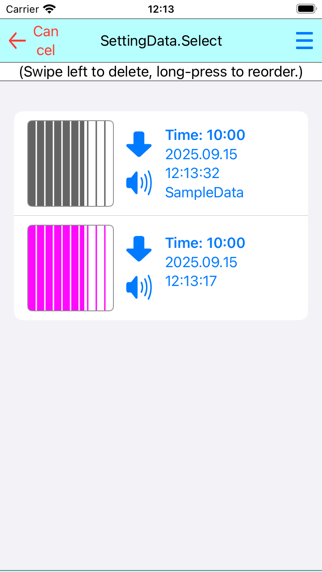
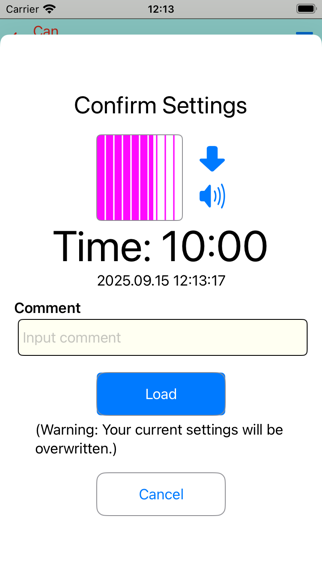
* Save and load settings.
* Count up and count down.
* Adjust the vertical and horizontal movement of the time bar.
* Turn the sound on/off at the end.
Use the slider next to the time bar to test the operation and adjust the start position.

Tap the time text again to enter execution mode.
The following settings can be changed:
* Tap the time bar to change the foreground and background colors.
* Change the number of divisions in the time bar.
* Adjust the size of the time text.
* Save and load settings.
* Count up and count down.
* Adjust the vertical and horizontal movement of the time bar.
* Turn the sound on/off at the end.
Use the slider next to the time bar to test the operation and adjust the start position.
Show More
최신 버전 1.0.0의 새로운 기능
Last updated on Sep 21, 2025
Version History
1.0.0
Sep 21, 2025
VisualTimer byNSDev FAQ
제한된 국가 또는 지역에서 VisualTimer byNSDev를 다운로드하는 방법을 알아보려면 여기를 클릭하십시오.
VisualTimer byNSDev의 최소 요구 사항을 보려면 다음 목록을 확인하십시오.
iPhone