VisualTimer byNSDev
Free
1.0.0for iPhone
Age Rating
VisualTimer byNSDev Screenshots
About VisualTimer byNSDev
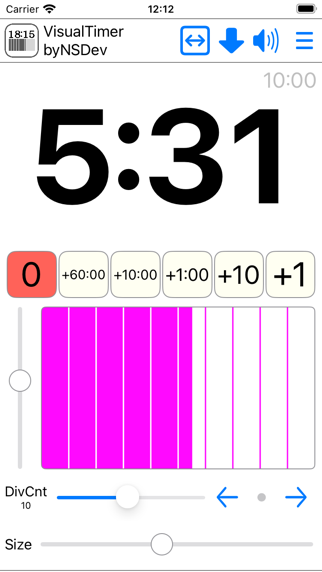
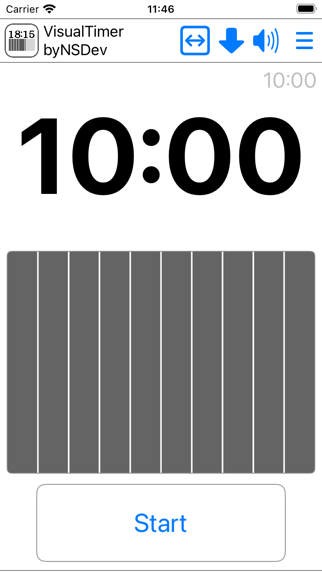
Tap the time text to enter editing mode.
Tap the time text again to enter execution mode.
The following settings can be changed:
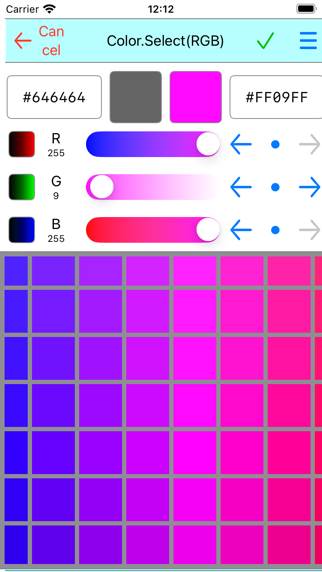
* Tap the time bar to change the foreground and background colors.
* Change the number of divisions in the time bar.
* Adjust the size of the time text.
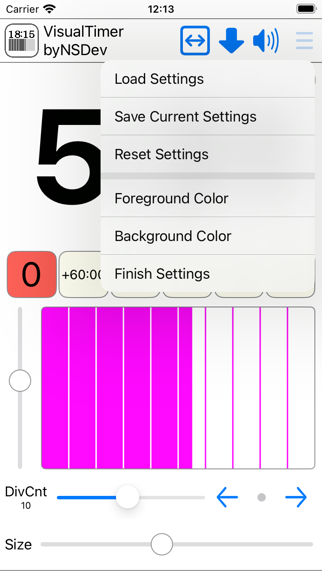
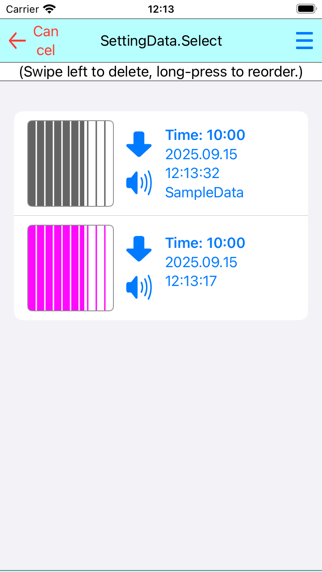
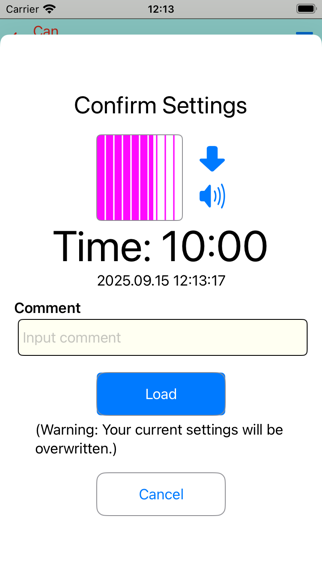
* Save and load settings.
* Count up and count down.
* Adjust the vertical and horizontal movement of the time bar.
* Turn the sound on/off at the end.
Use the slider next to the time bar to test the operation and adjust the start position.

Tap the time text again to enter execution mode.
The following settings can be changed:
* Tap the time bar to change the foreground and background colors.
* Change the number of divisions in the time bar.
* Adjust the size of the time text.
* Save and load settings.
* Count up and count down.
* Adjust the vertical and horizontal movement of the time bar.
* Turn the sound on/off at the end.
Use the slider next to the time bar to test the operation and adjust the start position.
Show More
What's New in the Latest Version 1.0.0
Last updated on Sep 21, 2025
Version History
1.0.0
Sep 21, 2025
VisualTimer byNSDev FAQ
Click here to learn how to download VisualTimer byNSDev in restricted country or region.
Check the following list to see the minimum requirements of VisualTimer byNSDev.
iPhone