In this release of the Work Items app, we focused on essential maintenance tasks to ensure a smoother user experience. While no significant features were added, this update includes bug fixes and optimizations to enhance overall performance.
We are introducing the ability to filter work items by state. Now, you can easily filter work items based on condition and effortlessly assign tasks to the right team members.
Currently, only a single state can be selected. We are working on multiple state selections available in the next release.
This version also introduces a new login screen for a better onboarding experience.
Introducing the ability to filter work items by state. Now, you can easily filter work items based on condition and assign tasks to the right team members effortlessly
Currently, only a single state can be selected. We are working on multiple state selections available in the next release.
Simple maintenance updates and bug fixes to ensure a smoother and more reliable experience.
- Introducing the ability to filter work items by iteration. Now you can easily filter work items based on iterations and assign tasks to the right team members effortlessly.
- This version also introduces Related Items functionality. Now you can quickly see related items and their status.
Simple maintenance updates and bug fixes to ensure a smoother and more reliable experience.
- Introducing the ability to see the effort of the work items. Now you can track the effort spent on tasks and get a better overview of your team's workload.
- Improved onboarding experience. Now you can easily set up your account and start with Work Items.
- Fixed various bugs and improved stability
- Made small cosmetic changes to improve user experience
We are excited to announce the release of the Work Items App, packed with new features and improvements to enhance your productivity. Here's what's new:
- Quick Entry: Introducing Quick Entry, a powerful new functionality allowing you to create tickets easily. Enter the necessary information, and Work Items will cover the rest. Please note that Quick Entry is unavailable in the Lite app version.
- Assignee Filter and Selector: Managing work items just got easier! We have added an assignee filter and selector to help you organize and track tasks more efficiently. Now you can easily filter work items based on assignees and assign tasks to the right team members effortlessly.
- Updated Quick Filter User Interface: We have revamped the user interface for quick filters, making it more intuitive and visually appealing.
- Enhanced Quick Filters: We listened to your feedback and expanded the functionality of quick filters.
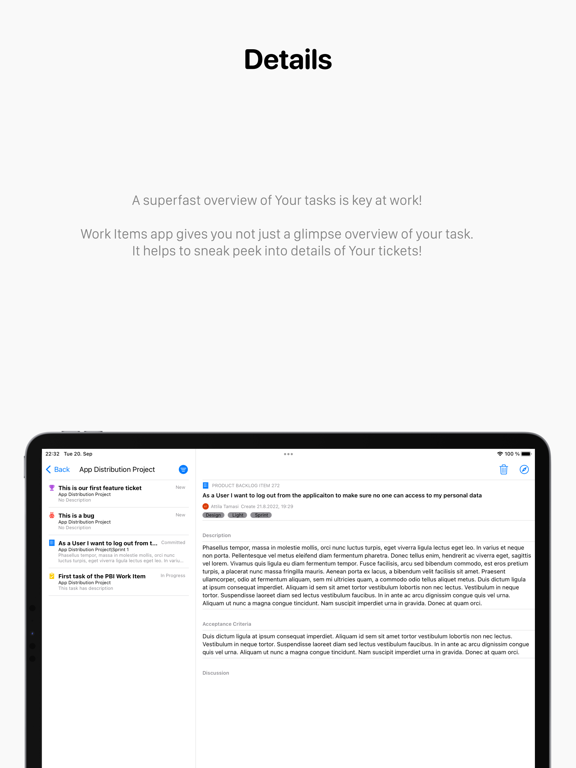
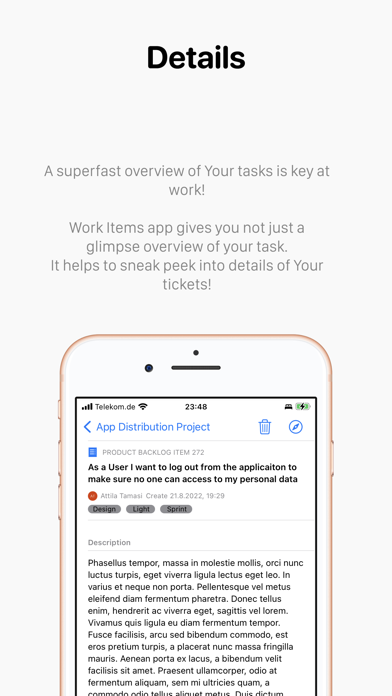
- Improved Work Item Details View: We have significantly improved the view to give you a better overview of your tickets.
- Updated Loading Indicators and Visual Elements: We understand the importance of a smooth user experience. In this update, we have enhanced the loading indicators and other visual elements throughout the app.
Thank you for your continued support and valuable feedback. We hope these new features and improvements in this new version will help you stay organized and boost your productivity. Get the latest update today and take your work management to the next level!
If you have any questions or need assistance, please get in touch with our support team at info@workitemsapp.com or visit our website at https://workitems.app/.
Ability to create Work Item tickets
Introducing the ability to create Work Item tickets directly within the app, making task management easier. This feature is only available in the payed version of the Work Items application.
Updated Preferences screen
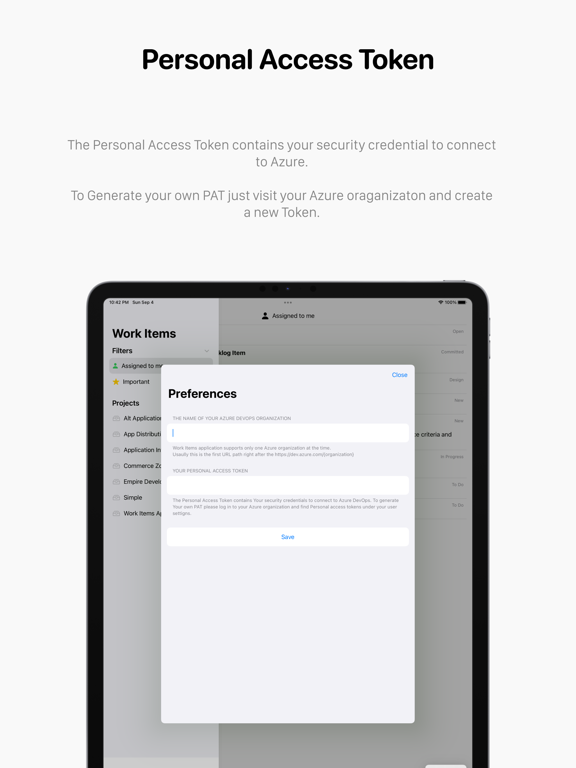
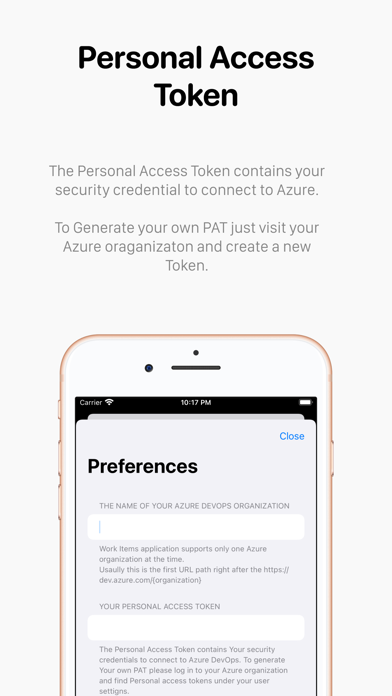
Enjoy an updated Preferences screen with a fresh new look and improved functionality.
Maintenance and bug fixes
Maintenance updates and fixed bugs to ensure a smoother and more reliable experience.
We are introducing a new feature to display project avatars! Our latest update includes important bug fixes and performance improvements to keep the app running smoothly. Enjoy!
This release includes bug fixes, maintenance improvements, and a new feature allowing you to order the team list on the board view in alphabetic.
Enjoy a smoother and more efficient experience with this update!
- change app store category
- minor bug fixes and general app maintenance
Welcome to the Azure DevOps Board view!
- Switch between Backlog and Board view
- Supports multiple teams under projects to manage work items on the board
- Drag and drop to move Work Items between columns and prioritize them
- New filter view for the board view
Currently, the Azure DevOps Board view is supported only on MacOS and iPad.
Based on requests this version supports self-hosted Azure DevOps. Also, due to user requests, I removed the quick filter from the sidebar. This feature will be available in the next version in a more advanced way.
- App polishing on the user interface
- Supports self-hosted Azure DevOps instances from now on
- Some little improvements before bigger features will be introduced
- stabilization and maintenance
- minor bug fixes
- Minor user interface updates
- General app maintenance and bug fixing
EDIT YOUR WORK ITEM FIELDS
- Swipe left to delete tickets from the work items list
- Add Comments on your Work Items
REGULAR MAINTENANCE AND STABILIZATION
- Fix Work Item ID format
This version adds a handy filter to quickly check all the tickets that have been created by you. This helps to follow up on your tickets that you created with a reason!
Remember, ensuring the tickets you create will be followed up in agile environments is crucial!
- New enhanced Work Item view for your projects
- New detailed overview of your tickets
- New filters to get a better list of tasks
- Maintenance and bug fixes
- Simplified Azure DevOps account setup
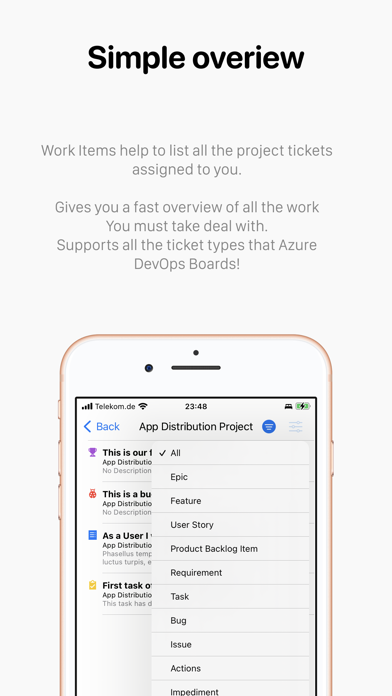
- Quick filter for ticket types