Vimar VIEW Door
Free
2.2.4for iPhone, iPad
Age Rating
Vimar VIEW Door Screenshots
About Vimar VIEW Door
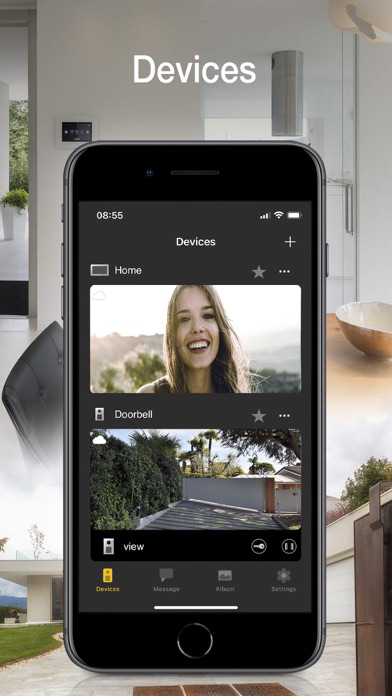
View Door provides mobile phone management of the functions of the Vimar connected video door entry systems in complete safety away from home too. Instant and user-friendly, the App lets you:
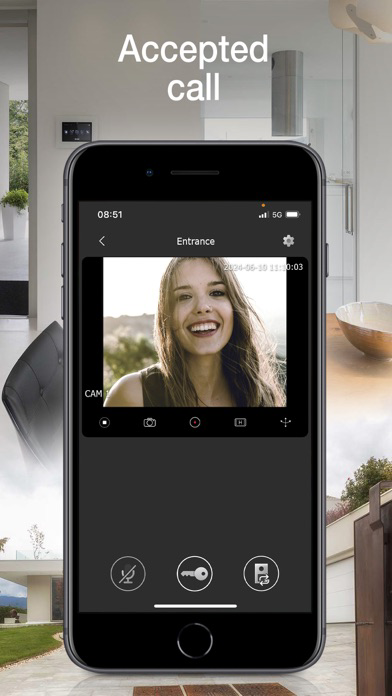
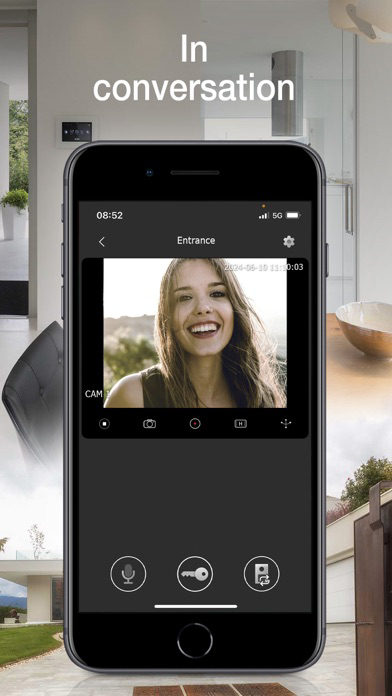
• Manage video door entry system calls
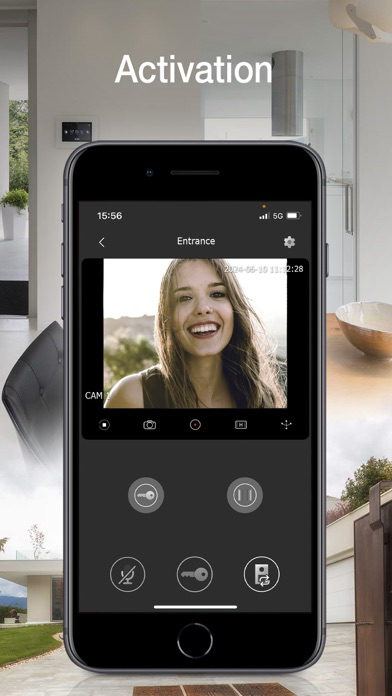
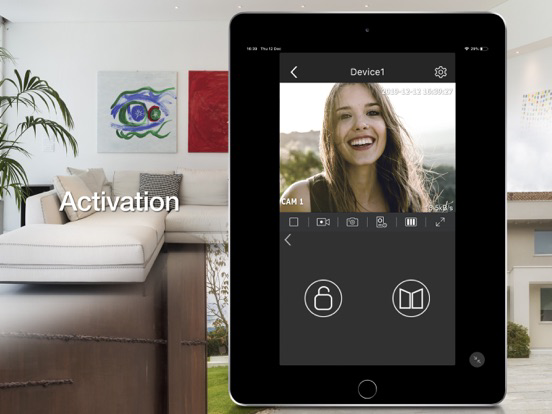
• Manage activations (pedestrian entry, vehicle entry)
• View your call log
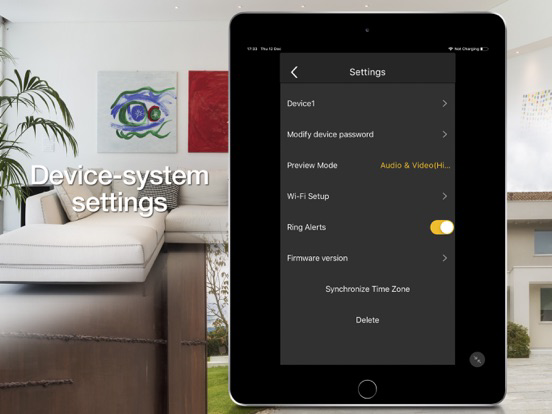
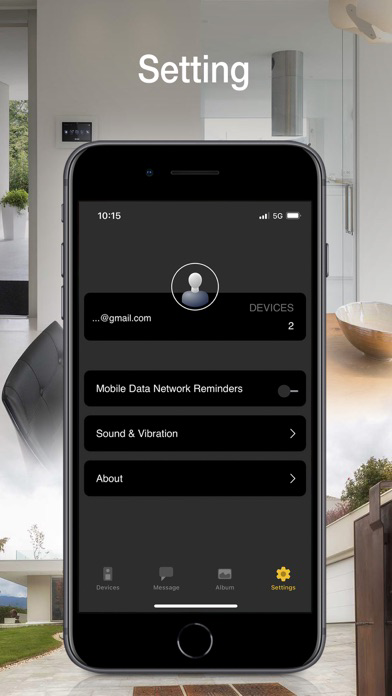
• Manage the settings
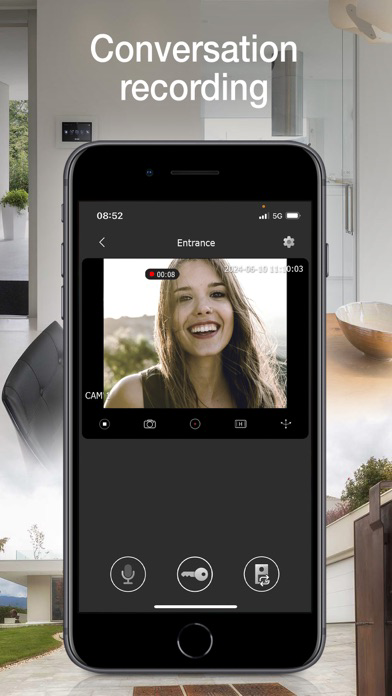
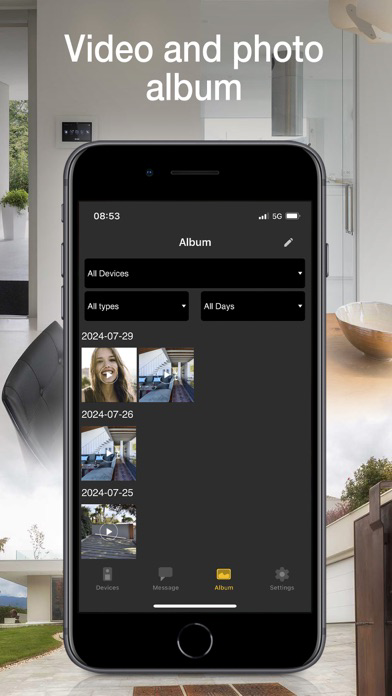
• Record videos and images
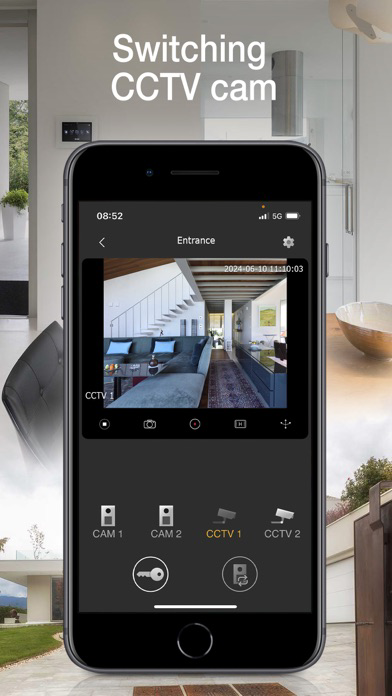
• View video door entry cameras and compatible TVCC cameras - if connected
• Zoom videos
• Functions and controls via voice assistants (for compatible devices Wi-Fi video doorbell K40960 and K40965, IPo2w monitors K40980, K40981 and 40980.M)
• Receive notifications
To start using the App, you need to configure it.
For Wi-Fi connected video door entry kits (K40945, K40946, K40947, K40955, K40956, K40957, K42945, K42946, K42947, K42955, K42956, K42957) and IPo2w kits (K40980, K40981, K40980.AU, K40981.AU and 40980.M) simply scan the QR code displayed on the video entryphone monitor, then follow the procedure in app and configure or use your MyVimar account if required.
For Wi-Fi video doorbell (K40960 and K40965), scan the QR code on the back of the device, then follow the procedure in app and configure or use your MyVimar account.
Further information can be found in the device documentation.

• Manage video door entry system calls
• Manage activations (pedestrian entry, vehicle entry)
• View your call log
• Manage the settings
• Record videos and images
• View video door entry cameras and compatible TVCC cameras - if connected
• Zoom videos
• Functions and controls via voice assistants (for compatible devices Wi-Fi video doorbell K40960 and K40965, IPo2w monitors K40980, K40981 and 40980.M)
• Receive notifications
To start using the App, you need to configure it.
For Wi-Fi connected video door entry kits (K40945, K40946, K40947, K40955, K40956, K40957, K42945, K42946, K42947, K42955, K42956, K42957) and IPo2w kits (K40980, K40981, K40980.AU, K40981.AU and 40980.M) simply scan the QR code displayed on the video entryphone monitor, then follow the procedure in app and configure or use your MyVimar account if required.
For Wi-Fi video doorbell (K40960 and K40965), scan the QR code on the back of the device, then follow the procedure in app and configure or use your MyVimar account.
Further information can be found in the device documentation.
Show More
What's New in the Latest Version 2.2.4
Last updated on Dec 9, 2025
Old Versions
• App improvement.
Show More
Version History
2.2.4
Dec 9, 2025
• App improvement.
Vimar VIEW Door FAQ
Click here to learn how to download Vimar VIEW Door in restricted country or region.
Check the following list to see the minimum requirements of Vimar VIEW Door.
iPhone
iPad