Age Rating
4+
Apps in this category do not contain restricted content.
9+
Apps in this category may contain mild or occasional cartoon, fantasy or real-life violence, as well as occasional or mild adult, sexually suggestive or horrifying content and may not be suitable for children under 9 years of age.
12+
Apps in this category may contain occasional mild indecent language, frequent or intense cartoon or real-life violence, minor or occasional adult or sexually suggestive material, and simulated gambling, and may be for children under 12 years of age.
17+
You must be at least 17 years old to access this App.
Apps in this category may contain frequent and intense offensive language; Frequent and intense cartoon, fantasy or realistic violence: frequent and intense adult, scary and sexually suggestive subjects: as well as sexual content, nudity, tobacco, alcohol and drugs, may not be suitable for children under 17 years of age.
SynScan Screenshots
SynScan posterSynScan posterSynScan posterSynScan posterSynScan poster

About SynScan

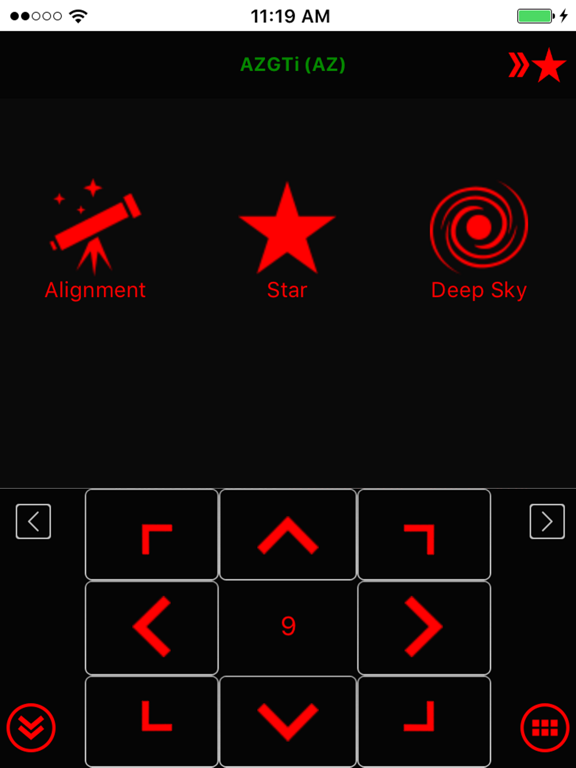
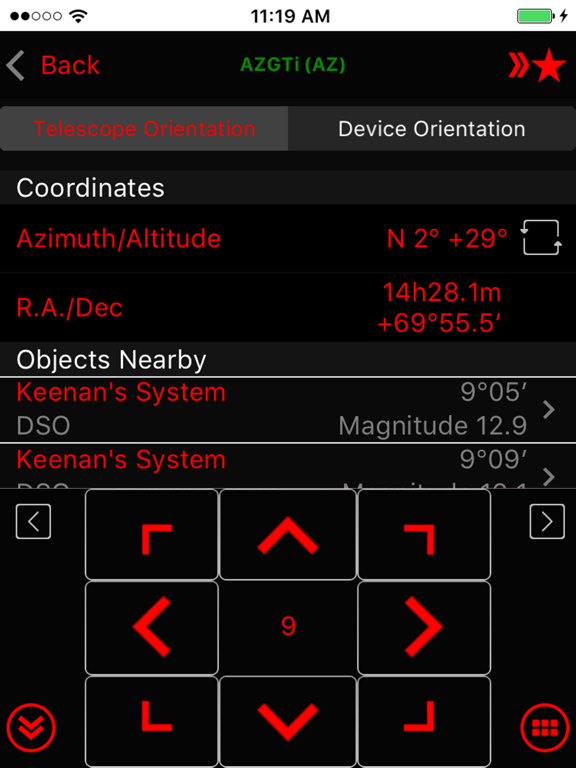
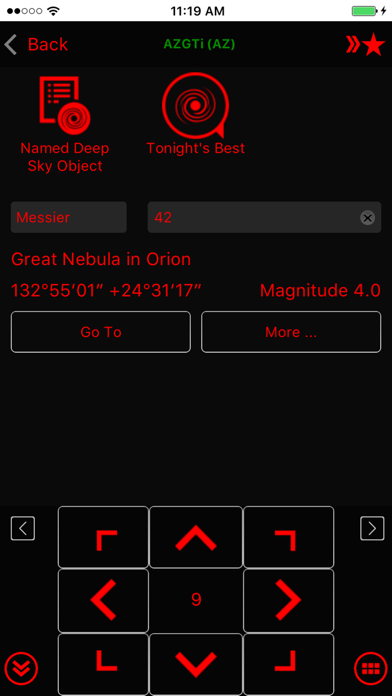
Use the SynScan app to control Sky-Watcher telescope mounts via Wi-Fi or Bluetooth LE. Mounts without built-in Wi-Fi can be supported via a SynScan Wi-Fi adapter.

This version of the SynScan app is suited for novice users using alt-azimuth mounts.

Features
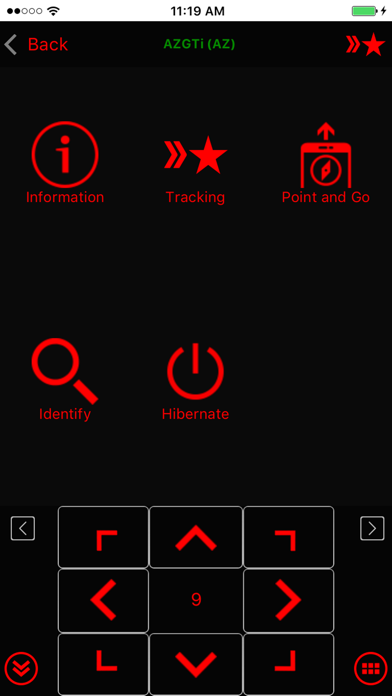
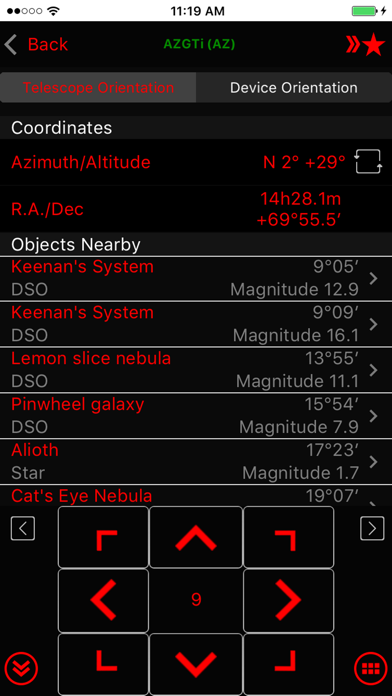
- Control telescope mount to slew, align, GOTO and track.
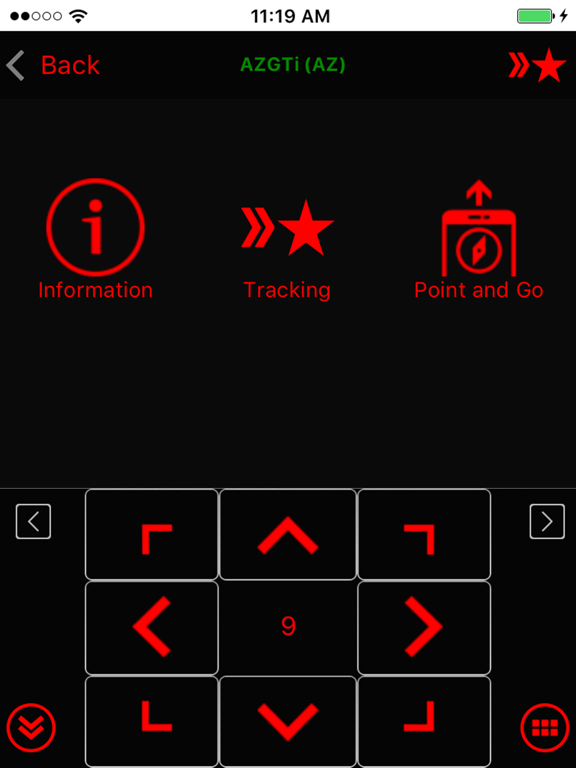
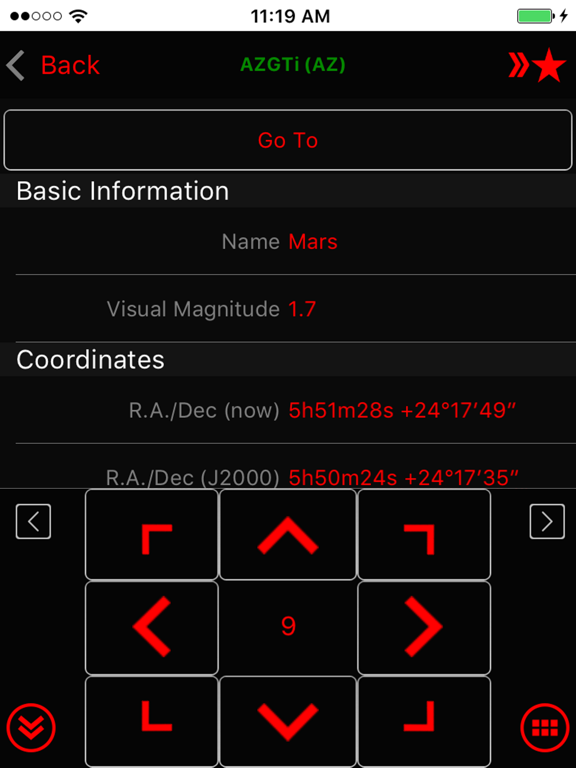
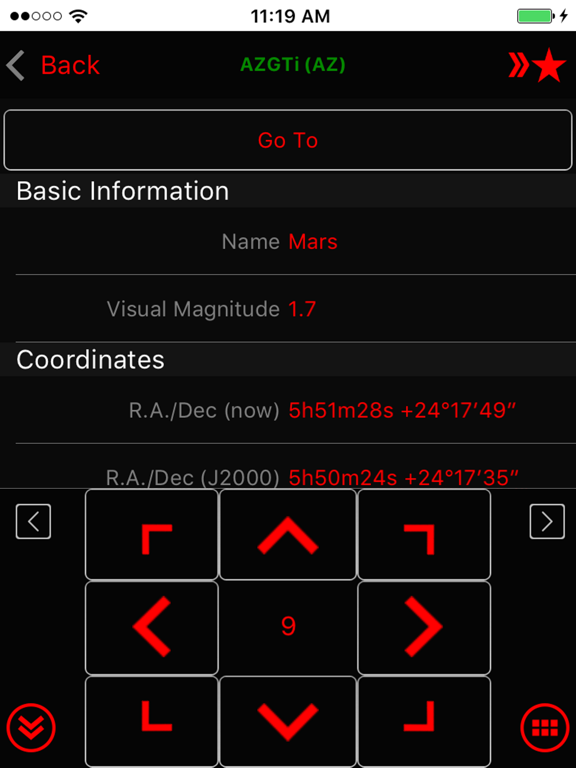
- Point And Track: track celestial objects (including the Sun and planets) without aligning.
- Support gamepad navigation.
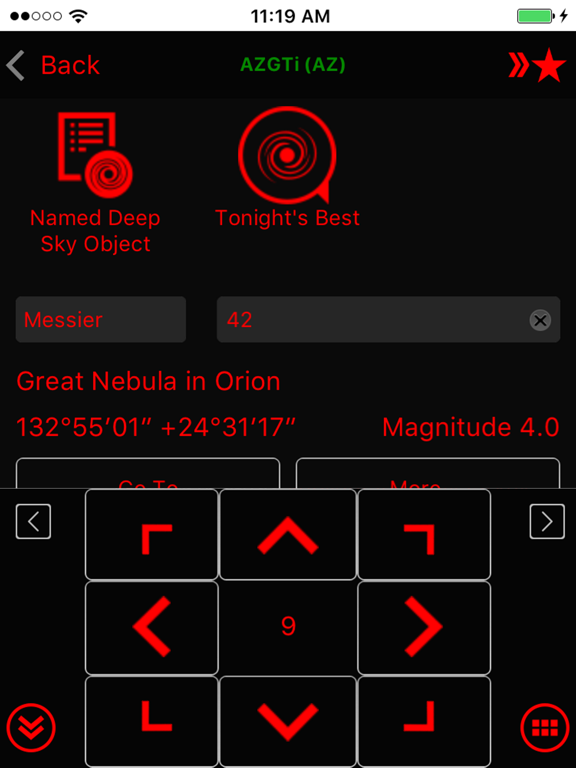
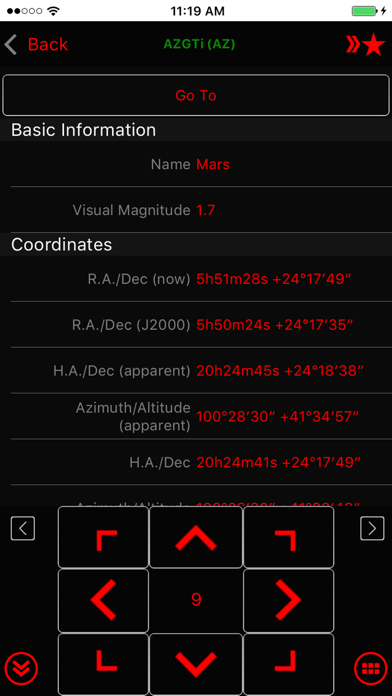
- Browse a catalog of stars, comets, and deep sky objects. Or, save your own objects.
- Provide access to mount for use by third-party apps, including ASCOM clients, SkySafari, Luminos, Stellarium Mobile Plus, Stellarium Desktop or customer-developed apps. Also set up mount alignment for Luminos, Skysafari.
- Support access to the mount and the SynScan app from any platform that supports TCP/UDP connections.
- Provide emulator mount for testing and practicing.
- Track fast-moving earth satellites by working with the PreviSat app on Windows PC or the Lumios app on iOS devices.

Show More

What's New in the Latest Version 2.5.15

Last updated on Jan 26, 2025
Old Versions
• PM Sharing: changed broadcast interval from every 60 sec to every 3 sec. Make more robust.
• Connect popup: fix problem with multiple popup (connect, choose mode, restore from park) not showing in right order

• AZ tracking: not use trail points to track when aux encoder is enabled
• Fix ASCOM server not responding due to receiving zero length UDP packet.

• Tonight's best page: not reset tab or search text when leaving
• Fix crash when going to polar alignment page while disconnected but have EQ mount alignment

• Alignment routine: fix centering UI incorrectly closing when centering failed
• SynScan App protocol server: add support for getting mount axis: 'telescope.Action("AxisCoordinatesGet", "")' -> degree string eg "45.0,15.0". No need to update "SynScan App" ASCOM driver.
• Camera exposure group: ensure to keep screen awake
Show More
Version History
2.5.15
Jan 26, 2025
• PM Sharing: changed broadcast interval from every 60 sec to every 3 sec. Make more robust.
• Connect popup: fix problem with multiple popup (connect, choose mode, restore from park) not showing in right order

• AZ tracking: not use trail points to track when aux encoder is enabled
• Fix ASCOM server not responding due to receiving zero length UDP packet.

• Tonight's best page: not reset tab or search text when leaving
• Fix crash when going to polar alignment page while disconnected but have EQ mount alignment

• Alignment routine: fix centering UI incorrectly closing when centering failed
• SynScan App protocol server: add support for getting mount axis: 'telescope.Action("AxisCoordinatesGet", "")' -> degree string eg "45.0,15.0". No need to update "SynScan App" ASCOM driver.
• Camera exposure group: ensure to keep screen awake

SynScan FAQ

Click here to learn how to download SynScan in restricted country or region.
Check the following list to see the minimum requirements of SynScan.
iPhone
iPad

SynScan Alternative

You May Also Like

Get more from Astropower Technology Co. Ltd.