Age Rating
Calculation Training For Brain 螢幕截圖
About Calculation Training For Brain
"Calculation Training" is a brain-training app for practicing arithmetic that can be enjoyed by everyone—from elementary school children to seniors.
It features simple, game-like controls and offers a variety of calculation problems. Use it for practicing arithmetic (mental math) from elementary school level, warming up your brain before studying, or maintaining cognitive health and mental sharpness for older adults.
- Choose Your Training
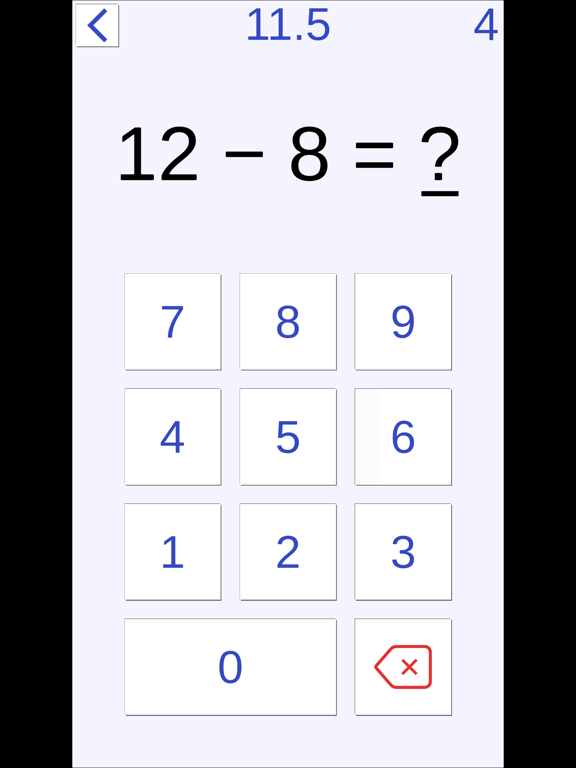
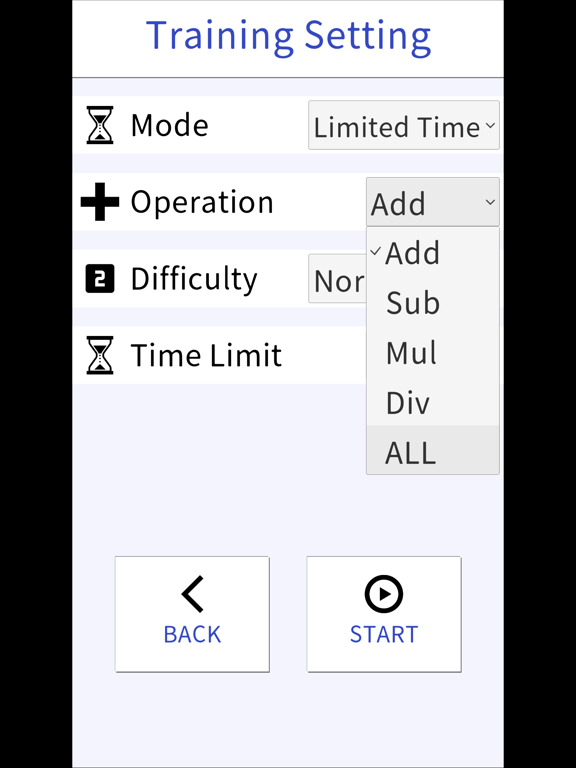
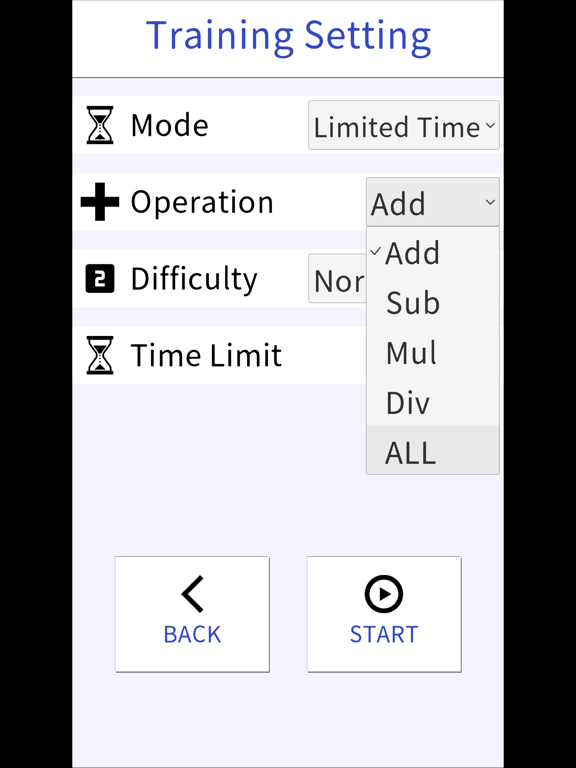
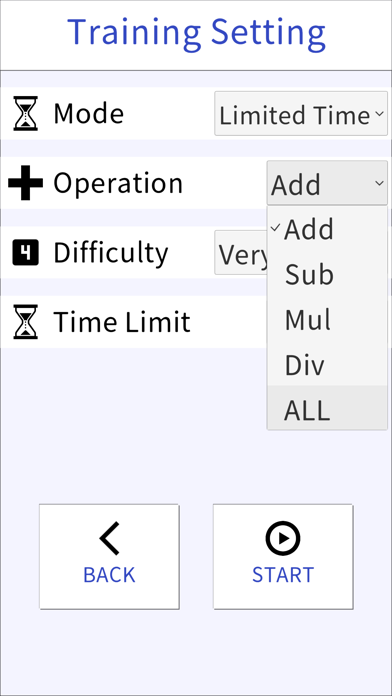
This app lets you practice the four basic arithmetic operations that form the foundation of math. You can focus on a single type of calculation or try mixed problems that include all types.
* Addition
* Subtraction
* Division
* Multiplication
* Mixed arithmetic (all operations)
- Adjustable Difficulty
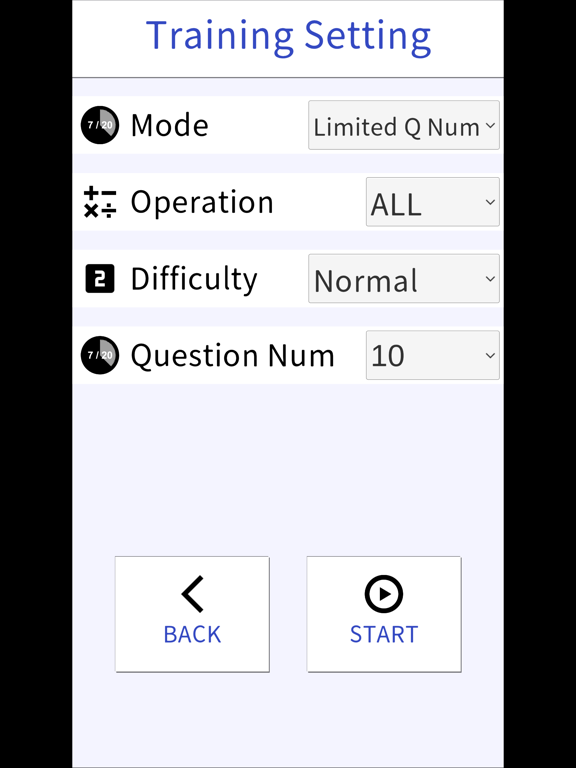
There are five difficulty levels, ranging from “Easy” to “Very Hard.”
You can choose the level that matches your ability, making practice efficient and effective.
By solving problems repeatedly and gradually increasing the difficulty, your calculation speed will naturally improve, helping you enhance your mental math skills.
- Training Modes
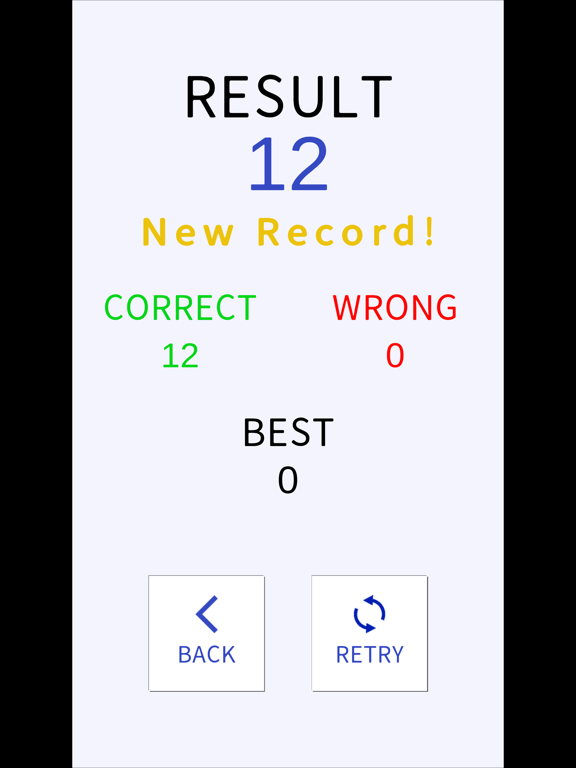
This app includes five training modes. Your best score is recorded in each mode, allowing you to track your progress and improvement.
◆ Time Limit Mode
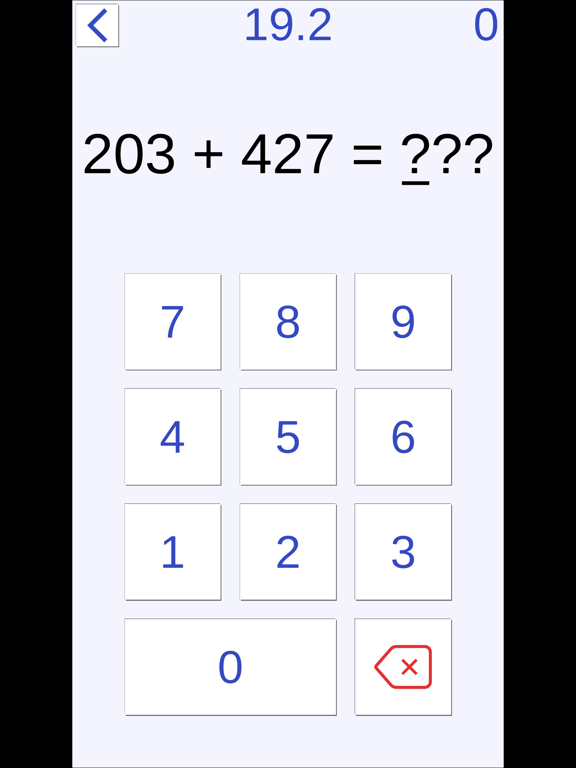
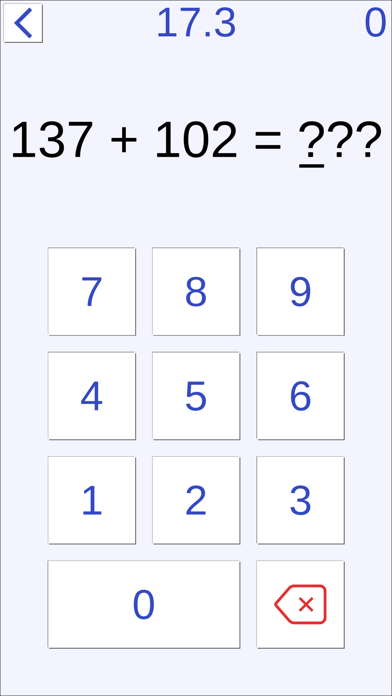
Solve as many problems as possible within a set time.
The time limit can be adjusted from 20 to 90 seconds in 10-second increments via the Settings menu.
Perfect for quick practice sessions or more focused, longer training.
◆ Fixed Problem Mode
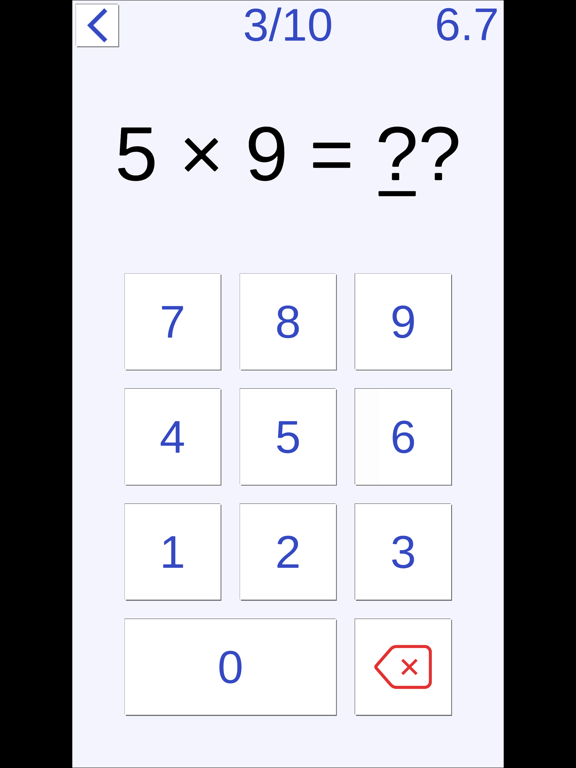
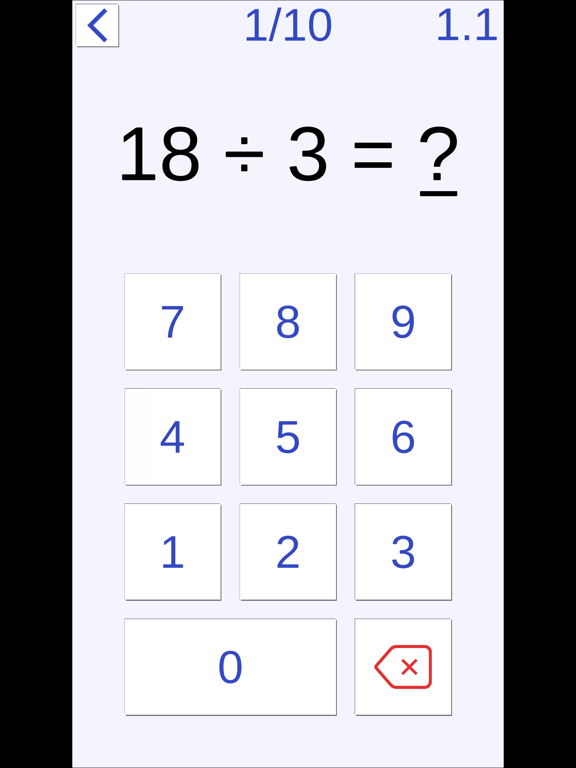
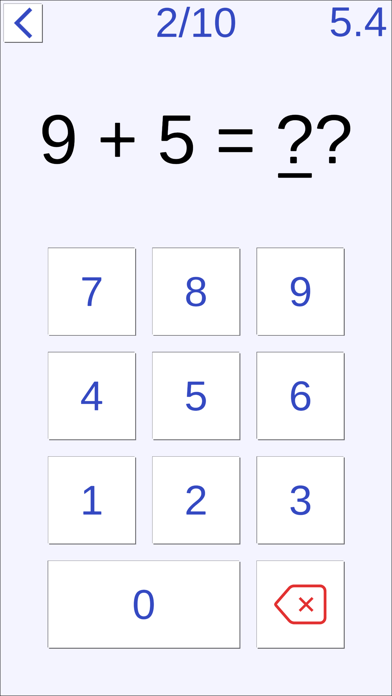
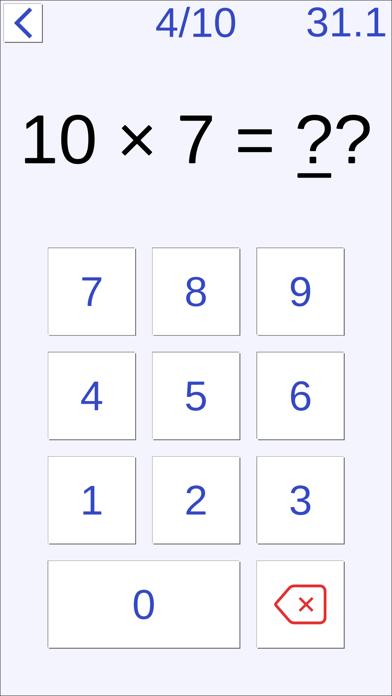
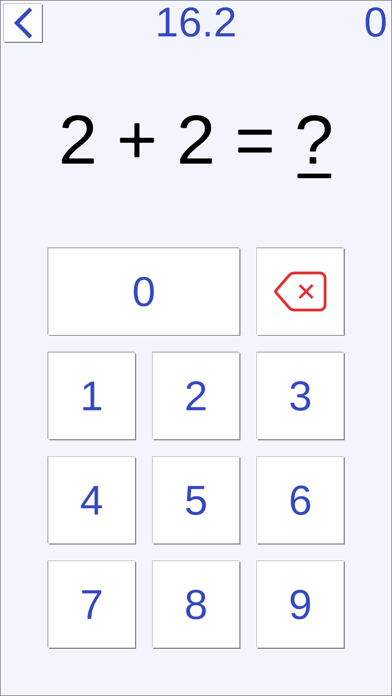
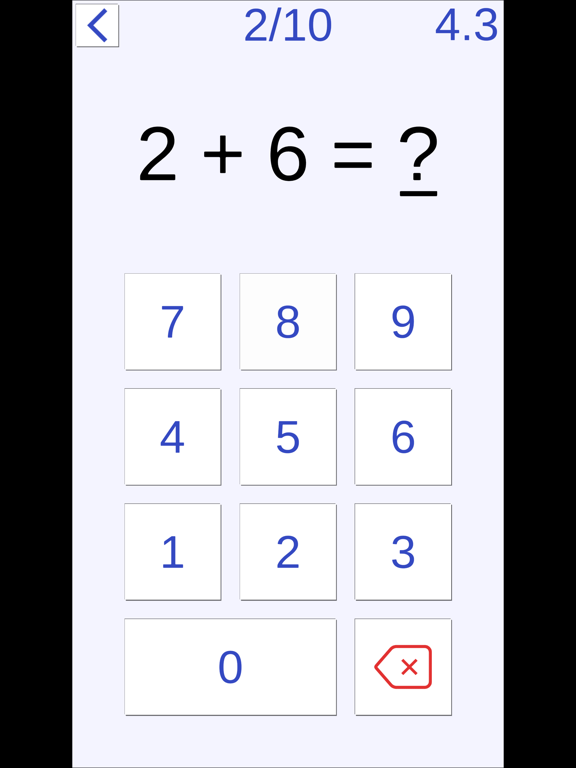
Challenge yourself to solve a set number of problems as quickly as possible.
The number of questions can be adjusted from 10 to 50 in increments of 10 via the Settings menu.
◆ Endless Mode
Each correct answer extends the time limit.
Answer quickly and continuously to solve more problems and achieve a higher score.
◆ Long Calculation Mode
Solve longer expressions that include both addition and subtraction.
◆ Column Method Mode
Practice vertical calculations (column method).
Train your speed in solving multi-digit addition and subtraction problems, up to three rows.
- Input Options
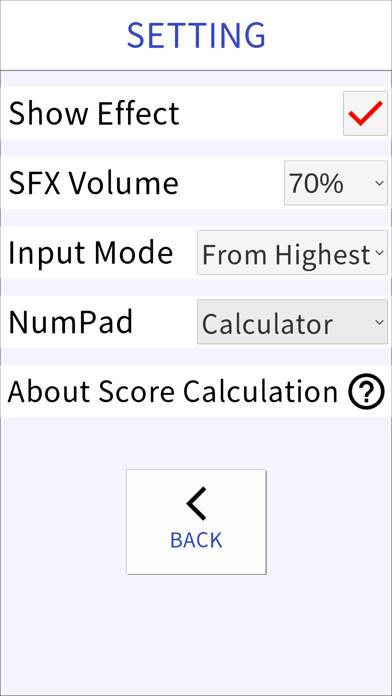
For multi-digit answers, you can choose whether to input digits starting from the highest or lowest place value.
There are also two types of number pad layouts, allowing you to select the one that feels most comfortable.
- Online Rankings
Compete with players around the world through global online rankings.
In Time Limit Mode, longer time limits yield higher scores.
In Fixed Problem Mode, solving more problems results in higher scores.
---
Calculation Training
Brain Training / Math Game / Educational App for Kids
Free (includes ads)
---

It features simple, game-like controls and offers a variety of calculation problems. Use it for practicing arithmetic (mental math) from elementary school level, warming up your brain before studying, or maintaining cognitive health and mental sharpness for older adults.
- Choose Your Training
This app lets you practice the four basic arithmetic operations that form the foundation of math. You can focus on a single type of calculation or try mixed problems that include all types.
* Addition
* Subtraction
* Division
* Multiplication
* Mixed arithmetic (all operations)
- Adjustable Difficulty
There are five difficulty levels, ranging from “Easy” to “Very Hard.”
You can choose the level that matches your ability, making practice efficient and effective.
By solving problems repeatedly and gradually increasing the difficulty, your calculation speed will naturally improve, helping you enhance your mental math skills.
- Training Modes
This app includes five training modes. Your best score is recorded in each mode, allowing you to track your progress and improvement.
◆ Time Limit Mode
Solve as many problems as possible within a set time.
The time limit can be adjusted from 20 to 90 seconds in 10-second increments via the Settings menu.
Perfect for quick practice sessions or more focused, longer training.
◆ Fixed Problem Mode
Challenge yourself to solve a set number of problems as quickly as possible.
The number of questions can be adjusted from 10 to 50 in increments of 10 via the Settings menu.
◆ Endless Mode
Each correct answer extends the time limit.
Answer quickly and continuously to solve more problems and achieve a higher score.
◆ Long Calculation Mode
Solve longer expressions that include both addition and subtraction.
◆ Column Method Mode
Practice vertical calculations (column method).
Train your speed in solving multi-digit addition and subtraction problems, up to three rows.
- Input Options
For multi-digit answers, you can choose whether to input digits starting from the highest or lowest place value.
There are also two types of number pad layouts, allowing you to select the one that feels most comfortable.
- Online Rankings
Compete with players around the world through global online rankings.
In Time Limit Mode, longer time limits yield higher scores.
In Fixed Problem Mode, solving more problems results in higher scores.
---
Calculation Training
Brain Training / Math Game / Educational App for Kids
Free (includes ads)
---
Show More
最新版本1.8.1更新日誌
Last updated on 2026年05月04日
歷史版本
- Fixed an issue where purchase status was sometimes not correctly recognized
- Made adjustments to some UI elements
Show More
Version History
1.8.1
2026年05月04日
- Fixed an issue where purchase status was sometimes not correctly recognized
- Made adjustments to some UI elements
Calculation Training For Brain 價格
今日:
免費
最低價格:
免費
最高價格:
HK$ 32.00
Calculation Training For Brain FAQ
Calculation Training For Brain在以下限制國家以外的其他地區可用:
China
以下為Calculation Training For Brain的最低配置要求。
iPhone
iPad
點擊此處瞭解如何在受限國家或地區下載Calculation Training For Brain。