Haltech Connect
免費
1.6.7for iPhone, iPad
Age Rating
Haltech Connect 螢幕截圖
About Haltech Connect
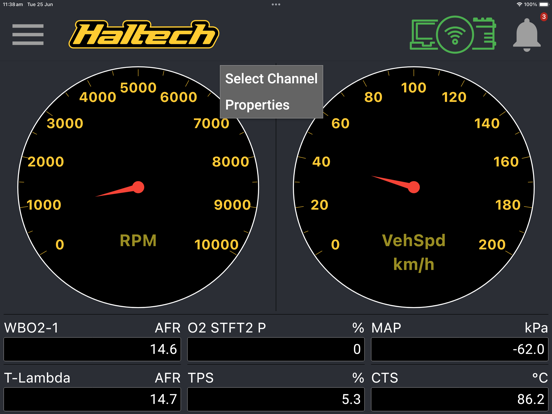
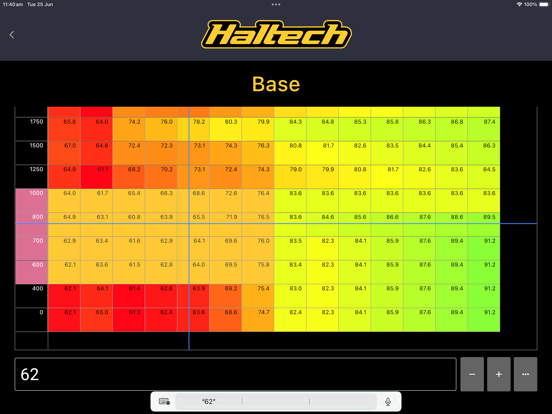
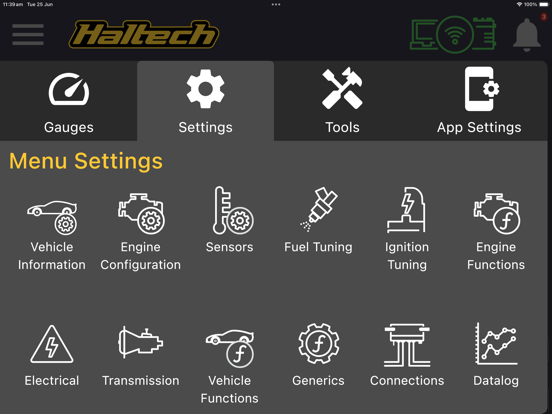
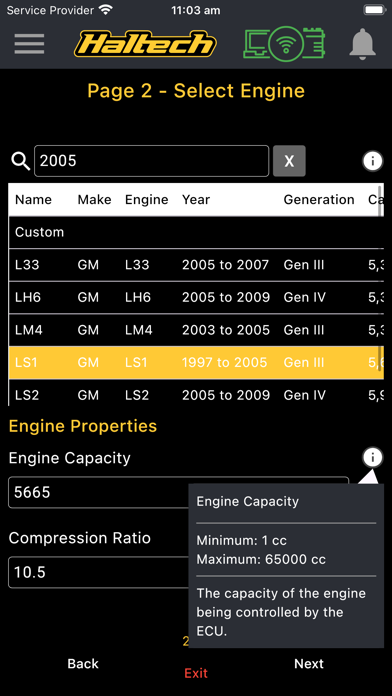
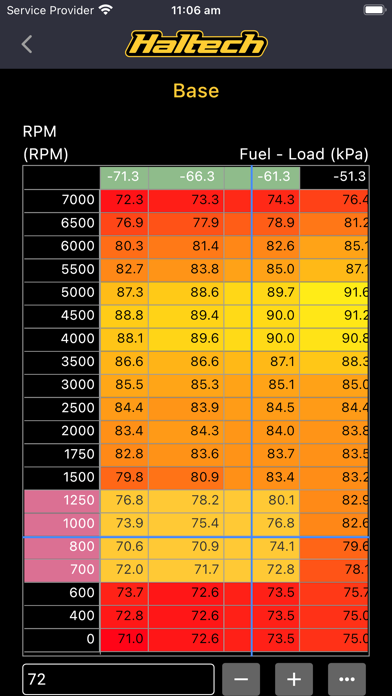
Monitor channels, read and clear diagnostic trouble codes, see and change settings. Perform initial setup of your Rebel ECU. This app allows you to connect to your Wi-Fi enabled Haltech Nexus ECU. In it you can view any channel as you would do within NSP, and change most settings and table contents. It also allows you to view diagnostic trouble codes (DTCs) and clear them, as well as configuration errors such as a setting value out of range. You can choose from a range of metric and imperial units. If you have a Rebel ECU, you can use this app to access the setup wizard to configure your ECU for the first time. Note: Nexus firmware version 1.26 or later is required to use the mobile app. This can be updated using NSP.

Show More
最新版本1.6.7更新日誌
Last updated on 2026年04月14日
歷史版本
- Added a Bluetooth connection icon to the app bar for clearer connection status.
- Better layout support for devices with camera notches.
- UI improvements and bug fixes
- Better layout support for devices with camera notches.
- UI improvements and bug fixes
Show More
Version History
1.6.7
2026年04月14日
- Added a Bluetooth connection icon to the app bar for clearer connection status.
- Better layout support for devices with camera notches.
- UI improvements and bug fixes
- Better layout support for devices with camera notches.
- UI improvements and bug fixes
Haltech Connect FAQ
點擊此處瞭解如何在受限國家或地區下載Haltech Connect。
以下為Haltech Connect的最低配置要求。
iPhone
iPad