Haltech Connect
Free
1.6.7for iPhone, iPad
Age Rating
Haltech Connect Screenshots
About Haltech Connect
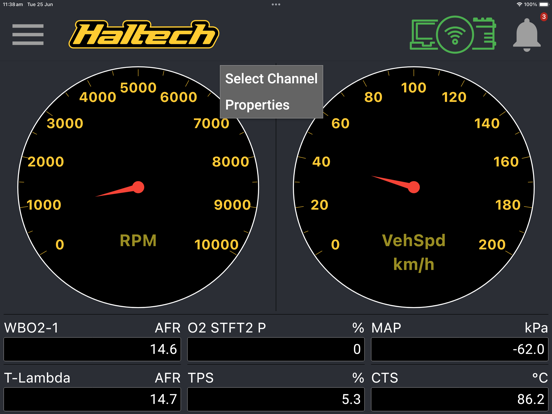
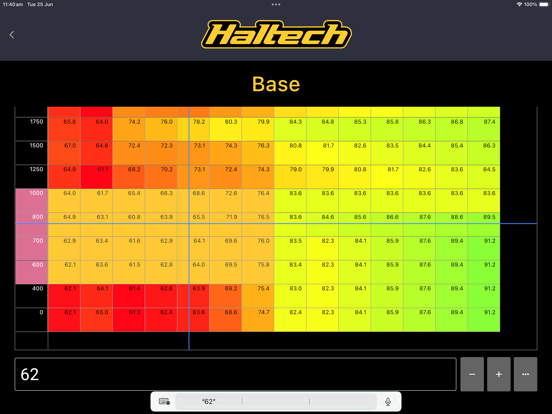
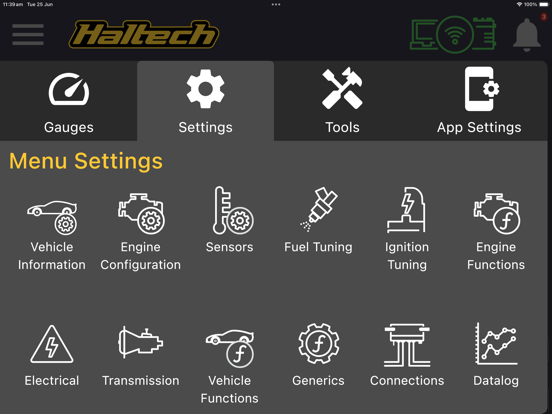
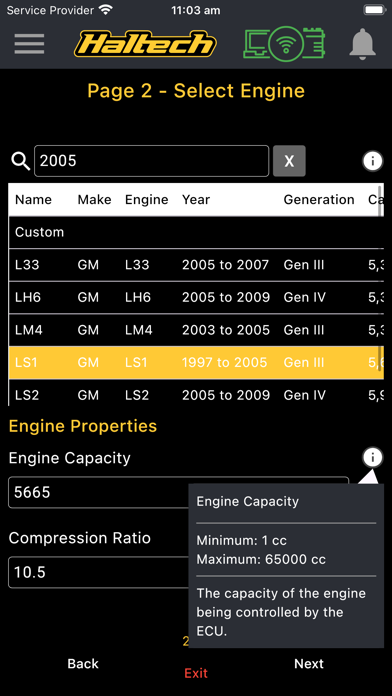
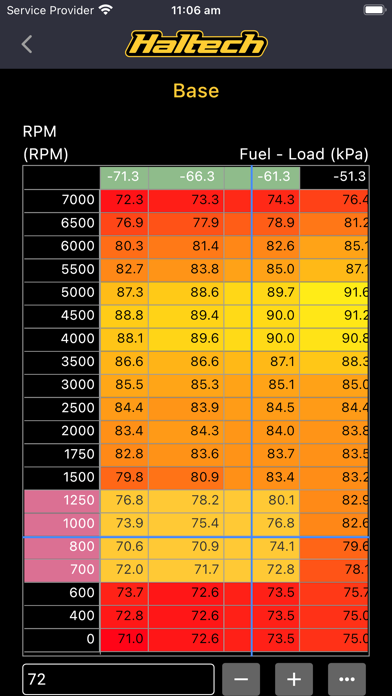
Monitor channels, read and clear diagnostic trouble codes, see and change settings. Perform initial setup of your Rebel ECU. This app allows you to connect to your Wi-Fi enabled Haltech Nexus ECU. In it you can view any channel as you would do within NSP, and change most settings and table contents. It also allows you to view diagnostic trouble codes (DTCs) and clear them, as well as configuration errors such as a setting value out of range. You can choose from a range of metric and imperial units. If you have a Rebel ECU, you can use this app to access the setup wizard to configure your ECU for the first time. Note: Nexus firmware version 1.26 or later is required to use the mobile app. This can be updated using NSP.

Show More
What's New in the Latest Version 1.6.7
Last updated on Apr 14, 2026
Old Versions
- Added a Bluetooth connection icon to the app bar for clearer connection status.
- Better layout support for devices with camera notches.
- UI improvements and bug fixes
- Better layout support for devices with camera notches.
- UI improvements and bug fixes
Show More
Version History
1.6.7
Apr 14, 2026
- Added a Bluetooth connection icon to the app bar for clearer connection status.
- Better layout support for devices with camera notches.
- UI improvements and bug fixes
- Better layout support for devices with camera notches.
- UI improvements and bug fixes
Haltech Connect FAQ
Click here to learn how to download Haltech Connect in restricted country or region.
Check the following list to see the minimum requirements of Haltech Connect.
iPhone
iPad