Happy Coding

Happy Coding


Coding Happy


免費

1.3.9for iPhone, iPad and more
威 沈
Developer
31.3 MB
Size
2019年08月28日
Update Date
Productivity
Category
4+
Age Rating
Age Rating
4+
Apps in this category do not contain restricted content.
9+
Apps in this category may contain mild or occasional cartoon, fantasy or real-life violence, as well as occasional or mild adult, sexually suggestive or horrifying content and may not be suitable for children under 9 years of age.
12+
Apps in this category may contain occasional mild indecent language, frequent or intense cartoon or real-life violence, minor or occasional adult or sexually suggestive material, and simulated gambling, and may be for children under 12 years of age.
17+
You must be at least 17 years old to access this App.
Apps in this category may contain frequent and intense offensive language; Frequent and intense cartoon, fantasy or realistic violence: frequent and intense adult, scary and sexually suggestive subjects: as well as sexual content, nudity, tobacco, alcohol and drugs, may not be suitable for children under 17 years of age.
Happy Coding 螢幕截圖
Happy Coding 海報Happy Coding 海報Happy Coding 海報Happy Coding 海報Happy Coding 海報Happy Coding 海報Happy Coding 海報Happy Coding 海報

About Happy Coding

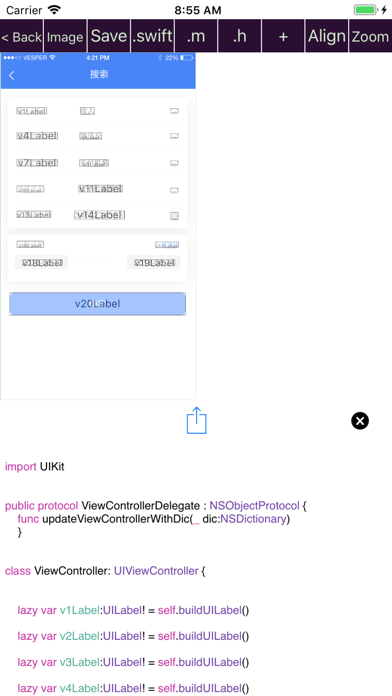
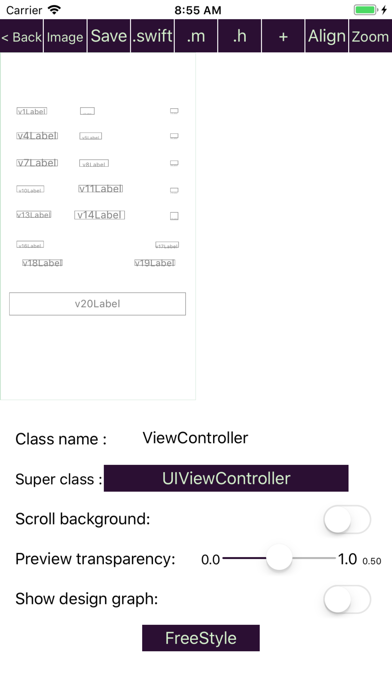
This app is an useful tool to improve efficiency of app development by using an iPhone or iPad.

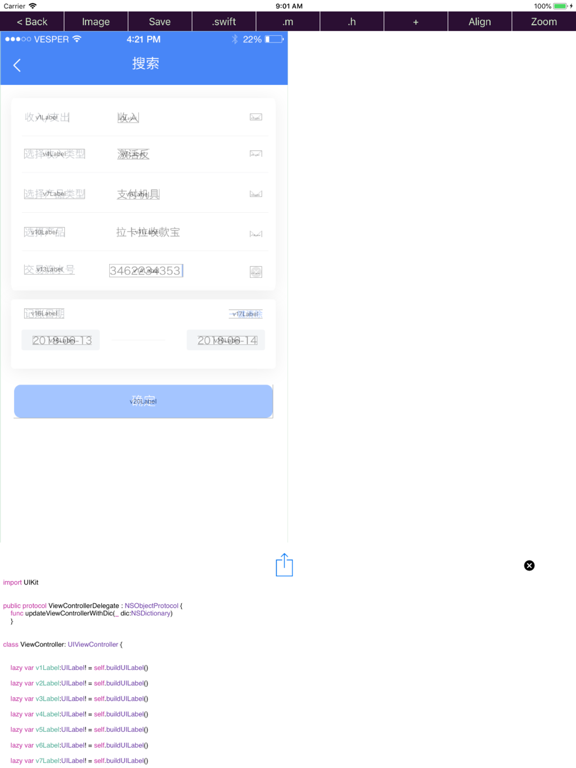
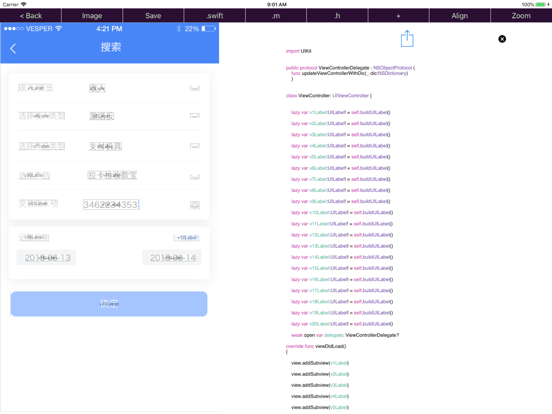
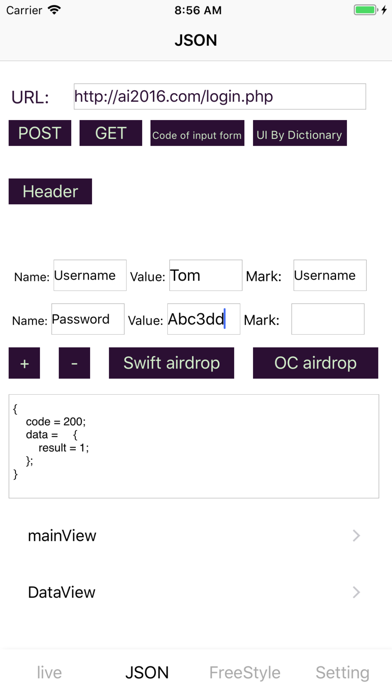
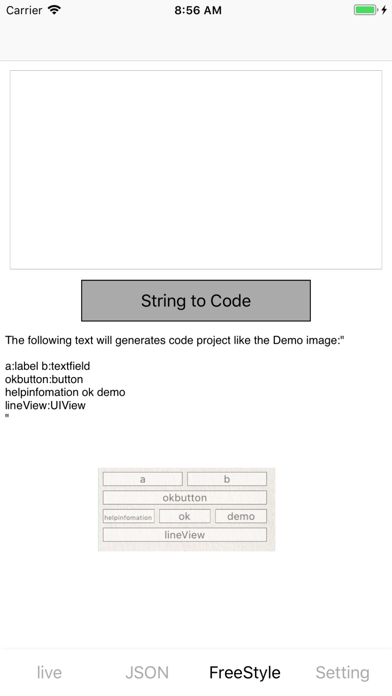
The app can generate "human readable and human editable" source code of "Objective C/Swift" in the following 5 ways:

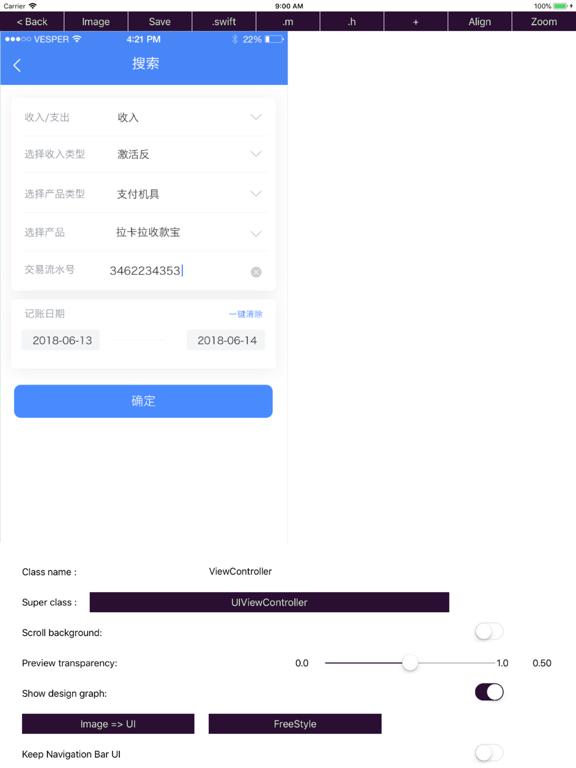
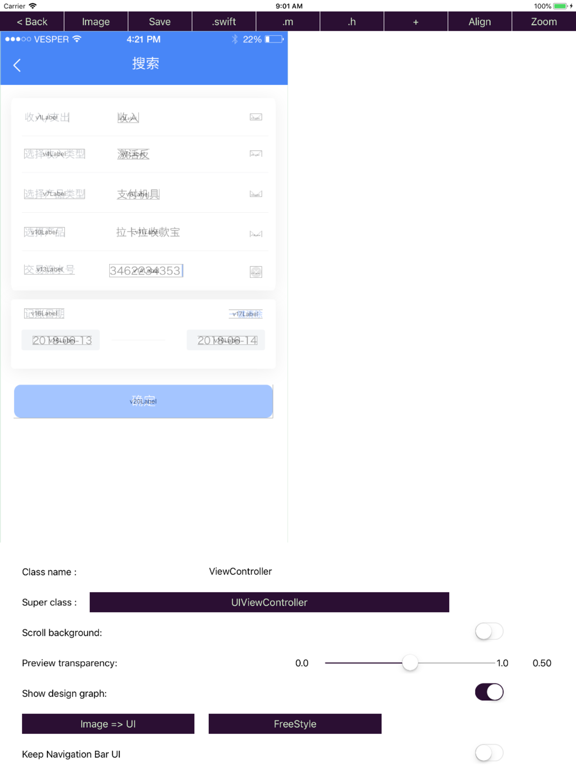
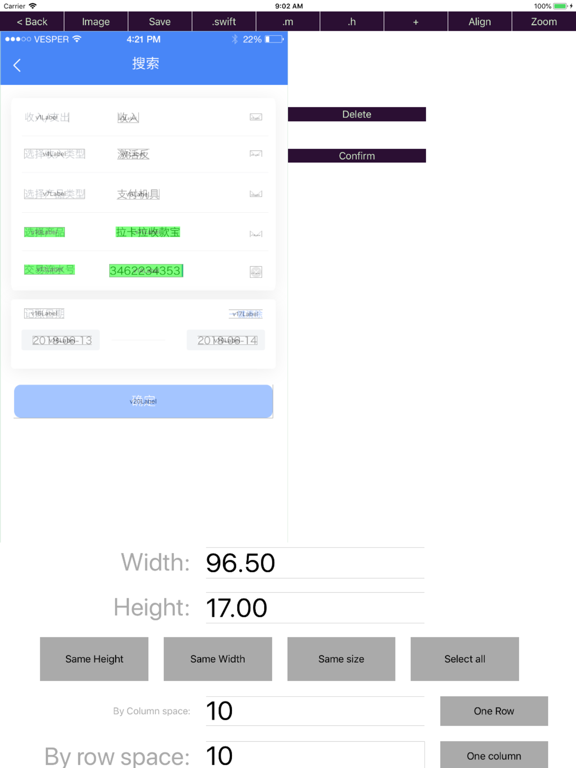
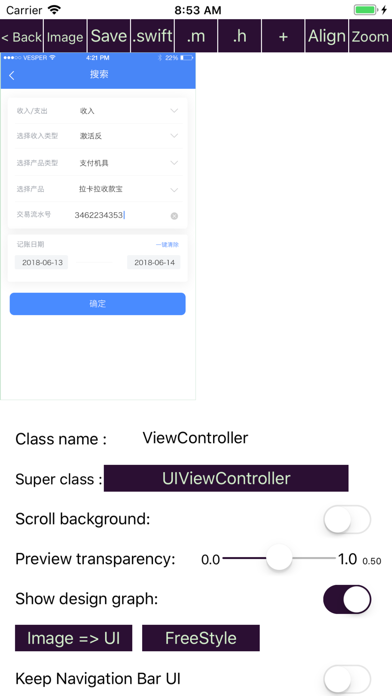
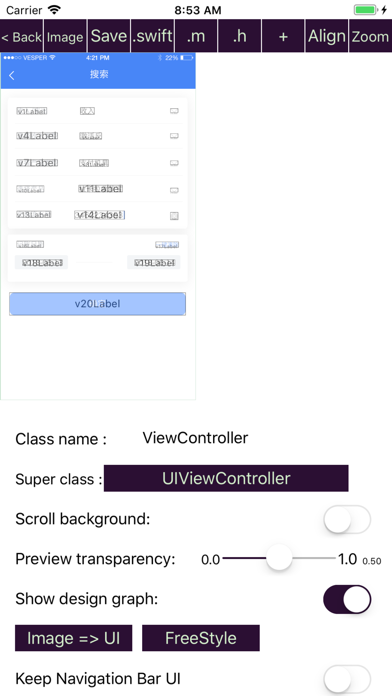
1).Import UI design image and press "Image => UI" button to see the result.
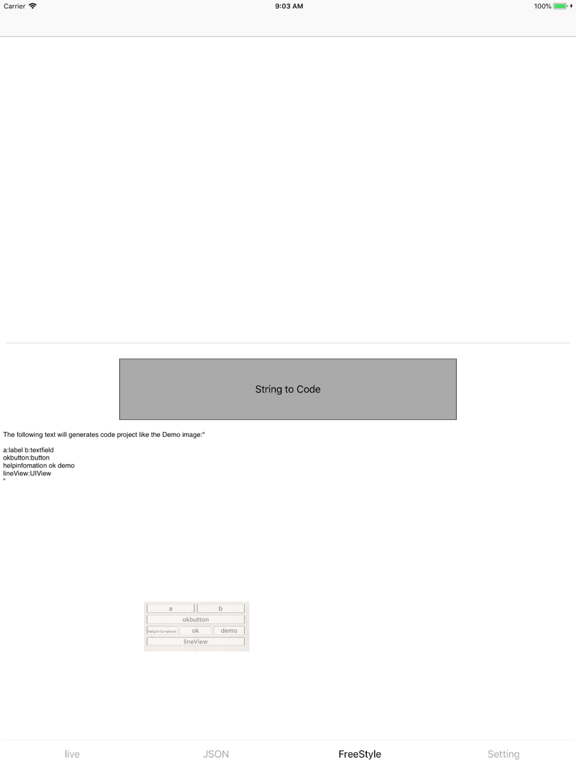
2).By text strings like "aView:UIView" .
3).By your finger.(drag and drop)
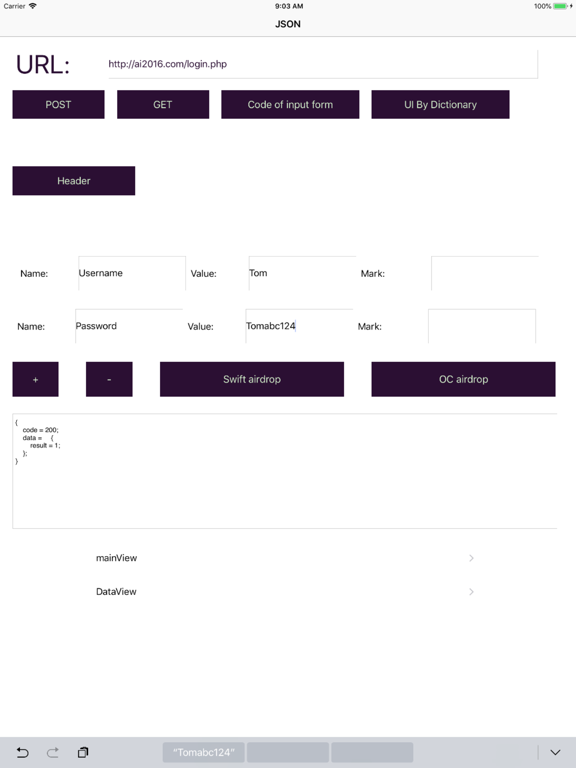
4).By the built-in web service api manager.
5).By URL Schemes:"vcoder://data=base64String".

The app support to transfer data between iOS device and Mac through airDrop.

All the template codes are carefully designed, but if you are not satisfied of those codes, you can edit your own code template at “setting” page.

It’s free to backup your projects to server.

If you have any criticism and suggestions ,please do not hesitate to enter setting page, select Feedback option, you can write your suggestions and and send it to us.

Show More

最新版本1.3.9更新日誌

Last updated on 2019年08月28日
歷史版本
Fixed swift code.
Show More
Version History
1.3.9
2019年08月28日
Fixed swift code.
1.3.8
2019年01月23日
Add support for CollectionView
1.3.7
2018年09月28日
bug fixes.
1.3.6
2018年09月20日
Bug fixes.
New feature: Support to generate source code for Mac OS app development(Objective c/swift).
1.3.5
2018年08月28日
Bug fixes.
1.3.4
2018年08月24日
bugs fixed.
Change "Developer Mode:" to "Debug Mode".
1.3.3
2018年08月16日
Add "developer mode", you can export the configuration information from the existing code, and then transfer it back to the app,
by call "[self uiCodeExport];". The relevant code will be automatically generated in Objective C in "developer mode".

Bugs fixed.
1.3.2
2018年07月14日
New feature: Painting to UI.
Bugs fixed.
1.3.1
2018年07月05日
User interactive improvement in Zoom In mode for both portrait and landscape.
Merge UI Objects.
Quick change UI Class type for selected UI.
1.3.0
2018年06月27日
New feature:
Generate UI and code from UI Design Image automatically.
Support open '.txt' from airdrop.
1.2.2
2018年06月21日
Working with URL Schemes by "vcoder://data=base64String"
Add new feature called "freestyle" to support "turn strings directly into UI"
1.2.1
2018年05月22日
Bugs fixed.
1.2.0
2018年05月17日
Bugs fixed.
1.1.9
2018年04月18日
New Features:

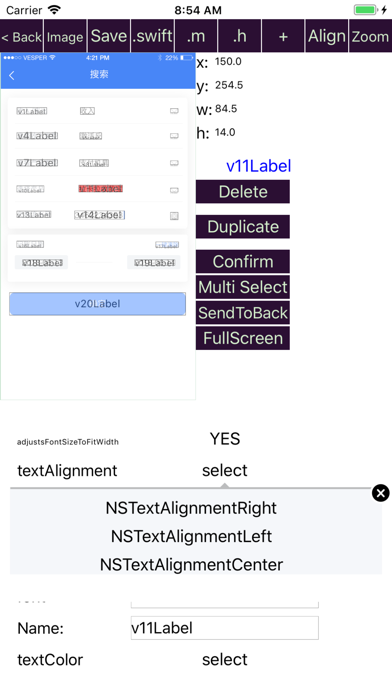
The Duplicate feature can easily duplicate the selected UI object.
Full-screen operation supports UI layout in full screen, which makes it easier to place the UI object.
Optimize the logic to generate UI according to the result of http request, UILabel and UITextField will be generated for Key and Value of the json dictionary respectively.
The http request parameter form code edit config can be generated automatically.
The http request form adds a comment field.
You can edit a dictionary and its description first, and then generate a UI code config to the dictionary based on the dictionary description.
The color style of button can be configured in the settings menu.

Other:
Bug fixes.
1.1.8
2018年04月11日
Bugs fixed.
1.1.7
2018年04月03日
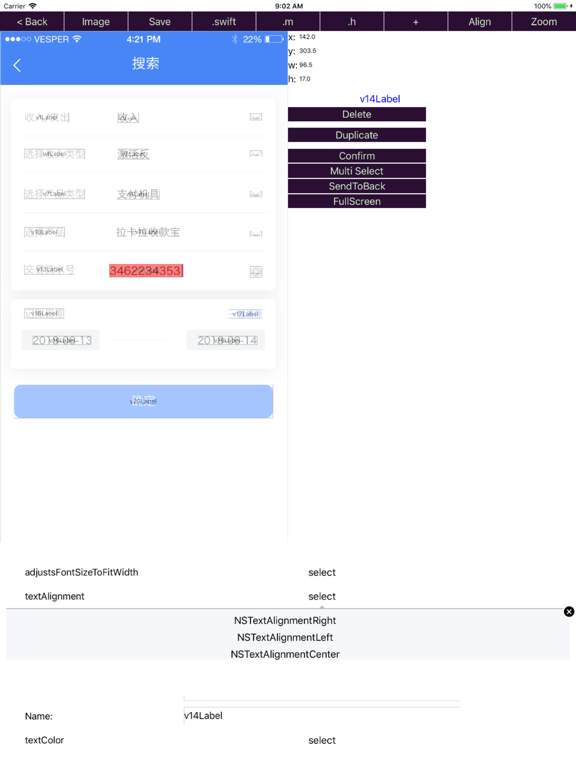
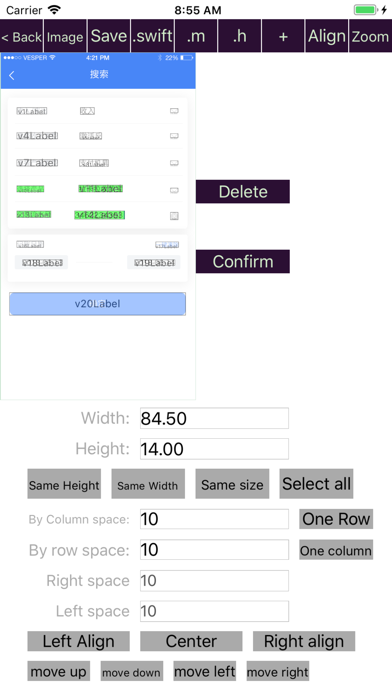
Support select multi UI element, to adjust the their position quickly .
Including centering, alignment and other operations.
1.1.6
2018年03月28日
Adding pinch gestures makes it easy to resize the user interface.
The type and name of the property can be changed on the code generation page.
Adding new attributes is easier, just press the "+" button.
Bug fixes.
1.1.5
2018年03月23日
Objective C code improved.
Bugs fixed.
1.1.4
2018年03月17日
Bug fixes of can't save UIs position.
1.1.3
2018年03月16日
New feature: Organise code by project.
Bug fixed.
1.1.2
2018年02月09日
Bug fixed.
Allow user to edit template code of Object initialization code and http request code.
1.1.1
2017年10月24日
Generate code of http request automatically.
1.1.0
2017年10月03日
Fix bug of http GET.
1.0.9
2017年09月23日
Add feature of convert JSON to ui code.
Support iOS11 and iPhoneX.
1.0.8
2017年09月07日
Fix layout code.

Happy Coding FAQ

點擊此處瞭解如何在受限國家或地區下載Happy Coding。
以下為Happy Coding的最低配置要求。
iPhone
須使用 iOS 9.0 或以上版本。
iPad
須使用 iPadOS 9.0 或以上版本。
iPod touch
須使用 iOS 9.0 或以上版本。
Happy Coding支持俄文, 印尼文, 德文, 意大利文, 日文, 法文, 泰文, 簡體中文, 英文, 荷蘭文, 西班牙文, 越南文, 韓文, 馬來文

Happy Coding相關應用

你可能還喜歡

威 沈 開發者的更多應用