PDCheck AR
免費
1.1.0for iPhone
Age Rating
PDCheck AR 螢幕截圖
About PDCheck AR
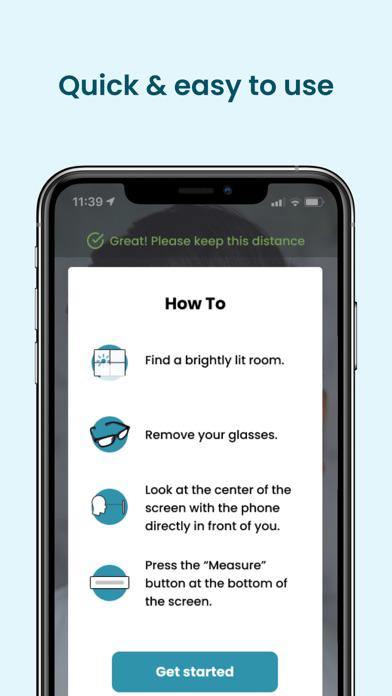
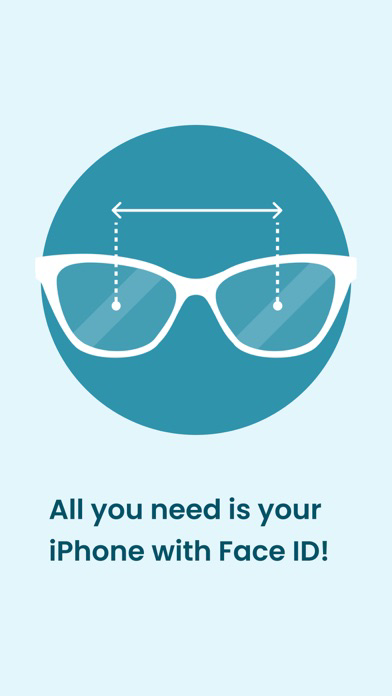
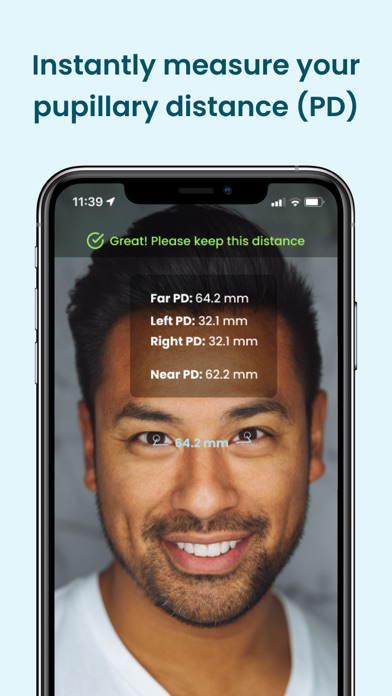
Use Augmented Reality (AR) technology to instantly measure your pupillary distance, one of the numbers needed for ordering glasses. All you need to measure your pupillary distance is your phone! Disclaimer: Your phone must be iPhone X or newer and must support Face ID.
Features
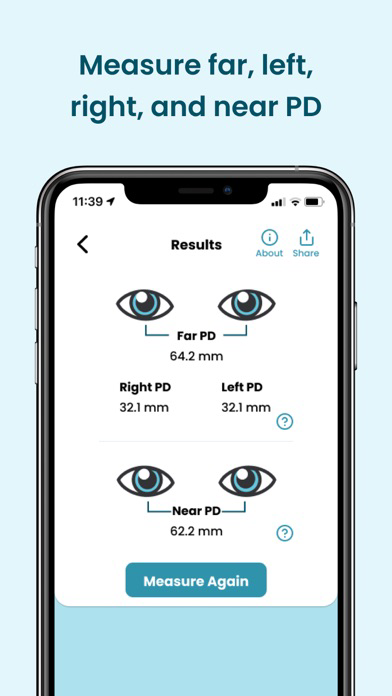
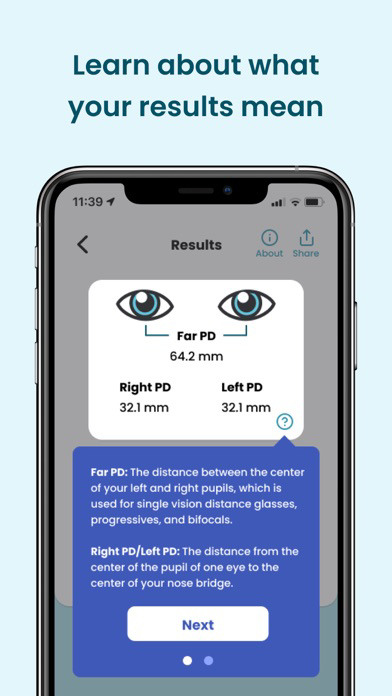
Measures your far pupillary distance, including your left and right pupillary distance, for distance viewing
Measures your near pupillary distance for near viewing
No tape measure, credit card, or other objects required
Works with all iPhones that have Face ID capabilities
Perfect for ordering EyeQue’s Try-On Glasses before spending on designer glasses.
Use for ordering eyewear or adjusting your virtual reality (VR) headset
This app works with: iPhone X, XS, XR, XS Max, and later models that use Face ID technology

Features
Measures your far pupillary distance, including your left and right pupillary distance, for distance viewing
Measures your near pupillary distance for near viewing
No tape measure, credit card, or other objects required
Works with all iPhones that have Face ID capabilities
Perfect for ordering EyeQue’s Try-On Glasses before spending on designer glasses.
Use for ordering eyewear or adjusting your virtual reality (VR) headset
This app works with: iPhone X, XS, XR, XS Max, and later models that use Face ID technology
Show More
最新版本1.1.0更新日誌
Last updated on 2026年05月28日
歷史版本
You can now save your PD measurement to your EyeQue account
Show More
Version History
1.1.0
2026年05月28日
You can now save your PD measurement to your EyeQue account
PDCheck AR FAQ
點擊此處瞭解如何在受限國家或地區下載PDCheck AR。
以下為PDCheck AR的最低配置要求。
iPhone