PDCheck AR
Free
1.1.0for iPhone
Age Rating
PDCheck AR Screenshots
About PDCheck AR
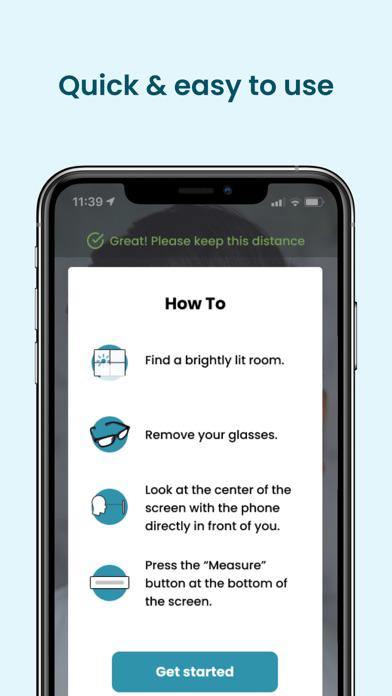
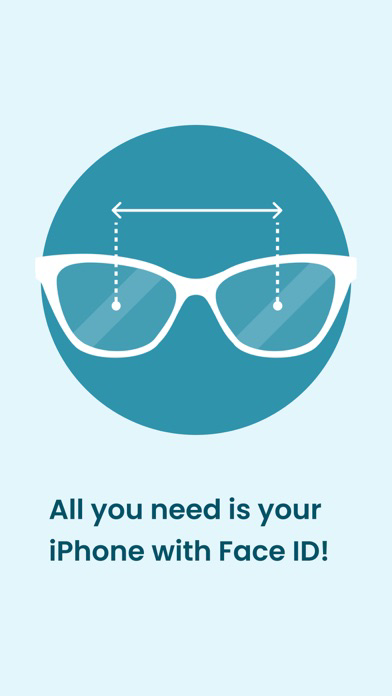
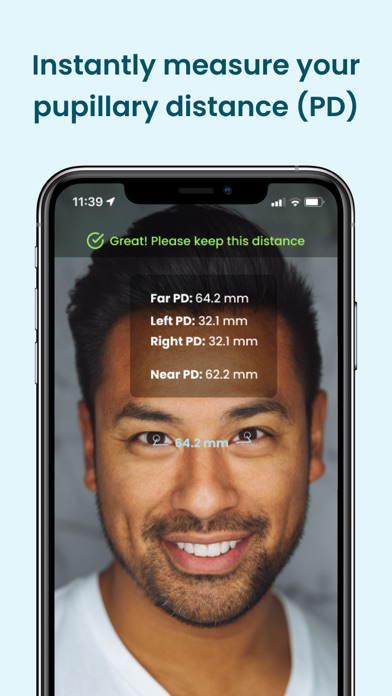
Use Augmented Reality (AR) technology to instantly measure your pupillary distance, one of the numbers needed for ordering glasses. All you need to measure your pupillary distance is your phone! Disclaimer: Your phone must be iPhone X or newer and must support Face ID.
Features
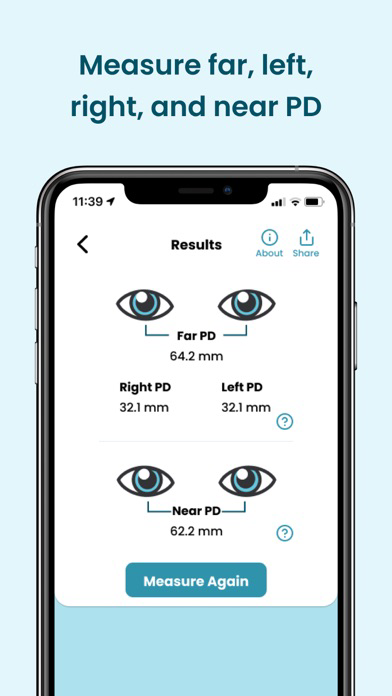
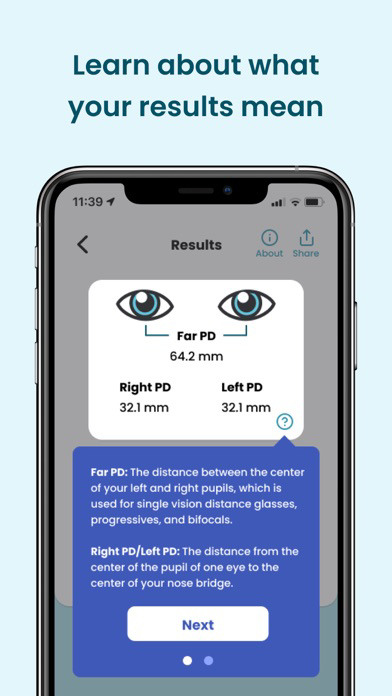
Measures your far pupillary distance, including your left and right pupillary distance, for distance viewing
Measures your near pupillary distance for near viewing
No tape measure, credit card, or other objects required
Works with all iPhones that have Face ID capabilities
Perfect for ordering EyeQue’s Try-On Glasses before spending on designer glasses.
Use for ordering eyewear or adjusting your virtual reality (VR) headset
This app works with: iPhone X, XS, XR, XS Max, and later models that use Face ID technology

Features
Measures your far pupillary distance, including your left and right pupillary distance, for distance viewing
Measures your near pupillary distance for near viewing
No tape measure, credit card, or other objects required
Works with all iPhones that have Face ID capabilities
Perfect for ordering EyeQue’s Try-On Glasses before spending on designer glasses.
Use for ordering eyewear or adjusting your virtual reality (VR) headset
This app works with: iPhone X, XS, XR, XS Max, and later models that use Face ID technology
Show More
What's New in the Latest Version 1.1.0
Last updated on May 28, 2026
Old Versions
You can now save your PD measurement to your EyeQue account
Show More
Version History
1.1.0
May 28, 2026
You can now save your PD measurement to your EyeQue account
PDCheck AR FAQ
Click here to learn how to download PDCheck AR in restricted country or region.
Check the following list to see the minimum requirements of PDCheck AR.
iPhone