Quick Remote
$2.99
1.2for iPhone, iPad
Age Rating
Quick Remote 螢幕截圖
About Quick Remote
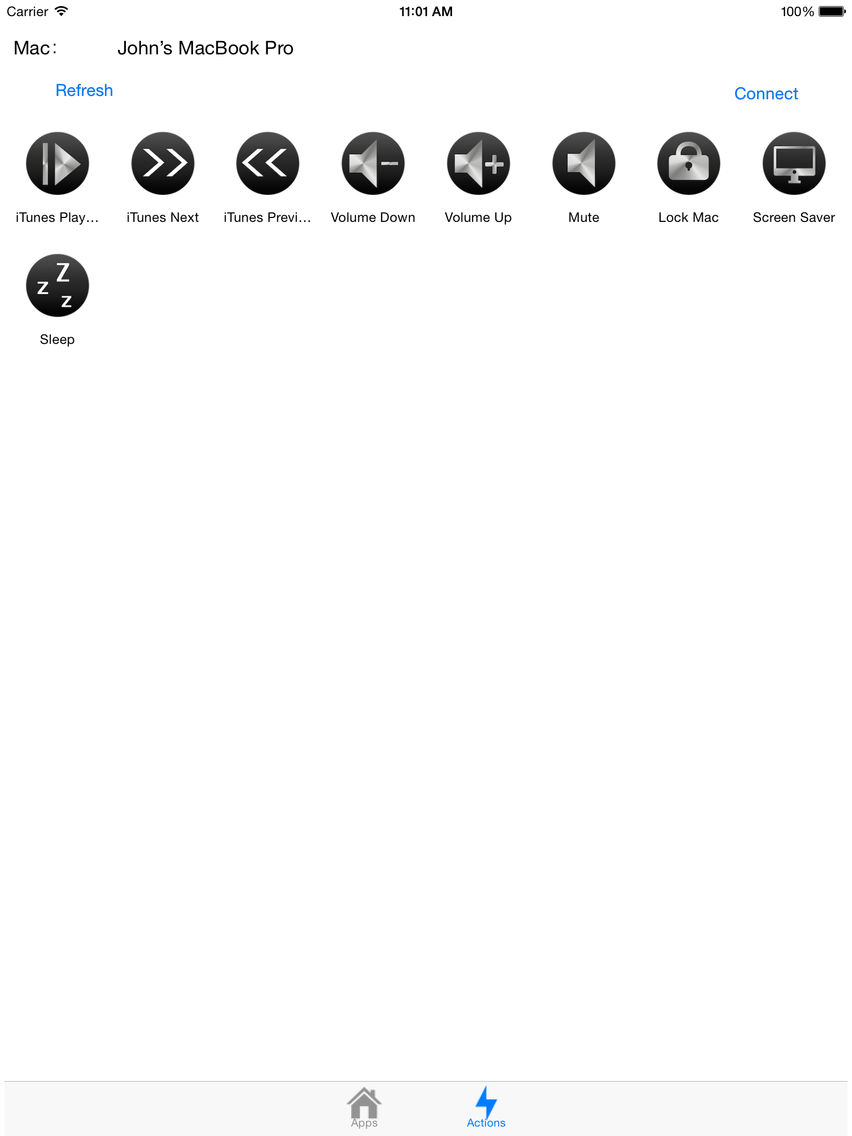
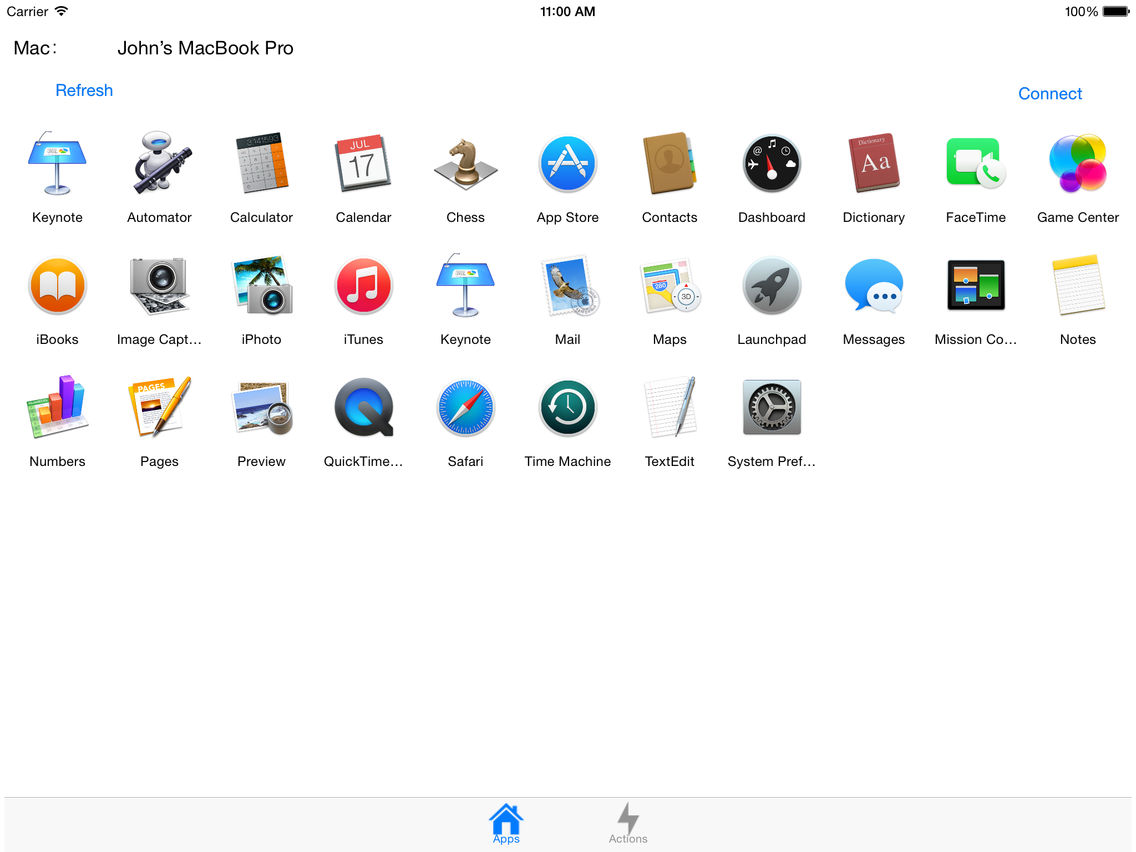
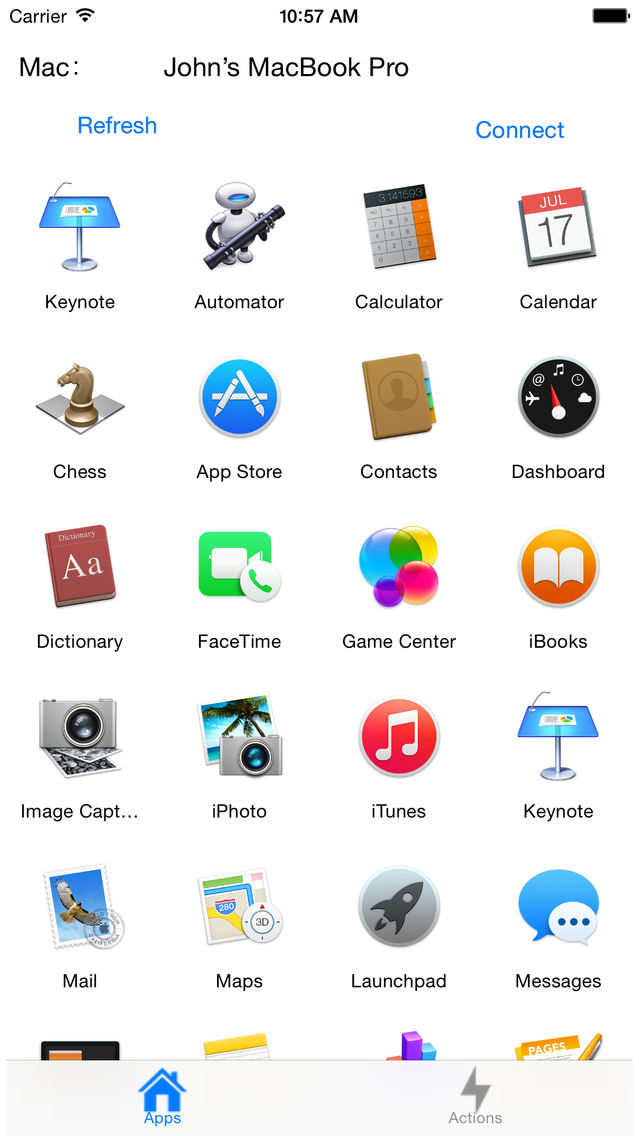
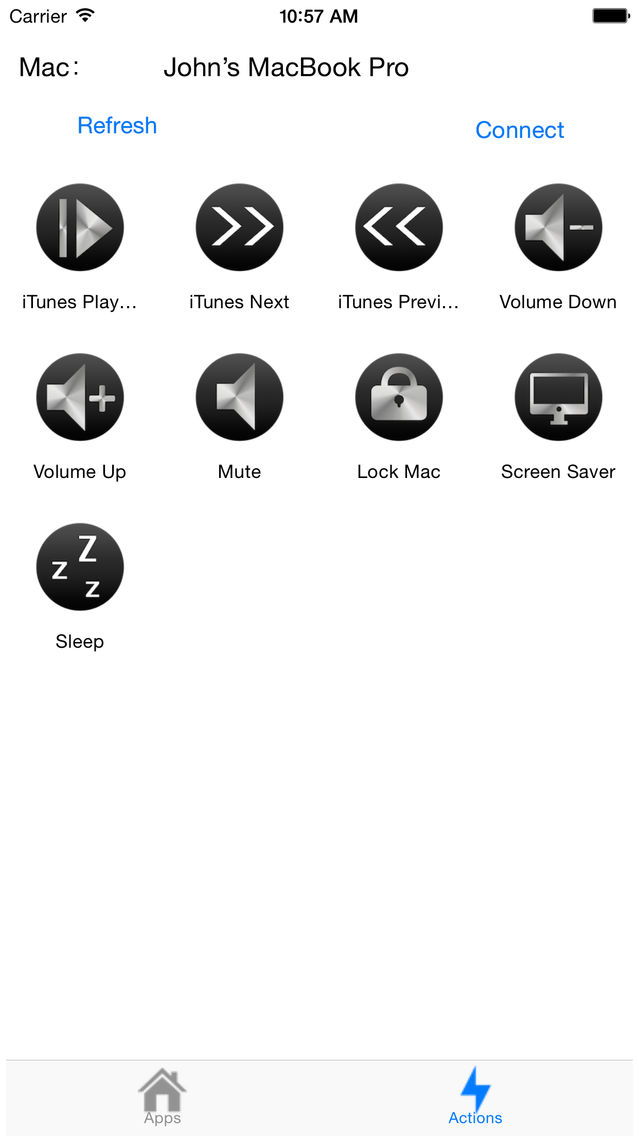
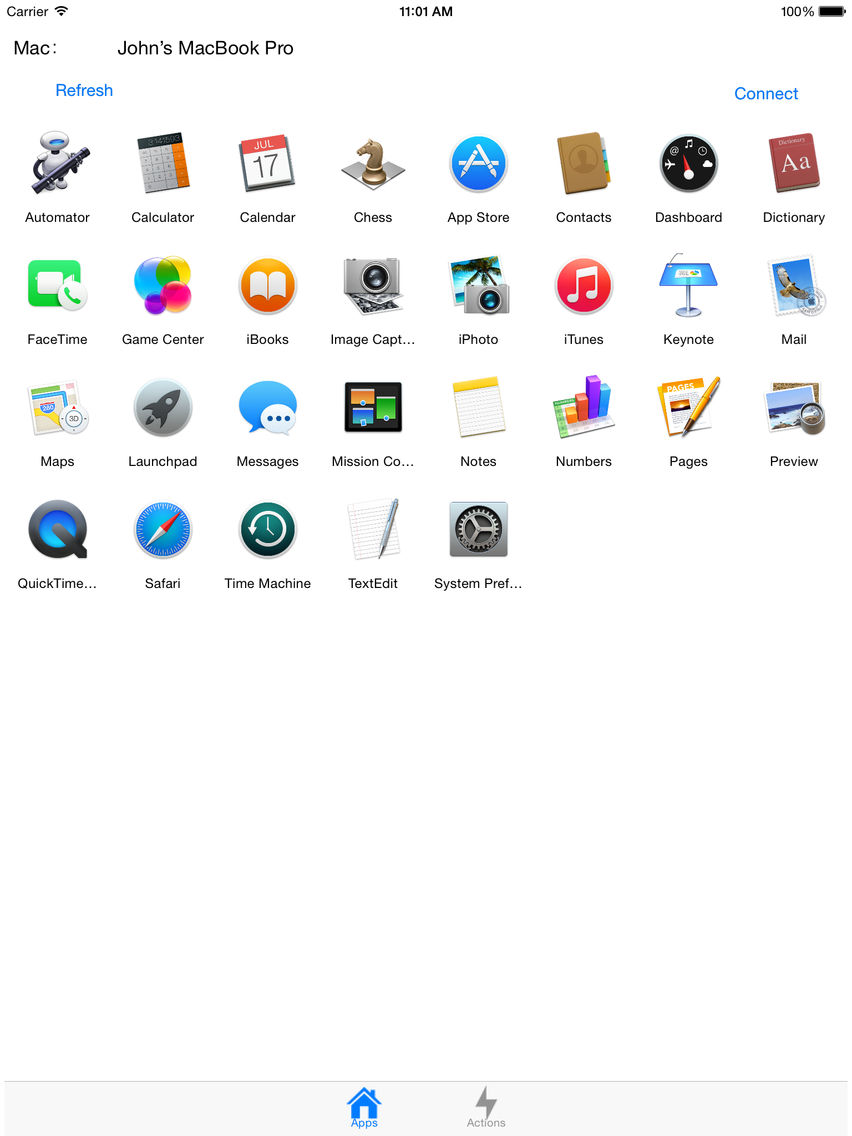
Use Quick Remote on your iPhone or iPad to control your Mac with "Quick Remote Server for Mac", control your Mac to open App, play music, one touch to sleep or lock your Mac, and more. With Quick Remote, you can be more productive with your Mac!
Quick Remote Server for Mac available from http://qr.woiapp.com
Steps:
1. Download and start Quick Remote Server on your Mac.
2. Start 'Quick Remote' on your iPhone or iPad, enter ip address showing on Mac Quick Remote ( enter port and password if you change it )
3. Touch connect.
4. Have fun and instantly be more productive!
Now we have Apple Watch App, you can use the App on Apple Watch to control your Mac. You need make the App on iPhone connect to your Mac successful first then use the App on your Apple Watch

Quick Remote Server for Mac available from http://qr.woiapp.com
Steps:
1. Download and start Quick Remote Server on your Mac.
2. Start 'Quick Remote' on your iPhone or iPad, enter ip address showing on Mac Quick Remote ( enter port and password if you change it )
3. Touch connect.
4. Have fun and instantly be more productive!
Now we have Apple Watch App, you can use the App on Apple Watch to control your Mac. You need make the App on iPhone connect to your Mac successful first then use the App on your Apple Watch
Show More
最新版本1.2更新日誌
Last updated on 2015年05月11日
歷史版本
- Please remember to start our Mac app on your Mac, and start the server
- Please make sure there's no firewall block the connection. You can verify the connect by open iPhone / iPad safari visit address http://your_mac_server_ip:your_port to see (change to your ip and port, example: http://192.168.1.6:12345), if it shows black page then the connection is ok, if it show can't connect then there maybe firewall.
- Apple Watch support, we have a new Apple Watch App, you need make the App on iPhone connect to your Mac successful first, then use the App on your Apple Watch.
Show More
Version History
1.2
2015年02月16日
- Please remember to start our Mac app on your Mac, and start the server
- Please make sure there's no firewall block the connection. You can verify the connect by open iPhone / iPad safari visit address http://your_mac_server_ip:your_port to see (change to your ip and port, example: http://192.168.1.6:12345), if it shows black page then the connection is ok, if it show can't connect then there maybe firewall.
- Apple Watch support, we have a new Apple Watch App, you need make the App on iPhone connect to your Mac successful first, then use the App on your Apple Watch.
Quick Remote FAQ
點擊此處瞭解如何在受限國家或地區下載Quick Remote。
以下為Quick Remote的最低配置要求。
iPhone
iPad
Quick Remote支持English