Quick Remote

Quick Remote


$2.99

1.2for iPhone, iPad
Age Rating
4+
Apps in this category do not contain restricted content.
9+
Apps in this category may contain mild or occasional cartoon, fantasy or real-life violence, as well as occasional or mild adult, sexually suggestive or horrifying content and may not be suitable for children under 9 years of age.
12+
Apps in this category may contain occasional mild indecent language, frequent or intense cartoon or real-life violence, minor or occasional adult or sexually suggestive material, and simulated gambling, and may be for children under 12 years of age.
17+
You must be at least 17 years old to access this App.
Apps in this category may contain frequent and intense offensive language; Frequent and intense cartoon, fantasy or realistic violence: frequent and intense adult, scary and sexually suggestive subjects: as well as sexual content, nudity, tobacco, alcohol and drugs, may not be suitable for children under 17 years of age.
Quick Remote Screenshots
Quick Remote PlakatQuick Remote PlakatQuick Remote Plakat
Quick Remote PlakatQuick Remote Plakat

About Quick Remote

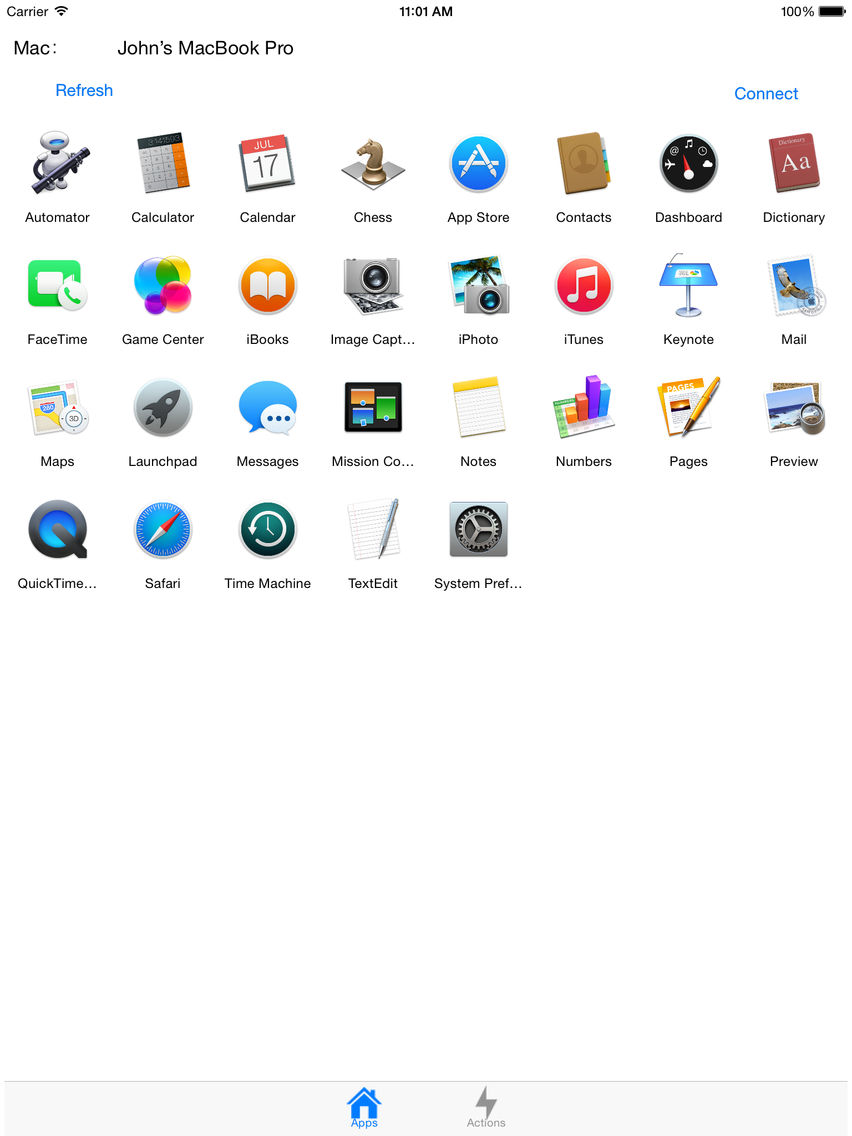
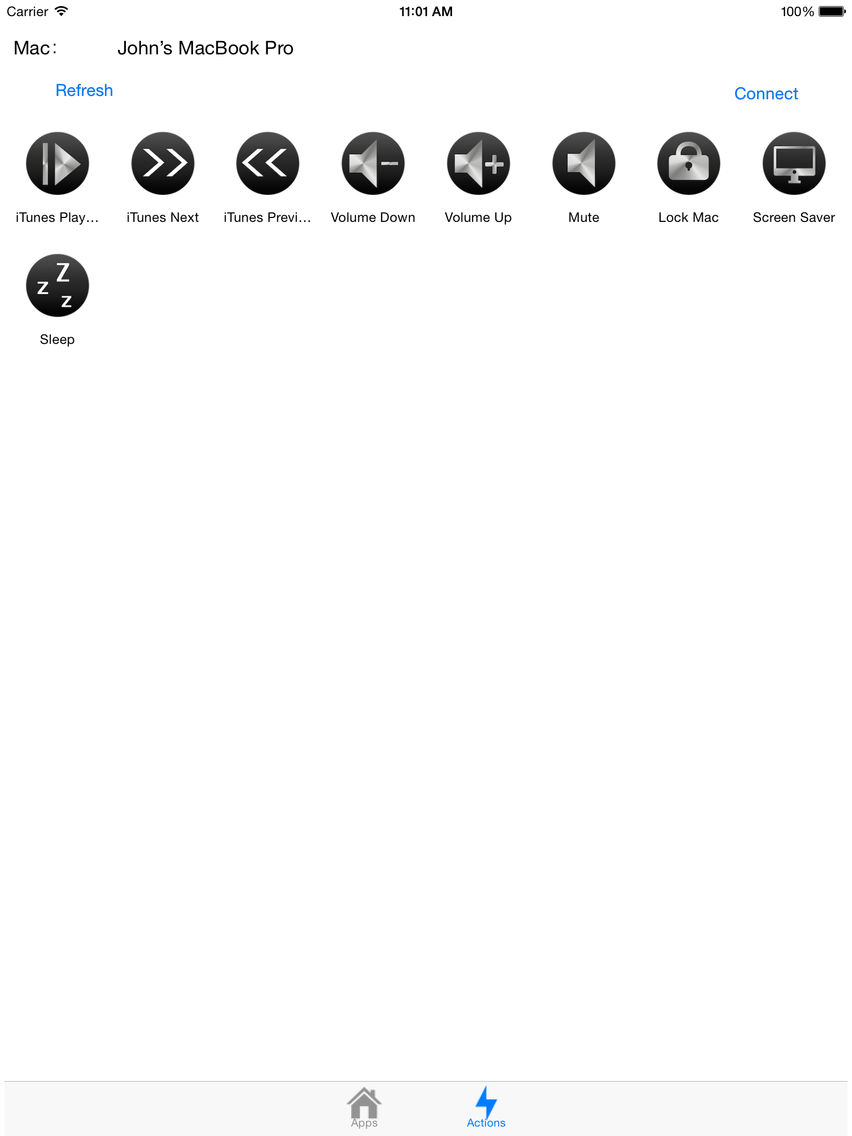
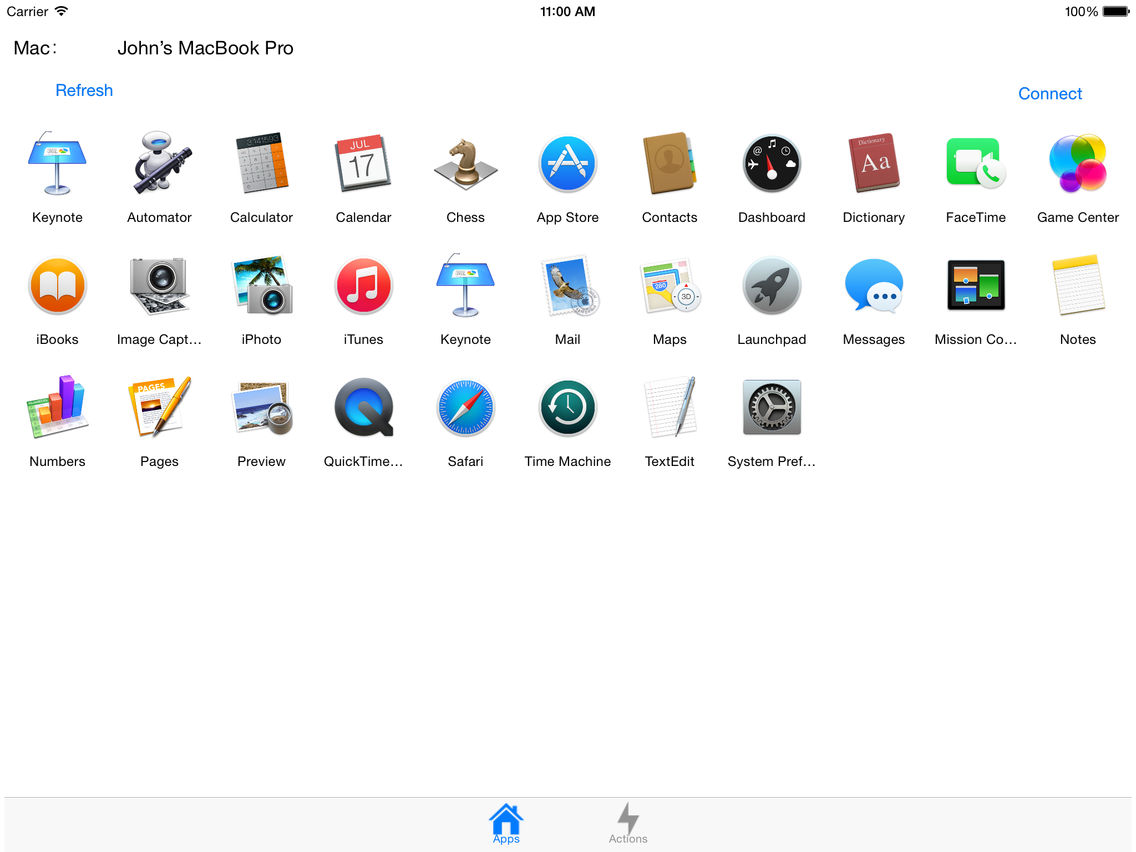
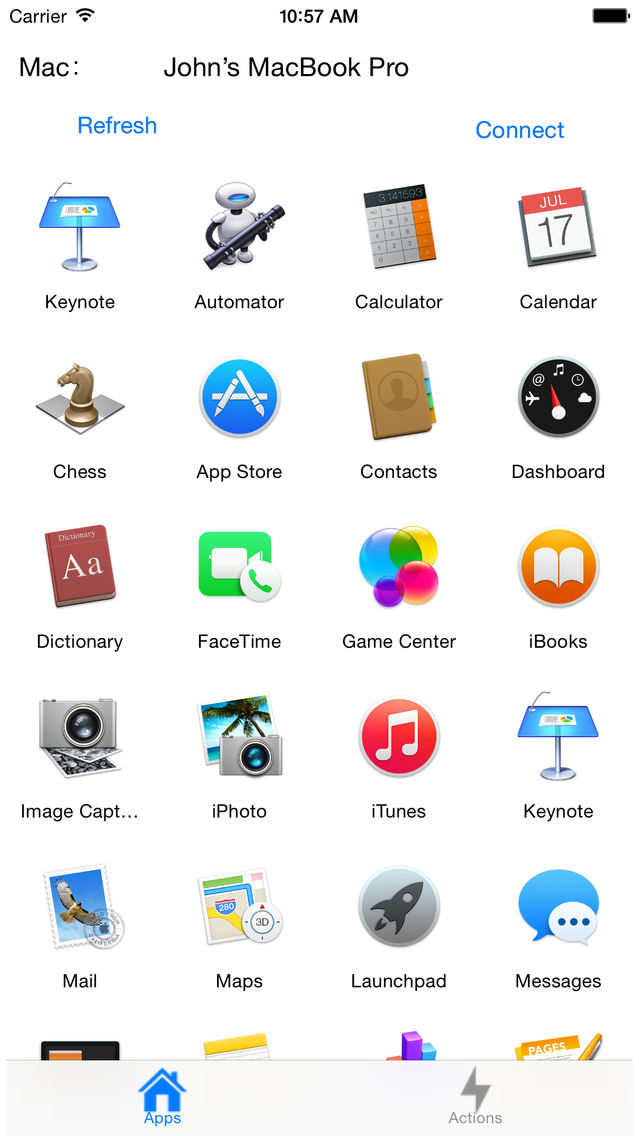
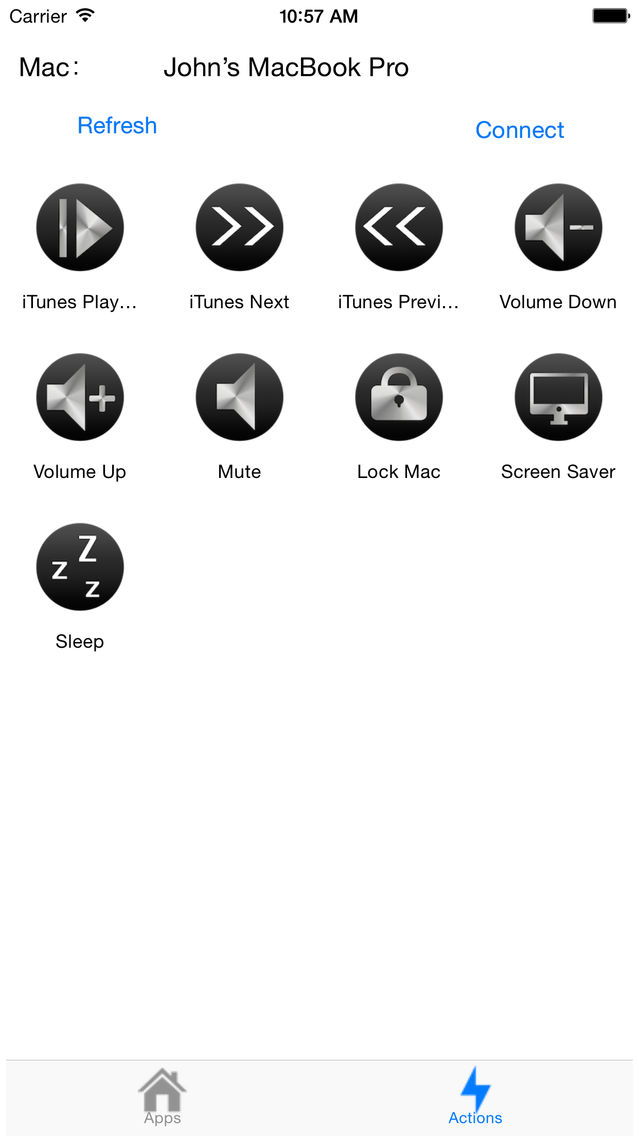
Use Quick Remote on your iPhone or iPad to control your Mac with "Quick Remote Server for Mac", control your Mac to open App, play music, one touch to sleep or lock your Mac, and more. With Quick Remote, you can be more productive with your Mac!

Quick Remote Server for Mac available from http://qr.woiapp.com

Steps:
1. Download and start Quick Remote Server on your Mac.
2. Start 'Quick Remote' on your iPhone or iPad, enter ip address showing on Mac Quick Remote ( enter port and password if you change it )
3. Touch connect.
4. Have fun and instantly be more productive!

Now we have Apple Watch App, you can use the App on Apple Watch to control your Mac. You need make the App on iPhone connect to your Mac successful first then use the App on your Apple Watch

Show More

Was ist neu in der neuesten Version 1.2

Last updated on May 11, 2015
Alte Versionen
- Please remember to start our Mac app on your Mac, and start the server - Please make sure there's no firewall block the connection. You can verify the connect by open iPhone / iPad safari visit address http://your_mac_server_ip:your_port to see (change to your ip and port, example: http://192.168.1.6:12345), if it shows black page then the connection is ok, if it show can't connect then there maybe firewall. - Apple Watch support, we have a new Apple Watch App, you need make the App on iPhone connect to your Mac successful first, then use the App on your Apple Watch.
Show More
Version History
1.2
Feb 15, 2015
- Please remember to start our Mac app on your Mac, and start the server - Please make sure there's no firewall block the connection. You can verify the connect by open iPhone / iPad safari visit address http://your_mac_server_ip:your_port to see (change to your ip and port, example: http://192.168.1.6:12345), if it shows black page then the connection is ok, if it show can't connect then there maybe firewall. - Apple Watch support, we have a new Apple Watch App, you need make the App on iPhone connect to your Mac successful first, then use the App on your Apple Watch.

Quick Remote FAQ

Klicken Sie hier, um zu erfahren, wie Sie Quick Remote in eingeschränkten Ländern oder Regionen herunterladen können.
Überprüfen Sie die folgende Liste, um die Mindestanforderungen von Quick Remote zu sehen.
iPhone
iPad
Quick Remote unterstützt English

Quick Remote Alternative

Das könnte Ihnen auch gefallen

Erhalte mehr von John Li