Unity Face Capture
免費
1.2.2for iPhone, iPad
Age Rating
Unity Face Capture 螢幕截圖
About Unity Face Capture
* This app requires a connection to the Unity Editor to function (see the requirements below).
* Setup: https://docs.unity3d.com/Packages/com.unity.live-capture@4.0/manual/face-capture.html
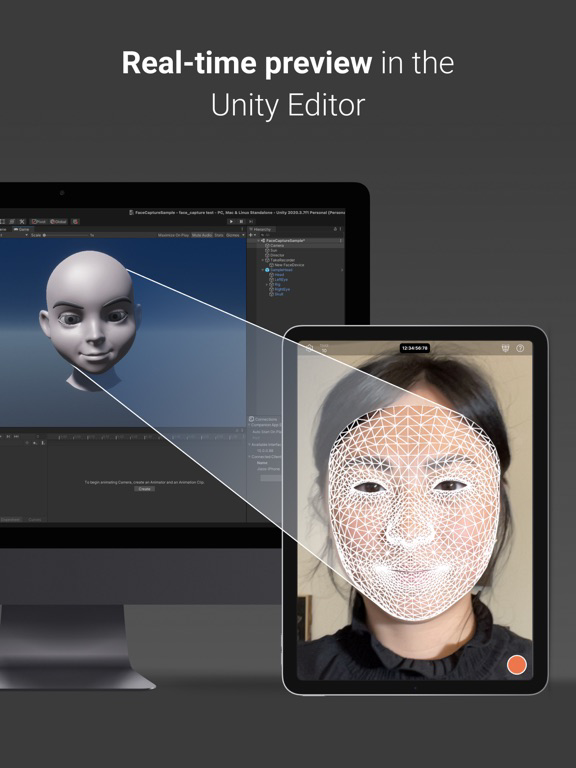
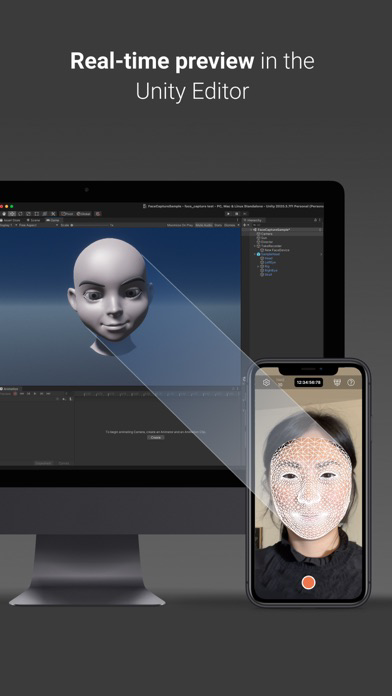
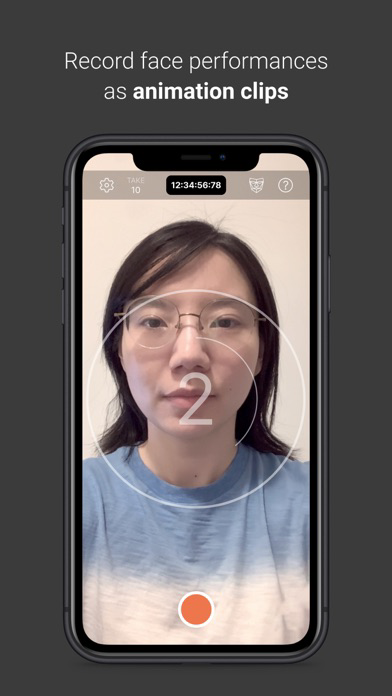
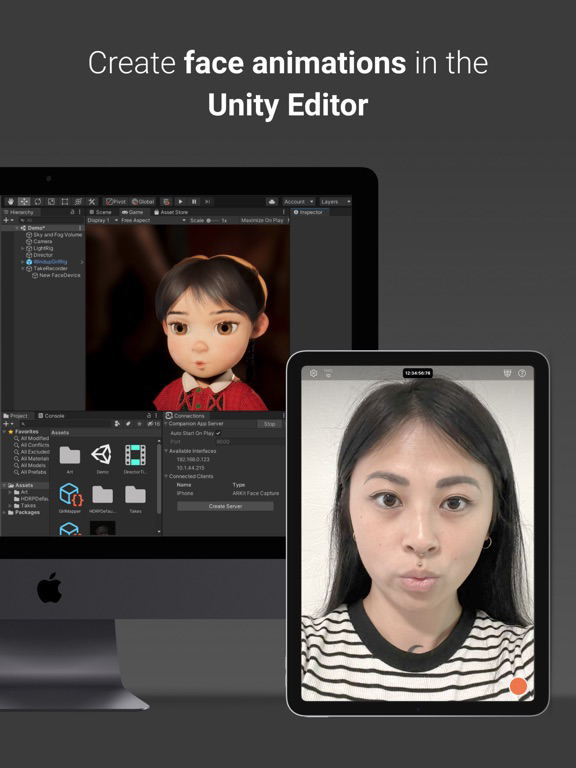
Unity Face Capture helps you easily add realistic face animation to your characters, saving animators many hours of time and effort. It captures your facial expressions and head movements to control a character in Unity in real time.
Key features:
- Capture and animate facial expressions and head poses using ARKit.
- See a live preview of your performance in the Editor.
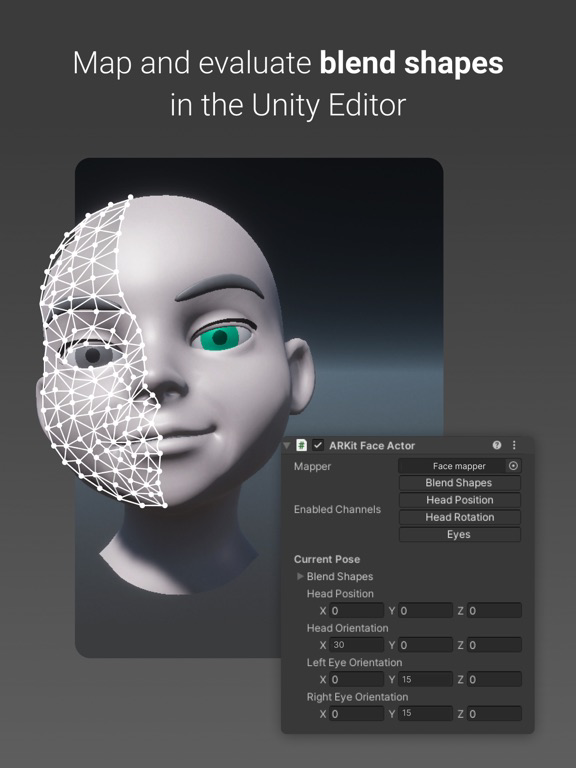
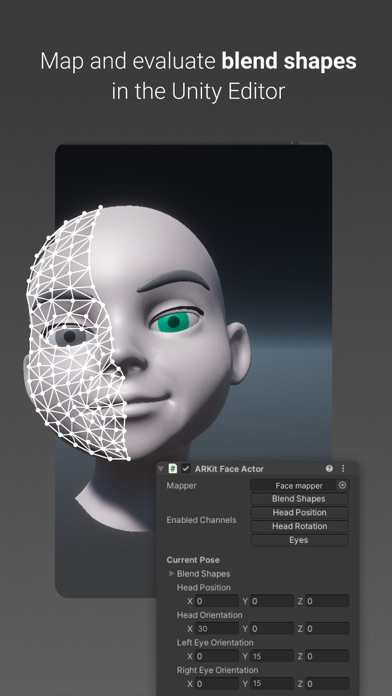
- Set up per-character mapping and overrides
- Apply recorded animations to any compatible rig.
- Use customizable settings to amplify or dampen the performance on a per-blend shape basis.
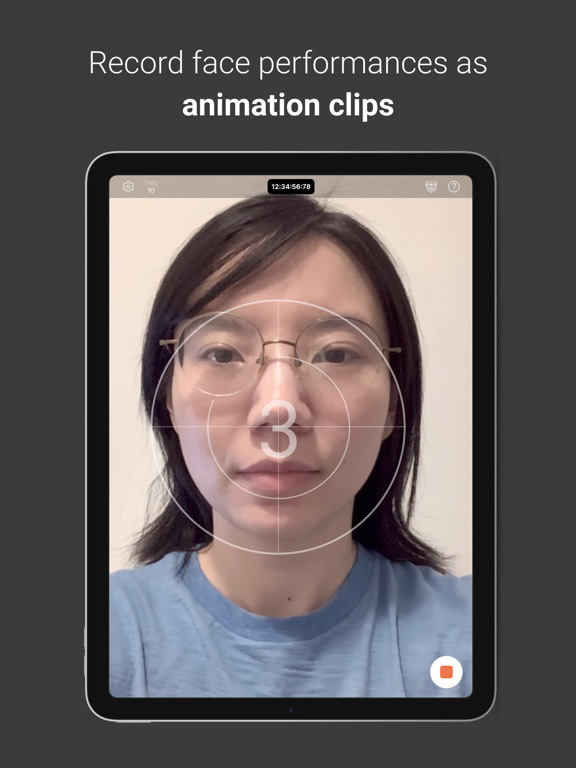
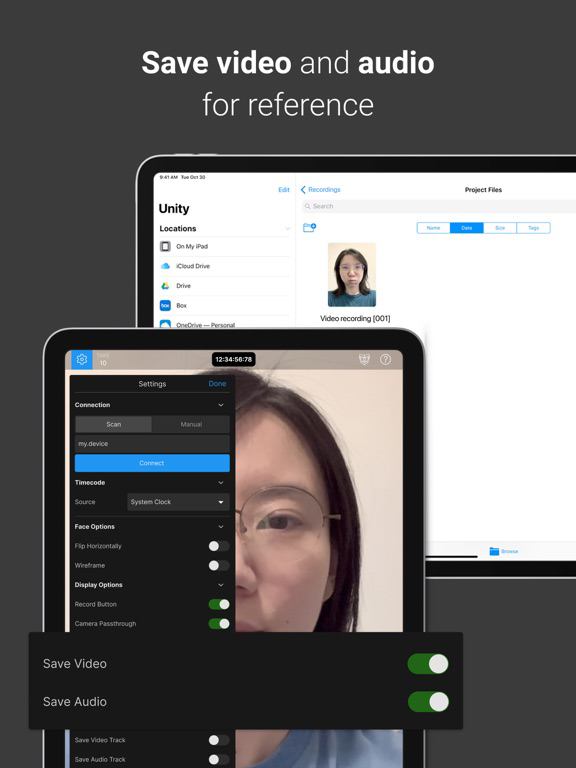
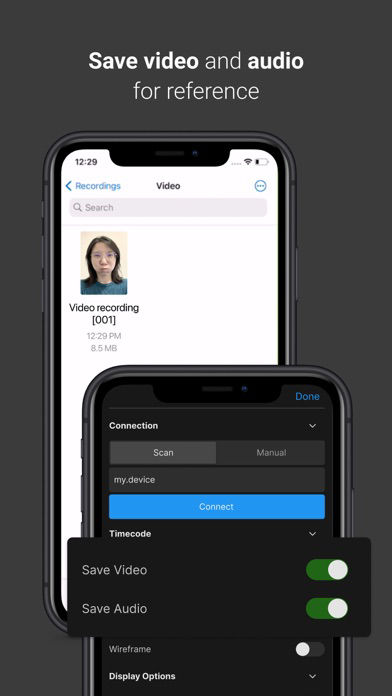
- Record audio and video during the face data capture for reference.
- Synchronize the app data with other connected devices using a centralized timecode source.
Requirements:
- Computer running Windows or macOS
- Unity Editor 2021.3 or later version
- Live Capture (Unity package)
- Private network access for both the app and the Unity Editor
Documentation:
- User Manual: https://docs.unity3d.com/Packages/com.unity.live-capture@4.0/manual/face-capture.html
- Forum: https://forum.unity.com/threads/1111255/

* Setup: https://docs.unity3d.com/Packages/com.unity.live-capture@4.0/manual/face-capture.html
Unity Face Capture helps you easily add realistic face animation to your characters, saving animators many hours of time and effort. It captures your facial expressions and head movements to control a character in Unity in real time.
Key features:
- Capture and animate facial expressions and head poses using ARKit.
- See a live preview of your performance in the Editor.
- Set up per-character mapping and overrides
- Apply recorded animations to any compatible rig.
- Use customizable settings to amplify or dampen the performance on a per-blend shape basis.
- Record audio and video during the face data capture for reference.
- Synchronize the app data with other connected devices using a centralized timecode source.
Requirements:
- Computer running Windows or macOS
- Unity Editor 2021.3 or later version
- Live Capture (Unity package)
- Private network access for both the app and the Unity Editor
Documentation:
- User Manual: https://docs.unity3d.com/Packages/com.unity.live-capture@4.0/manual/face-capture.html
- Forum: https://forum.unity.com/threads/1111255/
Show More
最新版本1.2.2更新日誌
Last updated on 2023年10月16日
歷史版本
Rebuilt the app using a more recent version of the Unity engine to benefit from the latest core feature improvements and fixes. This doesn't affect the Live Capture package and the Unity Editor version that you are using for your project.
Show More
Version History
1.2.2
2023年10月16日
Rebuilt the app using a more recent version of the Unity engine to benefit from the latest core feature improvements and fixes. This doesn't affect the Live Capture package and the Unity Editor version that you are using for your project.
Unity Face Capture FAQ
點擊此處瞭解如何在受限國家或地區下載Unity Face Capture。
以下為Unity Face Capture的最低配置要求。
iPhone
iPad