Age Rating
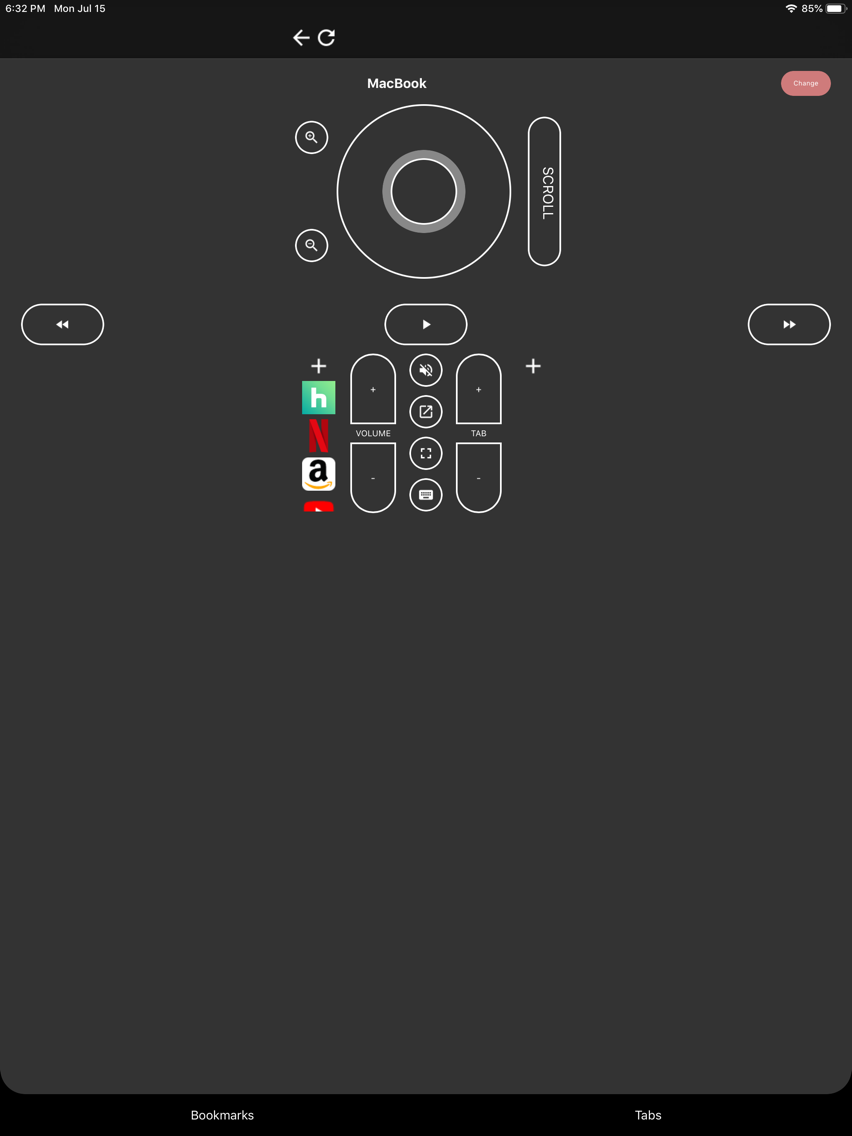
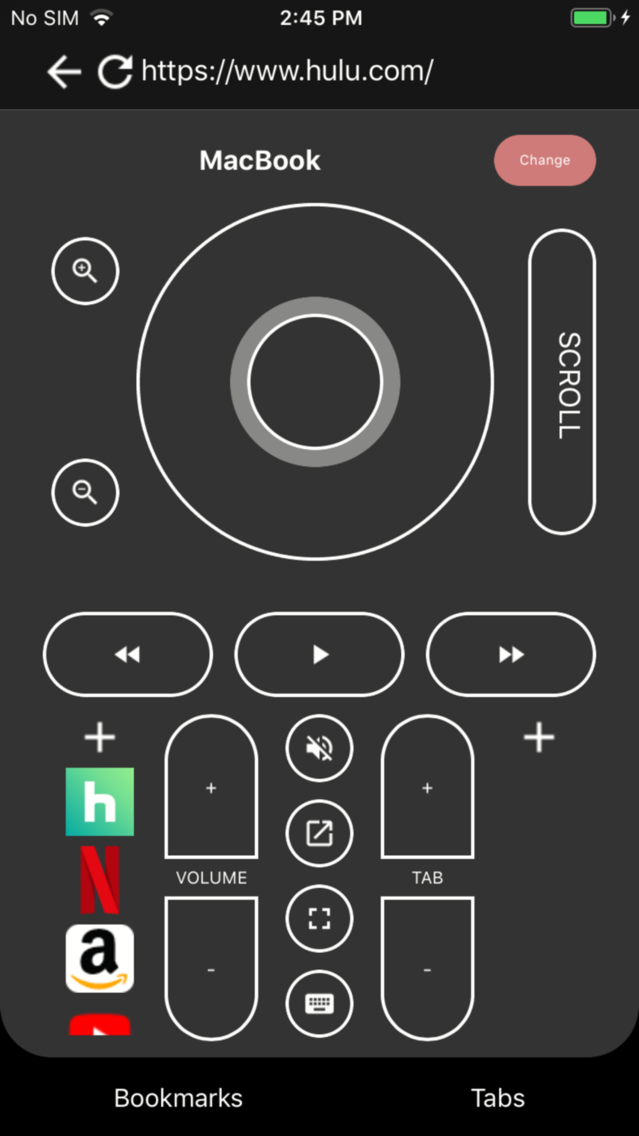
Streaming Remote Control Screenshots
About Streaming Remote Control
Control Netflix, Hulu, HBO, YouTube, Amazon Prime, Comcast, and many more with your mobile device!
Streaming Remote gives you full control over your browser from your phone with an intuitive and simple remote control interface. After installing the Chrome or Firefox extension you can easily connect your phone to your browser and have full control of browsing, watching videos and filling out forms, all from the comfort of your couch.
This app requires a Chrome extension to work. Install the extension in chrome at: tinyurl.com/browser-rc
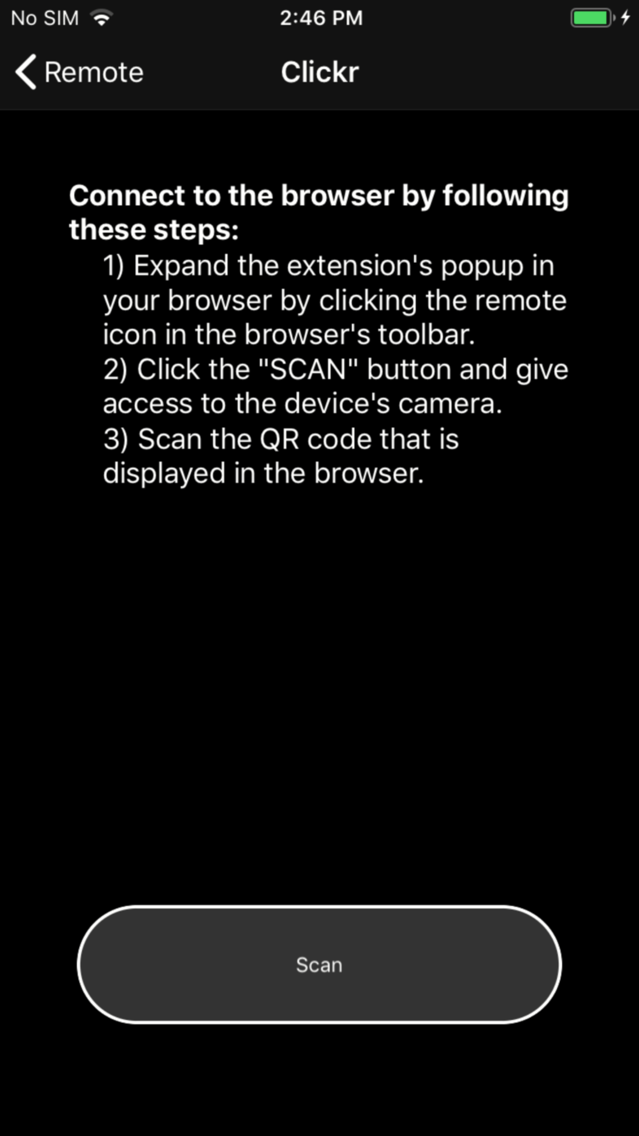
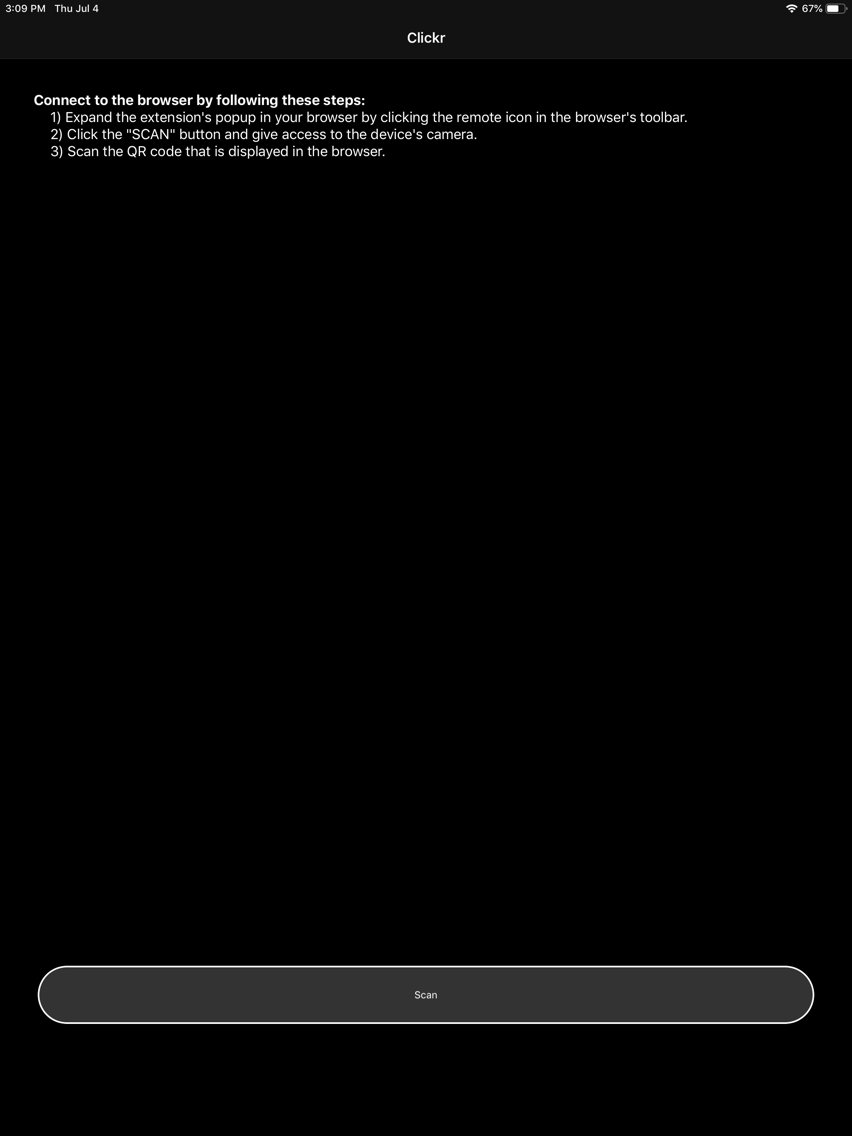
Streaming Remote uses web accessibility standards to allow users to navigate web sites displayed on a monitor or TV, turning your iPhone into a highly functional remote control. After installing the extension, a small remote control will appear on your browser's toolbar next to the web site's url. Clicking this will display a large QR code. Next. install and open the app. You will see a large "Scan" button at the bottom. Tap that and scan the QR code in your browser's window. That's it! Your phone is now a remote control that can easily navigate your favorite websites!

Streaming Remote gives you full control over your browser from your phone with an intuitive and simple remote control interface. After installing the Chrome or Firefox extension you can easily connect your phone to your browser and have full control of browsing, watching videos and filling out forms, all from the comfort of your couch.
This app requires a Chrome extension to work. Install the extension in chrome at: tinyurl.com/browser-rc
Streaming Remote uses web accessibility standards to allow users to navigate web sites displayed on a monitor or TV, turning your iPhone into a highly functional remote control. After installing the extension, a small remote control will appear on your browser's toolbar next to the web site's url. Clicking this will display a large QR code. Next. install and open the app. You will see a large "Scan" button at the bottom. Tap that and scan the QR code in your browser's window. That's it! Your phone is now a remote control that can easily navigate your favorite websites!
Show More
What's New in the Latest Version 2.1
Last updated on Oct 3, 2019
Old Versions
In app purchase doesn't need to be restored with every app launch anymore
User will be notified if they try to buy in app purchase but account is not allowed
Show More
Version History
2.1
Oct 3, 2019
In app purchase doesn't need to be restored with every app launch anymore
User will be notified if they try to buy in app purchase but account is not allowed
2.0
Oct 2, 2019
App is now free with ads, adding in-app purchase to remove.
Adding settings page with haptic feedback option
1.2
Sep 25, 2019
Framework update, add remote arrows, updated bookmarks page
1.1
Aug 11, 2019
Updating description to more easily connect to the browser extension.
1.0
Aug 8, 2019
Streaming Remote Control Price
Today:
Free
Lowest:
Free
Highest:
$1.99
Streaming Remote Control FAQ
Click here to learn how to download Streaming Remote Control in restricted country or region.
Check the following list to see the minimum requirements of Streaming Remote Control.
iPhone
iPad
Streaming Remote Control supports English