capella score reader
Free
8.0.26for iPhone, iPad
Age Rating
capella score reader Screenshots
About capella score reader
capella score reader
Read and listen to music scores anywhere at any time
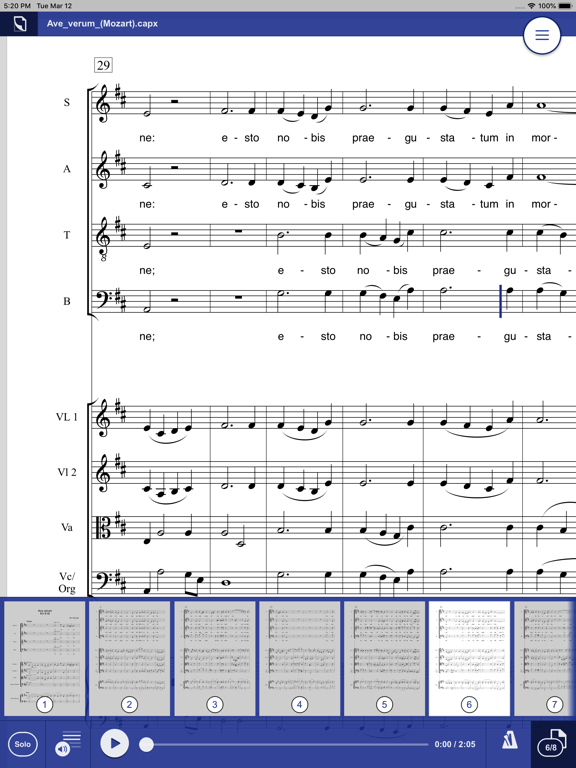
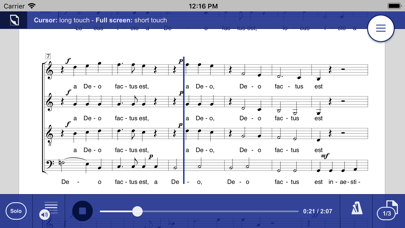
Open your scores and read, listen, practice, study, perform when and where you like. Practice your part for choir or orchestra. As choir director or conductor study scores. Use capella score reader as digital music stand.
capella score reader is the most recent offshoot of the capella family.
With many practicing musicians, capella is known to be THE notation software which has been around for more than 25 years. capella is available for Windows and for Mac. Several additional programs, for example for scanning sheet music, complement the capella family – and now it’s capella score reader.
Solo - tutti
Select the Solo button to listen to one single voice. Solo on/off – this can be done during playback at any position in the piece. This way you learn your part efficiently.
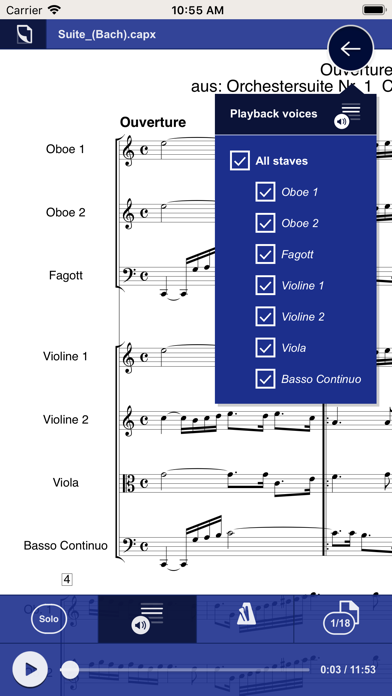
Voice filter
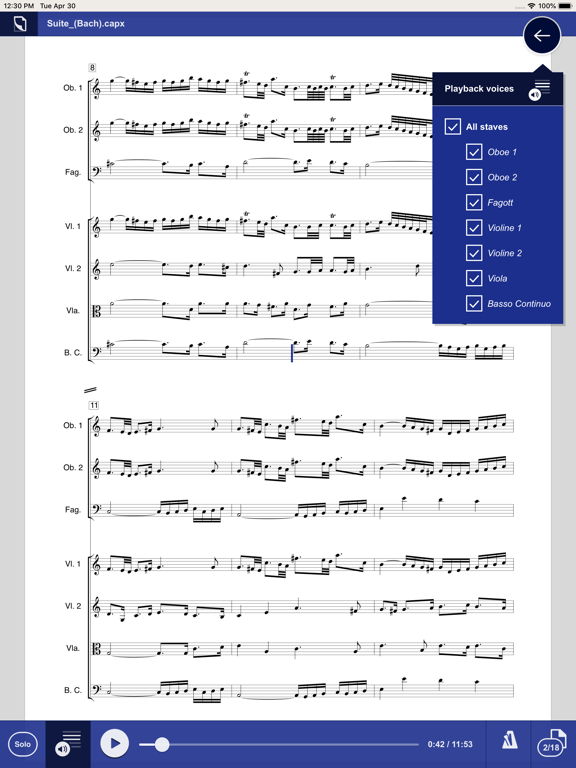
When you’re almost there: Mute one or several voices to sing or play along yourself.
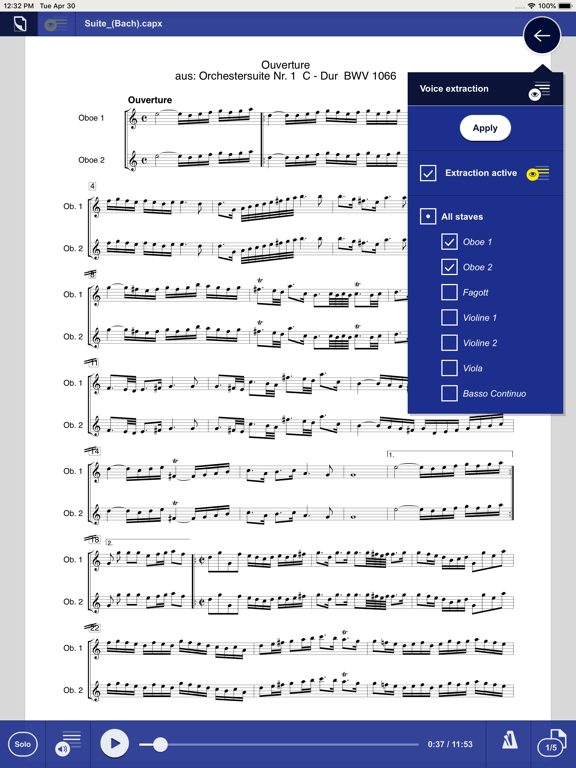
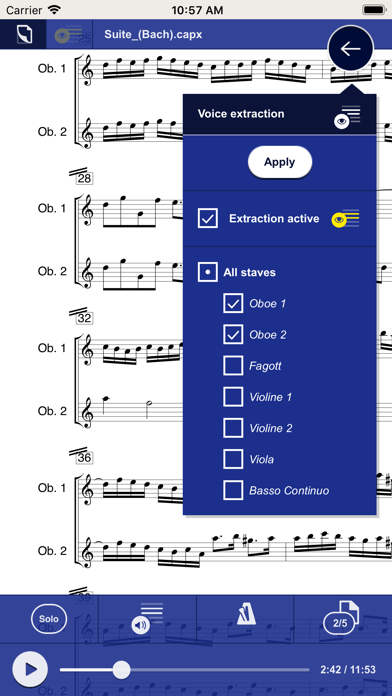
Voice extraction
Select a voice extraction for one or several voices – all others are hidden.
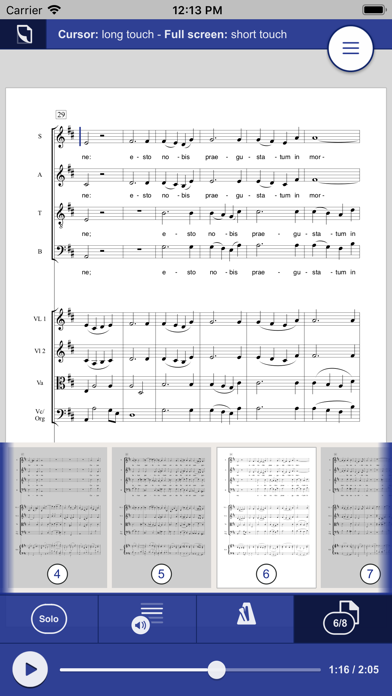
Two-finger zoom
With two-finger scroll zoom single spots or get an overview of the entire page.
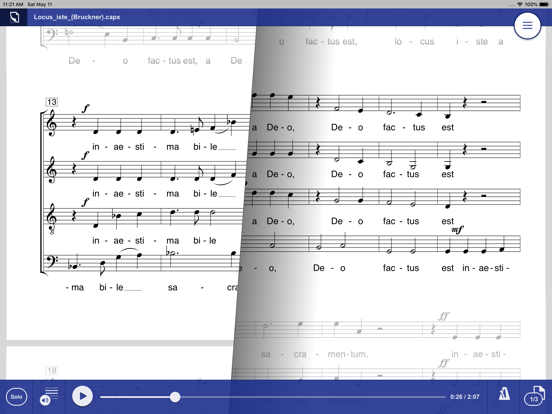
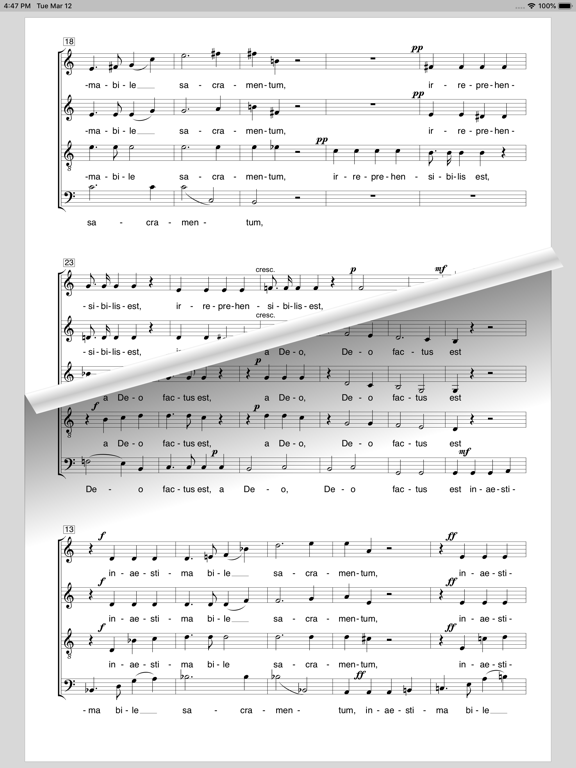
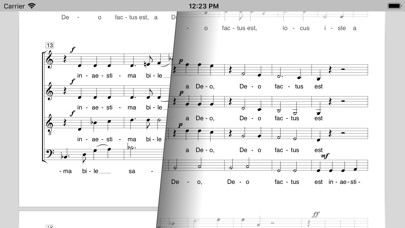
Page turning with one finger
Slide across the screen as if you would turn pages – the notes will follow.
Change tempo
Control the tempo according to your needs for rehearsal: Slower at the beginning, next time faster.
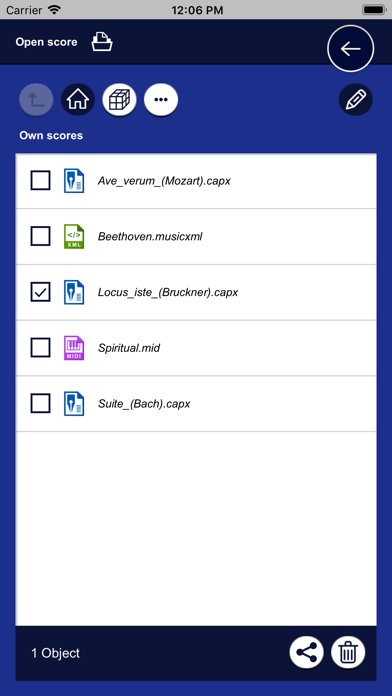
Navigation
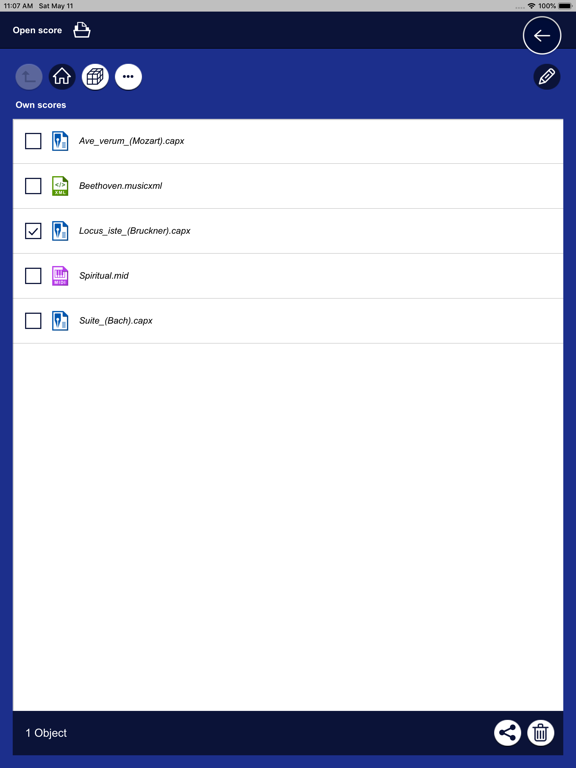
Open your own files. The last used files will be displayed.
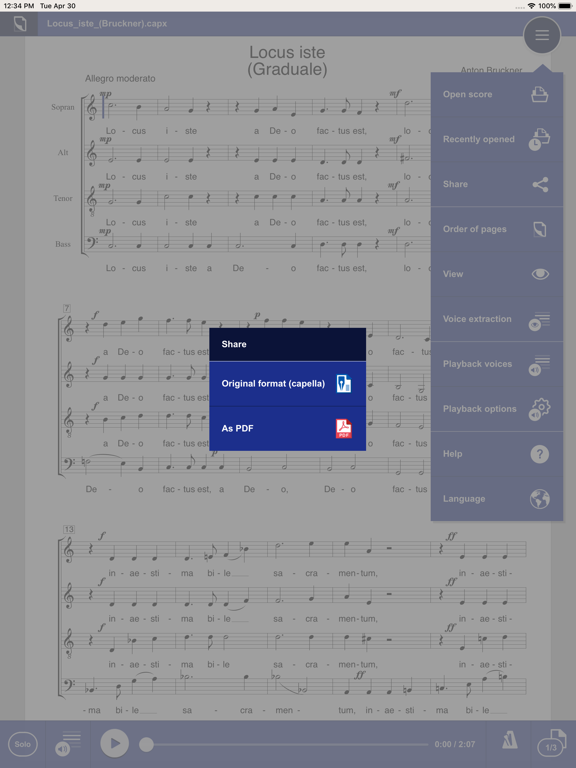
Exchange of scores
Receive scores from other musicians, for example via WhatsApp or eMail. Share your scores with other musicians as capella file or PDF.
capella score reader reads these score formats:
- capXML (capella format)
- cap (older capella format)
- MusicXML
- MIDI
Video introduction
A short video introduction shows the most important features. It’s really simple!
We are looking forward to your feedback. Please use the feedback button in the help menu for questions about the app or error reports.

Read and listen to music scores anywhere at any time
Open your scores and read, listen, practice, study, perform when and where you like. Practice your part for choir or orchestra. As choir director or conductor study scores. Use capella score reader as digital music stand.
capella score reader is the most recent offshoot of the capella family.
With many practicing musicians, capella is known to be THE notation software which has been around for more than 25 years. capella is available for Windows and for Mac. Several additional programs, for example for scanning sheet music, complement the capella family – and now it’s capella score reader.
Solo - tutti
Select the Solo button to listen to one single voice. Solo on/off – this can be done during playback at any position in the piece. This way you learn your part efficiently.
Voice filter
When you’re almost there: Mute one or several voices to sing or play along yourself.
Voice extraction
Select a voice extraction for one or several voices – all others are hidden.
Two-finger zoom
With two-finger scroll zoom single spots or get an overview of the entire page.
Page turning with one finger
Slide across the screen as if you would turn pages – the notes will follow.
Change tempo
Control the tempo according to your needs for rehearsal: Slower at the beginning, next time faster.
Navigation
Open your own files. The last used files will be displayed.
Exchange of scores
Receive scores from other musicians, for example via WhatsApp or eMail. Share your scores with other musicians as capella file or PDF.
capella score reader reads these score formats:
- capXML (capella format)
- cap (older capella format)
- MusicXML
- MIDI
Video introduction
A short video introduction shows the most important features. It’s really simple!
We are looking forward to your feedback. Please use the feedback button in the help menu for questions about the app or error reports.
Show More
What's New in the Latest Version 8.0.26
Last updated on Oct 22, 2024
Old Versions
- Adaptation to the new features of capella 10
- Crash when stopping the playback
- Crash when deleting scores
- Crash when stopping the playback
- Crash when deleting scores
Show More
Version History
8.0.26
Oct 22, 2024
- Adaptation to the new features of capella 10
- Crash when stopping the playback
- Crash when deleting scores
- Crash when stopping the playback
- Crash when deleting scores
capella score reader FAQ
Click here to learn how to download capella score reader in restricted country or region.
Check the following list to see the minimum requirements of capella score reader.
iPhone
iPad