Age Rating
4+
Apps in this category do not contain restricted content.
9+
Apps in this category may contain mild or occasional cartoon, fantasy or real-life violence, as well as occasional or mild adult, sexually suggestive or horrifying content and may not be suitable for children under 9 years of age.
12+
Apps in this category may contain occasional mild indecent language, frequent or intense cartoon or real-life violence, minor or occasional adult or sexually suggestive material, and simulated gambling, and may be for children under 12 years of age.
17+
You must be at least 17 years old to access this App.
Apps in this category may contain frequent and intense offensive language; Frequent and intense cartoon, fantasy or realistic violence: frequent and intense adult, scary and sexually suggestive subjects: as well as sexual content, nudity, tobacco, alcohol and drugs, may not be suitable for children under 17 years of age.
Clicktask Screenshots
Clicktask posterClicktask posterClicktask posterClicktask posterClicktask posterClicktask posterClicktask poster

About Clicktask

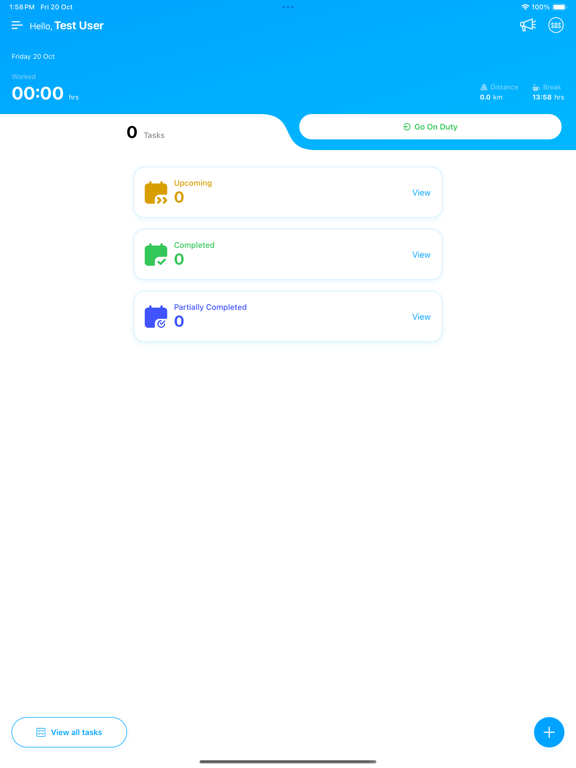
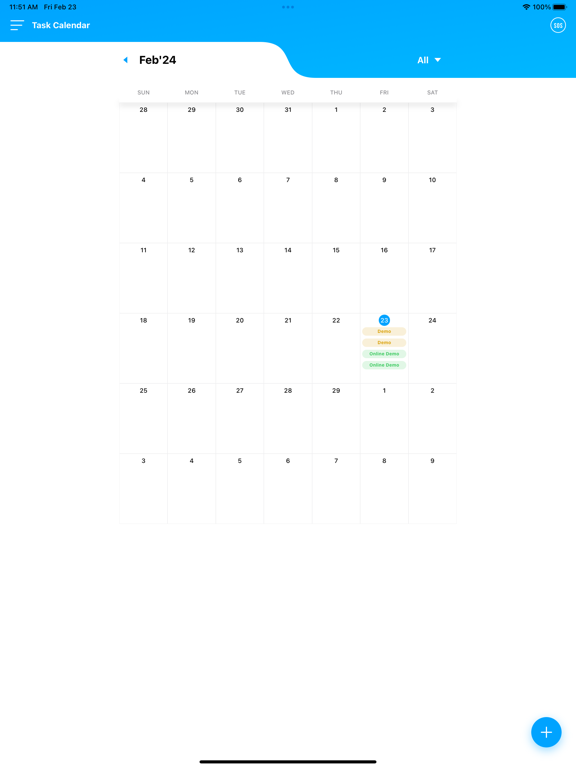
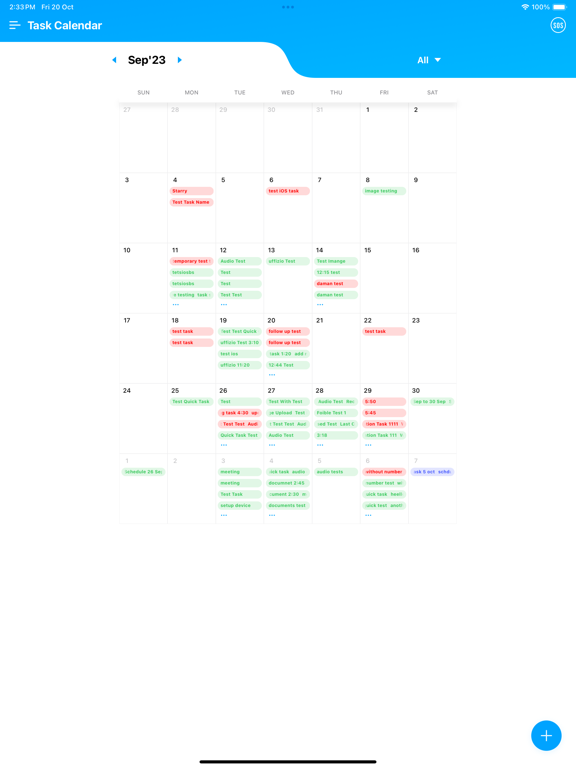
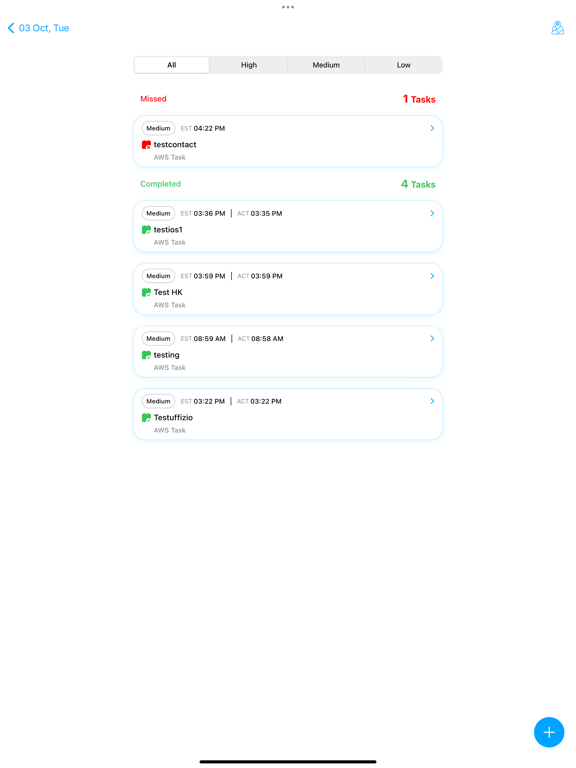
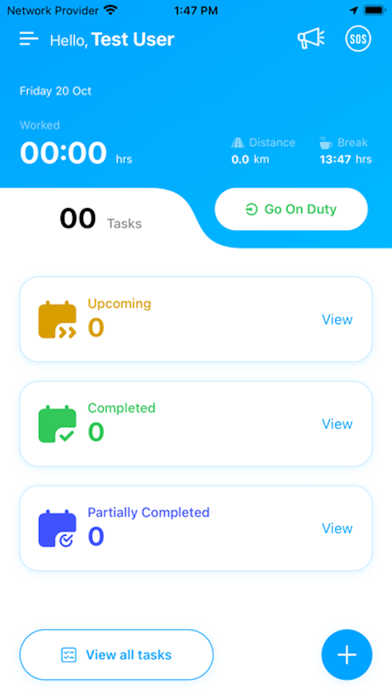
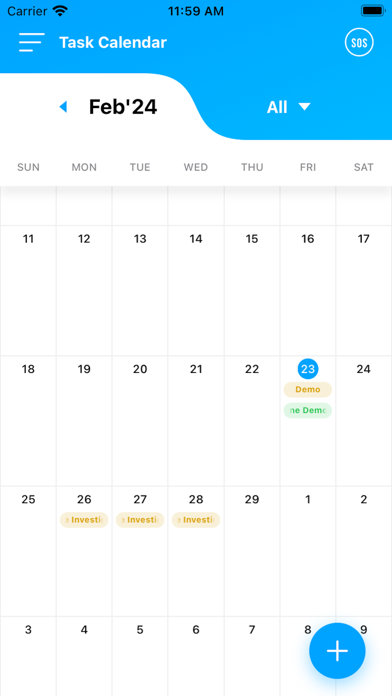
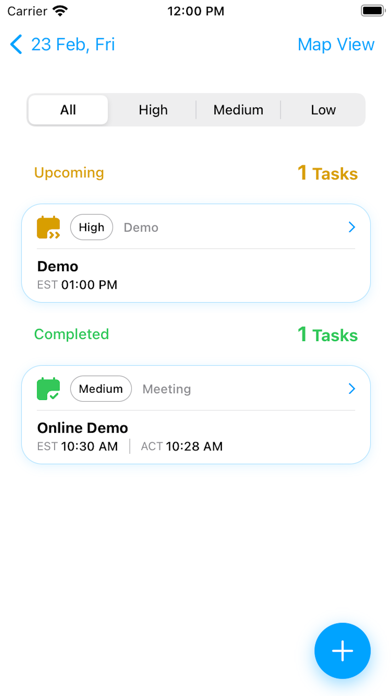
Clicktask's is an efficient field personnel tracking application that enables you to monitor all your projects, both professional and personal, and manage your tasks anytime, anywhere. This app functions as a task manager, simplifying the monitoring of field personnel, project management, task status tracking, and the creation of task summaries with images, audio recordings, and notes. This unique application requires device administrator permission.

Key features of this task management app include:

- A dashboard displaying all information on a single screen
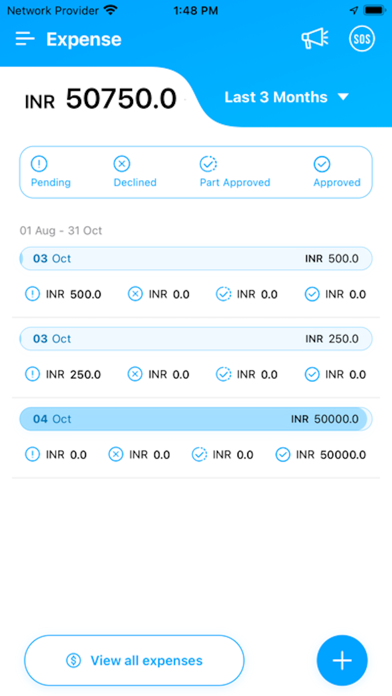
- Expense details management
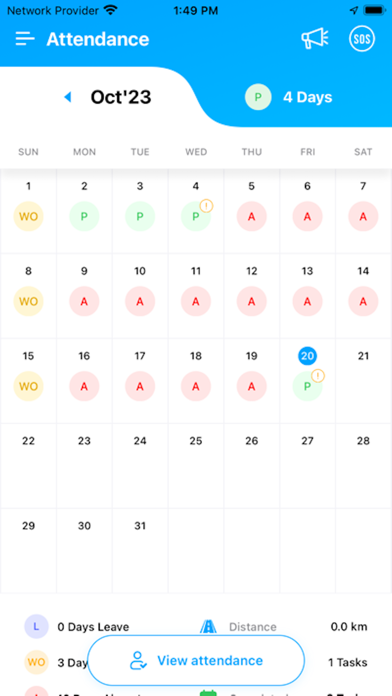
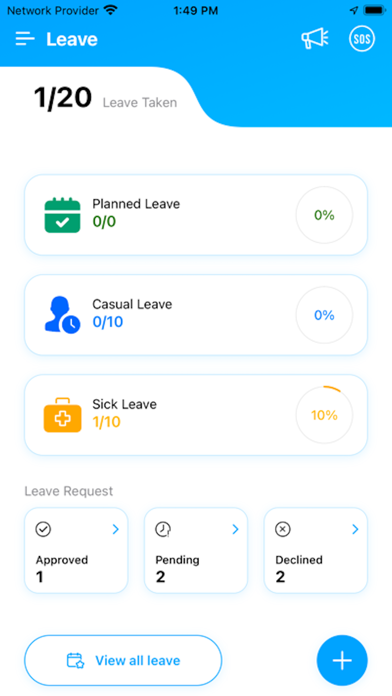
- Leave management
- Reports and charts
- Employee attendance
- Image verification
- Audio recording of meetings
- Real-time employee tracking during On Duty hours
- Geozones for location-based monitoring

The dashboard allows you to view the day's task summary and easily set work priorities while visualizing all tasks on a geographic map. You can also set the On Duty/Off Duty status according to your needs and see the status of approved, pending, or rejected leaves. The task filter function enables you to sort tasks by assigned user, due date, status, and more.

The application also offers real-time tracking of employees during their On Duty hours, ensuring that you have complete visibility over your team's whereabouts. Additionally, you can set up geozones for location-based monitoring, enabling you to manage your field personnel more effectively.

Show More

What's New in the Latest Version 5.4.2

Last updated on May 24, 2026
Old Versions
- Fixed issues and improved app stability
Show More
Version History
5.4.2
May 24, 2026
- Fixed issues and improved app stability

Clicktask FAQ

Click here to learn how to download Clicktask in restricted country or region.
Check the following list to see the minimum requirements of Clicktask.
iPhone
iPad

Clicktask Alternative

You May Also Like

Get more from Aditi Tracking Support Private Limited