Clock

Clock


Free

1.4for iPhone, iPad
Apple
Developer
Dec 12, 2025
Update Date
Utilities
Category
Age Rating
4+
Apps in this category do not contain restricted content.
9+
Apps in this category may contain mild or occasional cartoon, fantasy or real-life violence, as well as occasional or mild adult, sexually suggestive or horrifying content and may not be suitable for children under 9 years of age.
12+
Apps in this category may contain occasional mild indecent language, frequent or intense cartoon or real-life violence, minor or occasional adult or sexually suggestive material, and simulated gambling, and may be for children under 12 years of age.
17+
You must be at least 17 years old to access this App.
Apps in this category may contain frequent and intense offensive language; Frequent and intense cartoon, fantasy or realistic violence: frequent and intense adult, scary and sexually suggestive subjects: as well as sexual content, nudity, tobacco, alcohol and drugs, may not be suitable for children under 17 years of age.
Clock Screenshots
Clock posterClock posterClock posterClock posterClock posterClock posterClock posterClock poster
Clock posterClock poster

About Clock

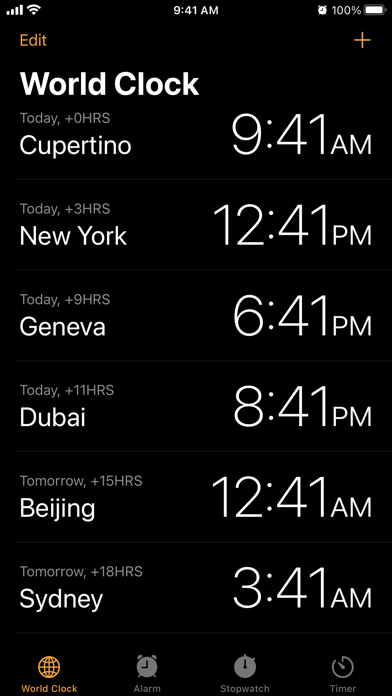
Clock helps you manage your time on iOS, iPadOS and macOS. Check the current time anywhere with World Clock, make sure you wake up on time with Alarms, or keep track of passing time with Stopwatch and Timers.

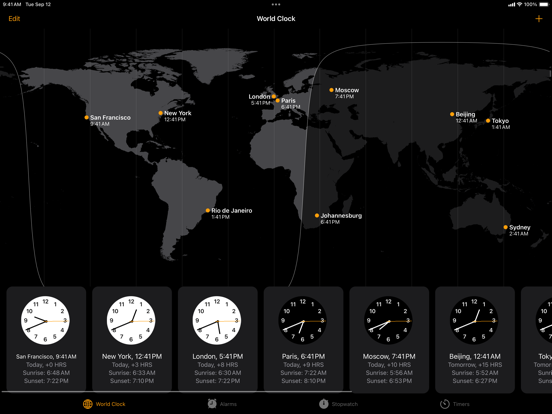
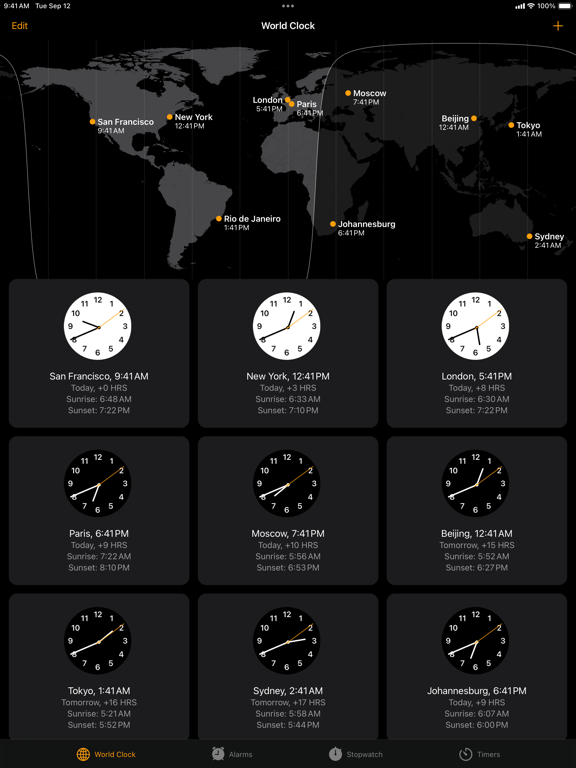
World Clock
Check the current time in cities around the world. Or quickly see the time difference compared to your local time to make coordinating across time zones easy.

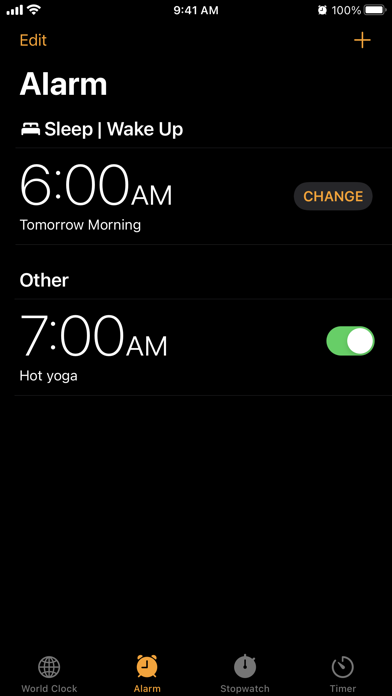
Alarms
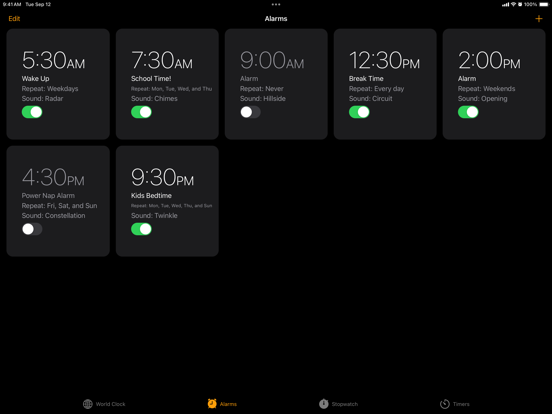
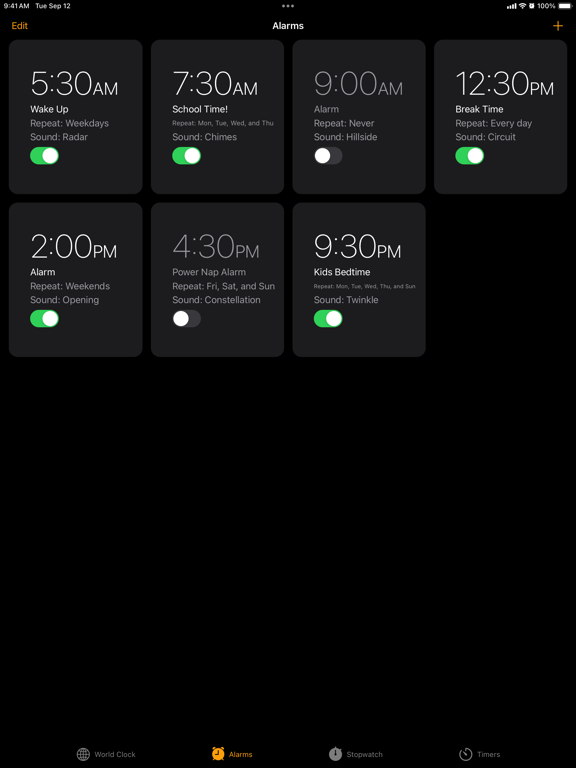
Set regular alarms for any time of day. Choose to set them to repeat on specific days, give them a label and select the sound that plays with each. When your alarm goes off, you can choose to play from a selection of sounds, or pick a song from your Apple Music library.

You can also adjust your wake up alarm and sleep schedule from Health right in the Clock app so you can wind down with a Sleep Focus and make sure you always wake up on time.

Stopwatch
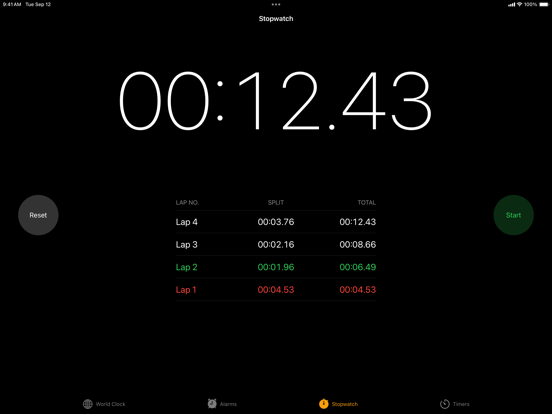
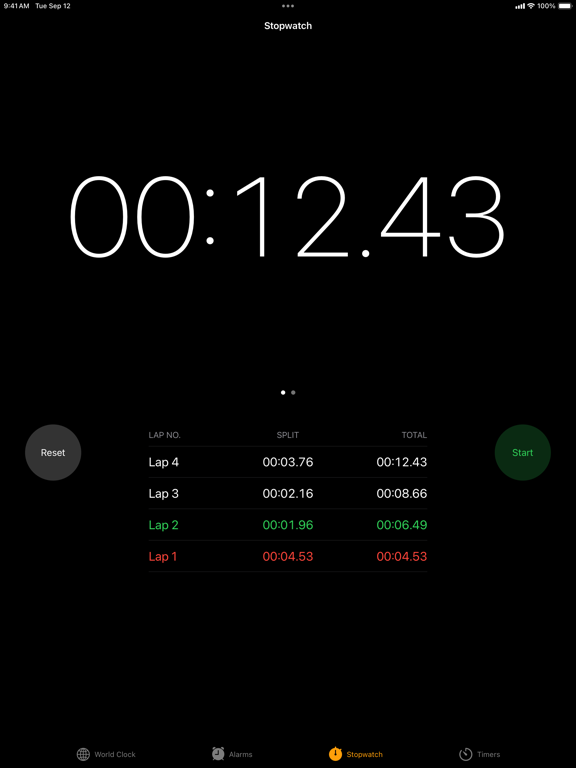
Measure the duration of an event. You can see how much time has lapsed with either a digital or analog stopwatch face, and you can quickly record laps or splits throughout the time.

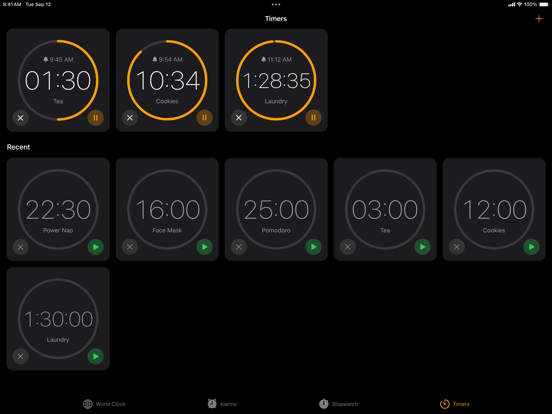
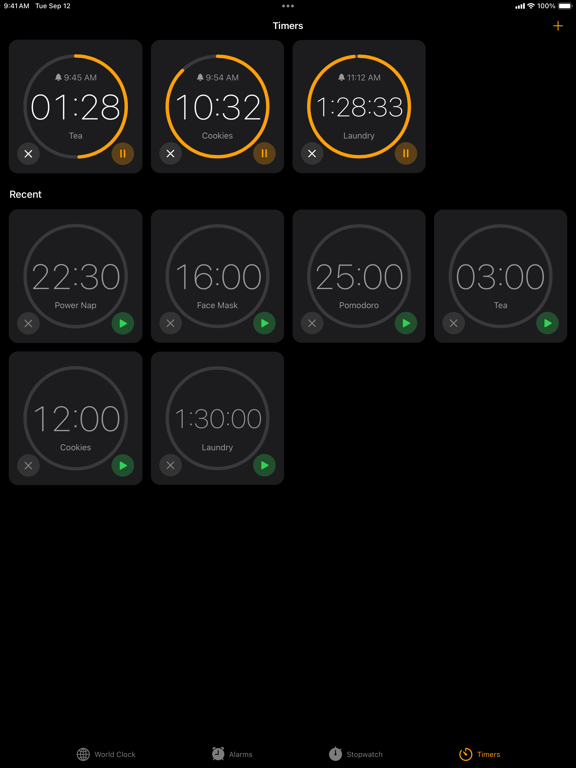
Timers
Count down seconds, minutes or hours. Or count down using multiple timers, and add labels and distinct sounds to each. You can also choose to set a timer that stops any music playing in the background—perfect for getting to sleep with your favorite playlist.

Show More

What's New in the Latest Version 1.4

Last updated on Dec 12, 2025
Old Versions
Bug Fixes and Feature Enhancements
Show More
Version History
1.4
Dec 12, 2025
Bug Fixes and Feature Enhancements

Clock FAQ

Click here to learn how to download Clock in restricted country or region.
Check the following list to see the minimum requirements of Clock.
iPhone
iPad

Clock Alternative

You May Also Like

Get more from Apple