CodeZinger
Coding labs on-the-go!
Free
1.0.14for iPhone, iPad and more
Age Rating
CodeZinger Screenshots
About CodeZinger
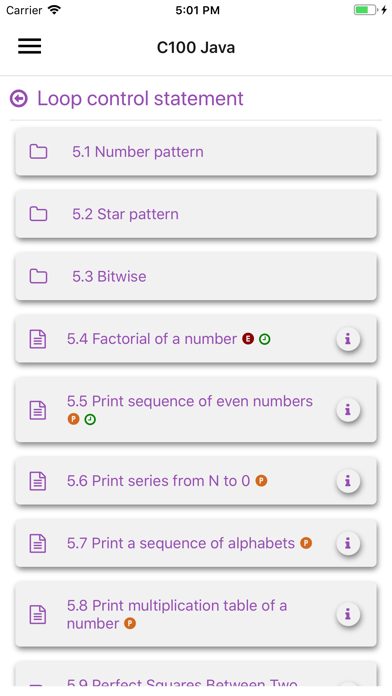
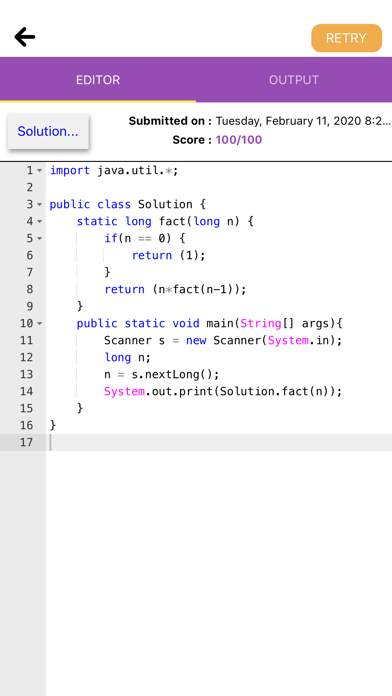
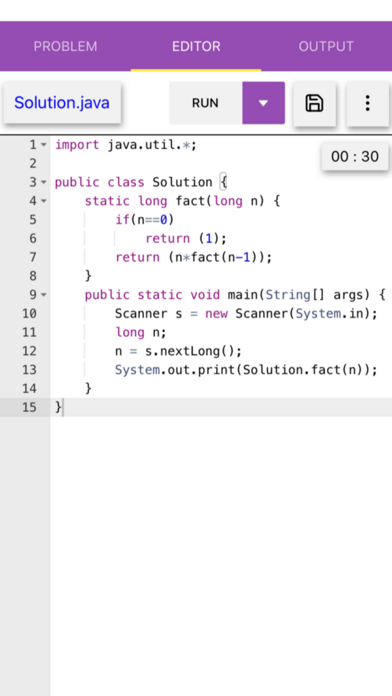
CodeZinger mobile app allows students, who are already enrolled in CodeZinger Class, to create and submit coding assignments for grading. With CodeZinger’s mobile code editor, students can create and submit programming assignments in Java, Python, C++, C, C#, Haskell, JavaScript, Go, PHP, Ruby, Objective-C, VB.net.
Features:
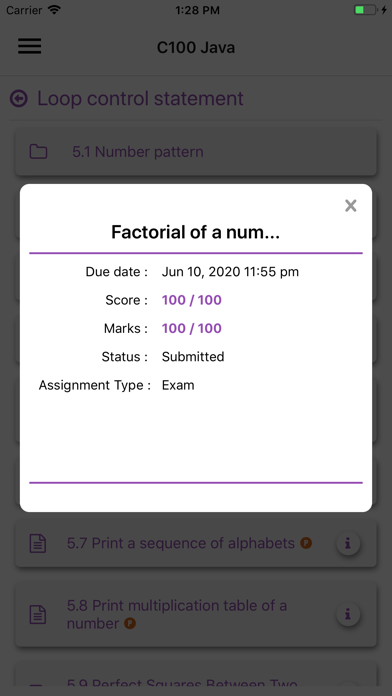
●Never miss due dates - edit and submit your programming assignments on-the-go
●Full-featured code editor
●Seamlessly work on programming assignments in mobile app and on computer
●Save assignment draft in your CodeZinger account to access later from your computer
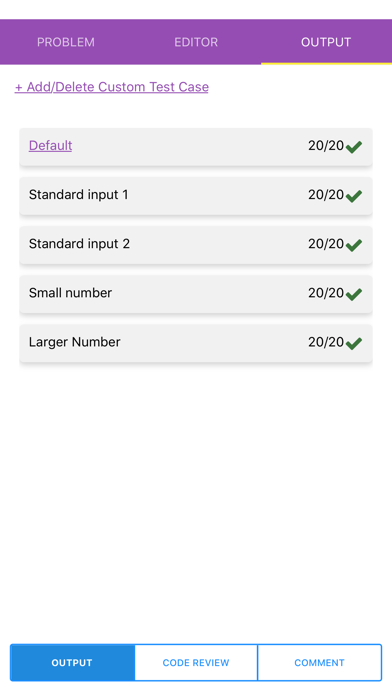
●Compile and run test cases (online mode)
●Code Autocomplete
●Language specific syntax highlighting
●Variety of editor themes
●Create/delete program files/folders
●Edit in full screen mode
●Landscape mode and tablet
●Ability to create and execute UTCs

Features:
●Never miss due dates - edit and submit your programming assignments on-the-go
●Full-featured code editor
●Seamlessly work on programming assignments in mobile app and on computer
●Save assignment draft in your CodeZinger account to access later from your computer
●Compile and run test cases (online mode)
●Code Autocomplete
●Language specific syntax highlighting
●Variety of editor themes
●Create/delete program files/folders
●Edit in full screen mode
●Landscape mode and tablet
●Ability to create and execute UTCs
Show More
What's New in the Latest Version 1.0.14
Last updated on Apr 27, 2022
Old Versions
Supporting incremental set type coding problems and readiness for computer graphics problems.
Show More
Version History
1.0.14
Apr 27, 2022
Supporting incremental set type coding problems and readiness for computer graphics problems.
1.0.13
Mar 2, 2022
Performance improvement and bug fixes.
1.0.12
Mar 12, 2021
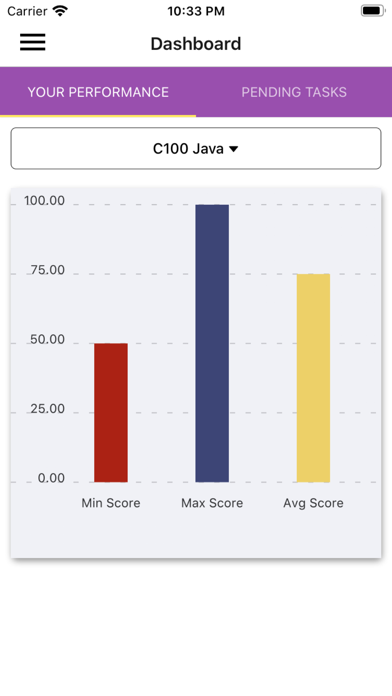
Dashboard and performance improvements.
1.0.11
Feb 5, 2021
Performance improvement and bug fixes.
1.0.10
Dec 29, 2020
Performance improvement and bug fixes.
1.0.9
Nov 13, 2020
Minor bug fixes, login update.
1.0.8
Aug 26, 2020
Update required for proper working of new features, editor enhancements and bug fixes.
1.0.7
May 15, 2020
Bug fixes.
1.0.6
Mar 25, 2020
Improved Dashboard.
1.0.5
Mar 18, 2020
Student Dashboard and Settings now included.
1.0.4
Feb 18, 2020
Minor bug fixes.
1.0.3
Feb 12, 2020
Improved cleaner code editor UI
1.0.2
Feb 4, 2020
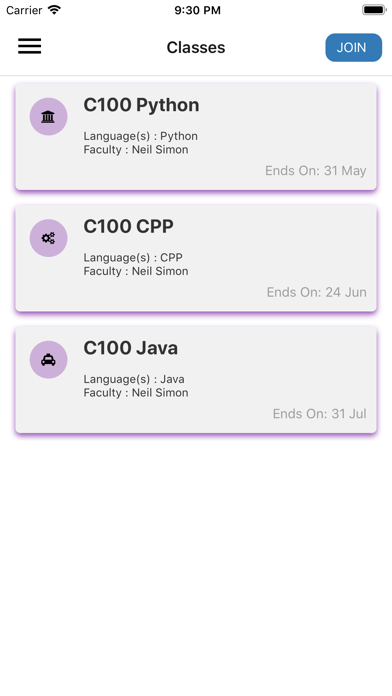
Now students can enroll directly in CodeZinger class and can even make payment for a class. Also, we improved performance for the frequently used features and fixed some known bugs.
1.0.1
Jan 30, 2020
Landscape mode and tablet
Ability to create and execute UTCs
minor bug fixes
Ability to create and execute UTCs
minor bug fixes
1.0
Jan 28, 2020
CodeZinger FAQ
Click here to learn how to download CodeZinger in restricted country or region.
Check the following list to see the minimum requirements of CodeZinger.
iPhone
Requires iOS 9.0 or later.
iPad
Requires iPadOS 9.0 or later.
iPod touch
Requires iOS 9.0 or later.
CodeZinger supports English