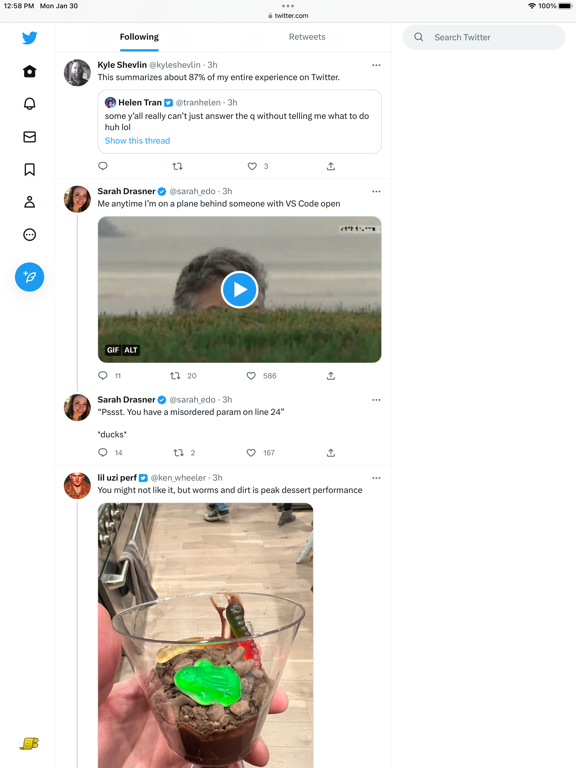
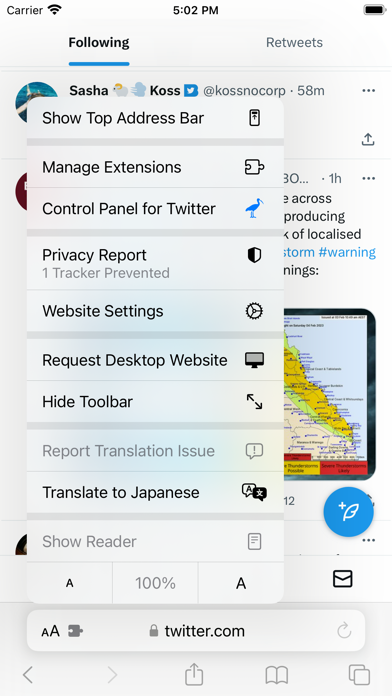
Control Panel for Twitter is a Safari extension to improve your experience on Twitter.com by adding new features and options Twitter is missing.
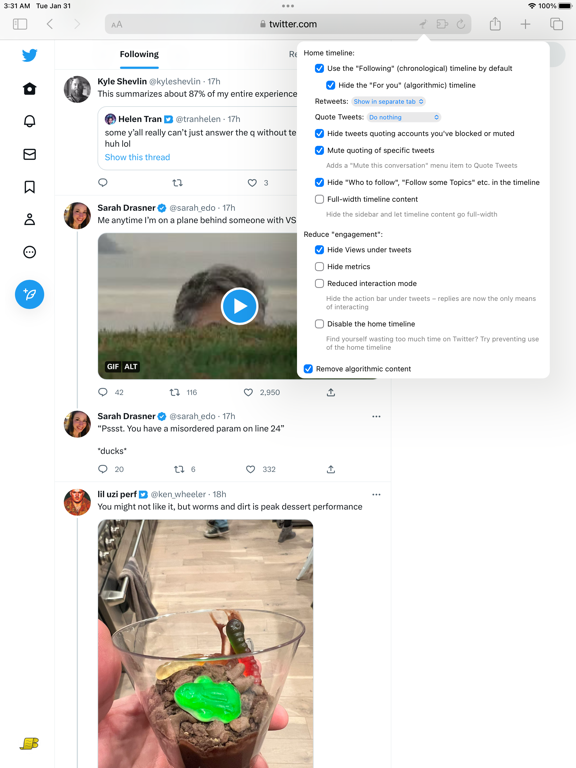
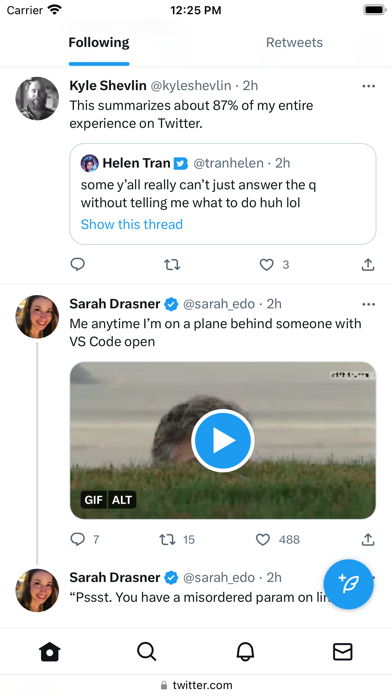
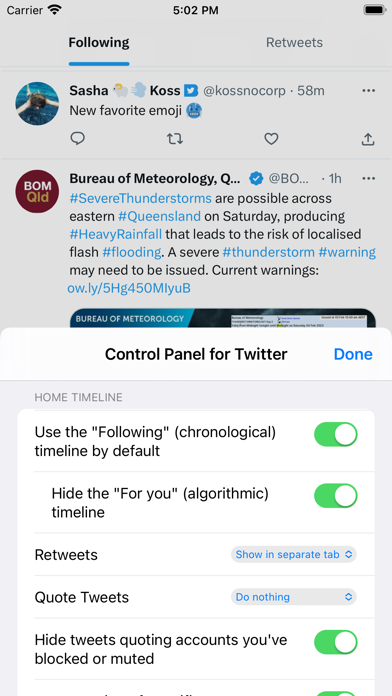
By default, your Home timeline will be the chronological "Following" timeline, which will only contain tweets and quote tweets from the people you follow. The algorithmic "For you" timeline will be hidden, and Control Panel for Twitter will keep you on "Following" if Twitter tries to put you back on "For you". Everything is configurable, so start by opening the extension options and customizing to your liking.
Features
Home timeline:
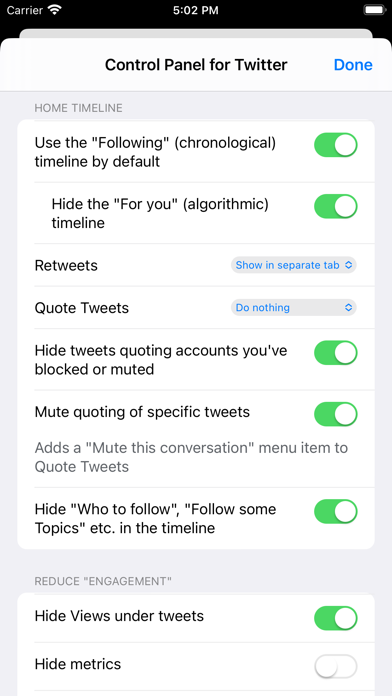
• Use the Following (chronological) timeline by default
• Hide the "For you" (algorithmic) timeline
• Sort Following (Recent / Popular)
• Retweets (Show in separate tab / Hide)
• Quote Tweets (Show in separate tab / Hide)
• Enable muting of Quote Tweets
• Hide "See new Tweets"
• Hide suggested content in the timeline
• Hide inline prompts in the timeline
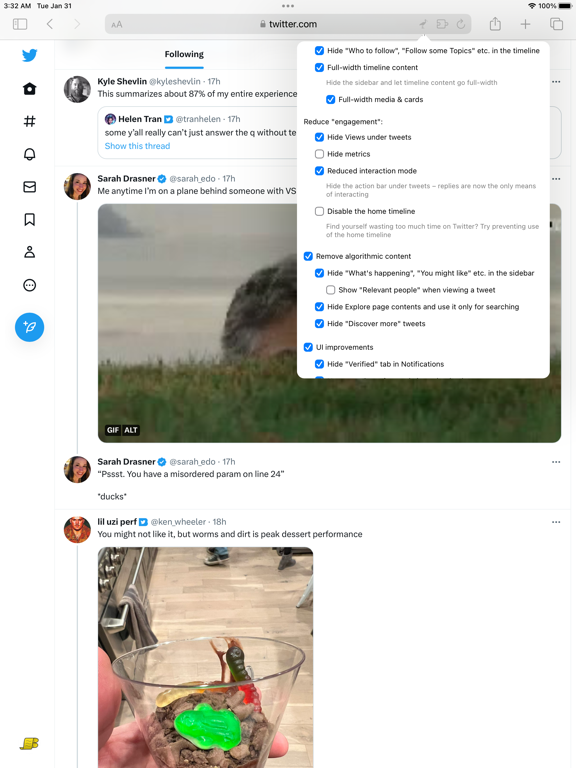
• Full-width timeline content (desktop version) - Hide the sidebar and let timeline content go full-width
UI improvements:
• Prevent next video autoplaying (mobile version)
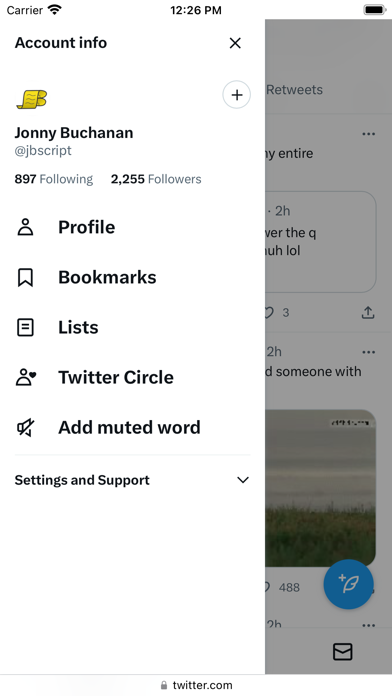
• Add "Add muted word" to the "More" menu
• Fast blocking (skips confirm dialog)
• Hide quotes and replies to blocked and muted accounts
• Hide Retweets in user profiles
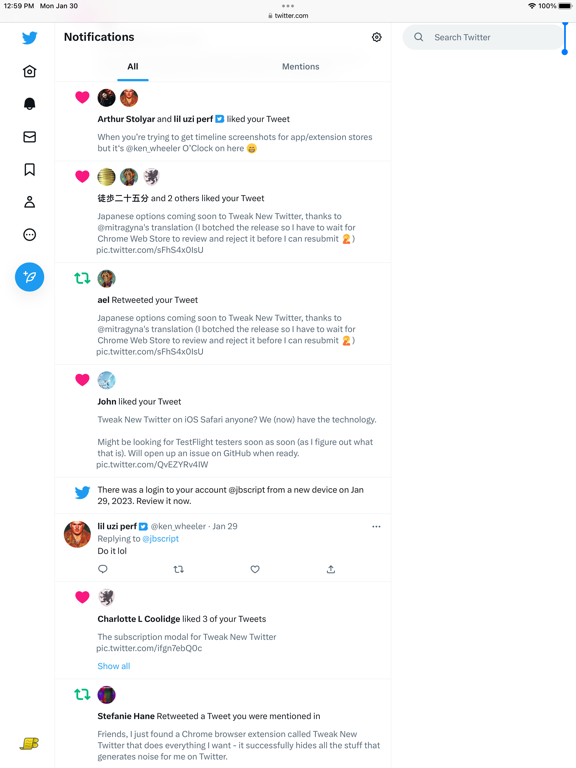
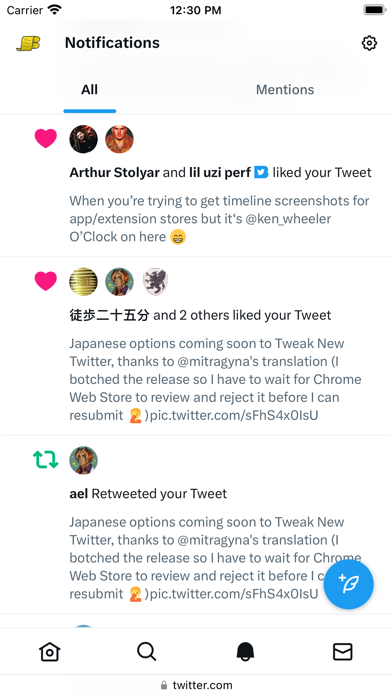
• Hide Likes in Notifications
• Hide Retweets in Notifications
• Retweets in Lists
• Hide suggested content in Search
• Default to "Latest" tab in Search
• Hide the quoted tweet when viewing Quote Tweets
X fixes:
• Redirect to twitter.com
• Redirect Chat nav item to Messages
• Replace X branding changes
• Dark mode theme (Dim)
• Hide Views under tweets
• Hide Verified Followers tab
• Restore Tweet source label
• Show account location in focused tweets
• Show account location in user hover cards (desktop version)
• Restore headlines under external links
• Restore Quote Tweets link under Tweets
• Restore other links under Tweets
• Default sorting of replies (Recent / Likes)
• Hide "Sort replies" menu
• Premium blue checks (Replace with Twitter Blue logo / Hide)
• Hide Premium blue check replies
• Hide Premium upsells
• Hide Grok
• Hide Grok tweets
• Hide Edit image
• Hide Jobs
• Hide Subscriptions
UI tweaks:
• Don't use the Chirp font
• Disable bold and italic text in tweets
• Use normal text font style in navigation bar (desktop version)
• Navigation density (desktop version) (Comfortable / Compact)
• Use normal font weight in dropdown menus
• Uninvert Follow / Following buttons (Monochrome / Themed)
• Bypass age verification
• Unblur sensitive content
Remove algorithmic content:
• Hide sidebar contents (desktop version)
• Hide Explore page contents and use it only for searching
• Hide "Discover" suggestions
Reduce "engagement":
• Hide metrics
• Reduced interaction mode - Hide the action bar under tweets – replies are now the only means of interacting
• Hide the Compose Tweet button
• Disable the home timeline - Find yourself wasting too much time on Twitter? Try preventing use of the home timeline
• Notifications (Hide badges only / Hide)
Hide UI items you don't use:
• Bookmark button under tweets
• Share button under tweets
• "View activity" links
• Tweet box in timeline (desktop version)
• Account switcher (desktop version)
• Chat drawer (desktop version)
• Explore (desktop version)
• Creator Studio
• Follow
• Communities
• Hide "More" menu items you don't use
TWITTER, TWEET and RETWEET are trademarks of Twitter Inc. or its affiliates