CrewWeb
Free
3.0.6for iPhone, iPad
Age Rating
CrewWeb Screenshots
About CrewWeb
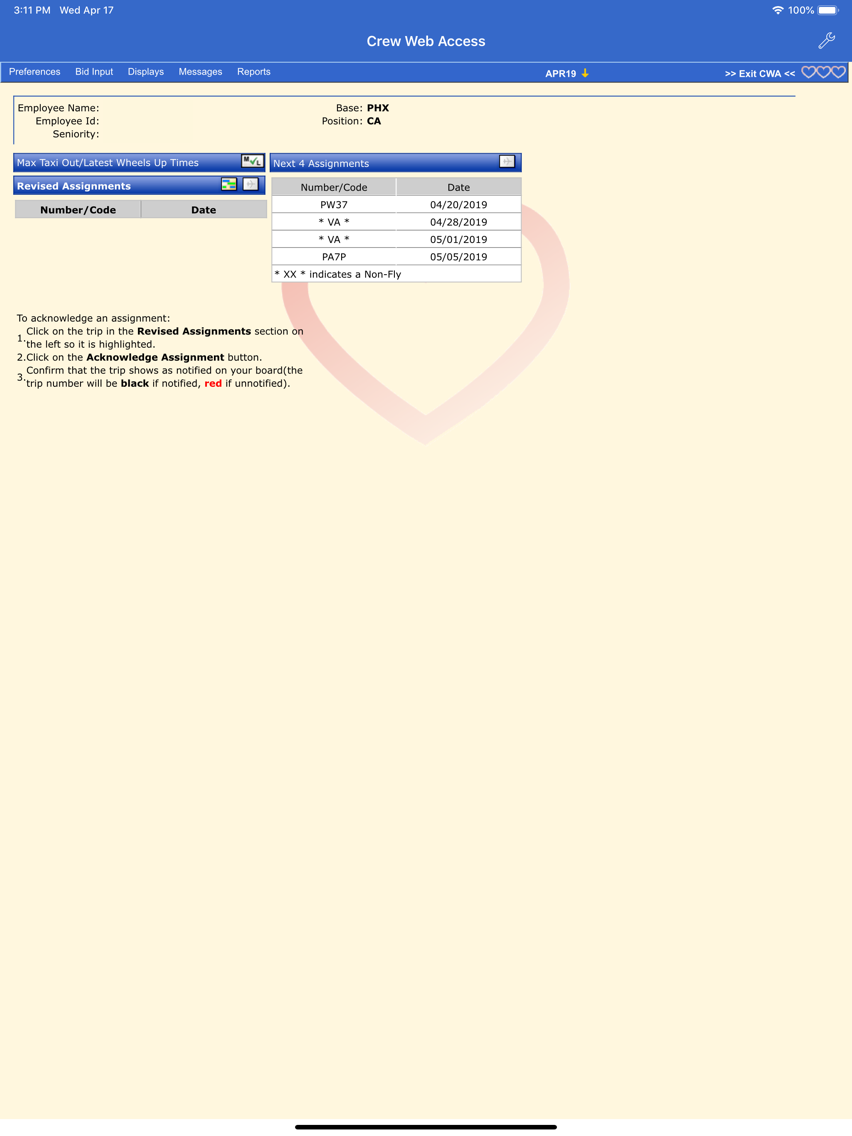
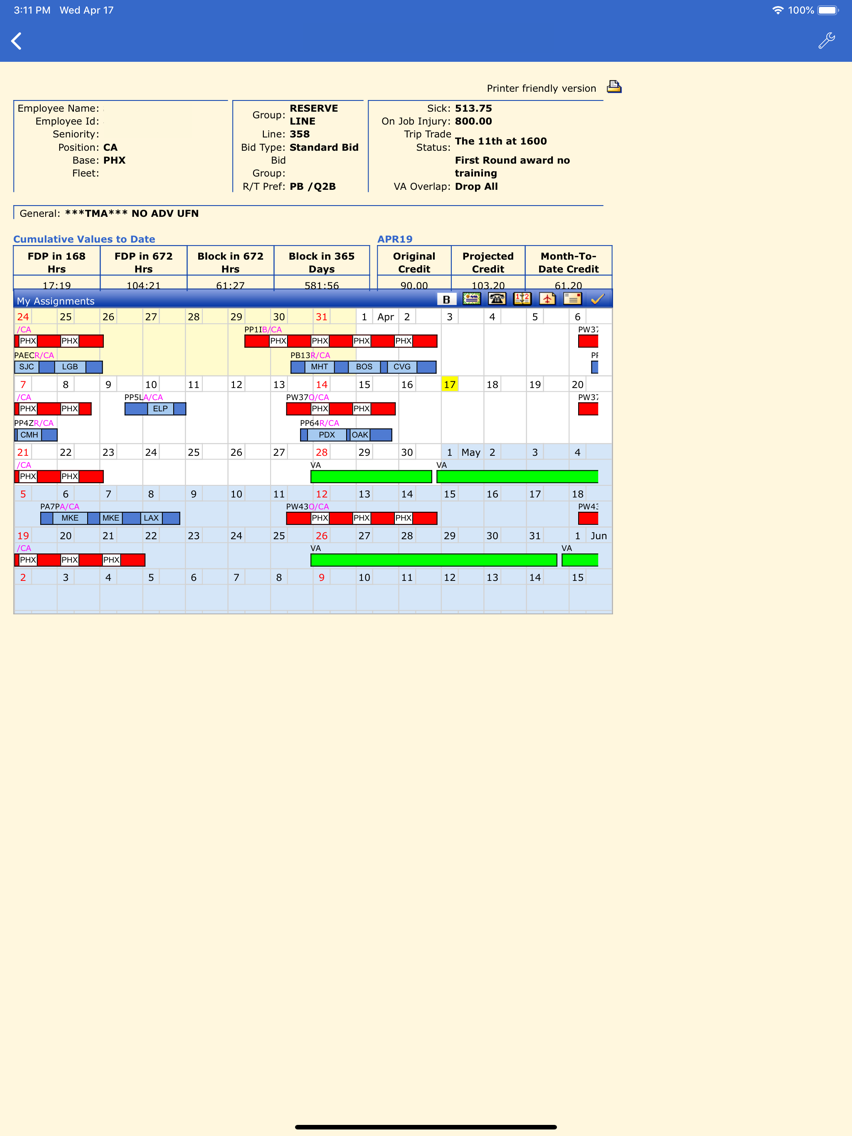
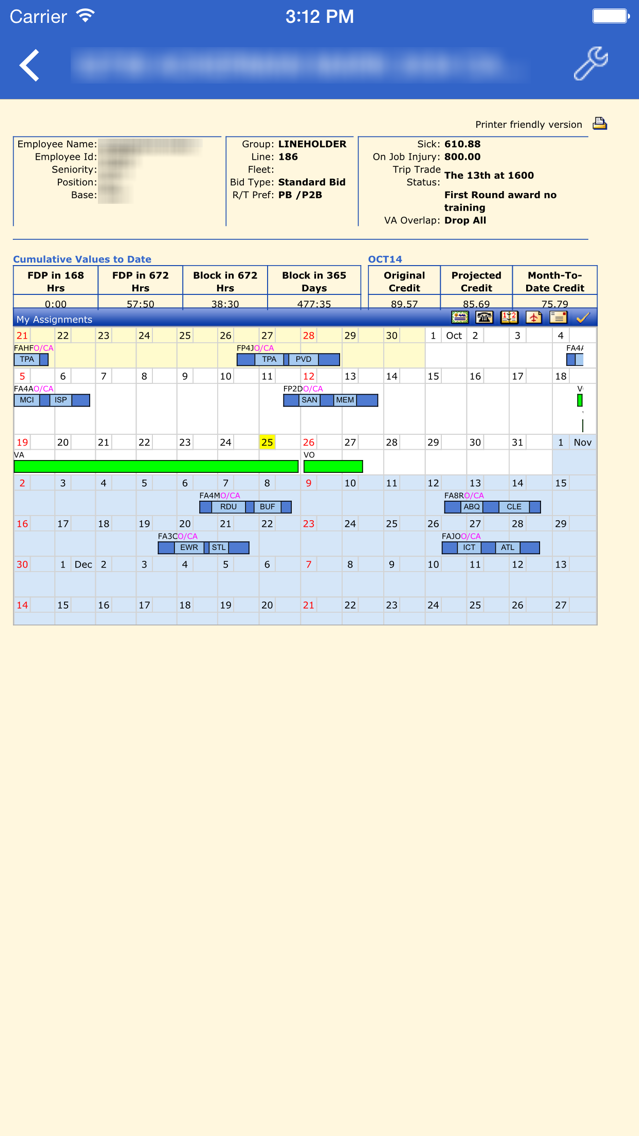
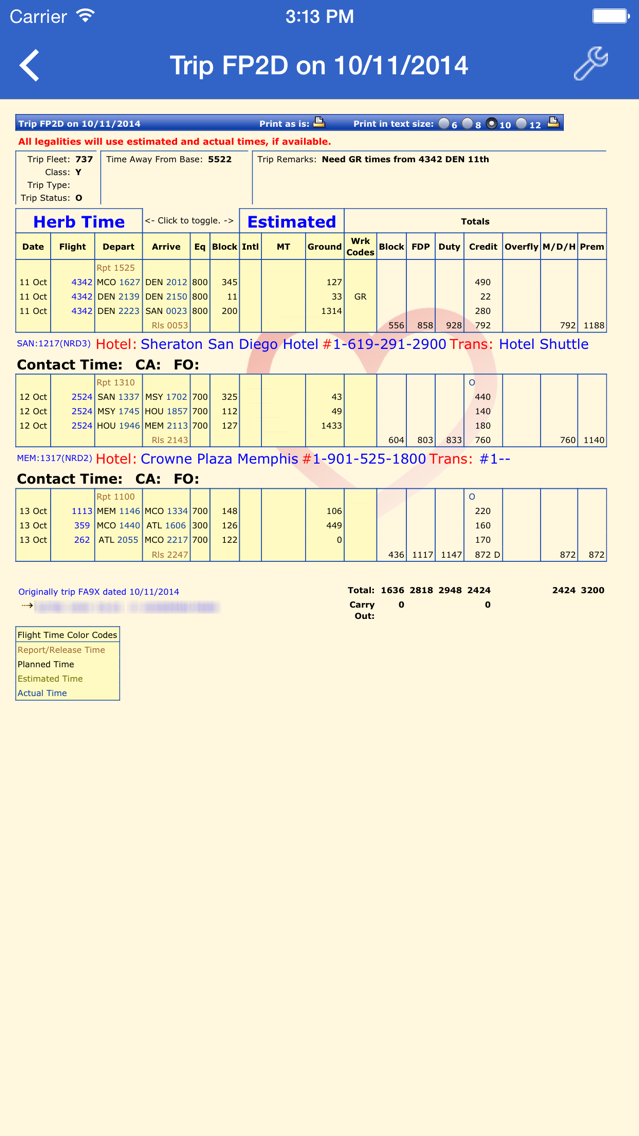
CrewWeb is a limited-feature web browser, tailored for use by Southwest Airlines crew members with the Crew Web Access scheduling website. It allows double-tapping and multiple selections to make full use of the Crew Web Access interface.
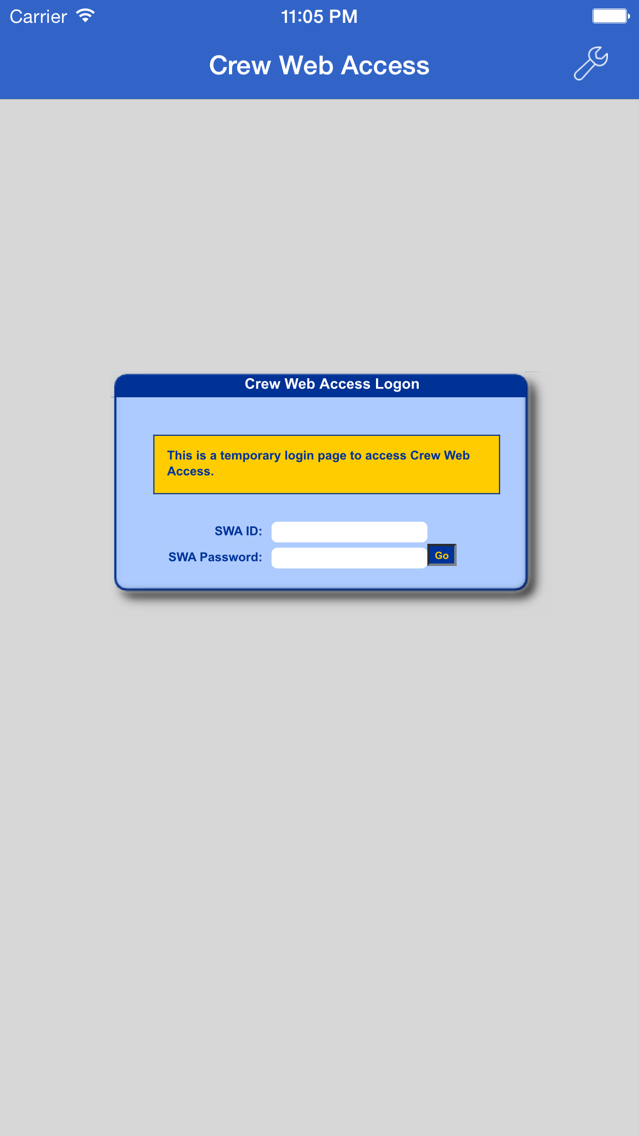
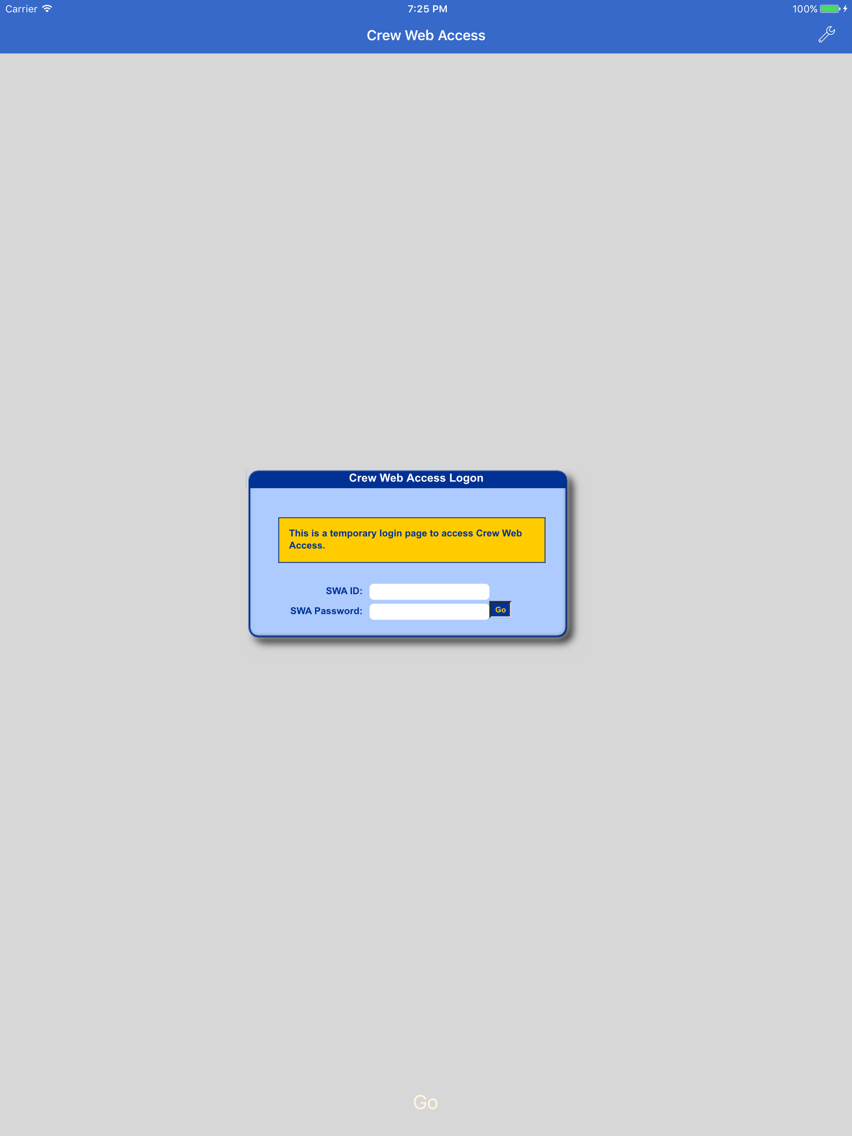
*** Please note that this application requires a user id and password for the scheduling website and will not access any other site. It is useful only for Southwest Airlines crew members, contractors, and others who have access to the scheduling website. ***
CrewWeb is neither endorsed by nor in any way affiliated with Southwest Airlines.

*** Please note that this application requires a user id and password for the scheduling website and will not access any other site. It is useful only for Southwest Airlines crew members, contractors, and others who have access to the scheduling website. ***
CrewWeb is neither endorsed by nor in any way affiliated with Southwest Airlines.
Show More
What's New in the Latest Version 3.0.6
Last updated on Aug 14, 2022
Old Versions
Update for company policy changes.
Show More
Version History
3.0.6
Aug 14, 2022
Update for company policy changes.
3.0.4
Nov 4, 2020
Fix to allow time for autofill of userid and password fields when using slow internet connection.
2.4.7
Sep 25, 2019
Now available for iOS versions prior to iOS 13.
2.4.6
Sep 19, 2019
Fix for double-taps with iOS 13.
2.4.5
Apr 24, 2019
Fixes Tools > Assignments > Current Assignment and Crew Board menu items for flight attendants.
2.4.4
Apr 20, 2019
Fixes click problem in TTGA, Open Time, and ELITT with iOS 12.2 and Current Assignment and Crew Board menu items.
2.4.2
Dec 13, 2017
Single tap will select a trip.
2.4.1
Nov 29, 2017
Fixed problem with saving and autofill of some passwords that contain certain special characters.
2.4
Nov 27, 2017
Fixed problem with saving login credentials for autofill.
2.3.1
Apr 11, 2016
Fixed problem with triple- and quadruple taps, which simulate shift- and command-keys.
2.3
Dec 3, 2015
Requires iOS 9 or later.
Fixes for:
- Persistent 'CWA Unavailable' page.
- Formatting of pilot daily reserve order and flight attendant transaction reports.
Fixes for:
- Persistent 'CWA Unavailable' page.
- Formatting of pilot daily reserve order and flight attendant transaction reports.
2.2
Oct 27, 2015
Improved multiple tap handling.
Improved scrolling.
Added autofill for user id and password.
Improved scrolling.
Added autofill for user id and password.
2.1
Oct 28, 2014
Fixed problem with command-click for multiple selections.
Changed shift-click to triple-tap and and command-click to quadruple-tap.
Additional help files and email contact.
Changed shift-click to triple-tap and and command-click to quadruple-tap.
Additional help files and email contact.
2.0
Oct 25, 2014
Requires iOS 8.0 or later.
Most features of Crew Web Access will work with this version.
1.0.1
Oct 18, 2011
Fixed problem with double-tap in iOS 5.
1.0
Sep 22, 2010
CrewWeb FAQ
Click here to learn how to download CrewWeb in restricted country or region.
Check the following list to see the minimum requirements of CrewWeb.
iPhone
iPad
CrewWeb supports English