CrewWeb

CrewWeb


Free

3.0.6for iPhone, iPad
7.9
49 Ratings
Brainbag Software LLC
Developer
Aug 14, 2022
Update Date
Utilities
Category
Age Rating
4+
Apps in this category do not contain restricted content.
9+
Apps in this category may contain mild or occasional cartoon, fantasy or real-life violence, as well as occasional or mild adult, sexually suggestive or horrifying content and may not be suitable for children under 9 years of age.
12+
Apps in this category may contain occasional mild indecent language, frequent or intense cartoon or real-life violence, minor or occasional adult or sexually suggestive material, and simulated gambling, and may be for children under 12 years of age.
17+
You must be at least 17 years old to access this App.
Apps in this category may contain frequent and intense offensive language; Frequent and intense cartoon, fantasy or realistic violence: frequent and intense adult, scary and sexually suggestive subjects: as well as sexual content, nudity, tobacco, alcohol and drugs, may not be suitable for children under 17 years of age.
CrewWeb Screenshots
CrewWeb PlakatCrewWeb PlakatCrewWeb Plakat

About CrewWeb

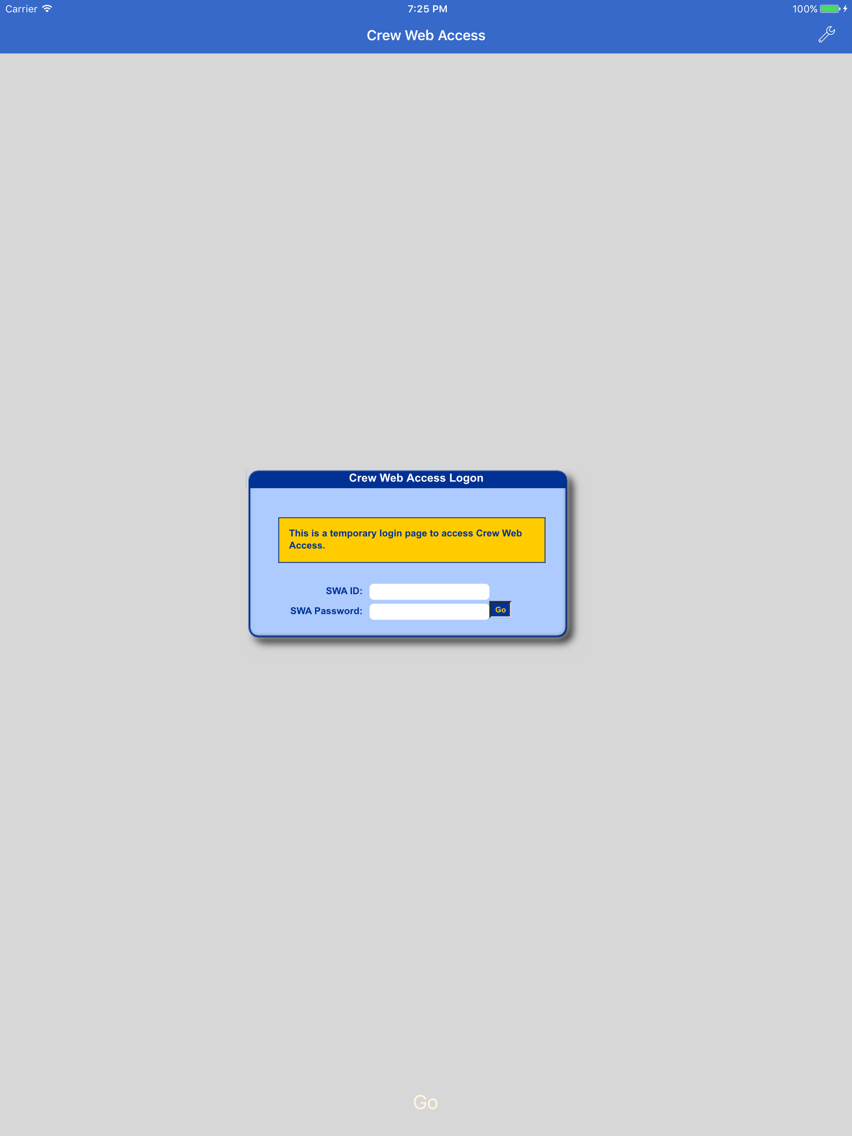
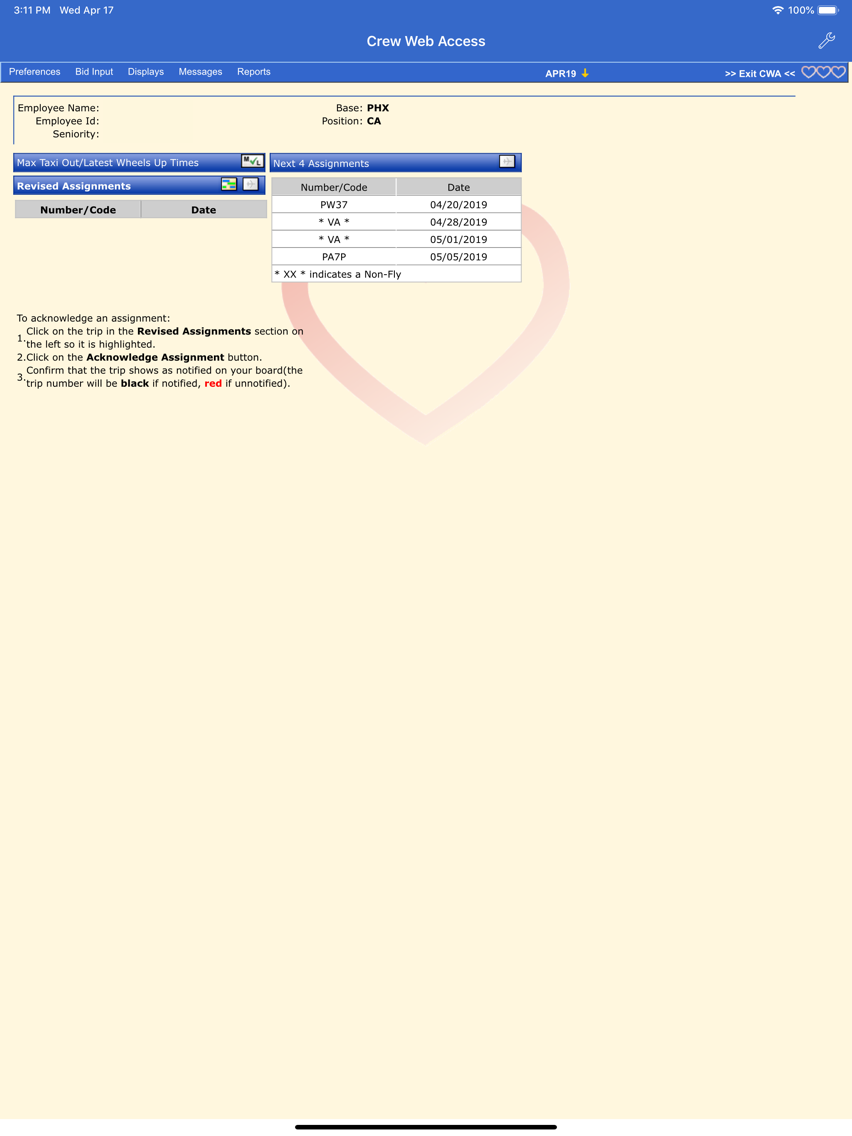
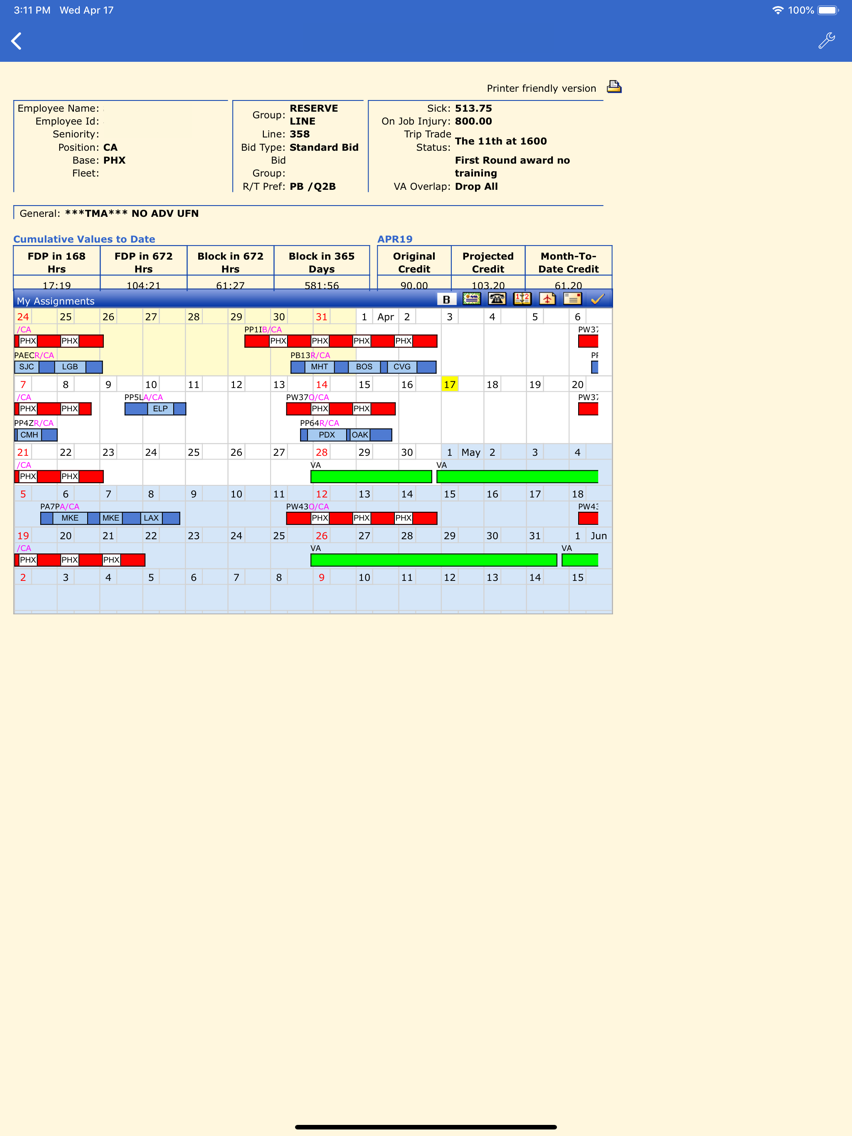
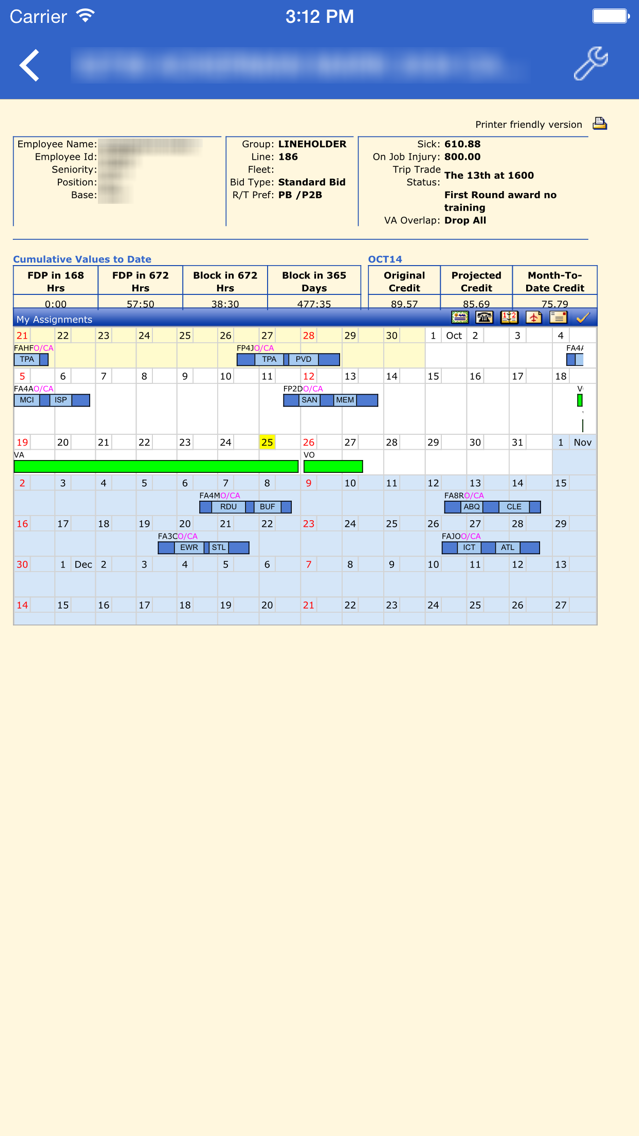
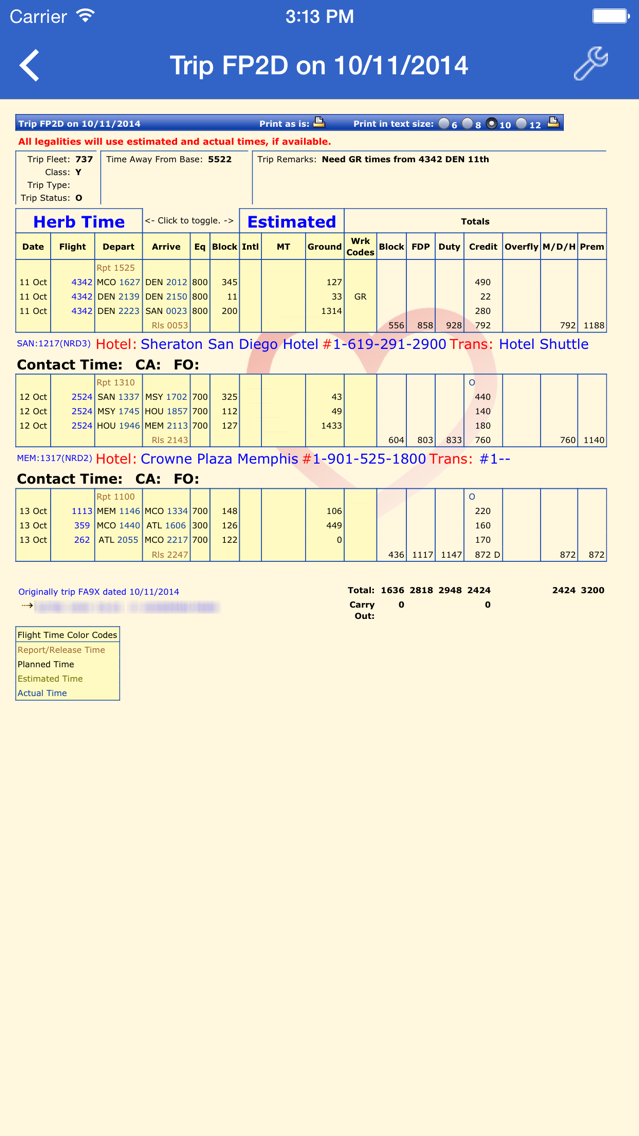
CrewWeb is a limited-feature web browser, tailored for use by Southwest Airlines crew members with the Crew Web Access scheduling website. It allows double-tapping and multiple selections to make full use of the Crew Web Access interface.

*** Please note that this application requires a user id and password for the scheduling website and will not access any other site. It is useful only for Southwest Airlines crew members, contractors, and others who have access to the scheduling website. ***

CrewWeb is neither endorsed by nor in any way affiliated with Southwest Airlines.

Show More

Was ist neu in der neuesten Version 3.0.6

Last updated on Aug 14, 2022
Alte Versionen
Update for company policy changes.
Show More
Version History
3.0.6
Aug 14, 2022
Update for company policy changes.
3.0.4
Nov 4, 2020
Fix to allow time for autofill of userid and password fields when using slow internet connection.
2.4.7
Sep 25, 2019
Now available for iOS versions prior to iOS 13.
2.4.6
Sep 19, 2019
Fix for double-taps with iOS 13.
2.4.5
Apr 24, 2019
Fixes Tools > Assignments > Current Assignment and Crew Board menu items for flight attendants.
2.4.4
Apr 20, 2019
Fixes click problem in TTGA, Open Time, and ELITT with iOS 12.2 and Current Assignment and Crew Board menu items.
2.4.2
Dec 13, 2017
Single tap will select a trip.
2.4.1
Nov 29, 2017
Fixed problem with saving and autofill of some passwords that contain certain special characters.
2.4
Nov 27, 2017
Fixed problem with saving login credentials for autofill.
2.3.1
Apr 11, 2016
Fixed problem with triple- and quadruple taps, which simulate shift- and command-keys.
2.3
Dec 3, 2015
Requires iOS 9 or later.

Fixes for:
- Persistent 'CWA Unavailable' page.
- Formatting of pilot daily reserve order and flight attendant transaction reports.
2.2
Oct 27, 2015
Improved multiple tap handling.
Improved scrolling.
Added autofill for user id and password.
2.1
Oct 28, 2014
Fixed problem with command-click for multiple selections.
Changed shift-click to triple-tap and and command-click to quadruple-tap.
Additional help files and email contact.
2.0
Oct 25, 2014
Requires iOS 8.0 or later.
Most features of Crew Web Access will work with this version.
1.0.1
Oct 18, 2011
Fixed problem with double-tap in iOS 5.
1.0
Sep 22, 2010

CrewWeb FAQ

Klicken Sie hier, um zu erfahren, wie Sie CrewWeb in eingeschränkten Ländern oder Regionen herunterladen können.
Überprüfen Sie die folgende Liste, um die Mindestanforderungen von CrewWeb zu sehen.
iPhone
iPad
CrewWeb unterstützt English

CrewWeb Alternative

Das könnte Ihnen auch gefallen