CryptoCal
Free
1.1for iPhone, iPad
Age Rating
CryptoCal Screenshots
About CryptoCal
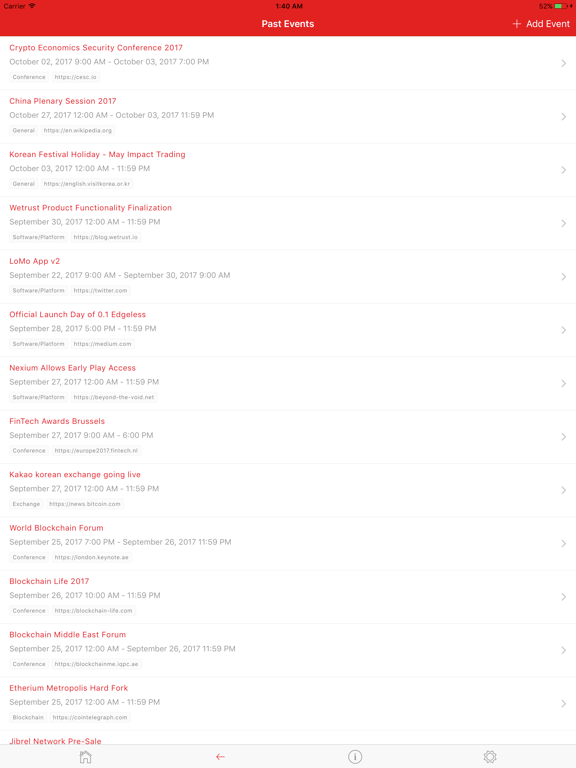
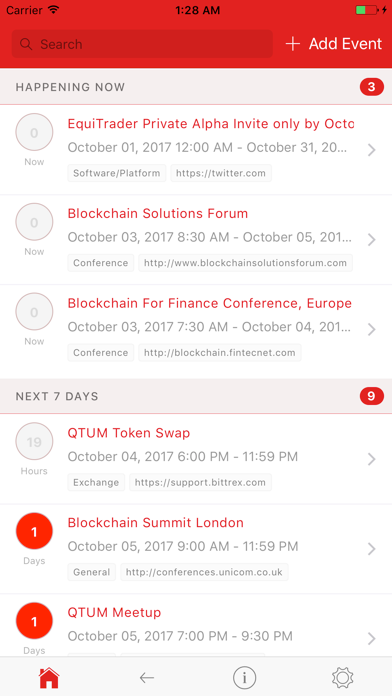
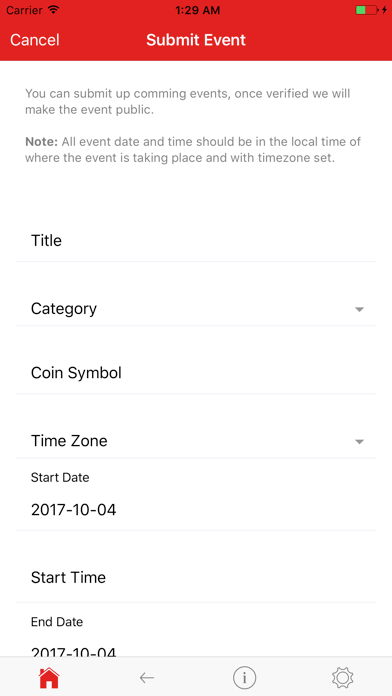
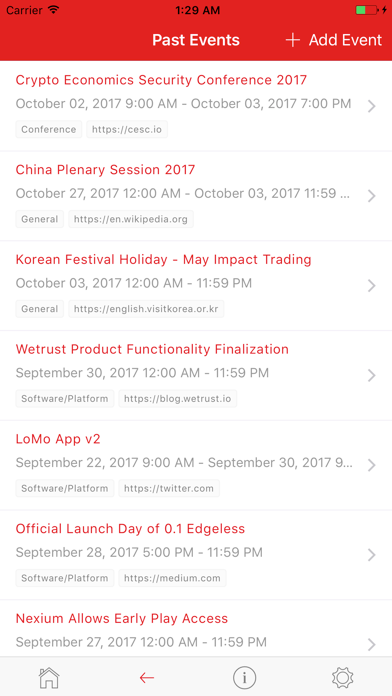
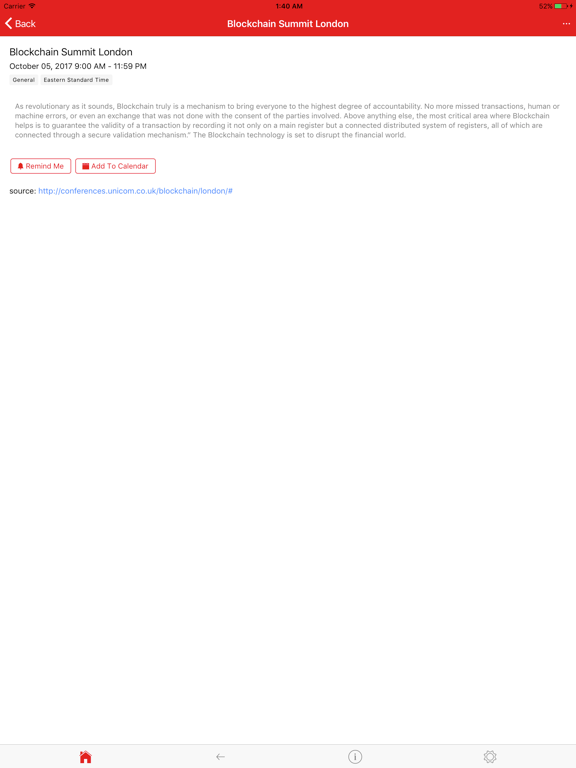
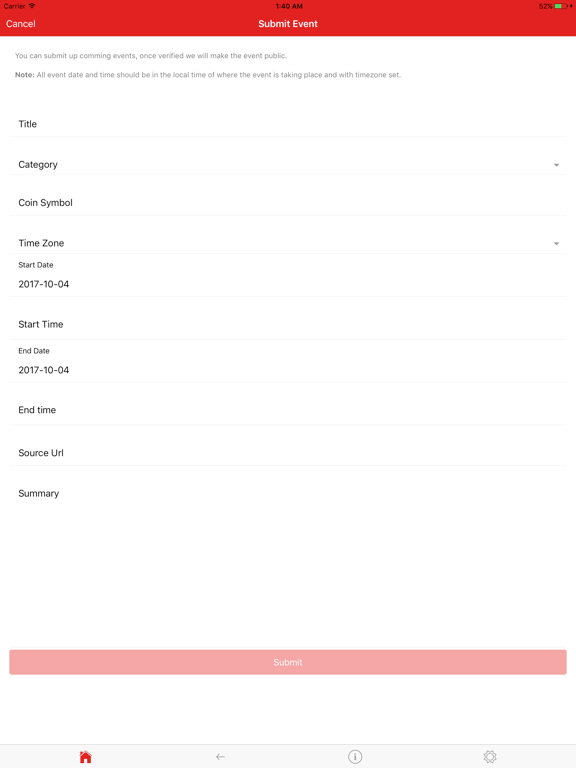
CryptoCal makes it easy to view latest crypto event dates. Never miss another important crypto date, event, conference, ICO announcement or app updates again.
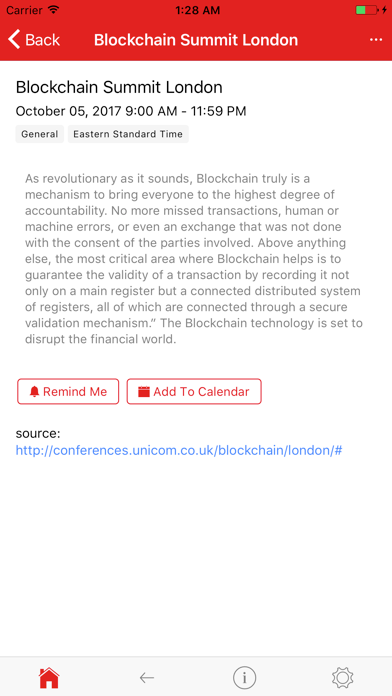
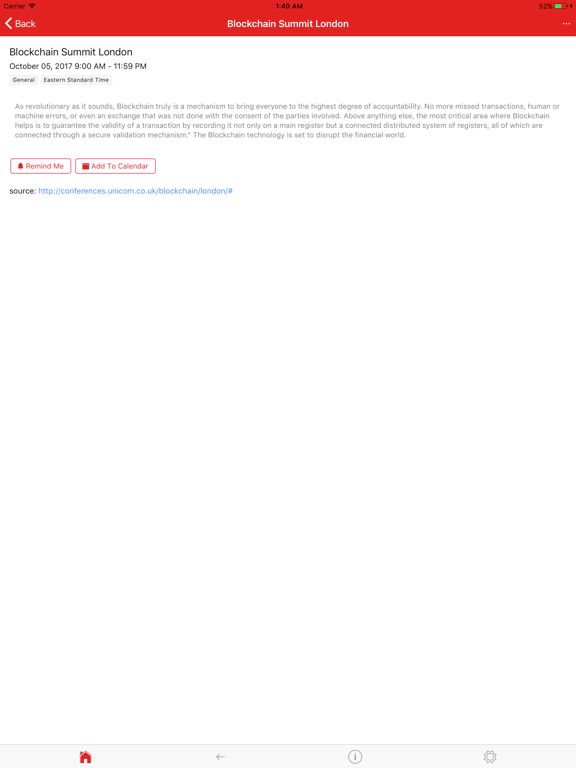
CryptoCal makes it extremely easy to add events to your phone calendar and schedule notifications of upcoming events/dates.
Show More
What's New in the Latest Version 1.1
Last updated on Oct 5, 2017
Old Versions
Features
- Theme selection added (default, blue, orange, night)
- Search bar added for filtering events
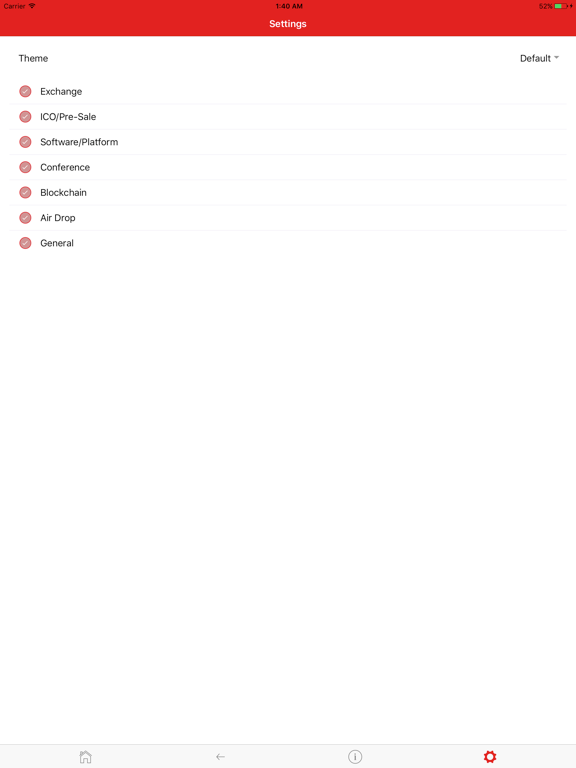
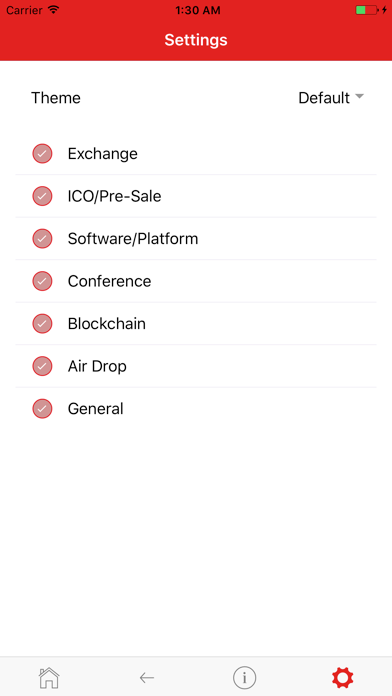
- Categories added into settings for event filtering
- Added ability to send feedback to developers
- Added more categories to the list
Bug Fixes
- Added error messages when connection to the server fails
- Changed the colour of the default error notification
- When adding an event, special characters or line breaks would break on iOS when viewing the event
- Changed the colours of the items to create default theme
- Changed the event section titles

- Theme selection added (default, blue, orange, night)
- Search bar added for filtering events
- Categories added into settings for event filtering
- Added ability to send feedback to developers
- Added more categories to the list
Bug Fixes
- Added error messages when connection to the server fails
- Changed the colour of the default error notification
- When adding an event, special characters or line breaks would break on iOS when viewing the event
- Changed the colours of the items to create default theme
- Changed the event section titles
Show More
Version History
1.1
Oct 5, 2017
Features
- Theme selection added (default, blue, orange, night)
- Search bar added for filtering events
- Categories added into settings for event filtering
- Added ability to send feedback to developers
- Added more categories to the list
Bug Fixes
- Added error messages when connection to the server fails
- Changed the colour of the default error notification
- When adding an event, special characters or line breaks would break on iOS when viewing the event
- Changed the colours of the items to create default theme
- Changed the event section titles
- Theme selection added (default, blue, orange, night)
- Search bar added for filtering events
- Categories added into settings for event filtering
- Added ability to send feedback to developers
- Added more categories to the list
Bug Fixes
- Added error messages when connection to the server fails
- Changed the colour of the default error notification
- When adding an event, special characters or line breaks would break on iOS when viewing the event
- Changed the colours of the items to create default theme
- Changed the event section titles
CryptoCal FAQ
Click here to learn how to download CryptoCal in restricted country or region.
Check the following list to see the minimum requirements of CryptoCal.
iPhone
iPad