Deaf Can Code
Learn Coding in ASL
Free
1.0.8for iPhone, iPad and more
Age Rating
Deaf Can Code Screenshots
About Deaf Can Code
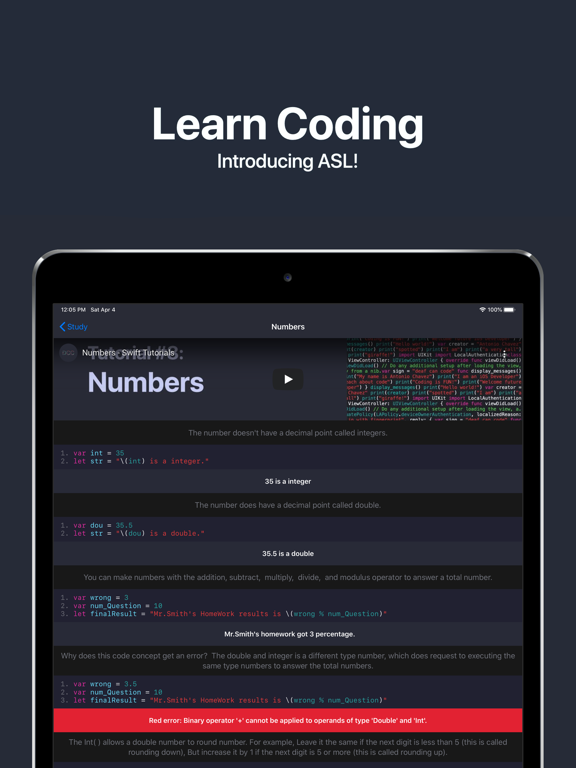
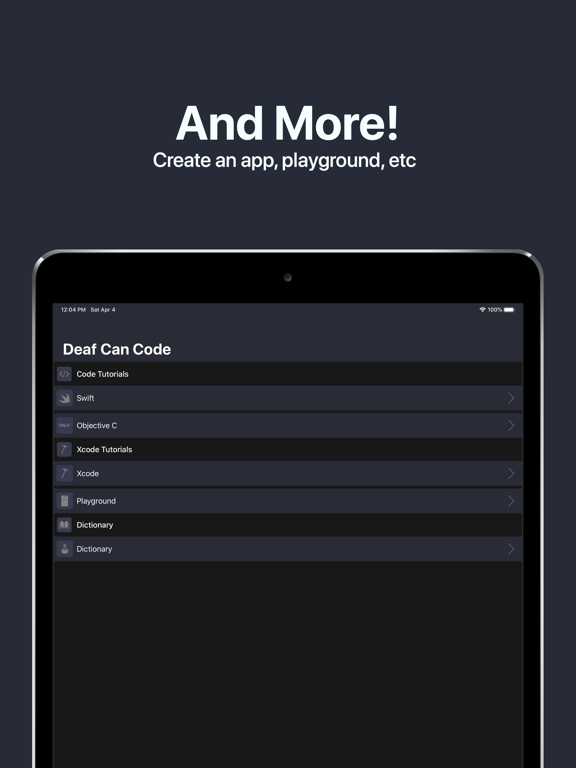
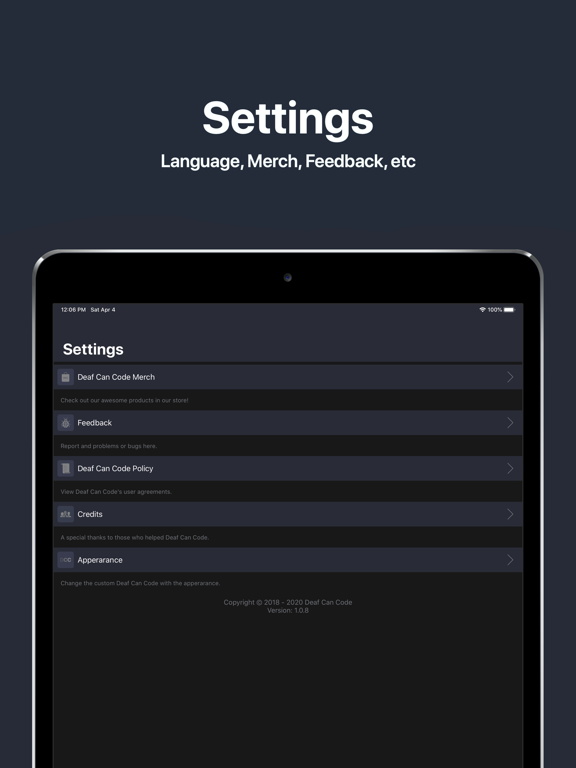
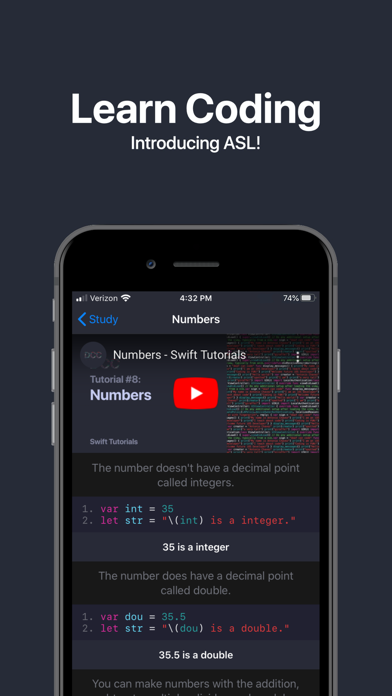
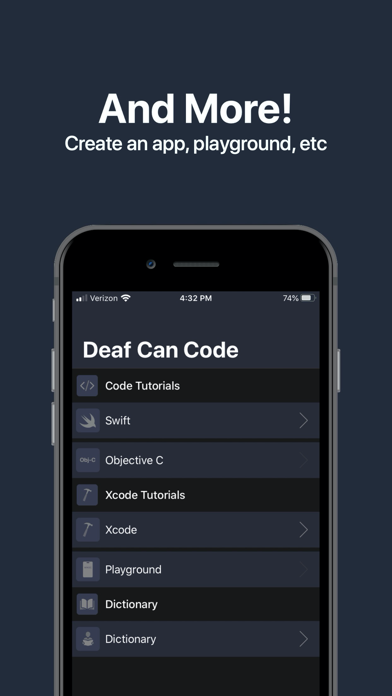
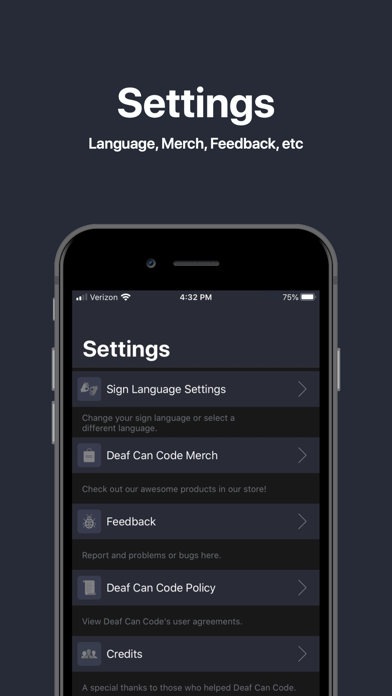
The Deaf Can Code is the first coding community which it's based on Sign Langauge for the deaf community. Deaf Can Code is beginning tutorials with Swift Programming, but there's will more features coming in the future! You can check to learn more about what's features on feedback in the Setting. Have a great enjoy coding!

Show More
What's New in the Latest Version 1.0.8
Last updated on Apr 4, 2020
Old Versions
Add iPadOS Devices supports
Deaf Can Code News has removed
Show More
Version History
1.0.8
Apr 4, 2020
Add iPadOS Devices supports
Deaf Can Code News has removed
1.0.7
Feb 14, 2020
The Syntax in the Dictionary has fixed and Xcode 11 Supported.
Add "Coming Soon" under the section cell.
Icon Apperarance has added in Setting > Apperarance > Icon Apperarance.
Add "Coming Soon" under the section cell.
Icon Apperarance has added in Setting > Apperarance > Icon Apperarance.
1.0.6
Feb 3, 2020
- You can check the learn more in Setting > Feedback about what's new of new features on Deaf Can Code V1.0.6.
- Deaf Can Code has very smooth behavior in iOS 13 and above in which means it no longer has an app crashed.
- If you have a problem with somethings on the Deaf Can Code, Please filling a report in the Feedback. I will fix what you have reported.
- Deaf Can Code has very smooth behavior in iOS 13 and above in which means it no longer has an app crashed.
- If you have a problem with somethings on the Deaf Can Code, Please filling a report in the Feedback. I will fix what you have reported.
1.0.5
Dec 12, 2019
- Appearance automatic has fixed
1.0.4
Dec 11, 2019
- Some table view appeared black text in light mode has fixed
- Add Swift in the dictionary
- DCC News table view has improvement and fixed
- The printing tutorials has one mistake has fixed
- Mail Message has fixed in Feedback
- Color in the Table View Header has fixed
- Table View has replaced in Policy
- Add Swift in the dictionary
- DCC News table view has improvement and fixed
- The printing tutorials has one mistake has fixed
- Mail Message has fixed in Feedback
- Color in the Table View Header has fixed
- Table View has replaced in Policy
1.0.3
Dec 5, 2019
1. Crash in credit has fixed
2. WWDC Countdown Widgets has fixed
3. Table view has replaced in March
4. Table view has replaced in Learn More
2. WWDC Countdown Widgets has fixed
3. Table view has replaced in March
4. Table view has replaced in Learn More
1.0.2
Dec 3, 2019
1. The Swift quiz alert appears the incorrect spelling fixed.
2. Deaf Can Code is official full iOS Devices supported, but iPadOS Devices support is coming soon!
3. Some devices have appeared the black status bars have fixed.
4. The view controller has successfully replaced to Table View.
5. If you want a request features? You can fill out requests in the feedback.
2. Deaf Can Code is official full iOS Devices supported, but iPadOS Devices support is coming soon!
3. Some devices have appeared the black status bars have fixed.
4. The view controller has successfully replaced to Table View.
5. If you want a request features? You can fill out requests in the feedback.
1.0.1
Nov 27, 2019
1. The account has removed.
2. 6.7' and 5.8' devices supported.
3. The Deaf Can Code has 20% perfect interfaces for all iOS Devices. Notice: It's not a bug, which means I have to rebuild the interfaces to iOS Devices, but 5.5', 6.5', 6.1', and 4' Devices will be coming soon. The iPadOS, MacOS, TVOS, WatchOS support will be coming in the future!
4. If you have a problem with somethings on the Deaf Can Code, then Don't write a review in the App Store just using a filling a report in the feedbacks. I will fix what you have reported.
2. 6.7' and 5.8' devices supported.
3. The Deaf Can Code has 20% perfect interfaces for all iOS Devices. Notice: It's not a bug, which means I have to rebuild the interfaces to iOS Devices, but 5.5', 6.5', 6.1', and 4' Devices will be coming soon. The iPadOS, MacOS, TVOS, WatchOS support will be coming in the future!
4. If you have a problem with somethings on the Deaf Can Code, then Don't write a review in the App Store just using a filling a report in the feedbacks. I will fix what you have reported.
1.0
Nov 26, 2019
Deaf Can Code FAQ
Click here to learn how to download Deaf Can Code in restricted country or region.
Check the following list to see the minimum requirements of Deaf Can Code.
iPhone
Requires iOS 13.0 or later.
iPad
Requires iPadOS 13.0 or later.
iPod touch
Requires iOS 13.0 or later.
Deaf Can Code supports English