Documents is your all-in-one PDF app now available on iOS, iPadOS and macOS that provides the following features:
NAVIGATION AND DOCUMENT SUPPORT
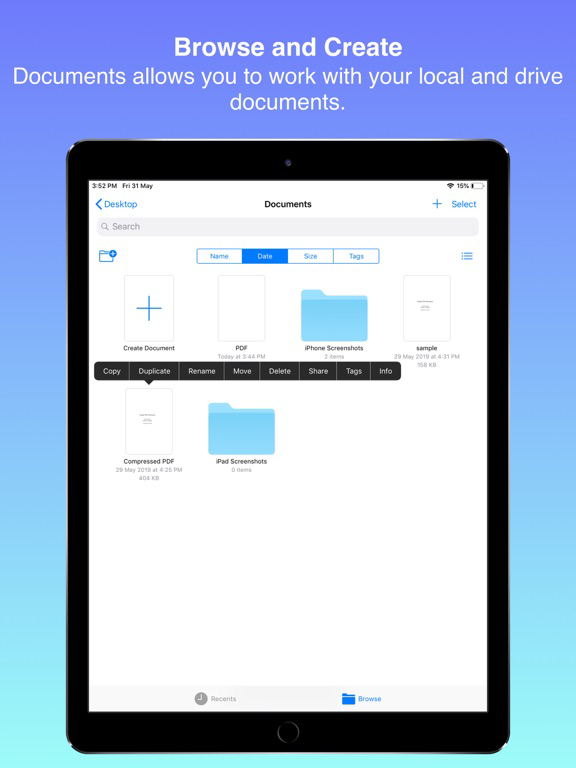
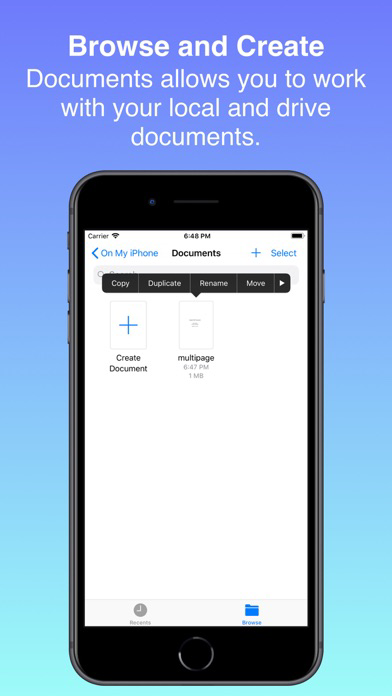
- Navigating your local and drive documents.
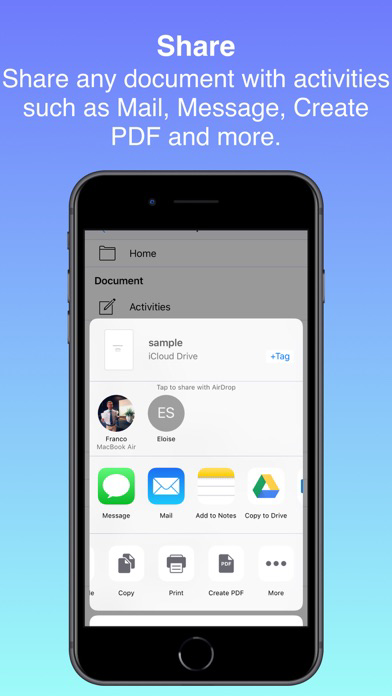
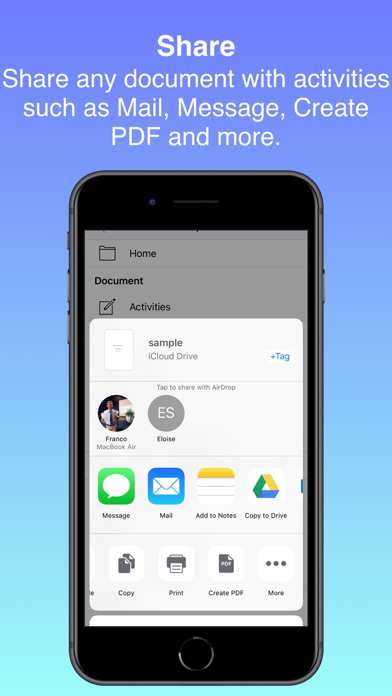
- Sharing documents with activities such as Mail, Message, Create PDF and many more.
- Creating new PDF documents.
PDF DOCUMENTS
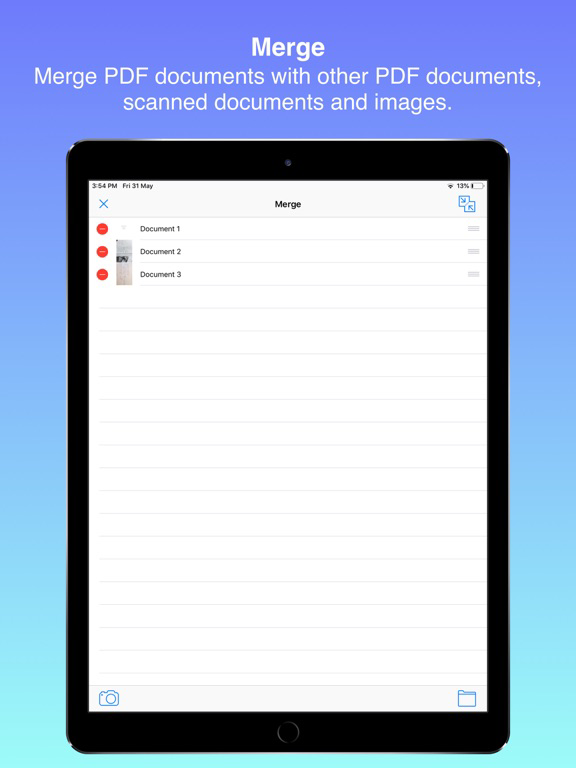
- Merge PDF documents with other PDF documents, scanned documents and images/photos.
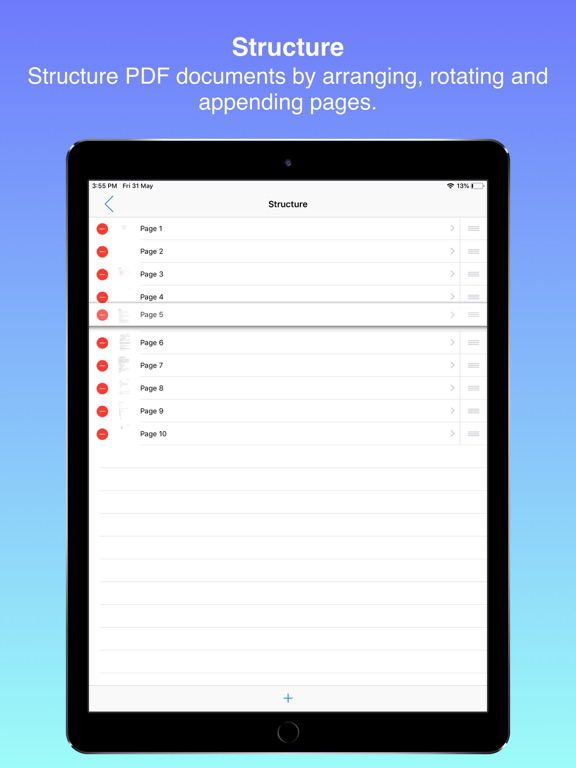
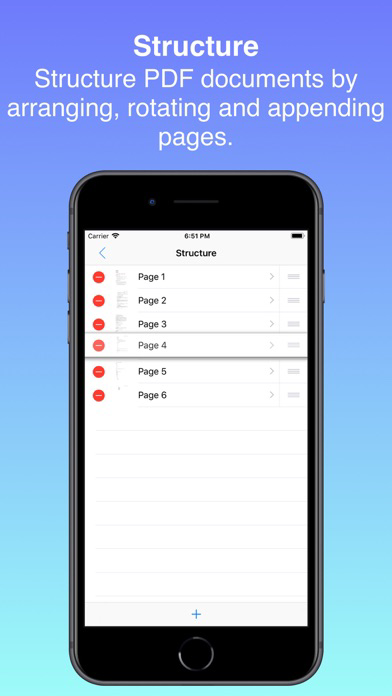
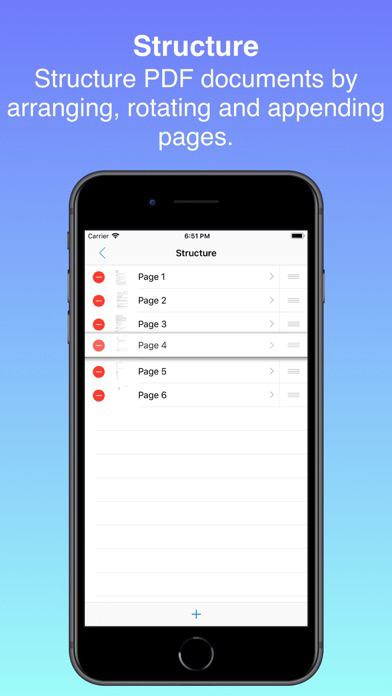
- Change the structure of PDF documents by rearranging it's pages, rotating it's pages and appending new blank pages.
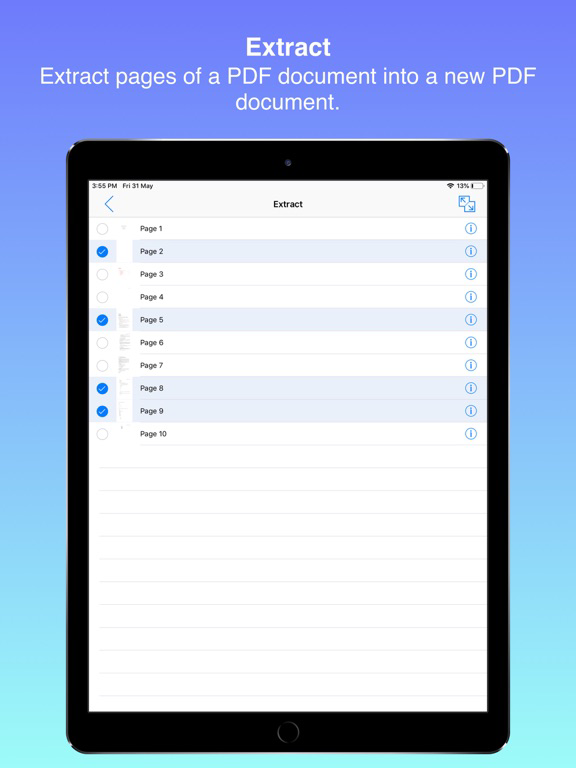
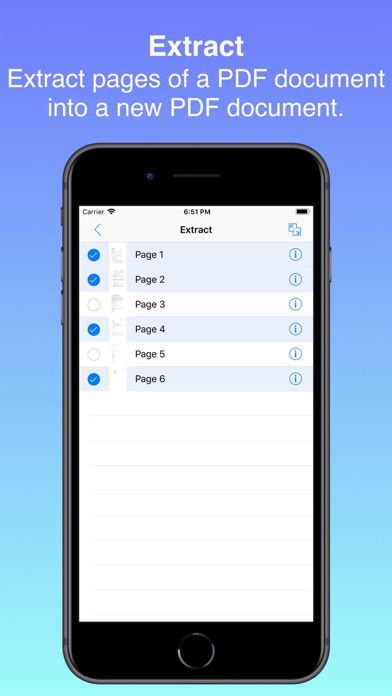
- Extract pages from a PDF document into a new PDF document.
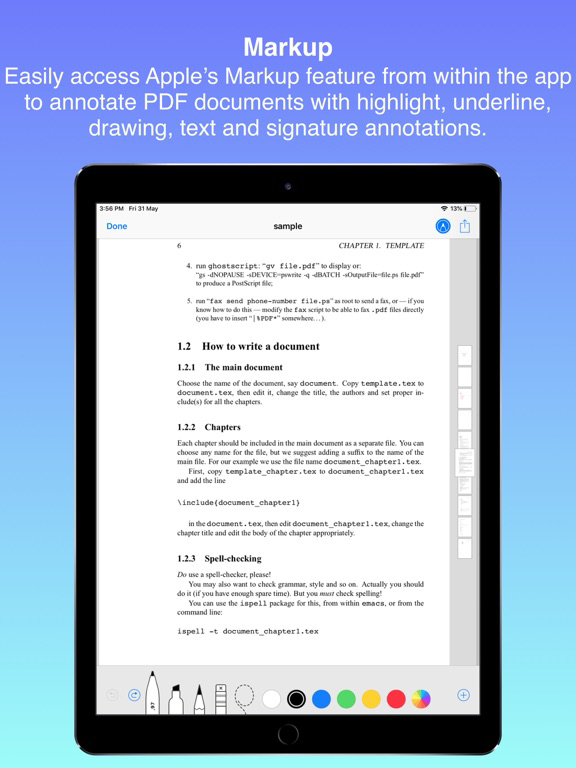
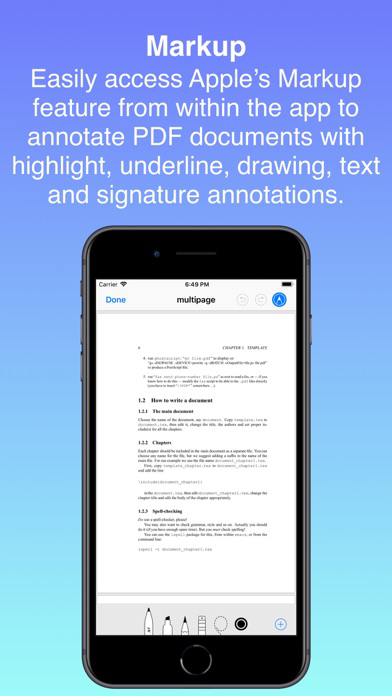
- Easily access Apple's Markup feature from within the app to annotate PDF documents with highlight, underline, drawing, text and signature annotations with variable settings such as colour, size, fonts, etc.
DOCUMENT SCANNING
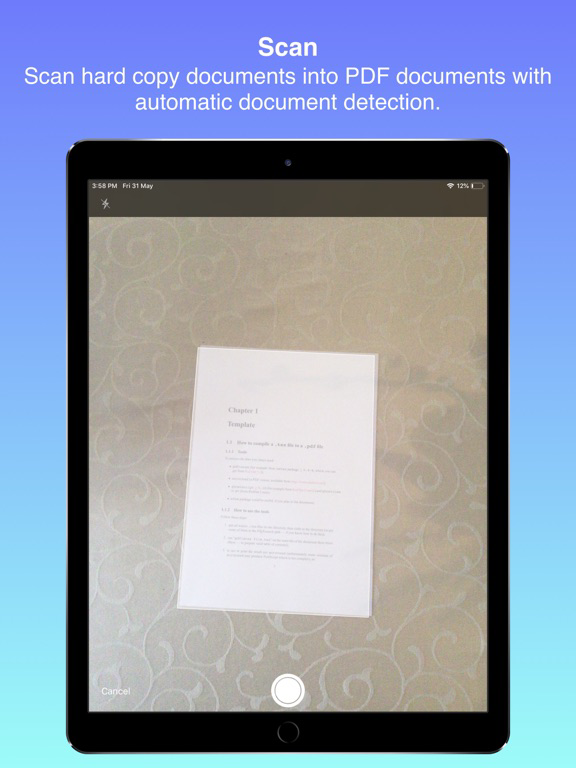
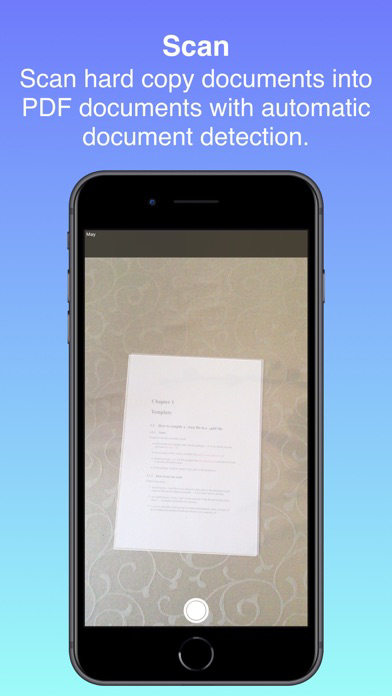
- Scan documents with a live camera feed in which a rectangular frame assists you and automatically detects and scans the hard copy document.
- After scanning the document you will be able to adjust the four corners of the rectangle to best fit the hard copy document if it was not already scanned perfectly.
- After adjusting the scanned document they will automatically be cropped, resized and compressed and ready to be exported as PDF documents with high quality and small file size.
RESIZE AND COMPRESS
- Specify your page dimensions, pixels per inch and compression quality.
- Resize and compress PDF documents with these adjustable settings.
- Reduce document file size while maintaining a high quality.
- Automatically apply resize and compression to scanned and imported documents.
OTHER DOCUMENT SUPPORT
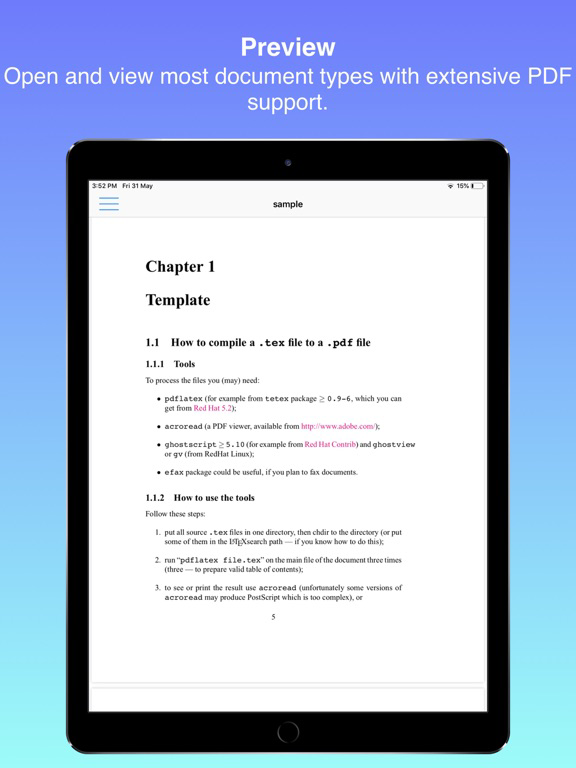
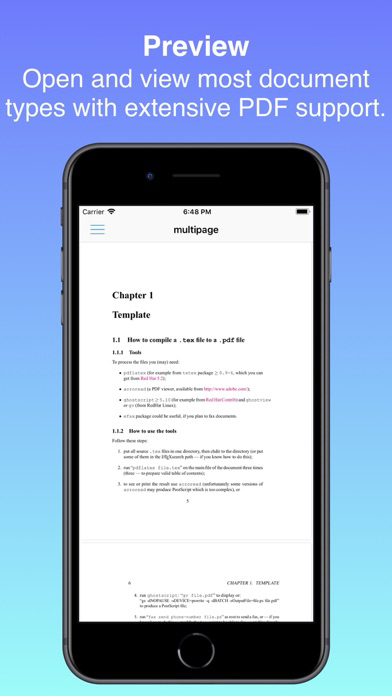
- Other document formats such as json, html, zip, txt, doc, docx, etc. can be opened and viewed and have sharing capabilities.
TRIAL AND LICENSE
- A free month trial is given to all new Documents members to test the app.
- After your trial has ended you have to purchase the Documents License for $14.99 (USD) to permanently gain access to the app.
- Note that you must enable iCloud usage for Documents to be able to use the app. The Documents iCloud Container is used to store trial expiration dates and licenses.