Drivometer
A speedometer app
$0.99
1.0.1for iPhone, iPad
Age Rating
Drivometer Screenshots
About Drivometer
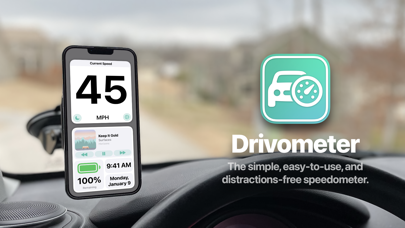
Drivometer is the best way to easily and accurately track your speed while driving.
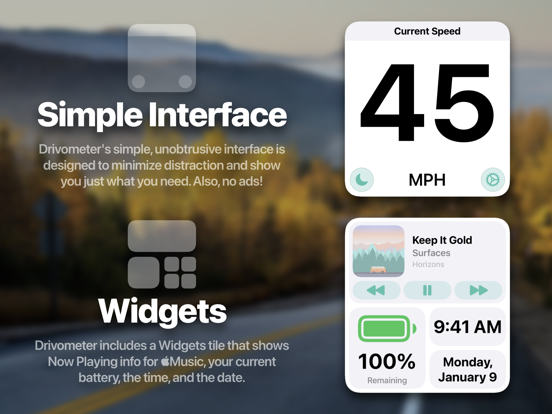
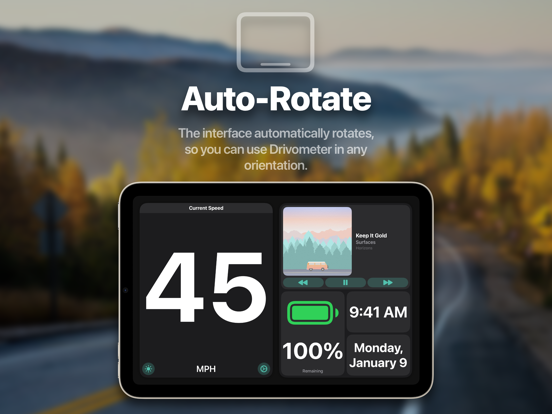
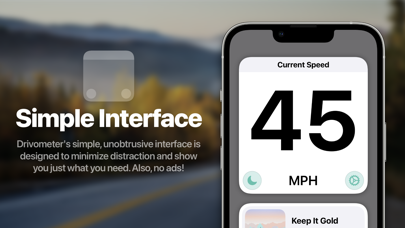
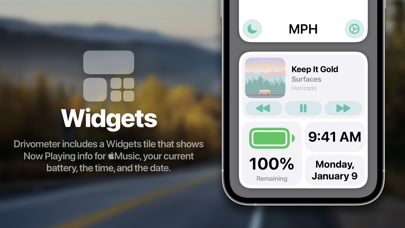
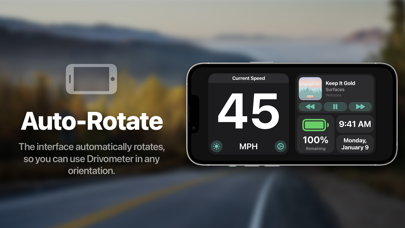
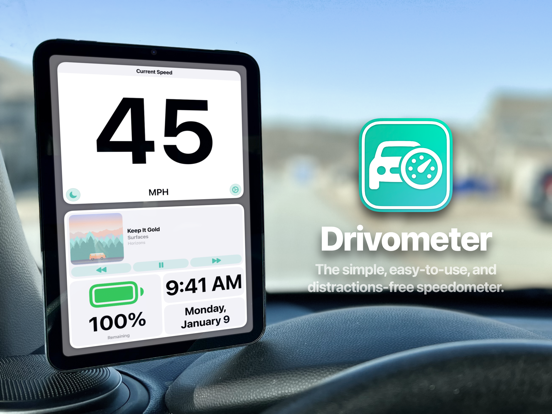
The interface is simple and intuitive, designed to minimize distraction while driving. Convenient widgets show you Now Playing info*, your current battery percentage, the current time, and the date. The interface also auto-rotates so you can use Drivometer in portrait or landscape.
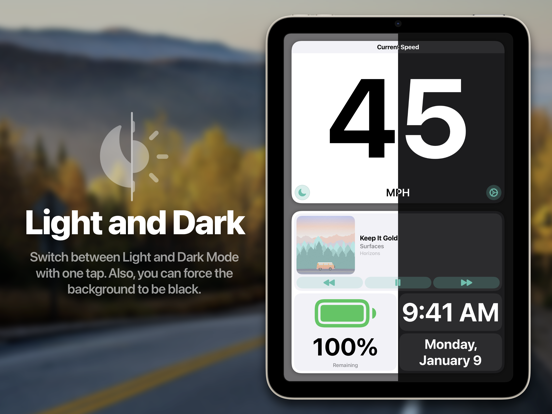
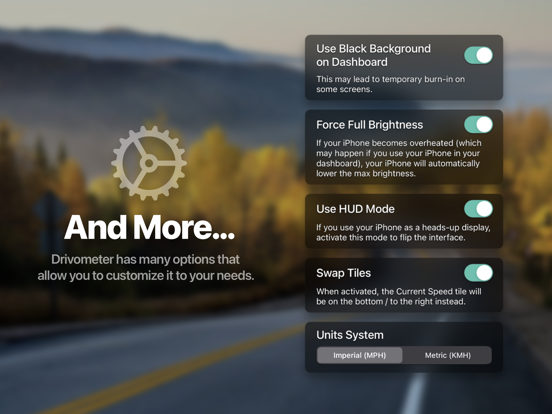
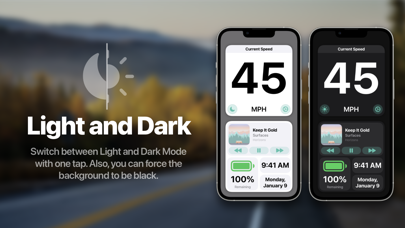
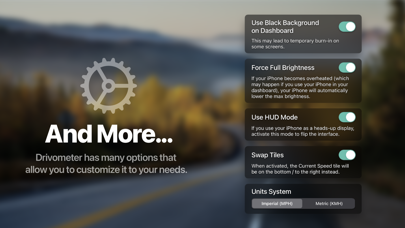
Drivometer also offers other features and options, such as a heads-up display mode, interface customizations, and auto-setting your brightness to 100%. You can also switch between Miles and Kilometers.
Finally, there's no ads, In-App Purchases, or premium features. Just $0.99 up front and you're done.
Drivometer uses your device's GPS, but your location or other information is never collected.
*For Apple Music / iTunes only.

The interface is simple and intuitive, designed to minimize distraction while driving. Convenient widgets show you Now Playing info*, your current battery percentage, the current time, and the date. The interface also auto-rotates so you can use Drivometer in portrait or landscape.
Drivometer also offers other features and options, such as a heads-up display mode, interface customizations, and auto-setting your brightness to 100%. You can also switch between Miles and Kilometers.
Finally, there's no ads, In-App Purchases, or premium features. Just $0.99 up front and you're done.
Drivometer uses your device's GPS, but your location or other information is never collected.
*For Apple Music / iTunes only.
Show More
What's New in the Latest Version 1.0.1
Last updated on Mar 19, 2022
Old Versions
Thanks for using Drivometer! Here's this version's changes:
- Made Now Playing buttons more easily tappable
- Now you can tap anywhere above the buttons in the Now Playing view to activate them
- Fixed text sizes on iOS 14
- Fixed Now Playing button appearance on iOS 14
- Added a subtle parallax effect (can be disabled in Settings)
I have more great things planned, so stay tuned!
- Made Now Playing buttons more easily tappable
- Now you can tap anywhere above the buttons in the Now Playing view to activate them
- Fixed text sizes on iOS 14
- Fixed Now Playing button appearance on iOS 14
- Added a subtle parallax effect (can be disabled in Settings)
I have more great things planned, so stay tuned!
Show More
Version History
1.0.1
Mar 19, 2022
Thanks for using Drivometer! Here's this version's changes:
- Made Now Playing buttons more easily tappable
- Now you can tap anywhere above the buttons in the Now Playing view to activate them
- Fixed text sizes on iOS 14
- Fixed Now Playing button appearance on iOS 14
- Added a subtle parallax effect (can be disabled in Settings)
I have more great things planned, so stay tuned!
- Made Now Playing buttons more easily tappable
- Now you can tap anywhere above the buttons in the Now Playing view to activate them
- Fixed text sizes on iOS 14
- Fixed Now Playing button appearance on iOS 14
- Added a subtle parallax effect (can be disabled in Settings)
I have more great things planned, so stay tuned!
1.0
Mar 2, 2022
Drivometer FAQ
Drivometer is available in regions other than the following restricted countries:
Bulgaria,Ireland,Sweden,Belgium,Greece,China,Romania,France,Portugal,Cyprus,Austria,Luxembourg,Slovenia,Slovakia,Lithuania,Hungary,Estonia,Finland,Poland,Russia,Malta,Netherlands,Croatia,Spain,Czech Republic,Germany,Denmark,Latvia,Italy
Drivometer supports English
Click here to learn how to download Drivometer in restricted country or region.
Check the following list to see the minimum requirements of Drivometer.
iPhone
Requires iOS 14.0 or later.
iPad
Requires iPadOS 14.0 or later.