eBackpackLM is the new look of the popular eBackpack iOS app.
** District Administration Readers' Choice Top 100 Product, 2014, 2015, & 2016
** Multiple EdTech Digest awards, Collaboration tool, Learning Management System, Parent/Home communication program and more!
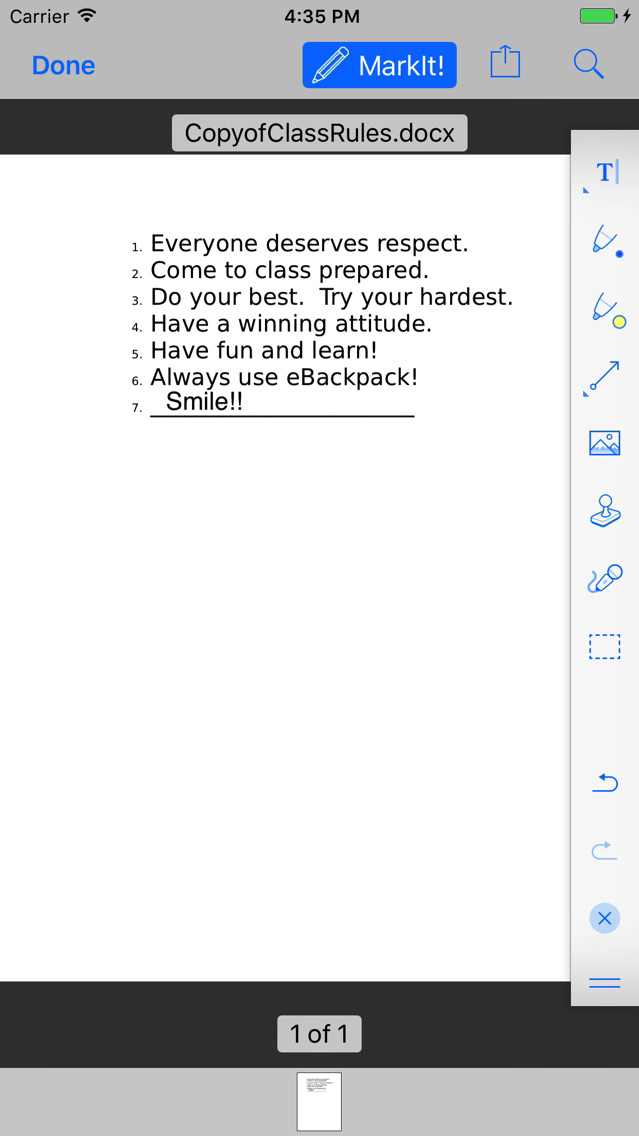
Assign, Collect, Review, Annotate, and Return student work, assignments, and assessments easily with eBackpack to support your paperless classroom and student/teacher collaboration. Integrates with your calendar and more. eBackpack includes multimedia PDF support, layered PDF, annotation edit, voice, and video capabilities!
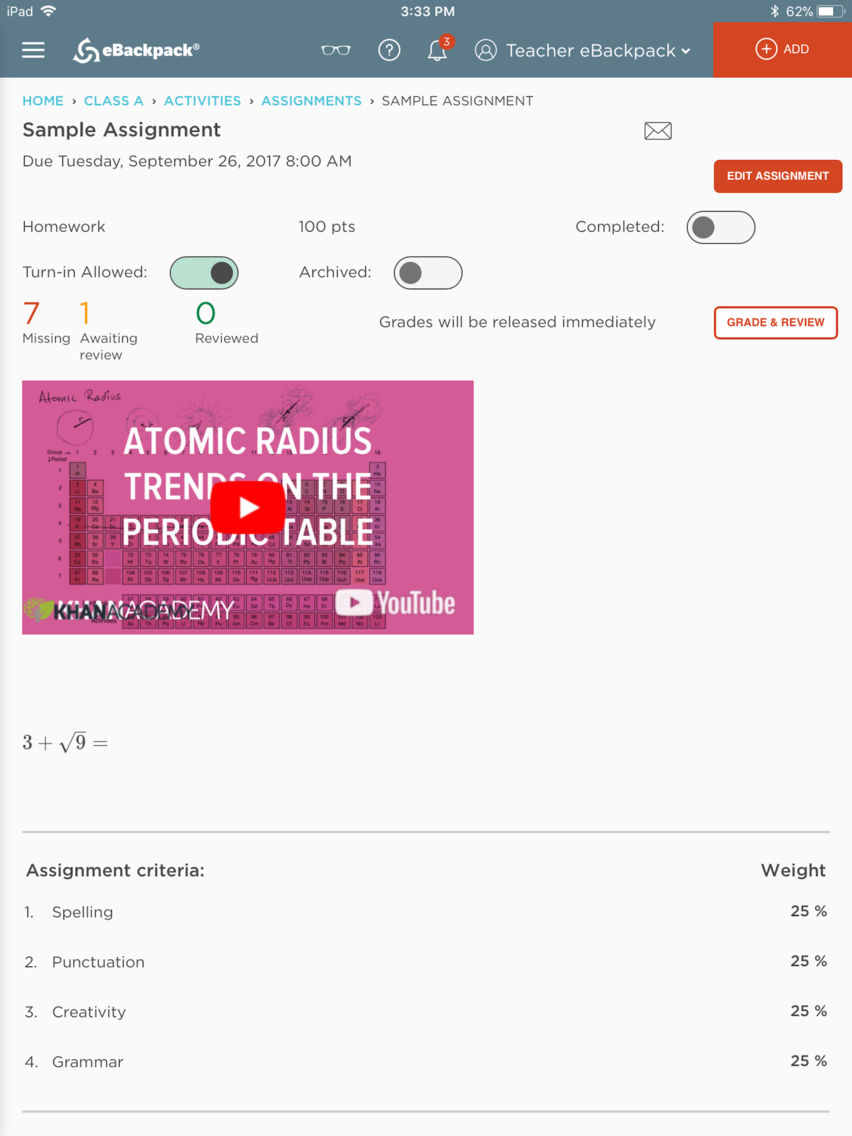
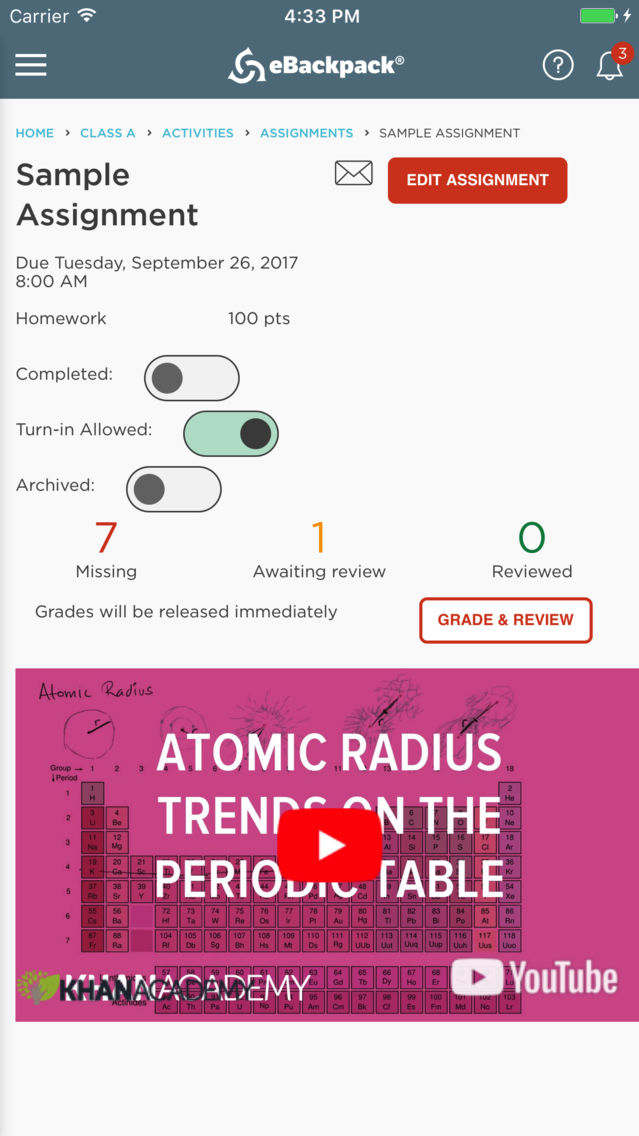
Grade anything turned in, grade missing work, or quickly grade all submissions!
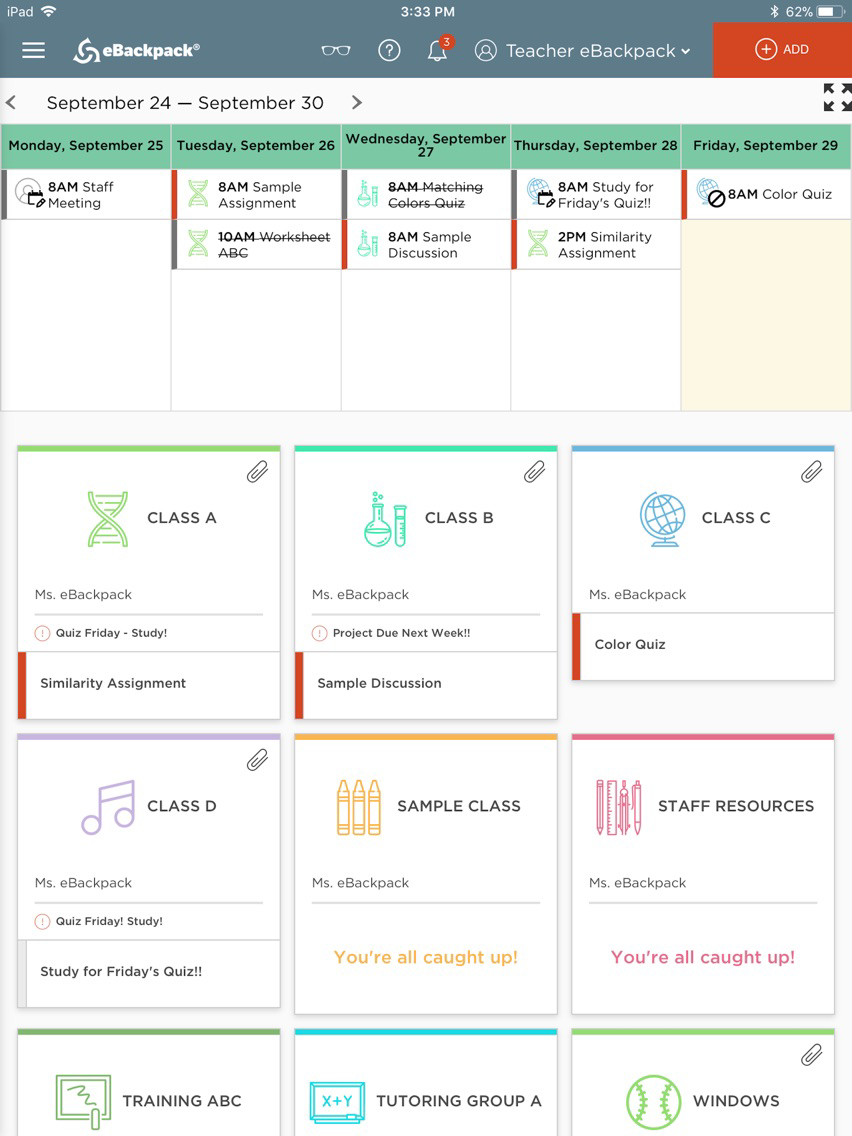
View all your assignments on your calendar! Connect with Google Calendar, Google Drive, Dropbox, Box, and OneDrive (consumer and business/school).
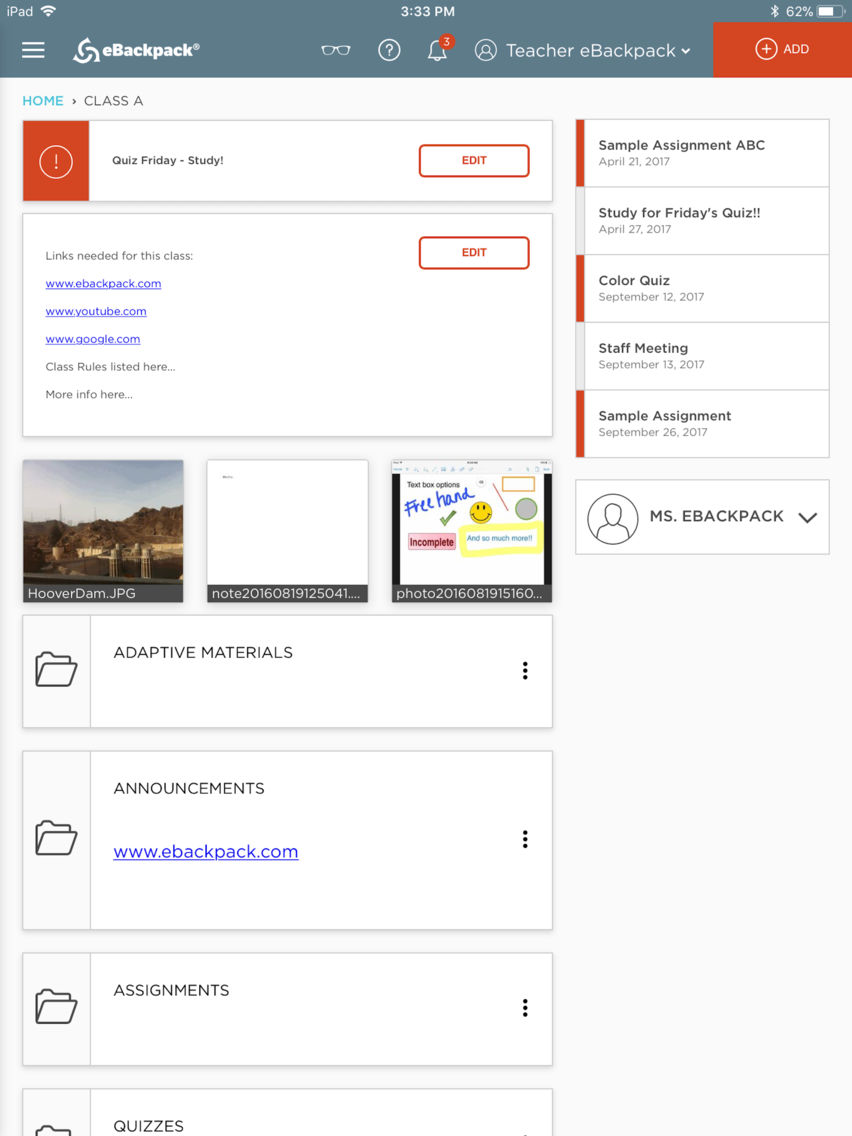
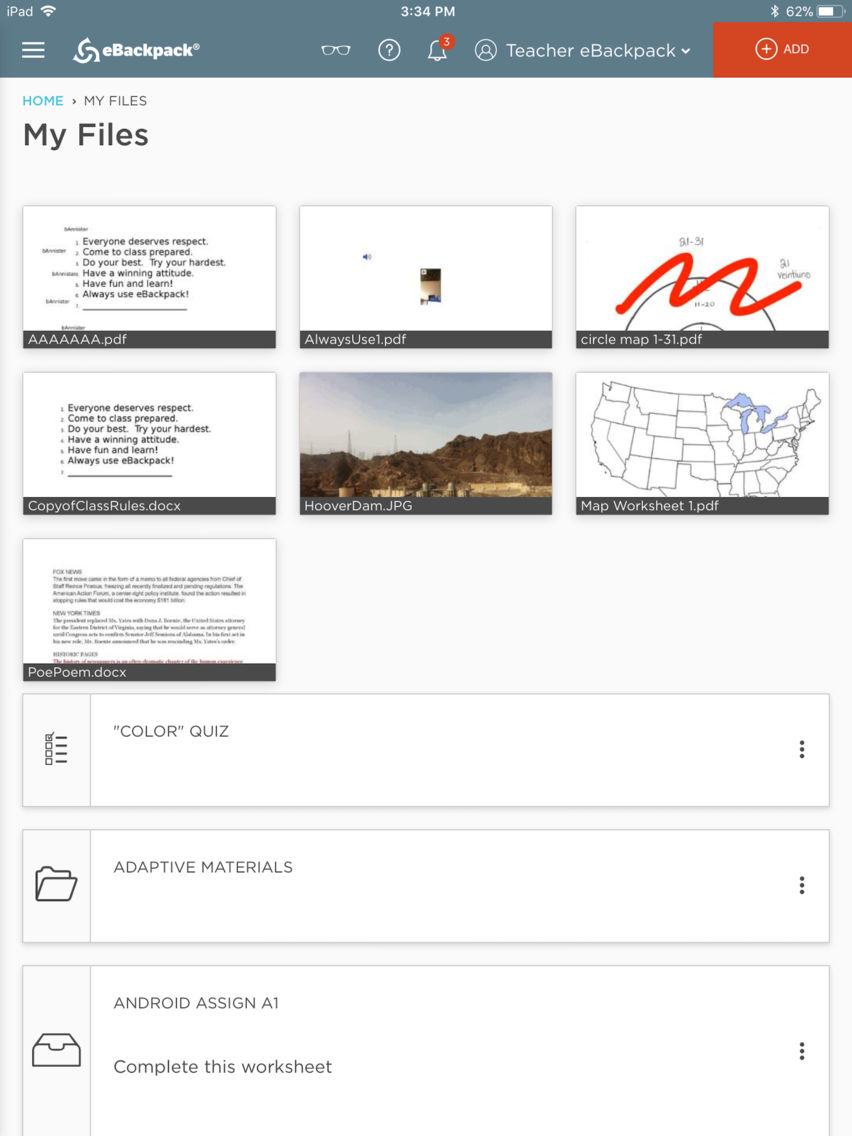
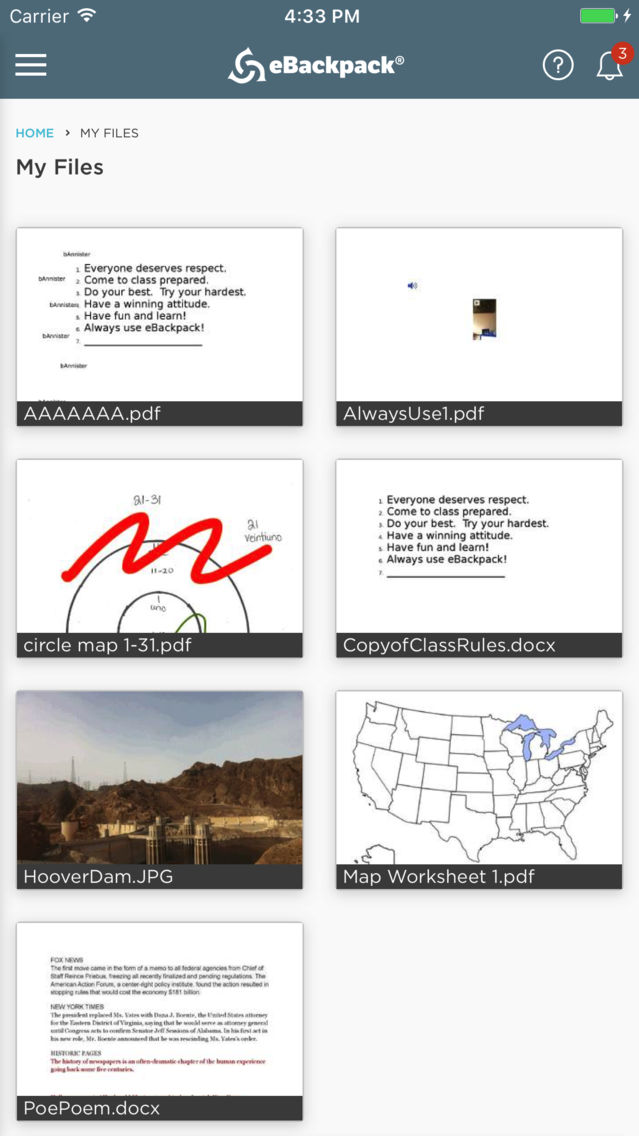
eBackpack is an assignment, assessment, storage, and collaboration service. eBackpack provides teachers, students, and administrators personal and group storage for assignments, handouts, and homework and the ability to do the entire homework workflow process without the need to print any paper.
eBackpack lets you easily:
* Share information and assignments with a class or a group.
* Open your files and assignments into other apps.
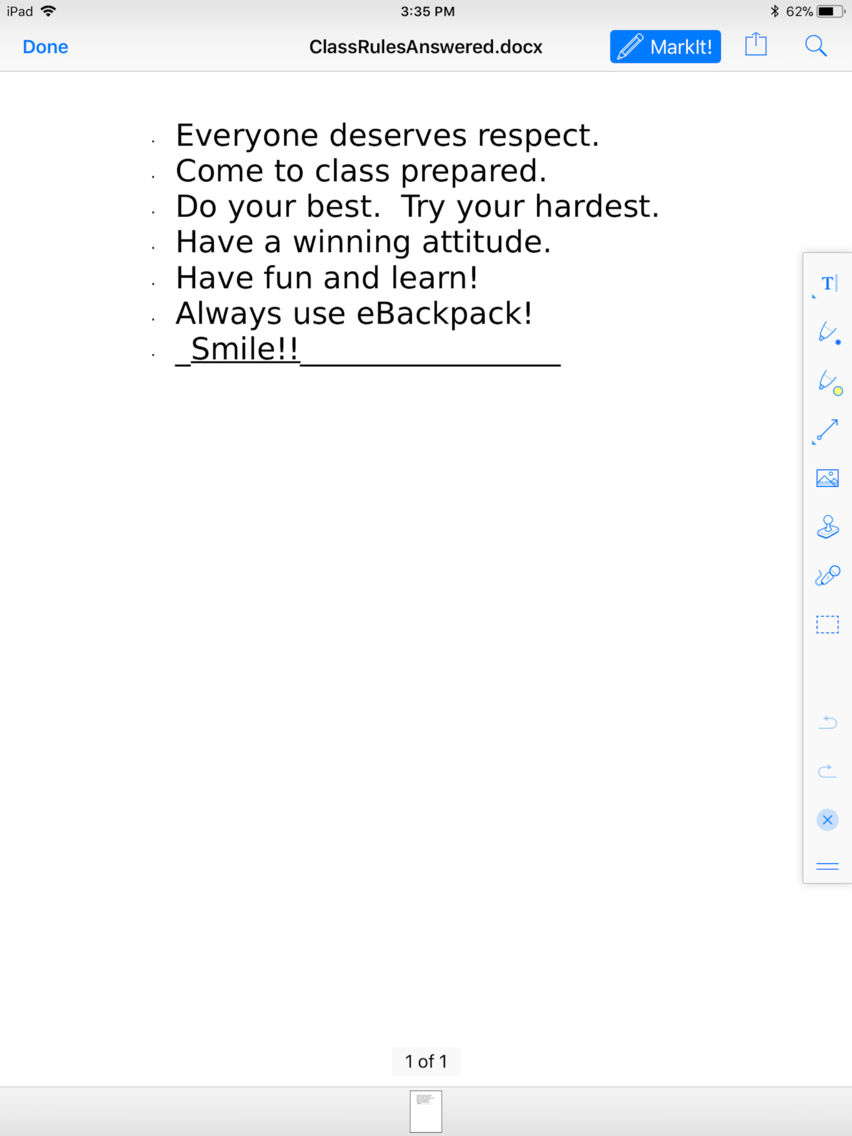
* Annotate and complete worksheets and essays in our app.
* Upload or turn in items from your camera roll.
* Turn in or save items that are opened into eBackpack from other apps.
* Annotate, grade, and comment on student work as a teacher.
* Distribute, create, and take assessments.
* Create new documents.
* Provide audio and video feedback or turn in audio or video assignments.
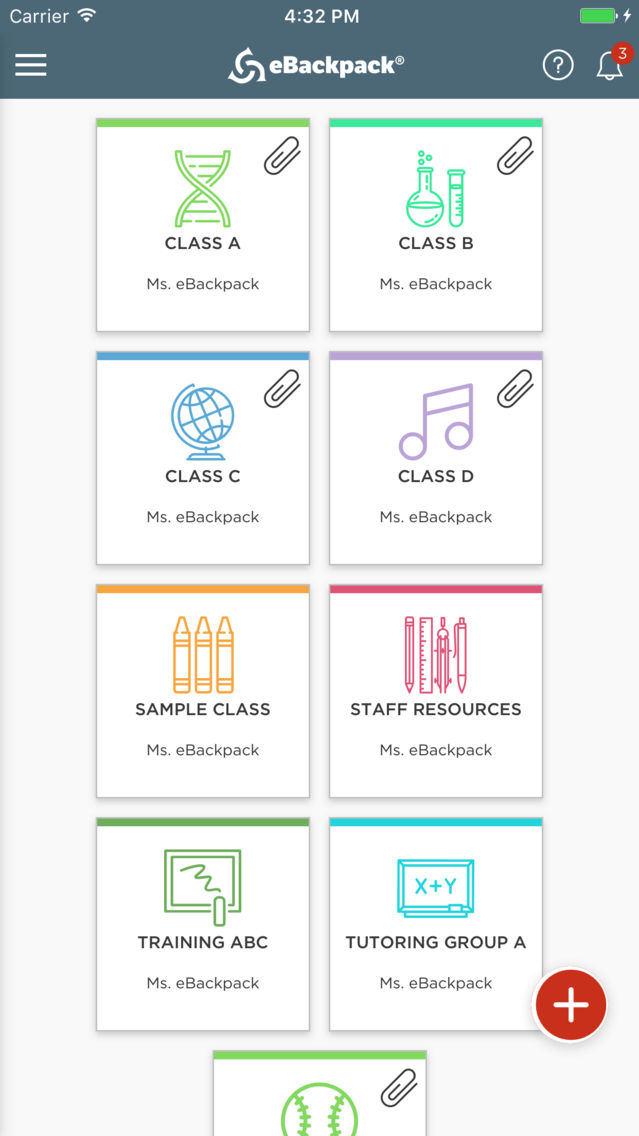
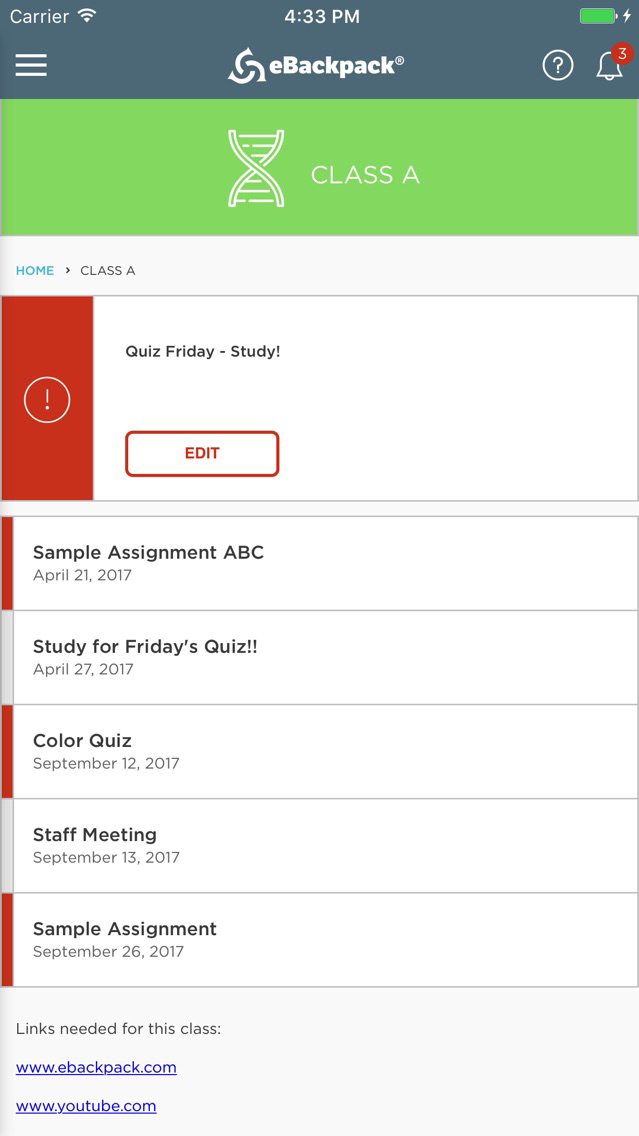
* See your current assignments.
* Engage in classroom discussion and chat.
* View graded work as a student.
* Create and share audio and video!
eBackpack, winner of the prestigious Readers' Choice Top 100 Products in Education award, offers a digital locker that is full featured, easy to use, and E-Rate eligible. eBackpack goes beyond a storage only solution by providing workflow and collaboration: homework drop boxes supporting student turn in, teacher review, and online discussion. It is safe, secure, and accessible 24/7 from any internet connected computer with modules that support the iPad and iPhone with WebDAV and integrate to PC/Mac computers to work as a network drive. eBackpack offers enhancement modules to integrate with multiple Student Information Systems (SIS) and LDAP / Active Directory for authentication.
Note: This application only works with an existing eBackpack account that has mobile access enabled. Users must have an existing account with eBackpack to use this application.