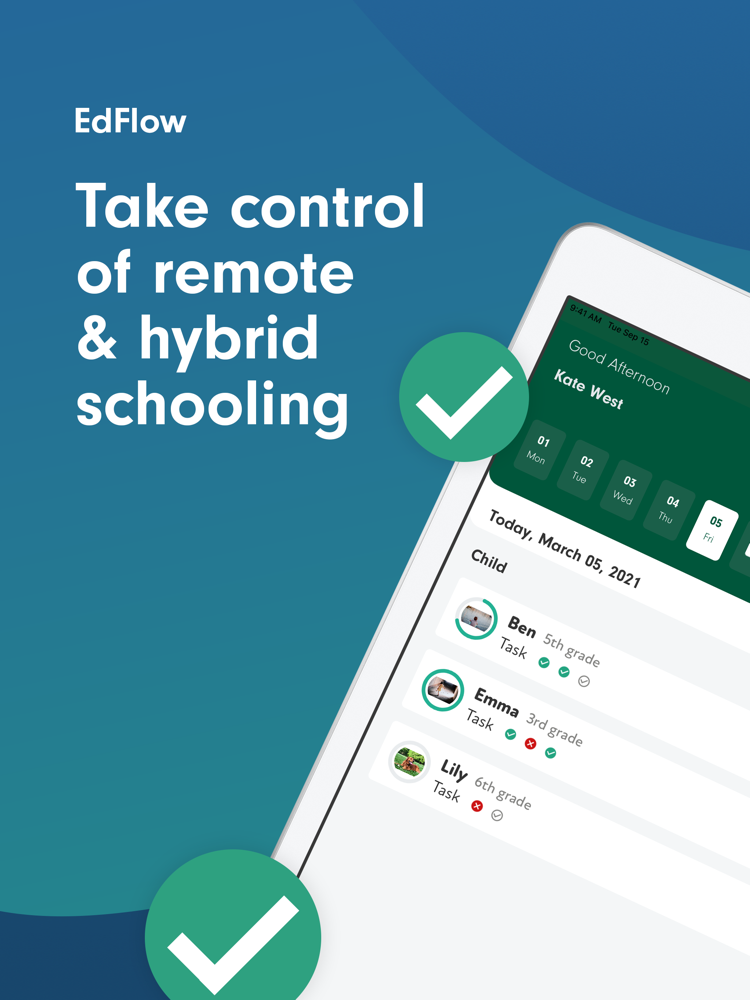
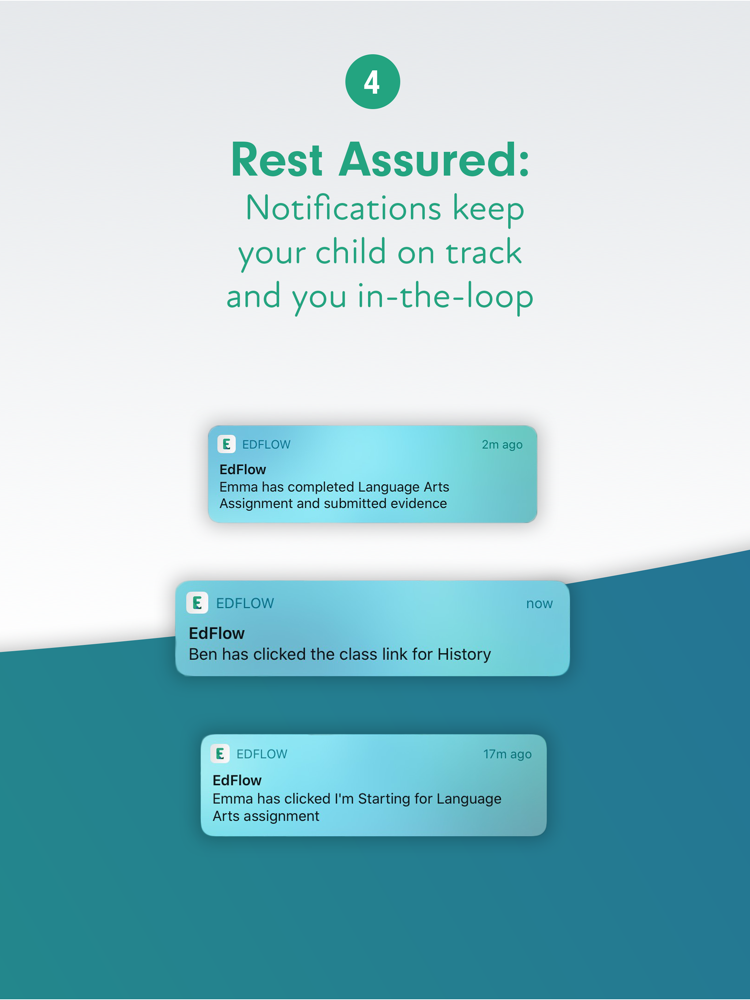
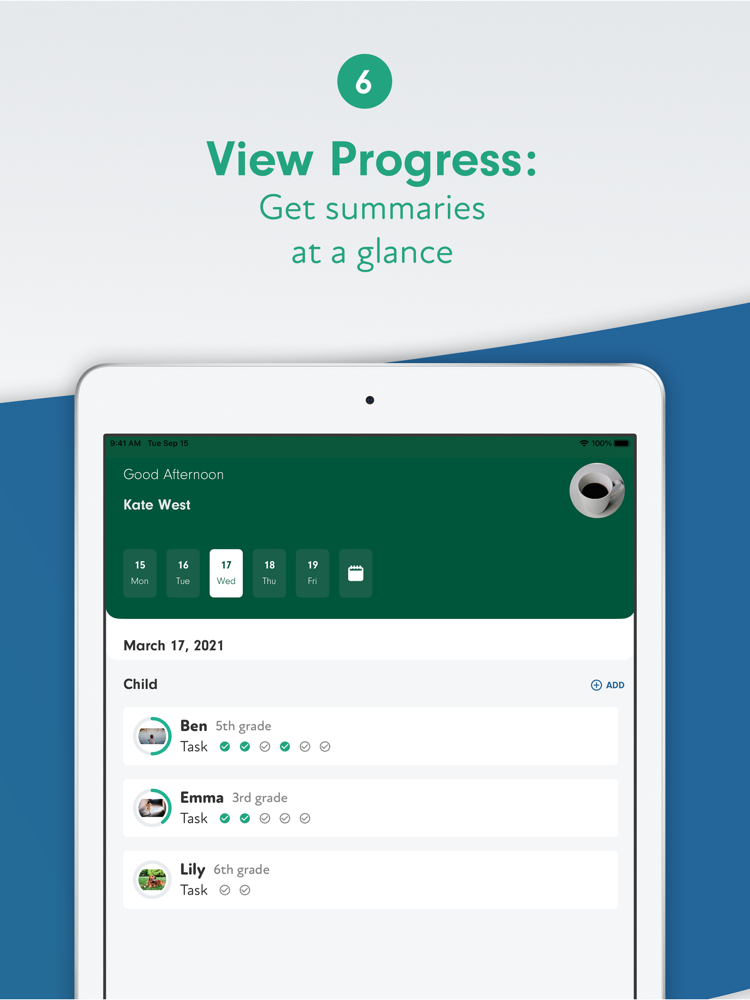
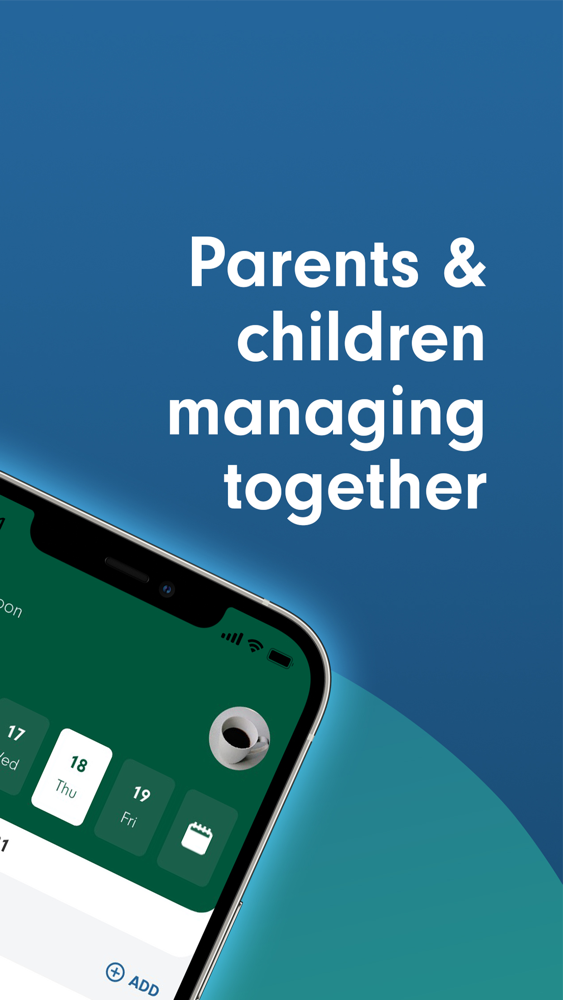
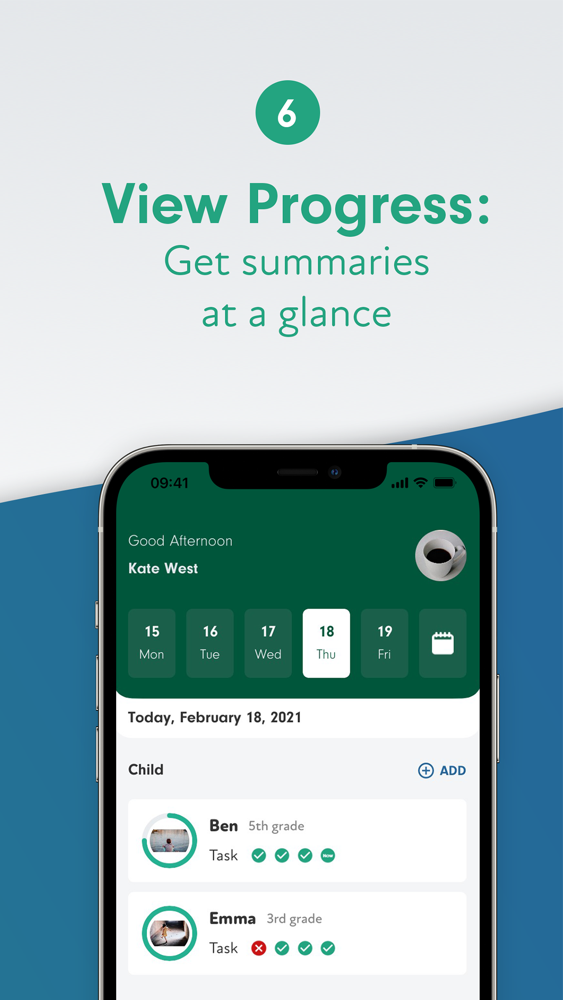
Simplify the process of remote and hybrid schooling with the app dedicated to making distance learning easier and less stressful. Organize all of the details associated with remote learning in one place, and rest assured as you track your student’s daily progress through notifications about completed, pending, and late work.
A team of teachers and working parents designed EdFlow, with the aim of using technology to relieve the pressure of digital learning -- for both parents and children. Leave the admin and logistics to EdFlow, allowing you and your student to concentrate on what really matters.
Why EdFlow?
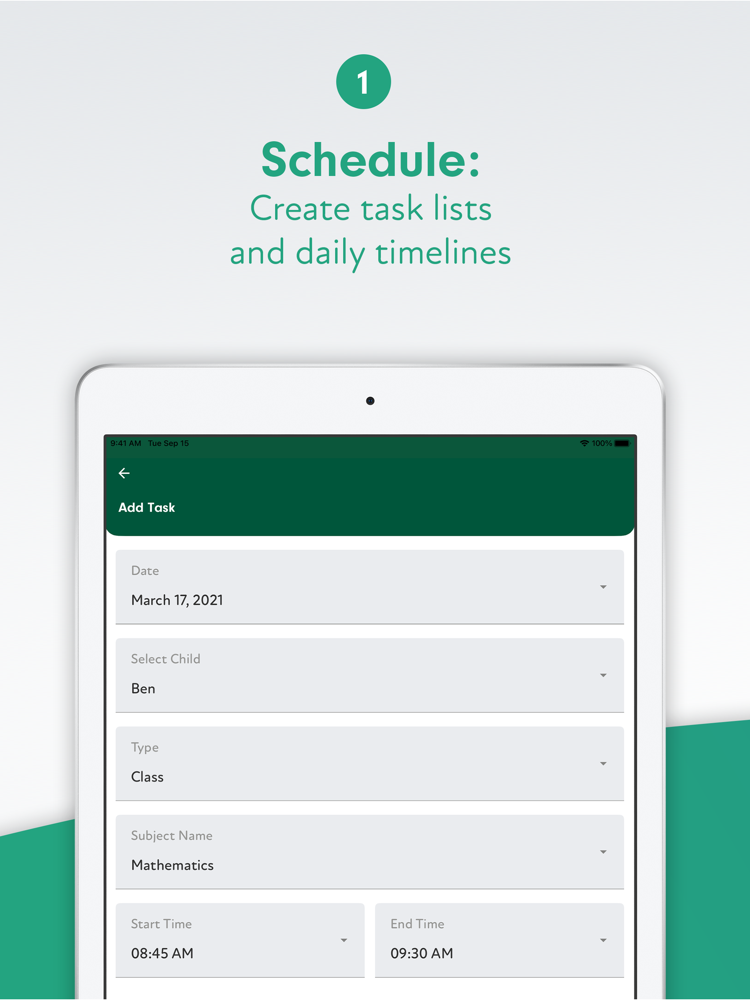
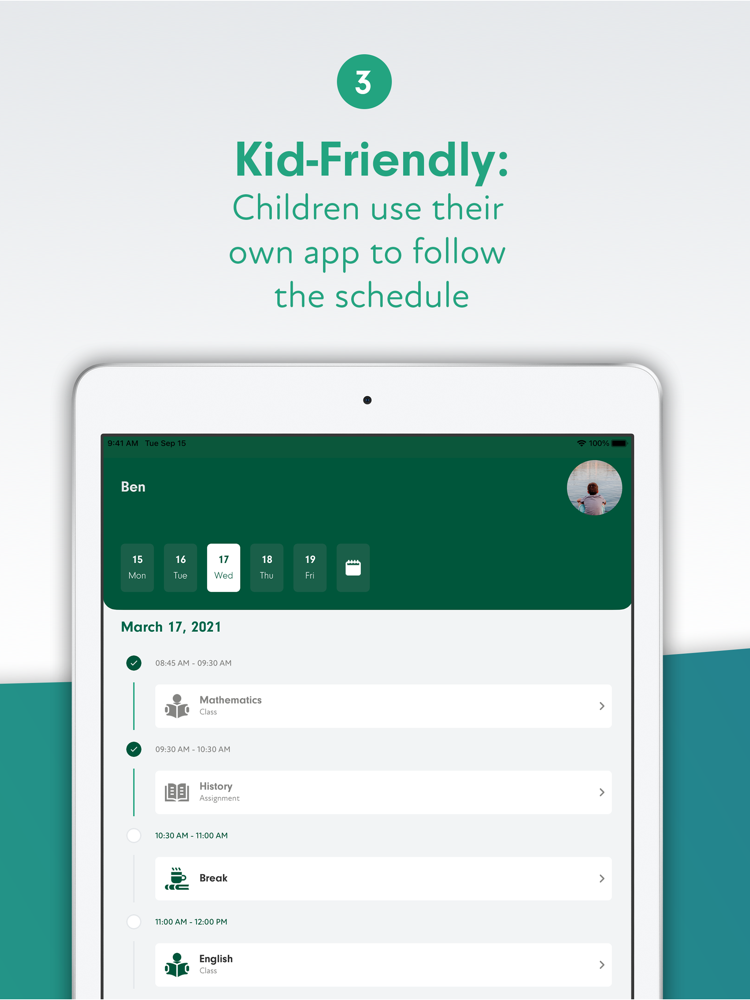
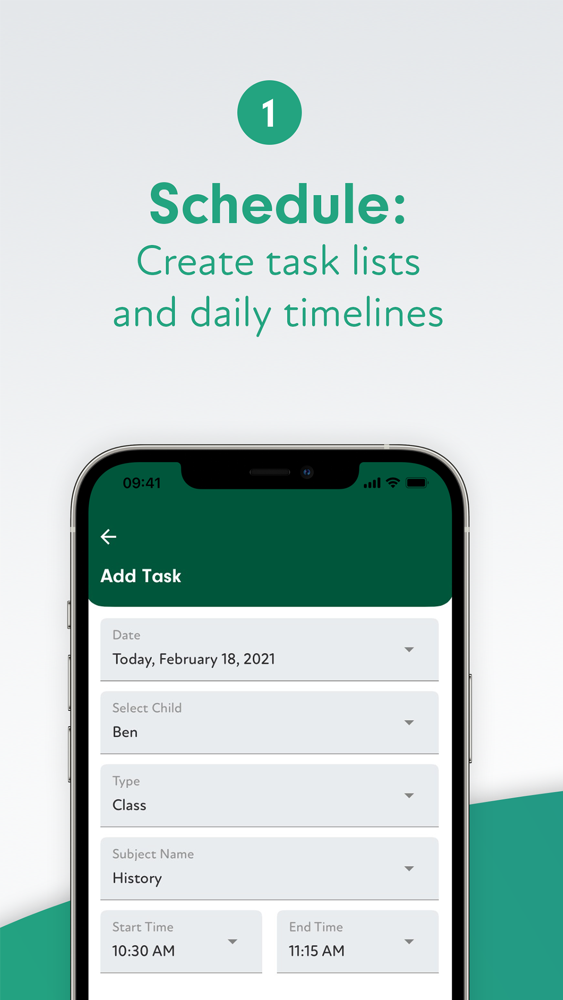
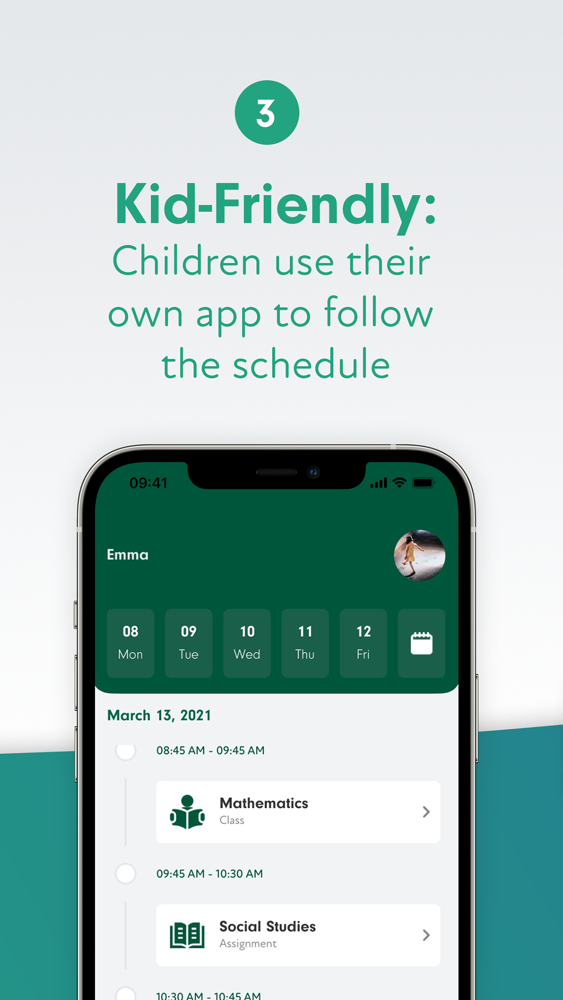
Linked parent and child accounts allow you to create daily, weekly, and monthly schedules so your student always knows what they’re supposed to be doing during the school day. Parents have full access to child accounts, so you’re always in control.
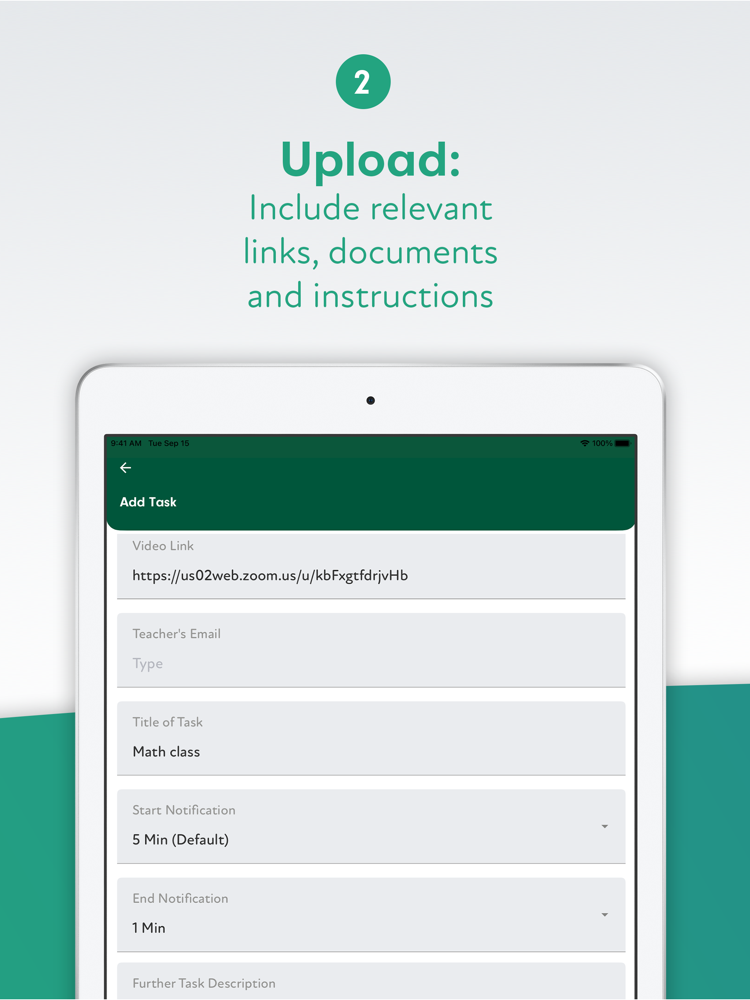
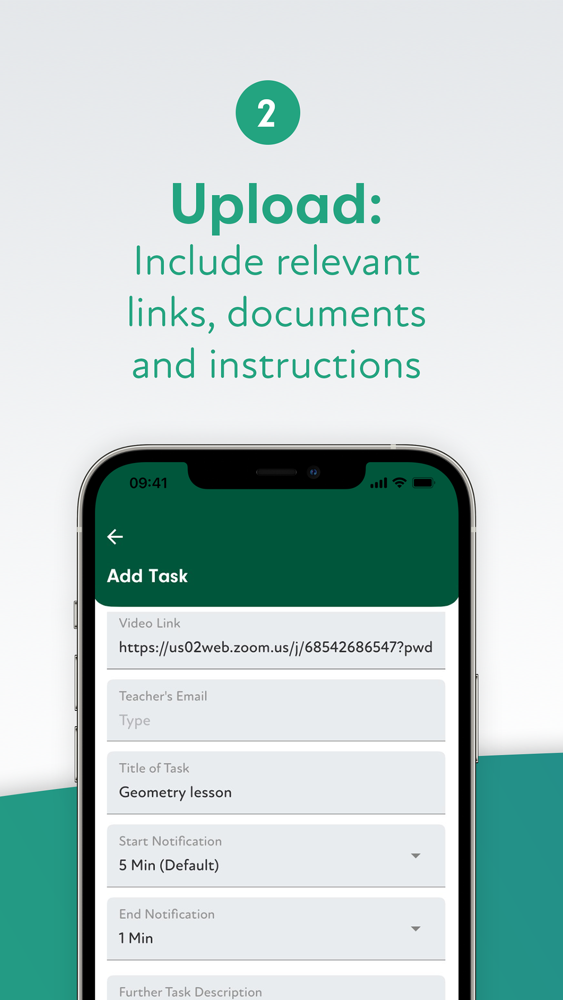
Include as much or as little information as you want in the schedule. EdFlow can accommodate everything from just the basics to video links, assignment PDFs, teacher email addresses, and detailed instructions.
Set start and end notifications, so that your student is never late for a Zoom class and always knows when a period is about to finish.
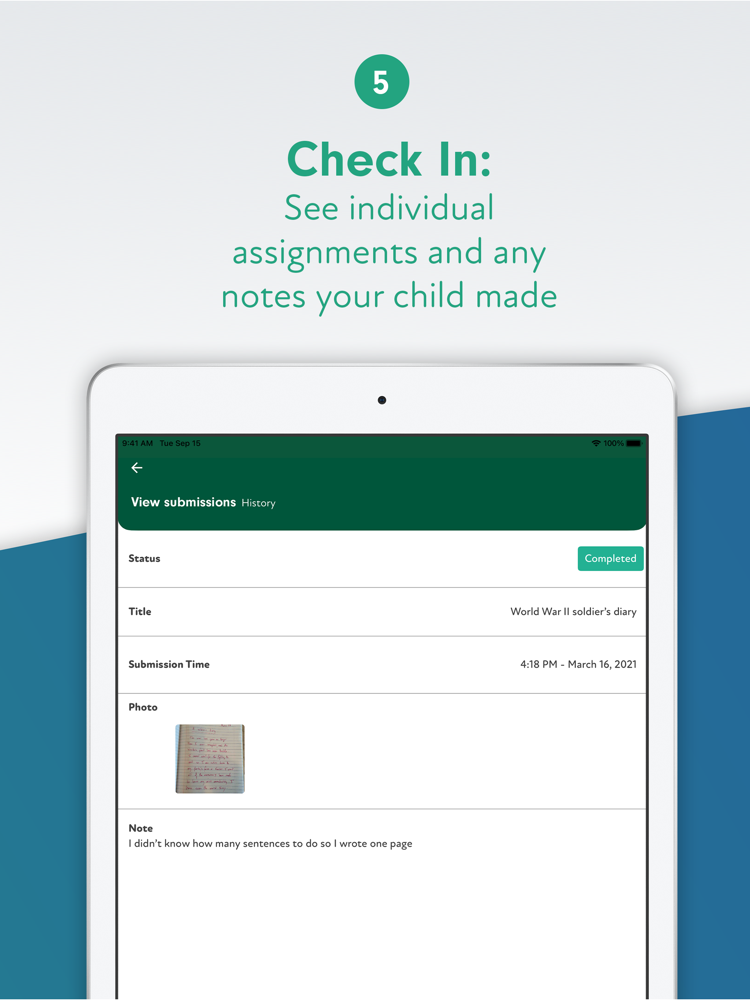
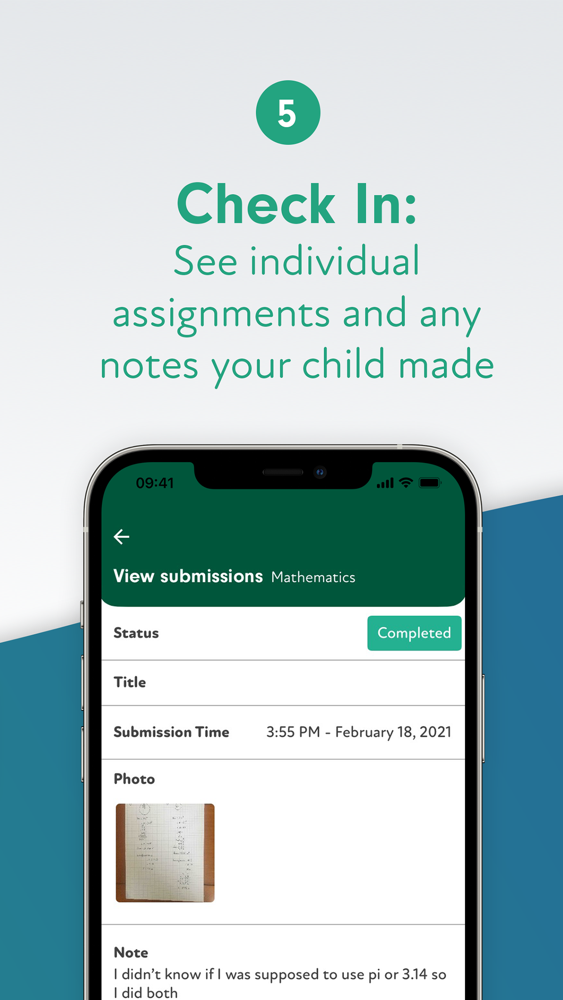
Receive regular updates on your child’s progress during the day, including photos, screenshots, and uploaded documents providing evidence of the work they’ve completed.
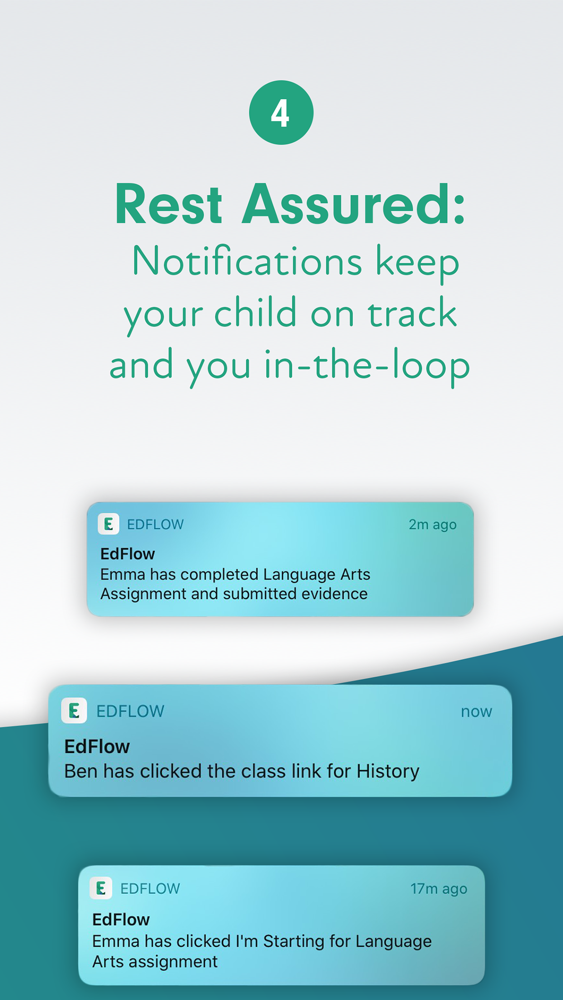
You’re able to set notifications to suit your preferences: get updates when your student begins a task, clicks on a video link, or finishes an assignment and uploads their work.
EdFlow can be accessed on any device. Log in and have full functionality -- for children and parents alike -- on your phone, tablet, or computer.
Export a comprehensive record of your child’s schedule and work to PDF at any time.
Get the only app designed specifically for remote and hybrid learning, and remove the uncertainty and unknowns from the at-home school day -- for both parents and students.