Why Elkdocs: PDF Reader?
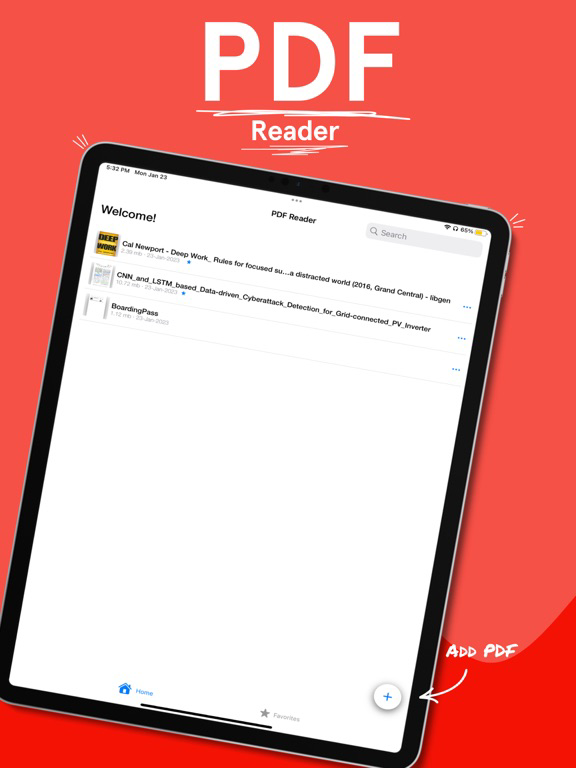
PDF Reader that allows you to read, view, and manage PDFs in one place, read and view PDF files downloaded from the internet, supports PDF sharing, read multiple PDFs at once, all favorite PDFs in one place, and quick jump between pages in PDF, vertical and horizontal scrolling, Autosave in PDF supported, Keep screen on while you are reading, supports 2 page View at once in PDF, PDF full-screen viewing supported, Support for documentation zooming and the PDF reader is free for ios.
So how’s this Elkdocs: PDF Reader different?
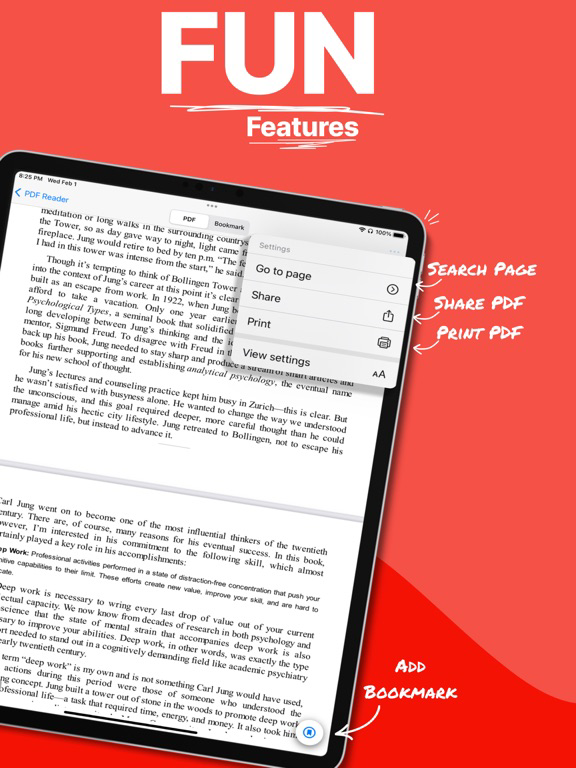
This PDF Reader has some unique features like quickly jumping to a specific page in a large PDF, viewing/reading multiple PDFs simultaneously, Autosaving your PDF progress and remembering where you read, and Mark PDF a favorite for quick access.
Different Features included in Elkdocs: PDF Reader :
• Pro-Search in PDF Reader:
Search any keyword in your PDF.
• Outline in PDF Reader:
View your entire PDF outline in one place.
• All page view in PDF Reader:
View all pages of your PDF at one place.
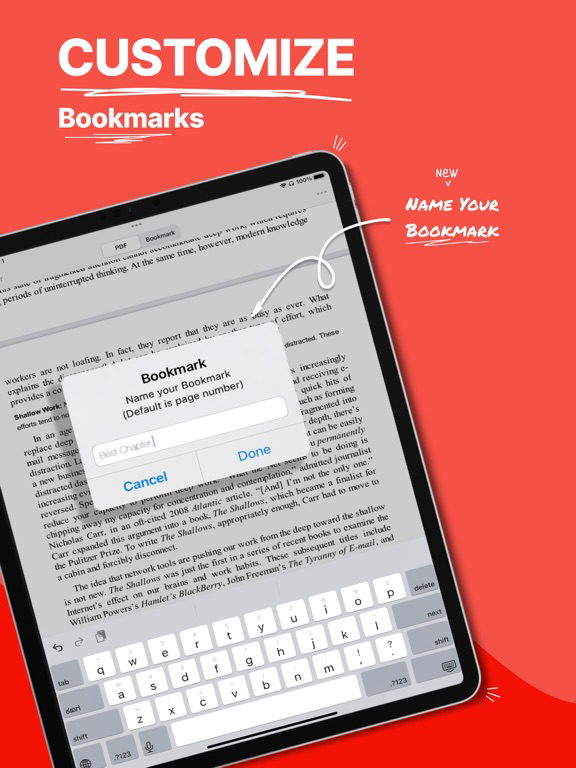
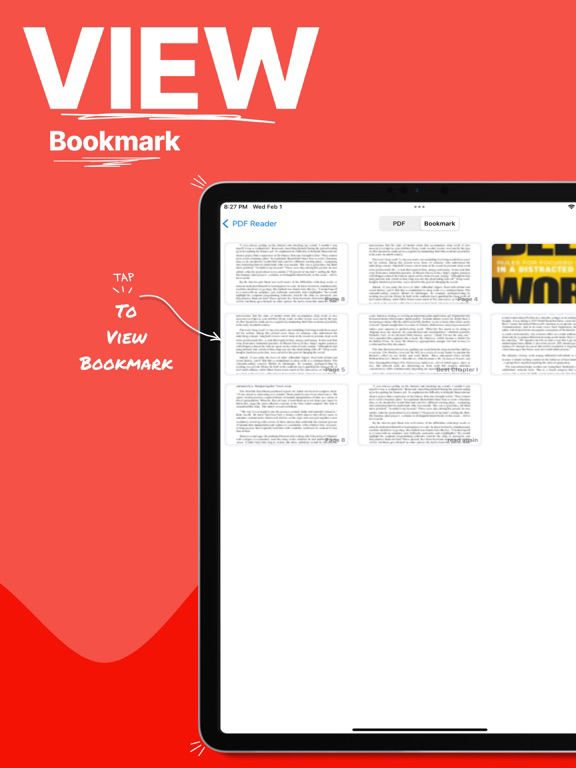
• Bookmarking in PDF Reader:
Add your favorite Bookmark with a custom "Name."
• Autosave in PDF Reader:
PDF Viewer automatically saves your PDF progress and remembers where you read the PDFs, and you can continue reading where you left off in PDF Reader.
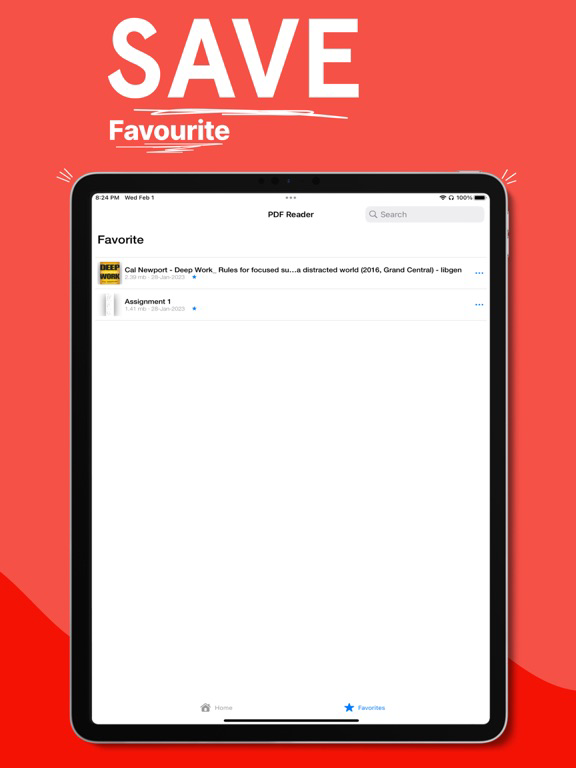
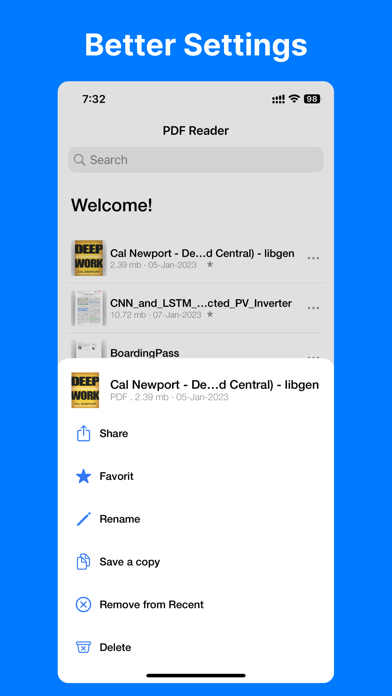
• Favorite PDF in PDF reader:
Set your important PDFs like Assignments, Essays, Letters, or some important documents as a favorite for faster access; find them easily in this PDF Reader.
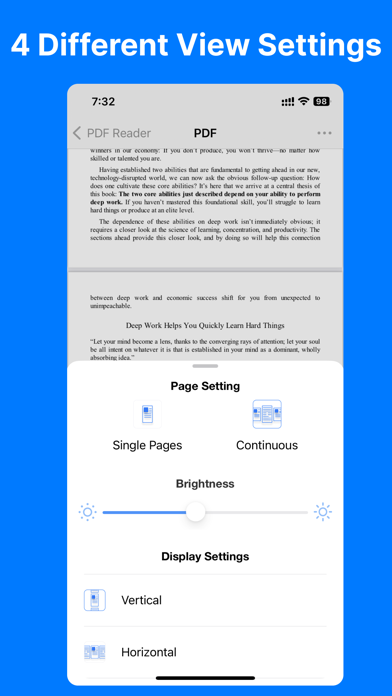
• Vertical and horizontal scrolling:
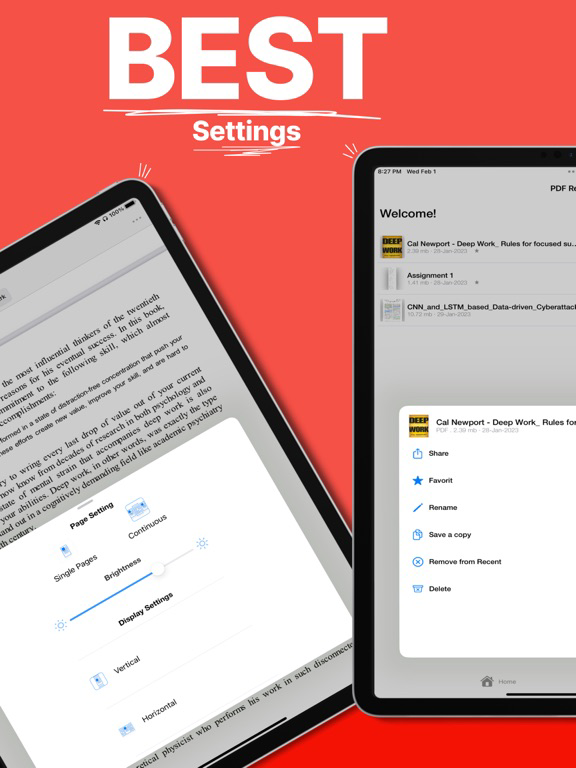
PDF Reader provides two reading modes; you can switch between vertical or horizontal scrolling viewing angles as per your choice.
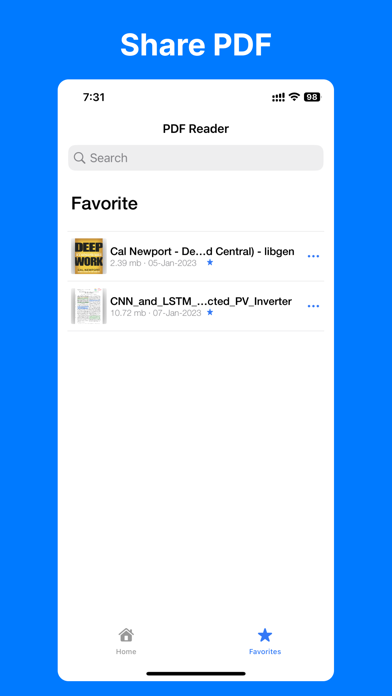
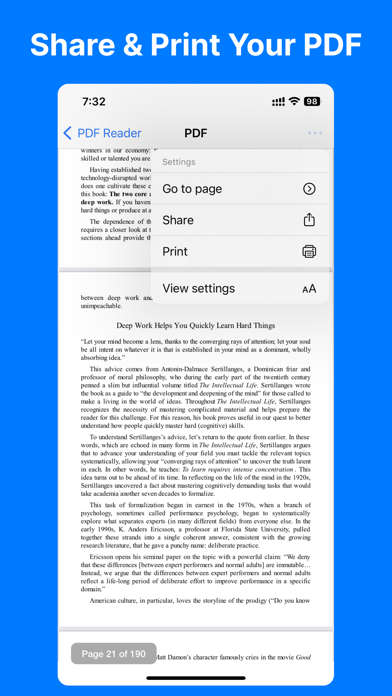
• Share PDF:
You can send multiple PDFs in PDF Reader to your friends very easily.
• Save storage:
PDF Reader app is very small in size as compared to other PDF viewers or PDF readers in the market
• Easy to Use PDF reader:
Set it as your default PDF reader and instantly view PDF files from the file manager, email, cloud, or web in this PDF Reader without opening the app.
PDF Reader Tools Features :
• Beautiful dark and light stock UI theme.
• Bookmark with a custom name.
• All favorite and important PDFs in one PDF reader.
• Quickly jump between pages in PDF.
• Autosave in PDF reader.
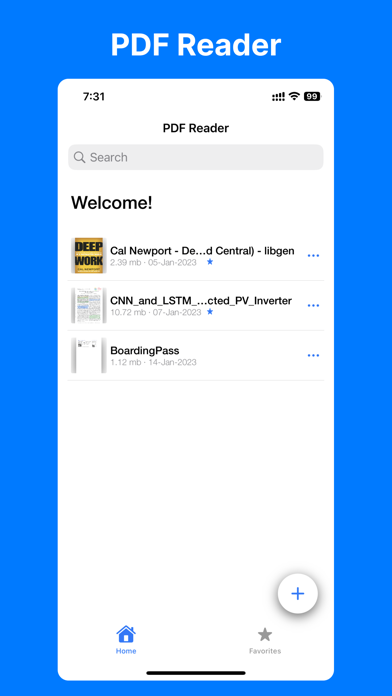
• Quickly open and view PDF documents in PDF reader.
• A simple list of PDF files.
• Horizontal / Vertical scrolling mode in PDF reader.
• Go to the page number directly and see the page count and total pages PDF file.
• Share with your friend on email, cloud, or any messaging apps with one click.
• Scroll and zoom PDF in and out of the PDF reader.
• Thumbnails make it easy to search faster without opening.
• No need for the internet; read PDF offline in PDF reader.
• Night mode for comfortable PDF reading at night or in low light.
• Easy and quick-to-use PDF reader.
• 2 page View in one in PDF Reader.
Permissions Notice:
• File access - it is used to save files, share files, read files