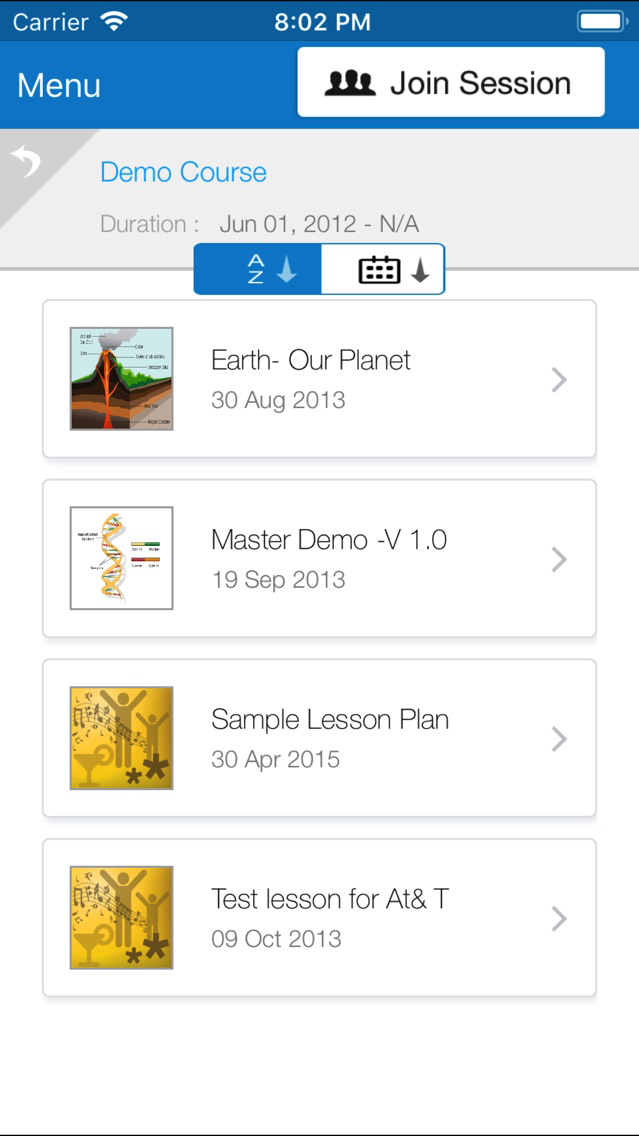
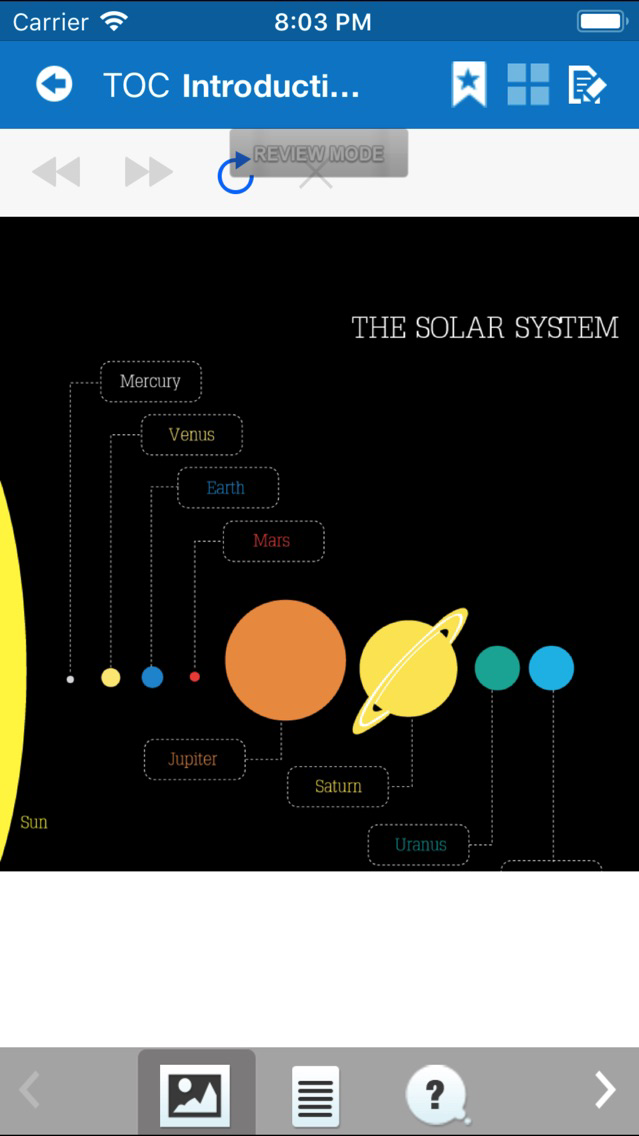
GoClass is a cloud-based teaching and learning application designed to enable teachers to transform their instruction time into a hands-on, participatory learning experience using mobile devices, PCs, and projection screens to connect students and learning content in more meaningful ways.
Through GoClass, teachers can create and broadcast content directly to student devices—including Apple iPads, iPhones and iPod Touch devices —while simultaneously projecting supporting learning media to a shared screen. Virtual white boarding and scribble functionality enable collaborative interaction around learning exercises while real-time assessments and reports give teachers insight into cognitive gaps. If you do not already have a GoClass account, you can set one up for free at the GoClass website.
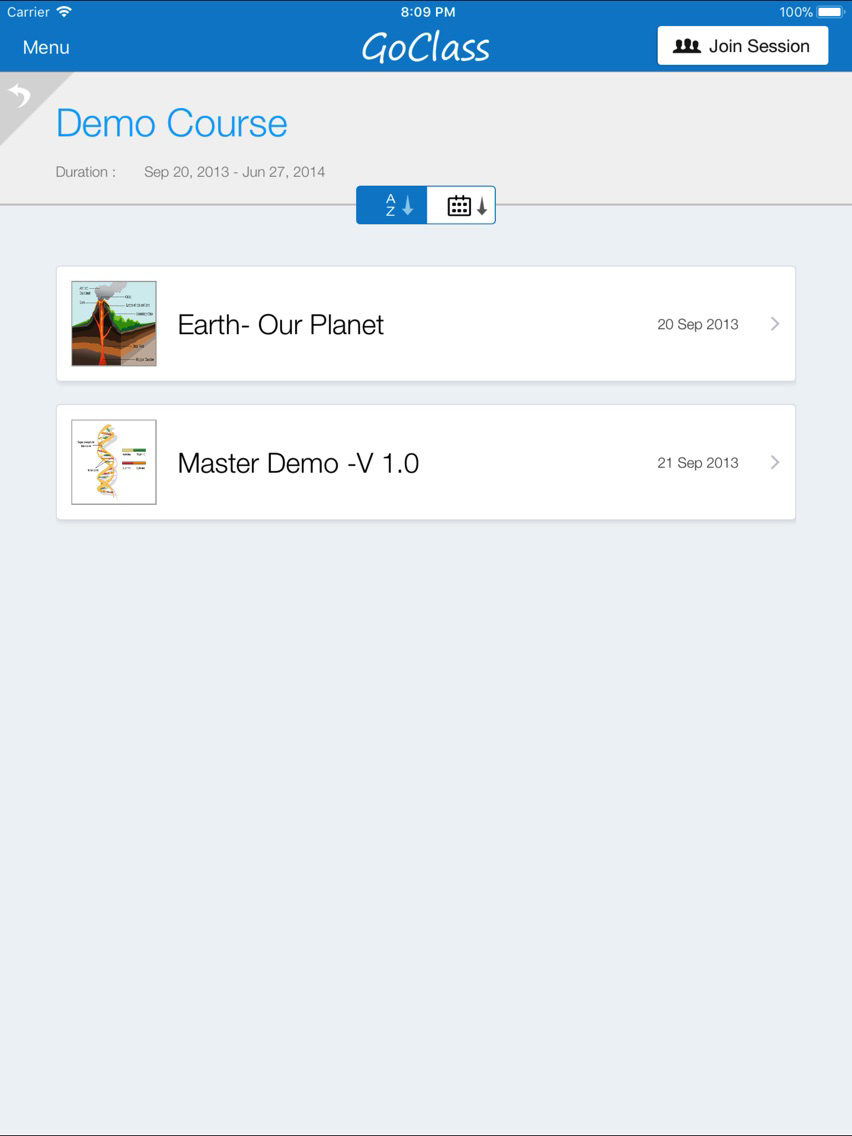
GoClass lesson plans are organized into three distinct sections—Show, Explain & Ask—allowing teachers to populate and organize images, documents, videos, URLs, teacher notes and assessments into a structured sequence of lesson plan elements.
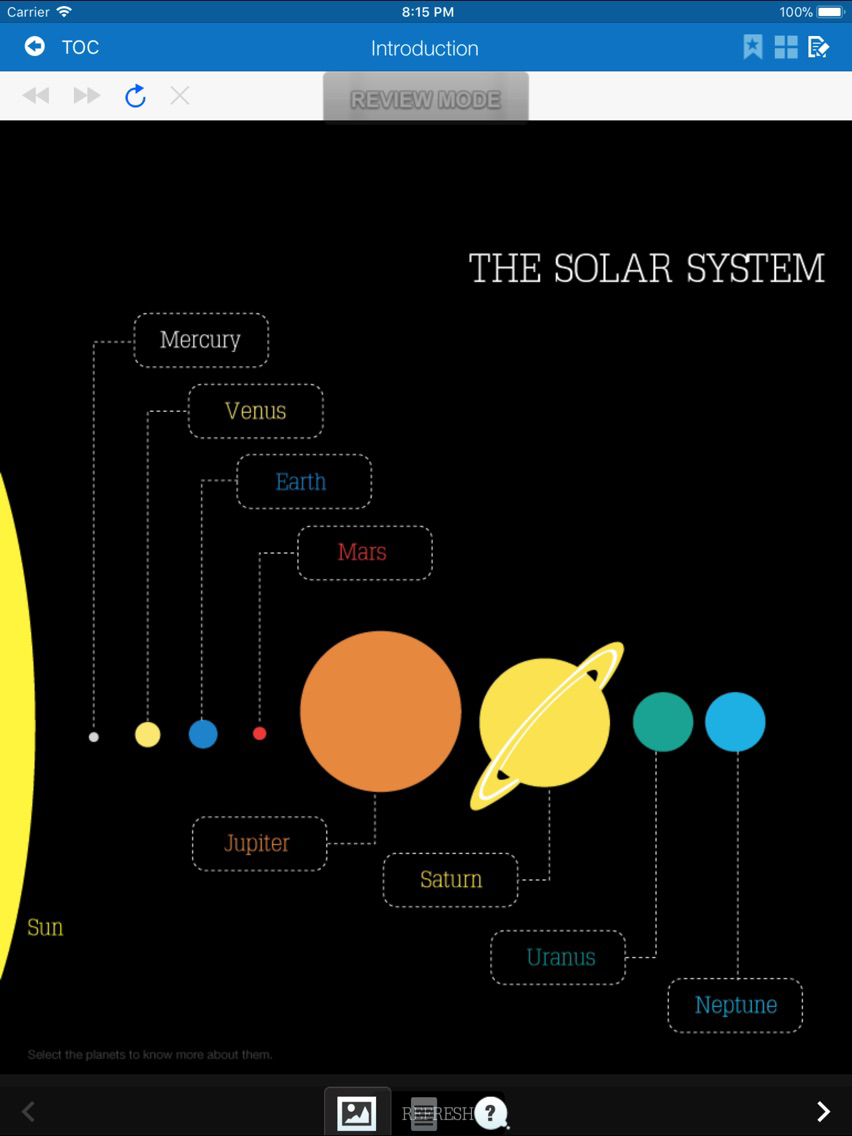
Instructors equipped with the GoClass App on their iPads can share these elements with a class by broadcasting them to student devices or projecting them to the front of the room using a standard LCD projector or large screen TV. GoClass treats the projector and the student device as two independent channels for sharing content and the teacher has complete control over what is rendered on each channel.
Classroom management features provide instructors insight into student attention and engagement levels while in-class assessments provide instructors with immediate feedback on student performance.
This update to GoClass introduces new capabilities for you and your students. Instructors can initiate pin-based sessions allowing students to quickly access live sessions by simply entering a pin number—no username and password required.
This update also integrates the Scribble feature with GoClass Assessments. Students can now respond to assessment questions using the scribble feature to perform actions that demonstrate their knowledge.
Requirements
Instructors: A GoClass Instructor Account and an iPad 2, iPad Mini or iPad running on iOS 6.0 or better
Students: A GoClass Student Account and an iPad 2, iPhone 4, iPhone 4S, iPhone 5, iPod Touch running iOS 6.0 or better.