Introducing Goodnotes Classroom, the new way for teachers to connect with each and every student on a personal level, grade papers faster, and make lessons even more engaging—all in one easy-to-use platform. Designed to be used with Goodnotes 6.
Stay Connected with Each and Every Student
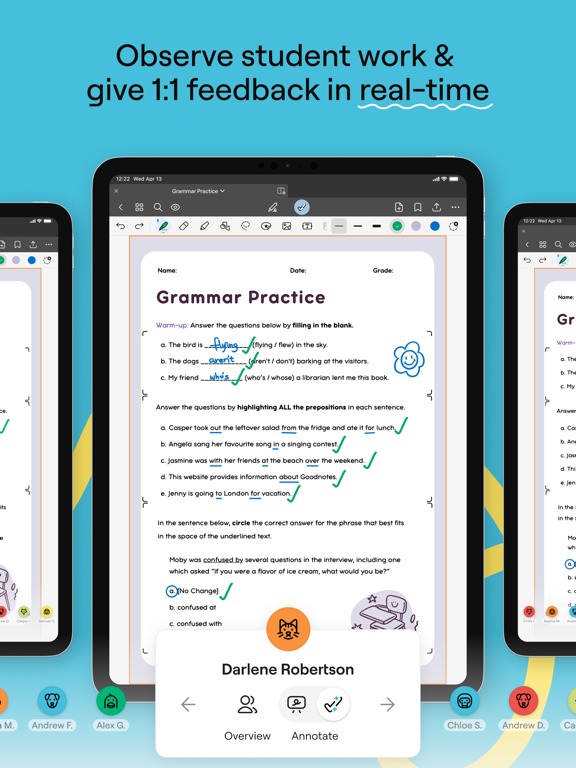
- Effortlessly review every student's work from one screen or navigate between each student’s screen from your iPad.
- See each word, diagram, or picture as students write or draw, so you’re always on the same page.
- Jump in and write individualized feedback directly on the student's page from your iPad when you need to course-correct.
- Easily present student work on the big screen in real-time.
Bring the Freedom and Creativity of Handwriting to your Classroom
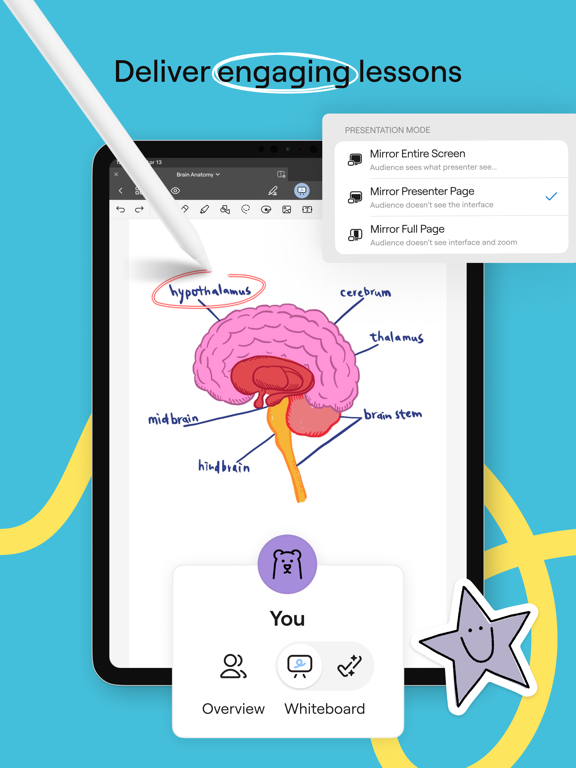
- Project your screen and write freely on a digital canvas as your students follow along in real-time.
- Freely write, highlight, draw, zoom in, and zoom out anywhere on the page to make lessons more engaging.
- Enhance teaching and learning with multimedia like images, links, stickers, and audio recordings.
- Enable students to learn and express themselves in their own way with the intuitive and creative freedom to write, scribble, doodle, and more.
Save Time on Grading
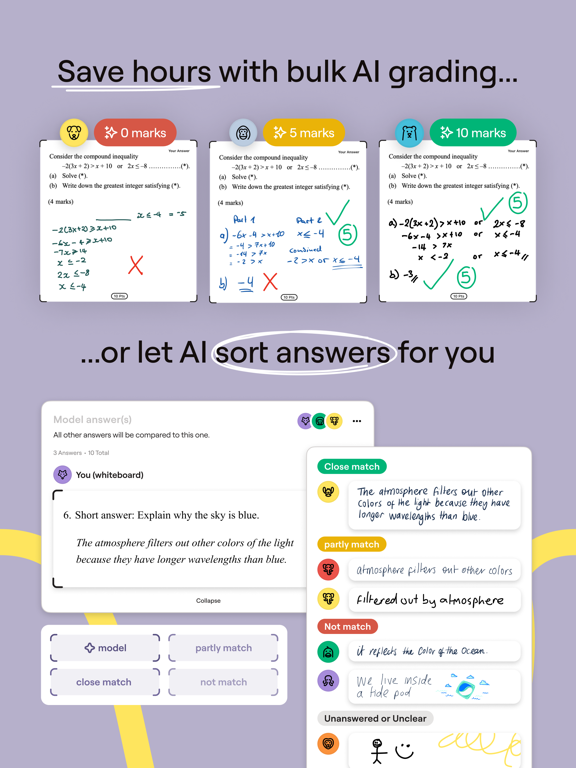
- Teachers can leverage Goodnotes Classroom AI to compare and grade student submissions against a model answer, saving hours on grading.
- Teachers can bulk-grade similar answers to save time.
- "Mark by question" allows teachers to view every student's answer to one question at once, making it easy to review and grade without context switching.
Seamless and Flexible Classroom Management
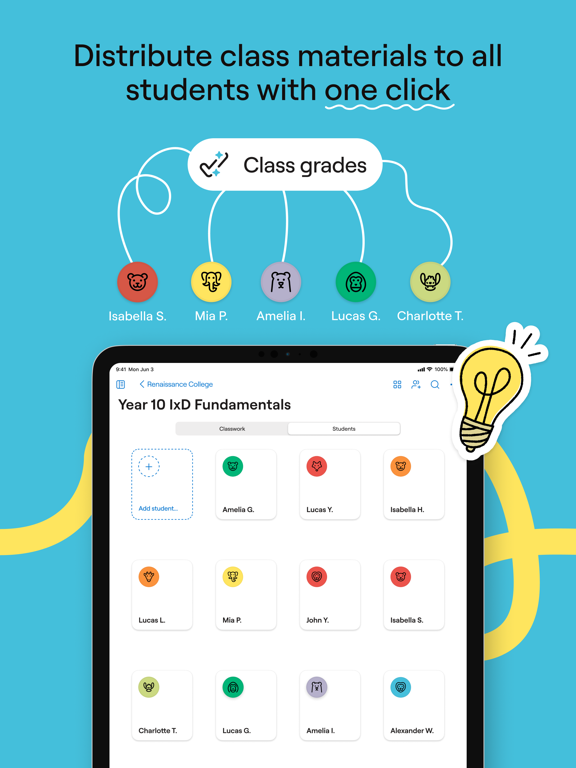
- Create and share entire Class Folders with students to sync and share coursework.
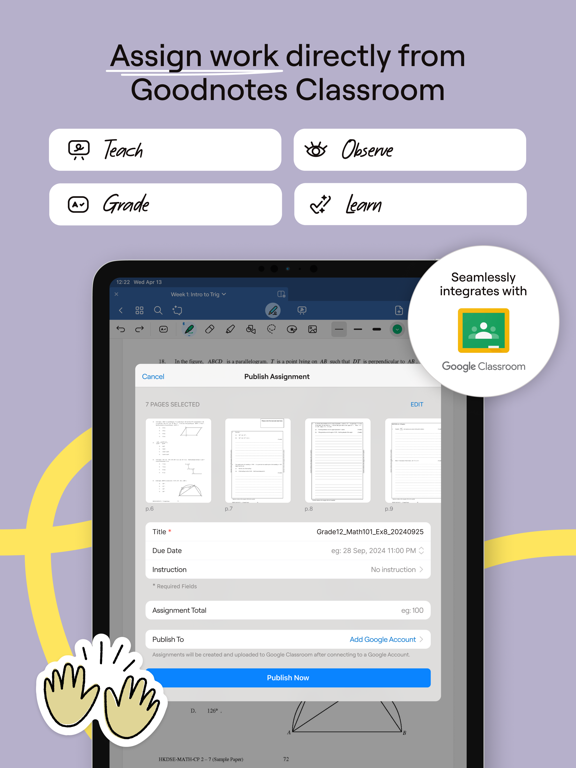
- Create assignments directly from Goodnotes Classroom. Students will receive notifications to start and submit their homework.
Intuitive Digital Note-Taking
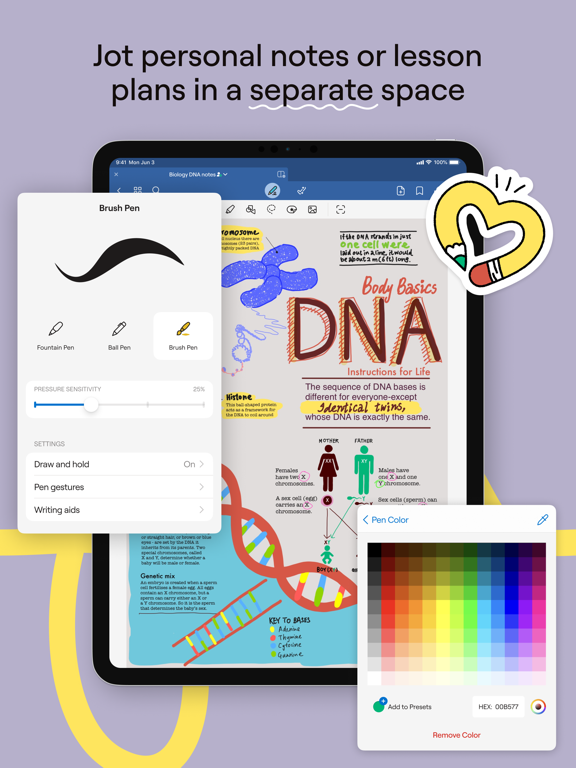
- Personal notes space allowing you to jot down ideas, create lesson plans, and keep materials organized in one place.
- Search handwriting and find any of your personal notes or class materials in seconds.
- Import PDFs to markup, highlight, and comment, integrating smoothly with classroom activities.
Fits into Your Existing Workflow
- Seamlessly integrates with Google Classroom, automatically updating assignment statuses and grades, making it easy to track and manage homework.
- Easily export pages to share with parents or archive student work.
- Purpose-built for classes that use Goodnotes 6, ensuring it fits perfectly into any teacher’s workflow.
Ready to transform the learning experience for your students and focus on what you love about teaching? Give Goodnotes Classroom a try.