Harmosphere

Harmosphere


360 music experience


Free

1.4.0for iPhone, iPad and more
Bar Kurteran
Developer
271.1 MB
Size
Feb 22, 2022
Update Date
Music
Category
4+
Age Rating
Age Rating
4+
Apps in this category do not contain restricted content.
9+
Apps in this category may contain mild or occasional cartoon, fantasy or real-life violence, as well as occasional or mild adult, sexually suggestive or horrifying content and may not be suitable for children under 9 years of age.
12+
Apps in this category may contain occasional mild indecent language, frequent or intense cartoon or real-life violence, minor or occasional adult or sexually suggestive material, and simulated gambling, and may be for children under 12 years of age.
17+
You must be at least 17 years old to access this App.
Apps in this category may contain frequent and intense offensive language; Frequent and intense cartoon, fantasy or realistic violence: frequent and intense adult, scary and sexually suggestive subjects: as well as sexual content, nudity, tobacco, alcohol and drugs, may not be suitable for children under 17 years of age.
Harmosphere Screenshots
Harmosphere posterHarmosphere posterHarmosphere poster

About Harmosphere

Harmosphere is a 360 music experience,
which you can create your own music, mix it to a
360 song and upload it for a personal use.

What is Harmosphere?

The main concept of Harmosphere app, is a way to make 360 music, listen to 360 music and upload it to the artist’s profile to listen at any time.

Harmosphere Services

Harmosphere app is offering you a 360 music experience, which you can create and listen to your own 360 songs.

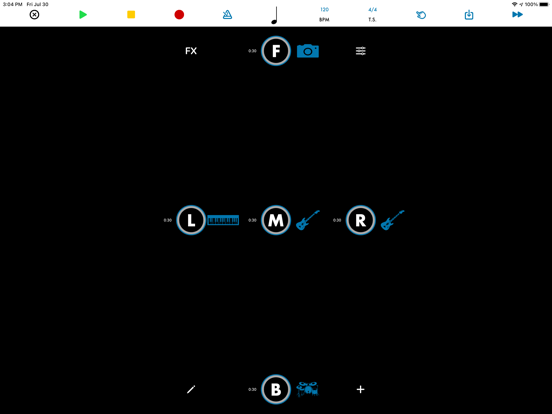
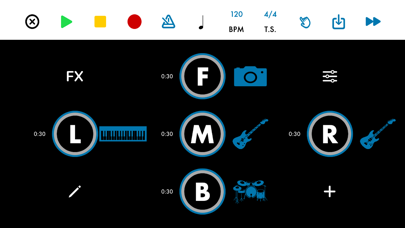
To create a 360 song, you can simply record using your device microphone (for the best results, put your headphones on when you are recording), upload your own tracks from Files, and record with our build-in drums and piano. You can add reverb and delay effects, mix the tracks' volume and swap between the position tracks.

To make a 360 song, you've got 5 position tracks to mix: Middle, Left, Right, Front and back.

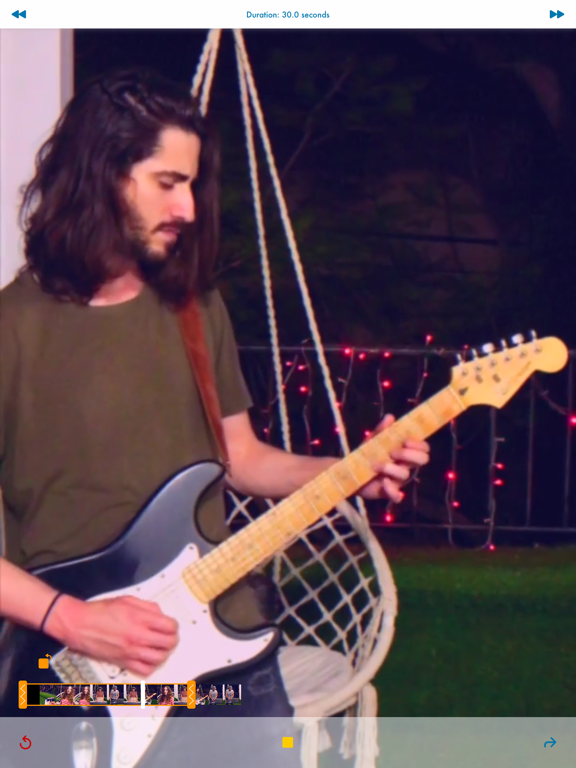
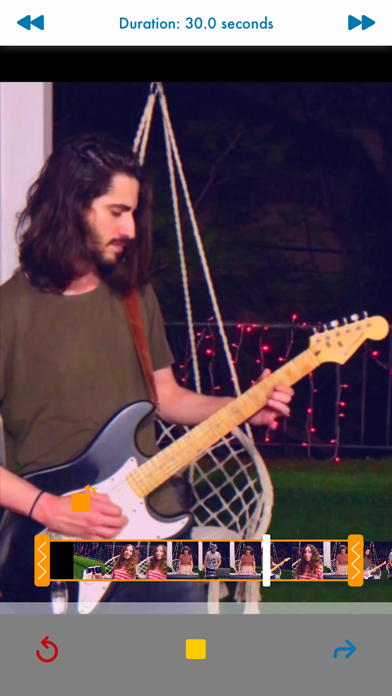
When you're all done you can continue to capture video, upload your own video clip or skip the video capturing step without a video, to make a 360 audio only.

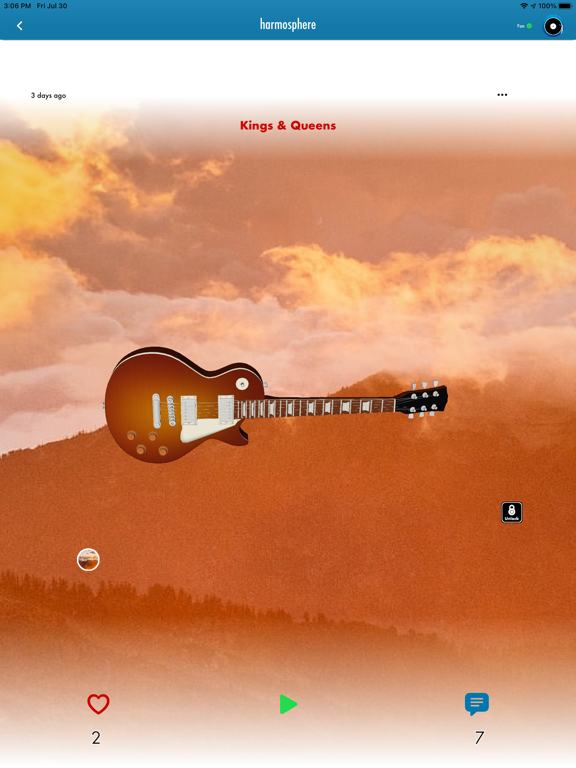
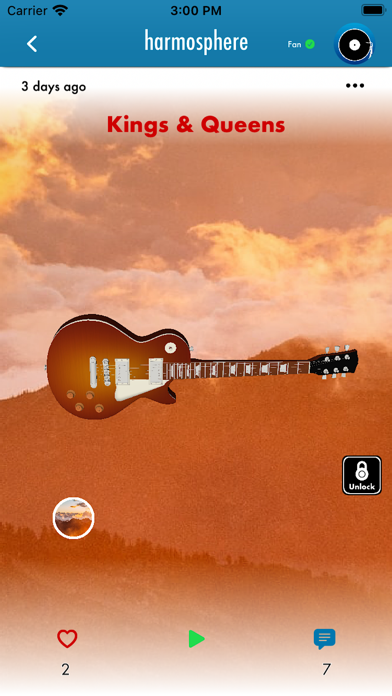
The last step before uploading your 360 song, is letting you to listen to your 360 creation, by moving your device around you (for the best experience, put your headphones on), choosing a 360 image, adding information (description and lyrics) and title.

After you have uploaded your 360 song, you'll view your song and it will be uploaded to your artist’s profile.

Show More

What's New in the Latest Version 1.4.0

Last updated on Feb 22, 2022
Old Versions
Better look, new features.
Compatible with iOS 15
Show More
Version History
1.4.0
Feb 22, 2022
Better look, new features.
Compatible with iOS 15
1.0
Jul 30, 2021

Harmosphere FAQ

Click here to learn how to download Harmosphere in restricted country or region.
Check the following list to see the minimum requirements of Harmosphere.
iPhone
Requires iOS 14.0 or later.
iPad
Requires iPadOS 14.0 or later.
iPod touch
Requires iOS 14.0 or later.
Harmosphere supports English, Hebrew

Harmosphere Alternative

You May Also Like