HyperList is a full-featured app for creating and using Lists of all types. Its design includes intuitive use, a simple appearance, and an extensive array of list customizations. Build your list the way you want it!
Features include:
- Save and share individual lists or bundles of lists in HyperList format. You may have different lists or bundles on different devices, and can save them either on the device and/or in iCloud
- Individual lists can be saved, shared, and re-imported in comma-separated-variables (*.csv) files. This allows you to view a list in your favorite spreadsheet or text editor
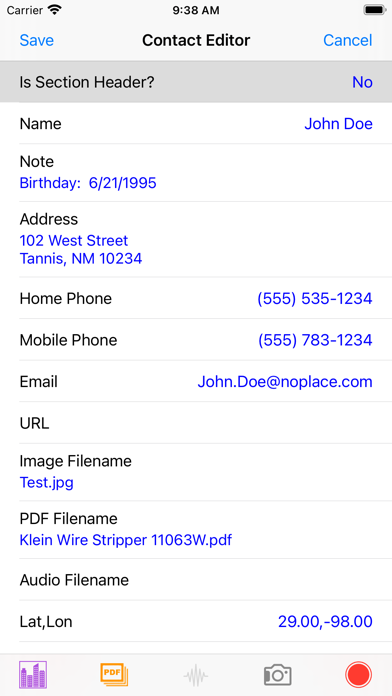
- List items can include text, images, PDF’s, audio and GPS locations
- Checklists can be uploaded to an Apple Watch where items can be marked as completed (or not). Changes can be downloaded and merged into the original iPhone list
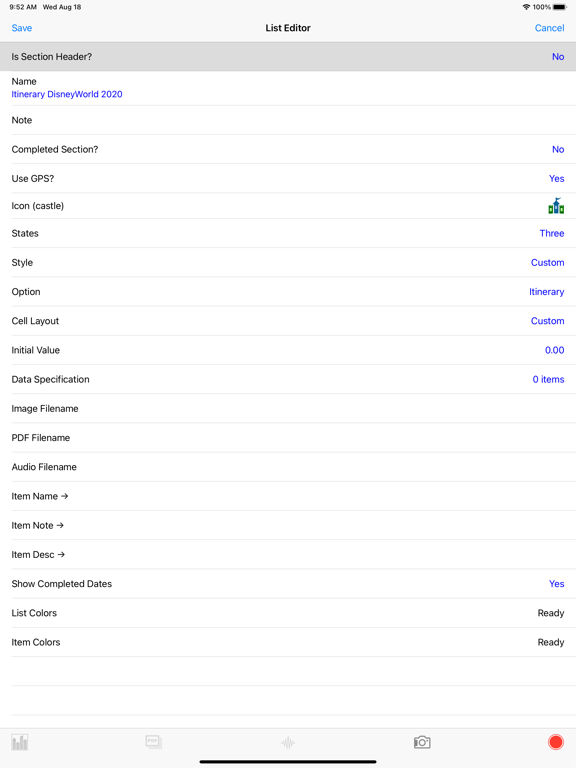
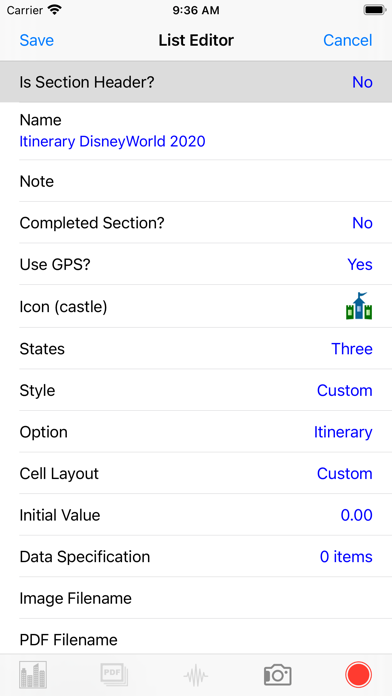
- A list editor allows the choice of different types of lists, a list icon, cell layout for presenting list items in tables, and the option of having a distinct ‘Completed’ items section
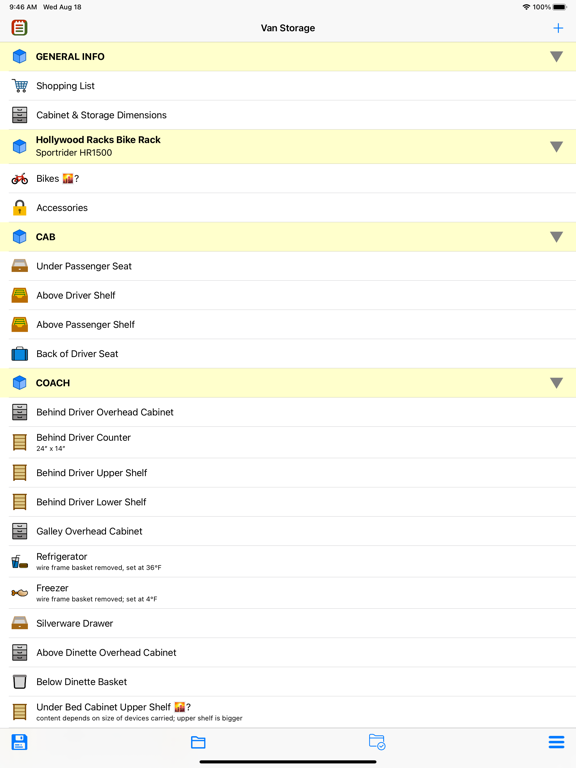
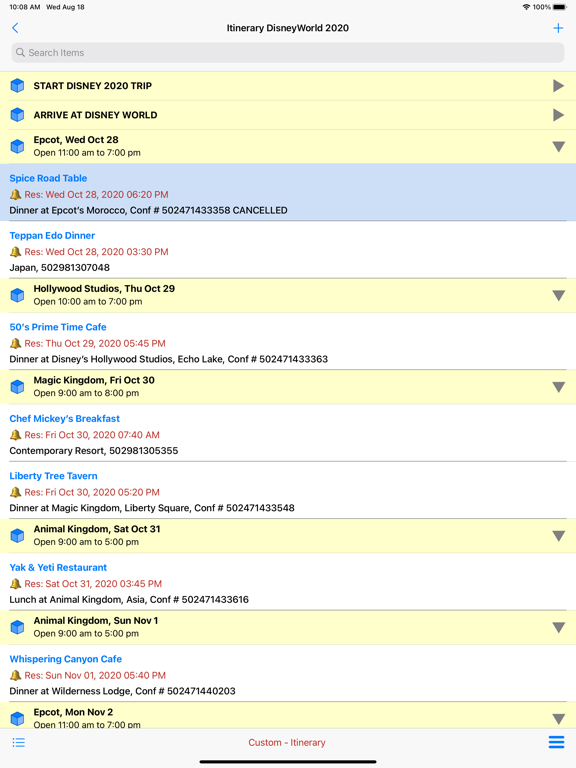
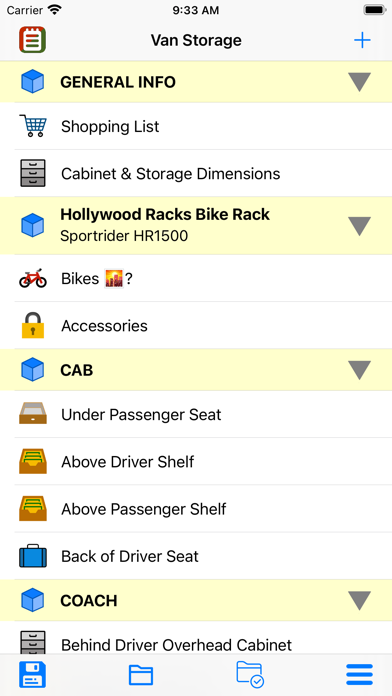
- List items and bundles may be separated into sections with unique section headers. Sections of items may be collapsed or expanded
- Lists may now be three-state. Items on the list may be inactive, normal, or completed. You can hide items marked as inactive
- A search bar is now available to search long (or short) lists for specific content. Virtually all text fields are searched
- Standard lists may use check boxes, bullets, dashes, numbers, or just be plain text
-- List items may be a combination of item title and content or just content
-- Collapsible Section Headers may be added to group items
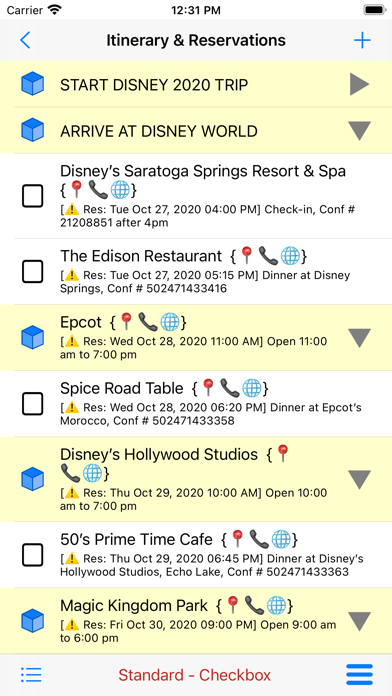
-- Dates/times can be specified and identified as due dates, reservations, appointments or just an ‘about’ date
-- Item creation and completion can be tracked
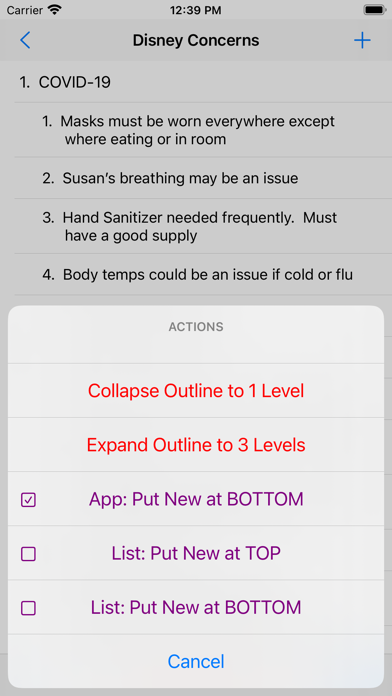
- Outline lists may use bullets, dashes or numbers up to 3 levels
-- Outline lists may be collapsed to expanded to different levels
-- Numbering is automated
-- New rows by default are added at the same level as previous rows
- Custom lists include: business listings, contacts, diary, itinerary, mileage, pack weight, shopping, expenditures, account, catalog, FAQ and data
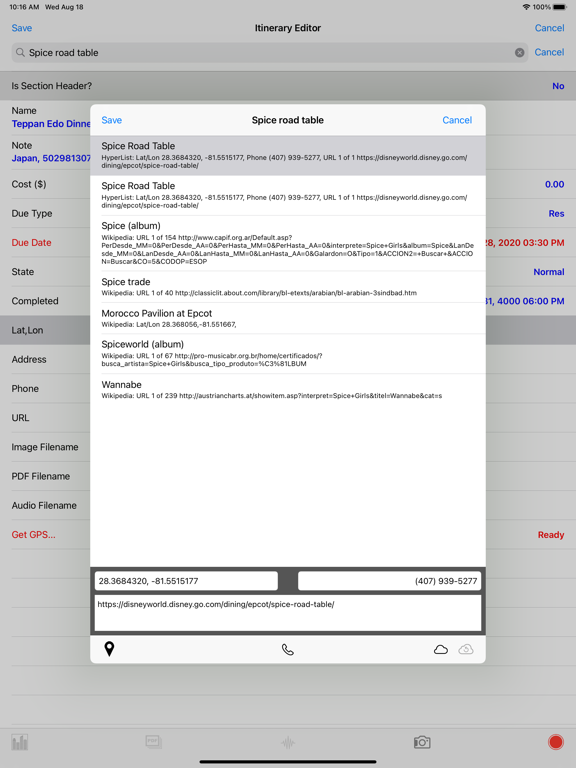
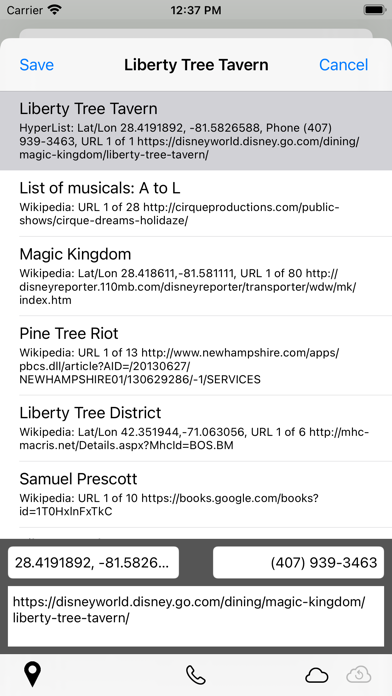
- Business listings allow searches of Apple’s Geocoder, the Geonames database, and Wikipedia to find URLs and locations
- Item editors include a generic editor for standard lists, and customized editors for outlines and custom lists. All editors use a standardized table-style layout
- A Quick Look viewer lets the user see all list item properties at a glance
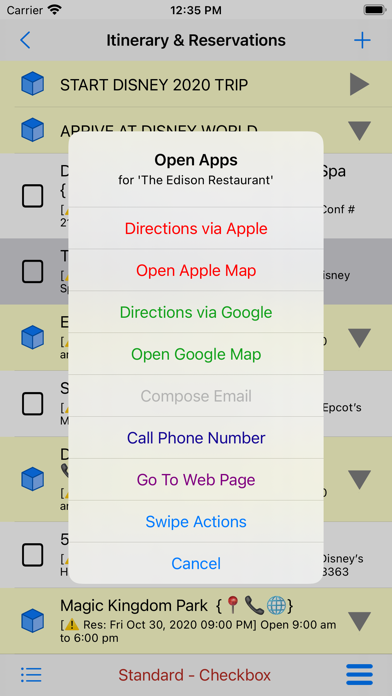
- List items with locations, addresses, phone numbers, or URLs permit the user to open external apps
-- Apple Maps or Google Maps may be used for driving directions or just mapping a location
-- Your device’s Phone will dial phone numbers
-- Your device’s default web browser will open a URL
- The interface for user interaction is extensive
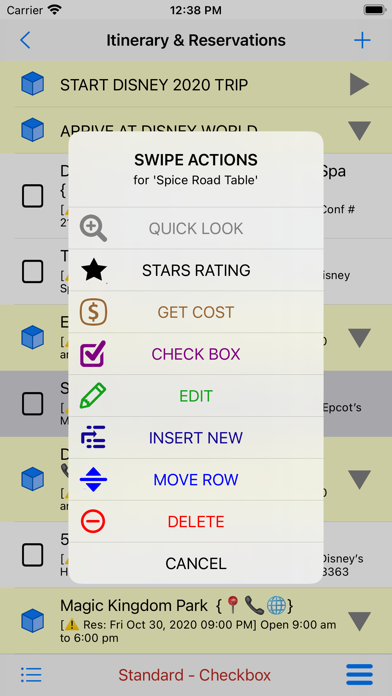
-- Left and right swipes on Lists and their Items will present a broad variety of editing options
-- Long presses (or mouse click and hold) will bring up an equivalent set of options
- A dedicated, in-app Help text and graphical system make it easy for the user to get answers
- GPS notes
-- HyperList does not use GPS while in background mode. The only time GPS is used is when you touch the 'Get GPS' button on an item editor, and it will be on for at most a few seconds.
-- However, if this should ever change, you should be aware that "Continued use of GPS running in the background can dramatically decrease battery life"