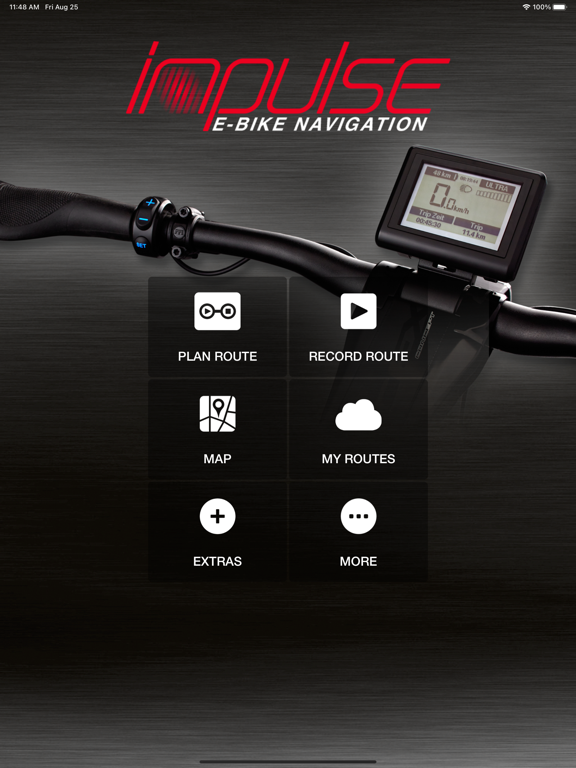
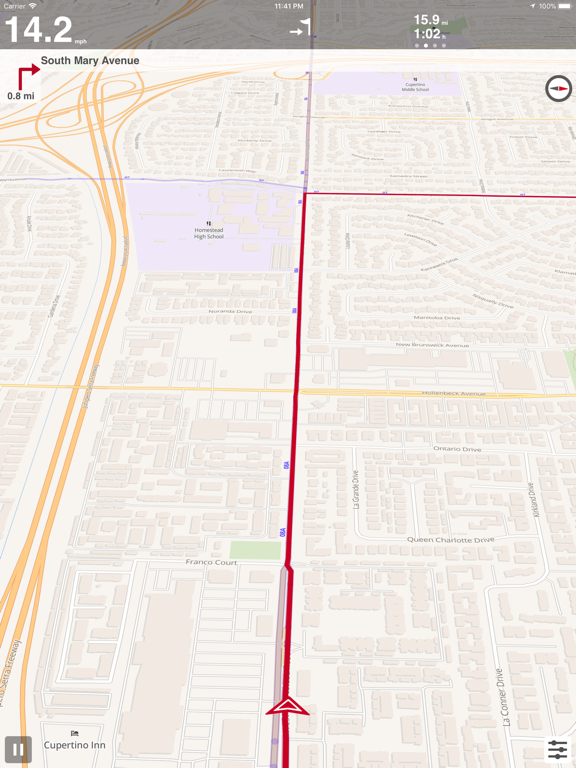
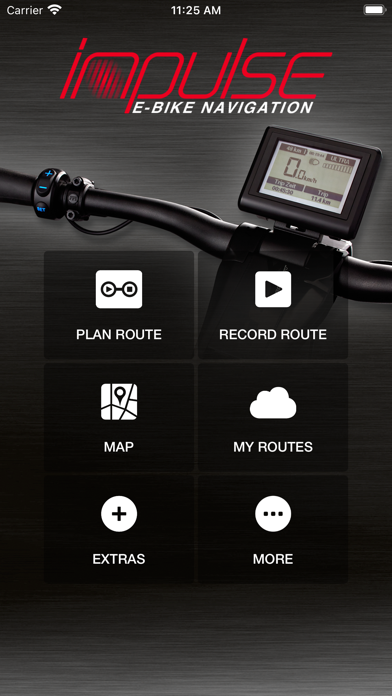
Use your Bluetooth- connection and the Impulse Evo E-bike Navigation app for a new generation of E-Bike navigation system. Take advantage of best bicycle route planning for routes across Europe, Australia and the USA. Connect this app to Impulse cockpit and enjoy navigation instructions directly shown on the display. Plan your next round trip or use the classic planning mode by choosing starting point and destination of the trip. Record your trip data and share with your friends in social networks. Functional POIs (Points of Interest = POIs) as accommodation, food / drinks & bicycle service are available for you.
Below the main functions are described more in detail. We are wishing you a good ride with your Impulses Evo E- Bike.
Calculate route
Start- Destination
Choose between the everyday or leisure route.
Define any number of intermediate targets.
Round trip
Define a location of your choice and choose the maximum round trip length.
Choose one of various round routes which are available for you.
Record route
Record your routes and share them in social networks.
My routes
Recorded routes
View and naming of recorded tracks (incl. Altitude data and map view).
Sync your recorded tracks with the Naviki- Server.
Manage routes you traveled on your own and describe them before sharing in social networks.
Memorised routes
View, manage and store routes, which you have marked on www.naviki.org or in the app with the action "Memorise".
Apple Health integration on the Apple Watch app
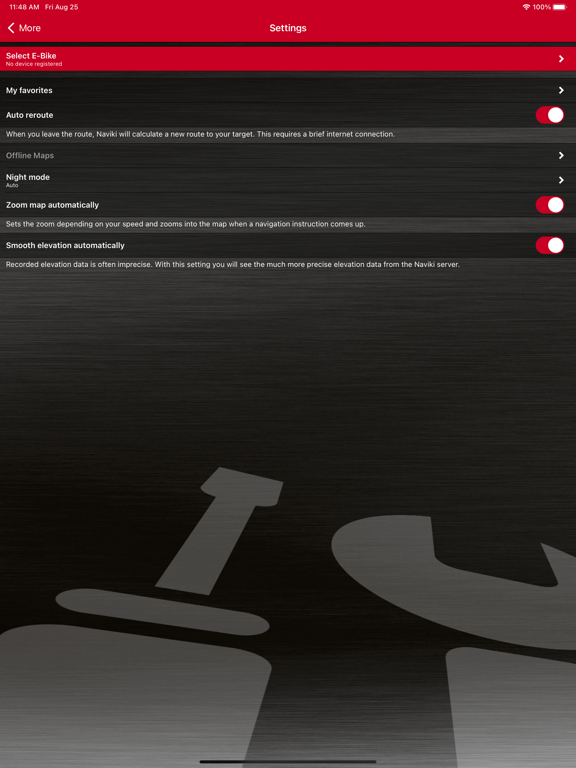
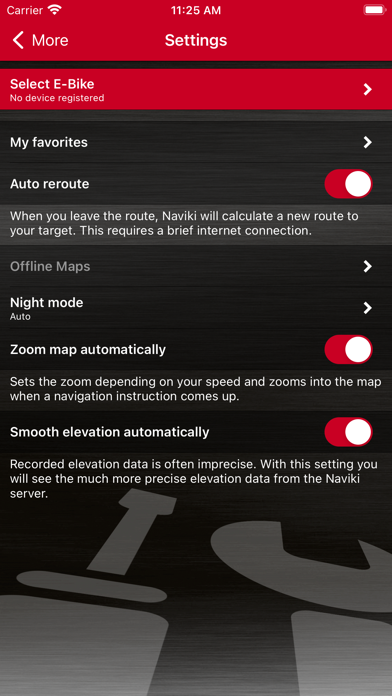
Settings
Connect the app to Impulses Evo smart Display Information for navigation view at your Impulse Evo cockpit
Connect to the Naviki- Server to sync app data and www.naviki.org
Enable voice instructions
Enable auto reroute function
Rate Impulse App
How to connect with Impulse Evo e-bike display?
Prerequisite: Your smartphone uses communication with BTLE (Bluetooth Low Energy) 4.0, 4.1 BTLE
1. Activate Impulse Evo Ebike-system.
2. Start "Impulse E-Bike Navigation" app.
3. Select "Settings" in app menue.
4. Tap on "Select E-Bike".
5. The app will begin searching the Impulse Evo Cockpit. After a short time all Bluetooth enabled devices are displayed.
6. Select the Impulse Evo vehicle, which you want to connect to. You find the number of your Impulse Evo Cockpit on the back of the display. It is an eight digit serial number.
7. After selecting the preferred Impulse E-Bike there is shown a red hook.
8. Now select "Calculate route".
9. Choose the start point and destination/ configure Round trip
10. Select "Calculate". The title track, its length (in km) and travel time (in hours) are displayed.
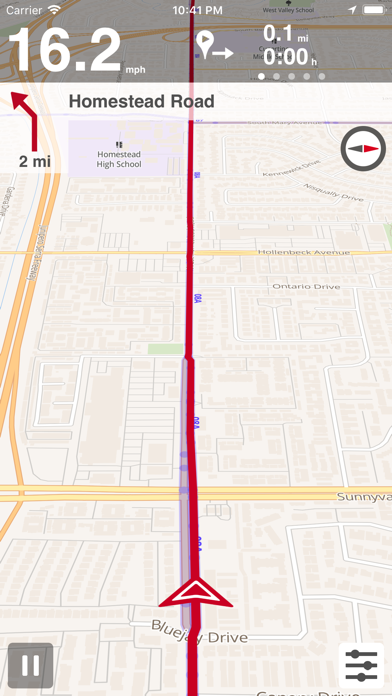
11. Select "Start navigation". The navigation is now appearing in stages on your Impulse Evo smart cockpit.
Charging your smart phone via USB- Plug of Impulse Evo cockpit
To charge your smartphone please use a USB-OTG (on the go) Micro-cable. Caution: Keep attention to fasten smartphone and charger in a securely way. Otherwise cable or devices can get into rotating parts, which can lead to serious falls.
Note: Continued use of GPS running in the background can dramatically decrease battery life.
Support: impulse@naviki.org