Interactive Paper
Free
1.3for iPhone
Age Rating
Interactive Paper Screenshots
About Interactive Paper
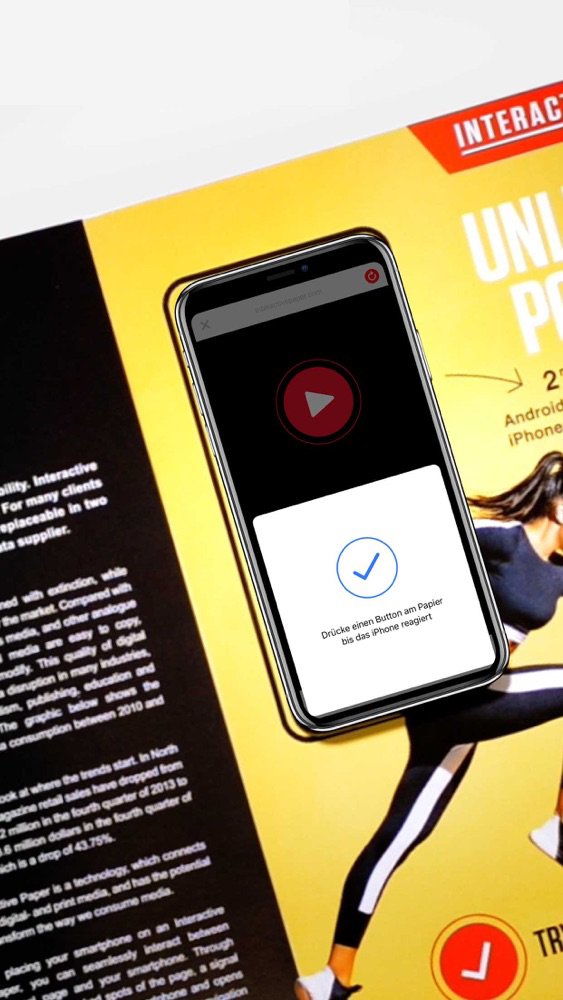
The Interactive Paper app allows you to use your iPhone 7 (or later) to interact via NFC with any Interactive Paper.
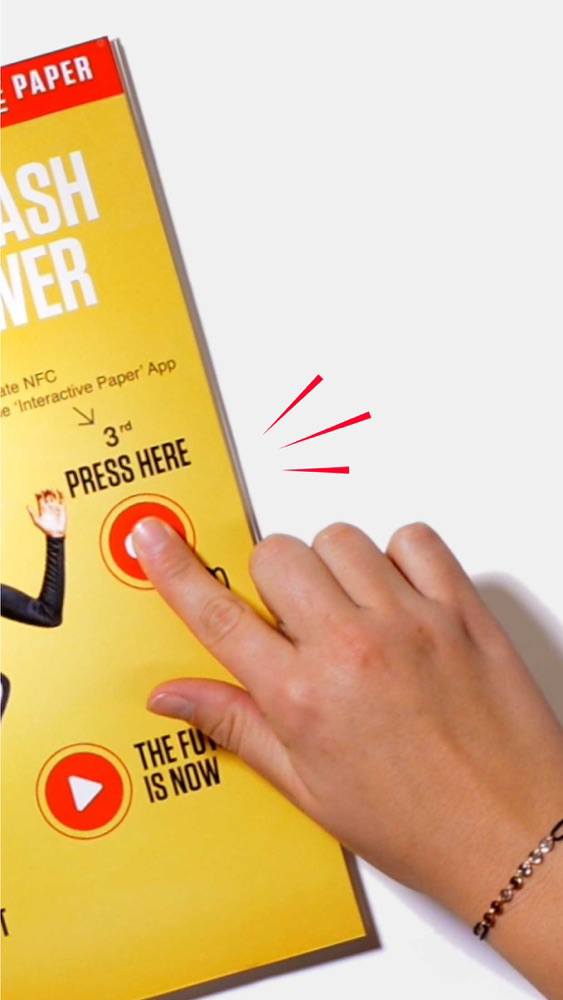
Place your iPhone on the paper and launch the Interactive Paper app. Press the interact button to start the NFC scan on your phone. Then press a button on the paper with your finger to experience interactive extra content on your iPhone.

Show More
What's New in the Latest Version 1.3
Last updated on Dec 5, 2018
Old Versions
UX improvements
Show More
Version History
1.3
Dec 5, 2018
UX improvements
Interactive Paper FAQ
Click here to learn how to download Interactive Paper in restricted country or region.
Check the following list to see the minimum requirements of Interactive Paper.
iPhone
Interactive Paper supports English, German