Interactive Paper
Free
1.3for iPhone
Age Rating
Interactive Paper スクリーンショット
About Interactive Paper
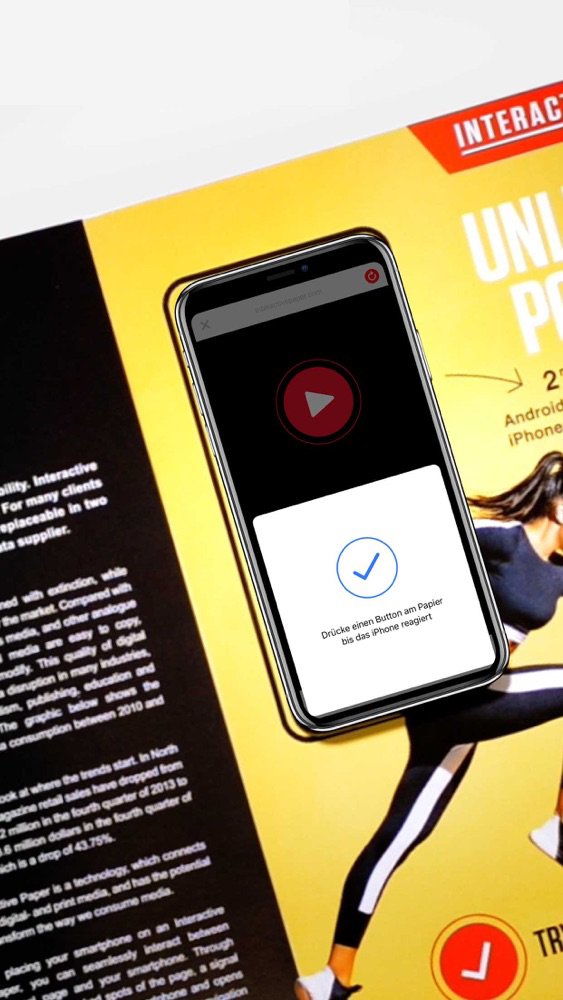
The Interactive Paper app allows you to use your iPhone 7 (or later) to interact via NFC with any Interactive Paper.
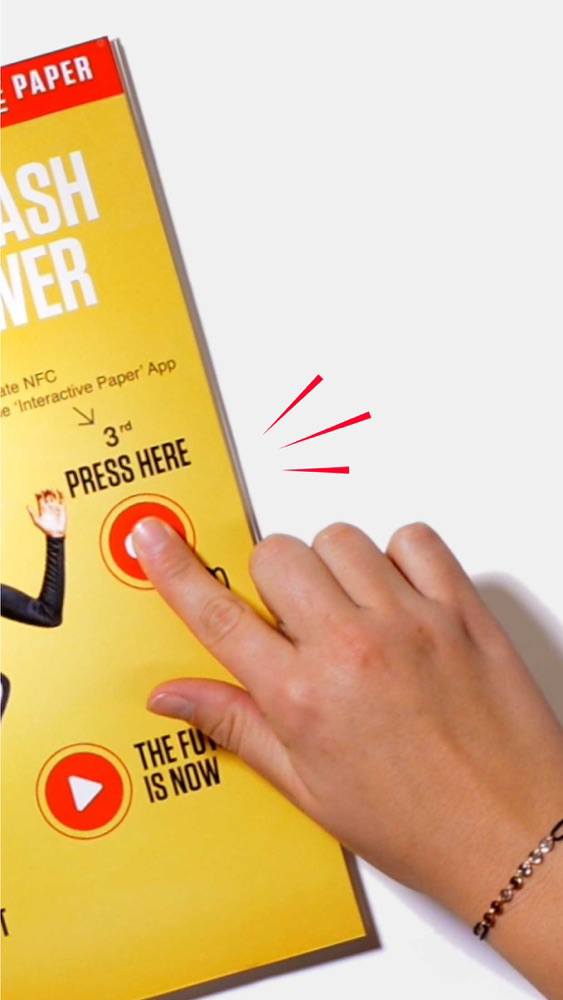
Place your iPhone on the paper and launch the Interactive Paper app. Press the interact button to start the NFC scan on your phone. Then press a button on the paper with your finger to experience interactive extra content on your iPhone.

Show More
最新バージョン 1.3 の更新情報
Last updated on 2018年12月05日
旧バージョン
UX improvements
Show More
Version History
1.3
2018年12月05日
UX improvements
Interactive Paper FAQ
ここをクリック!地理的に制限されているアプリのダウンロード方法をご参考ください。
次のリストをチェックして、Interactive Paperの最低システム要件をご確認ください。
iPhone
Interactive Paperは次の言語がサポートされています。 English, German