The best way to prepare interviews, presentation and speaking- Interview prep Timer
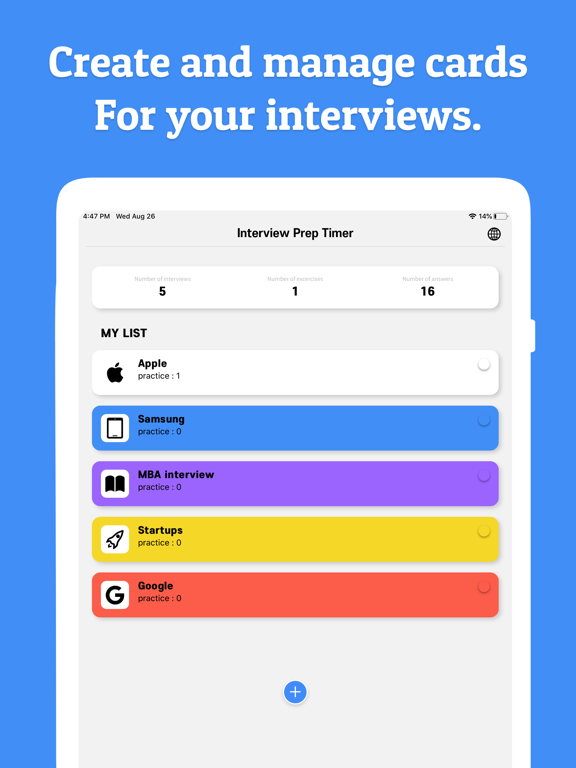
Make a practice cards for each group you prepare for the interview, you can set the expected question and answer, and answer time to start practicing
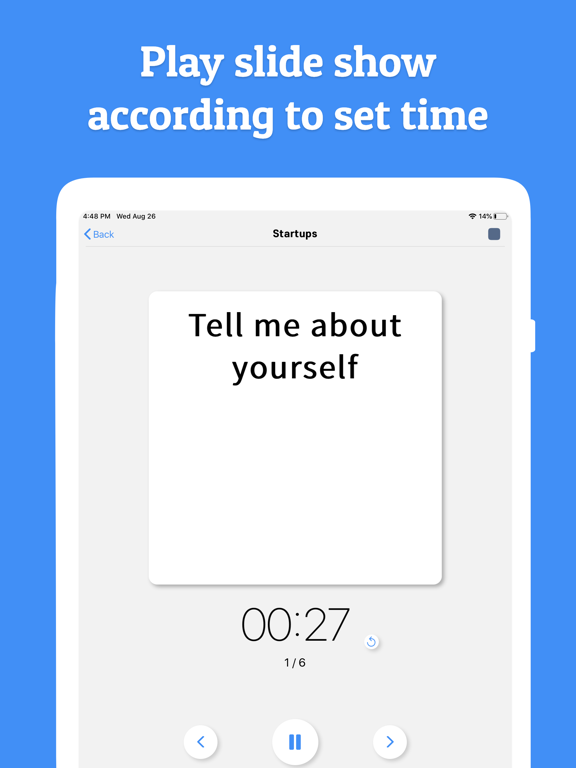
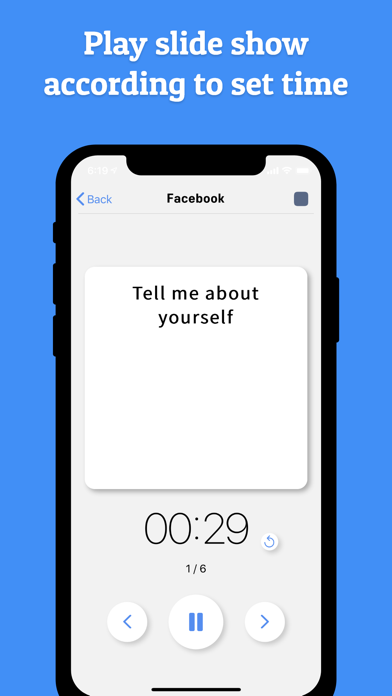
By playing the slideshow, you can practice interviews according to the response time.
▶ Effective interview practice using this app!
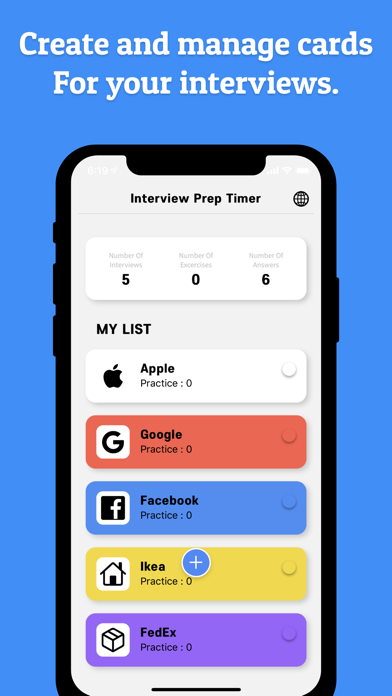
1. Create a company/school card to prepare for the interview
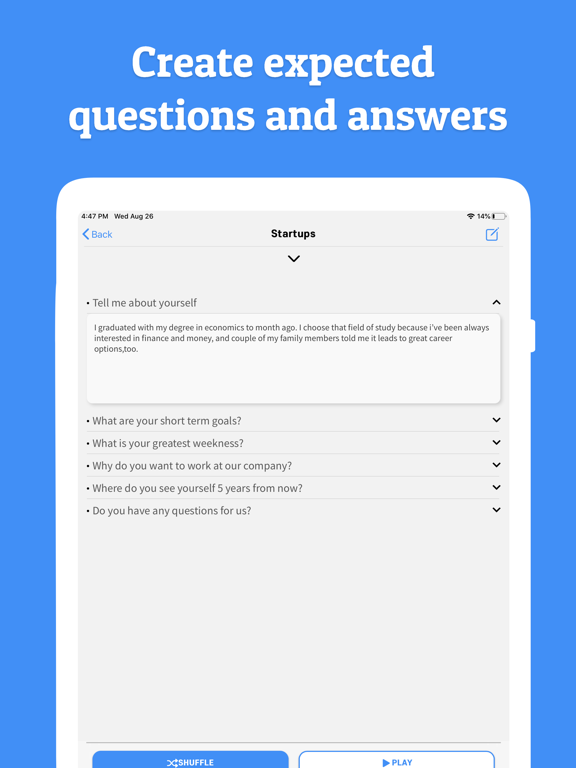
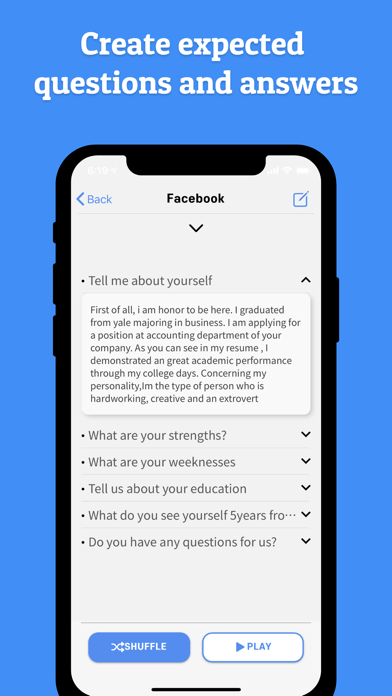
2. Create an expected question and write down the answers using the keywords.
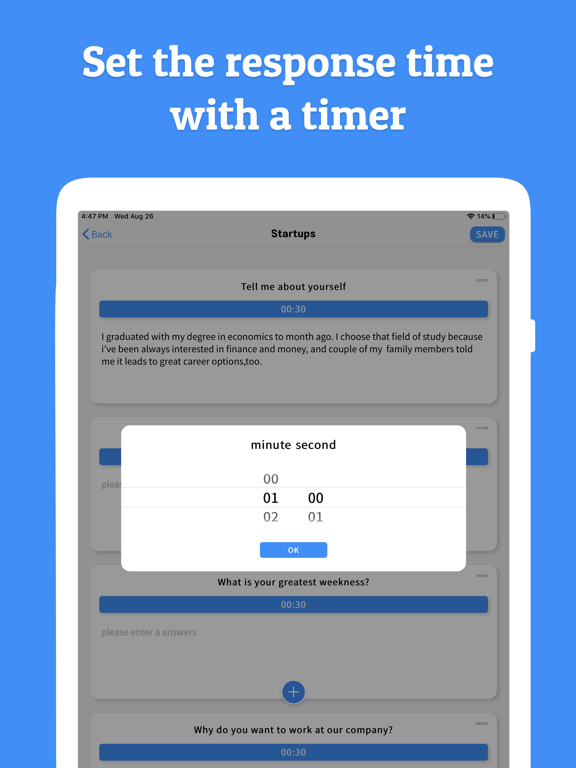
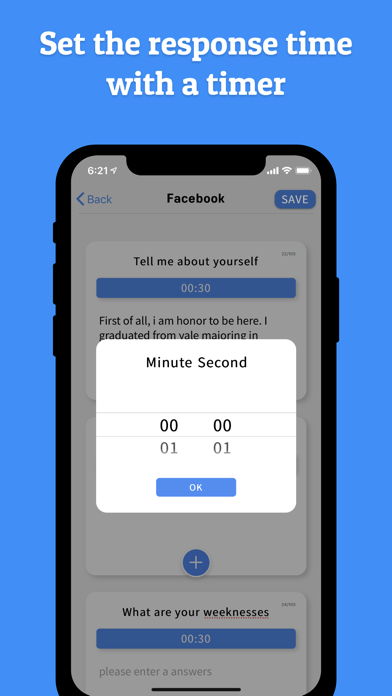
3. Set the answer time in the timer for expected questions
4. Practice answering questions effectively in time by pressing play or shuffle button
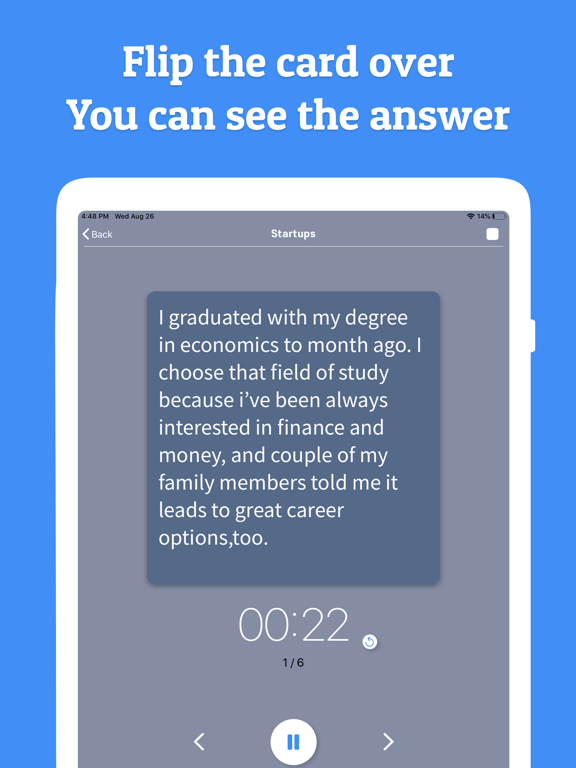
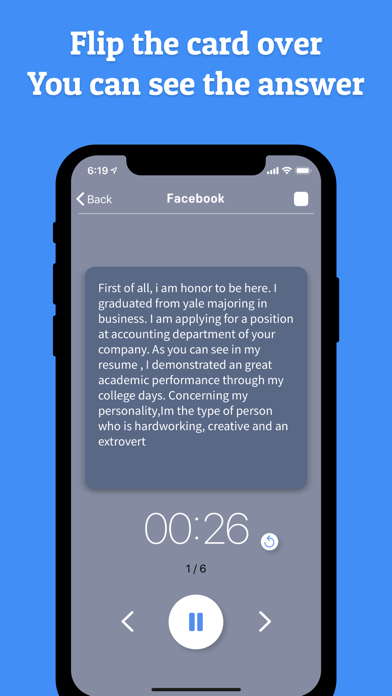
5. You can check your answers by touching the card at the slide show screen.
6. Try image training while looking at the question list in the interview waiting room.
▶You can create a company/school card to prepare for the interview.
-You can change the color of the card
-You can set the icon of your card yourself.
-Use it for job interviews or entrance interviews.
▶Create a list of your questions by setting the expected question, answer, and answer time
-You can see a list of questions and answers at a glance.
-You can practice while checking the time by playing the question as a slideshow.
-Watch the timer and manage your response time
▶You can practice the interview based on the expected questions you have made.
-Practice interviews in the order you created
-You can practice randomly through shuffle.
-You can practice by flipping the cards over and seeing the answers.
▶ Using the TIMER in different ways
-Memorizing foreign languages, words and formulas.
-You can use presentation practice through keyword and time management
Paid payment
> Remove banner ads, video ads, and interstitial ads
** PRIVACY AND SECURITY **
-Your data is stored locally on your phone.
-Data is always entirely under your control.
-Data stored in the app's private directories cannot be accessed by other apps or processes.