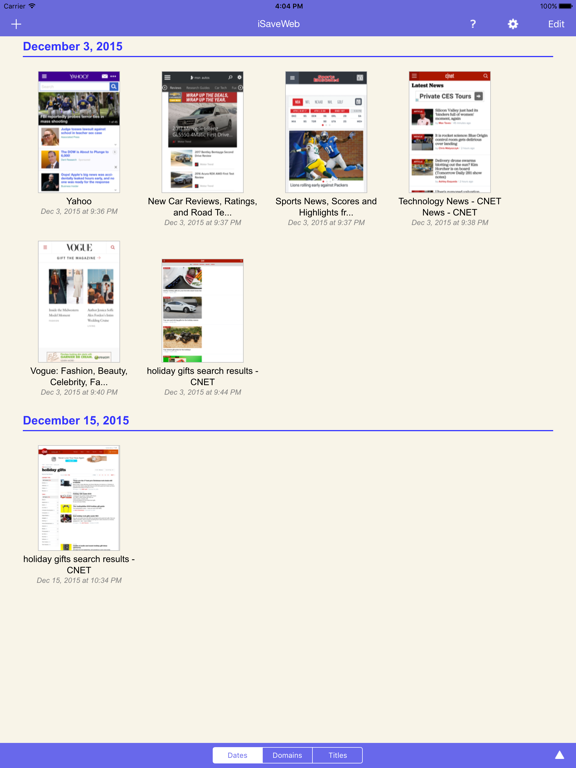
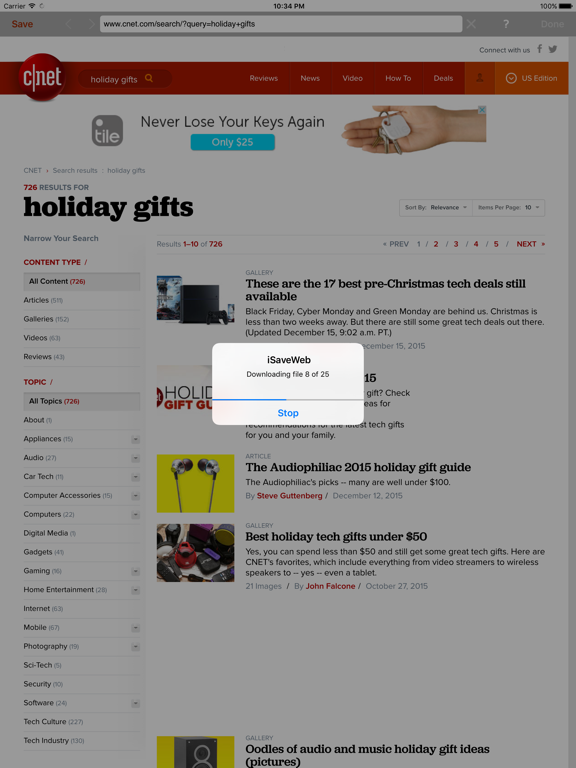
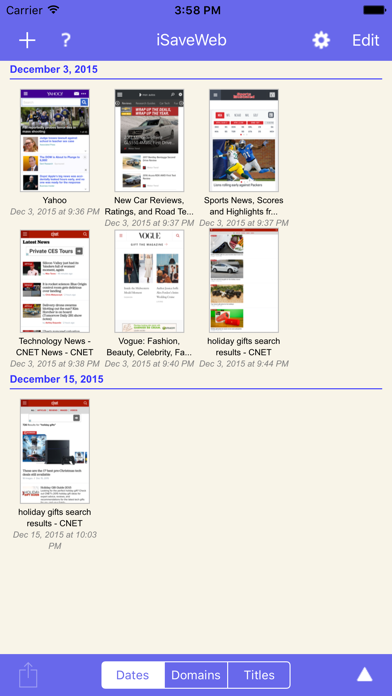
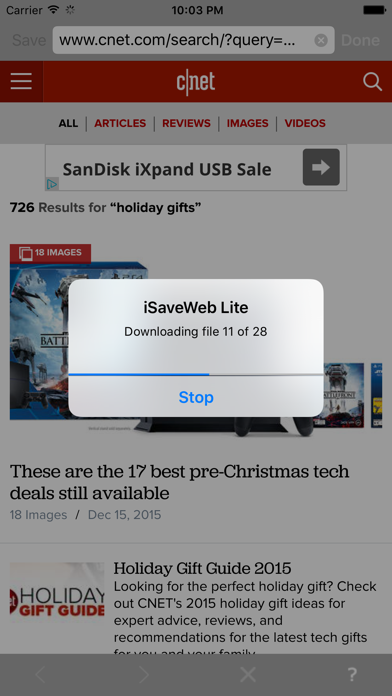
Save your favorite websites to your iPhone, iPod touch or iPad.
This app helps you save favorite websites directly to your iPhone and browse them offline, even when you don't have Internet connection.
With iSaveWeb you can:
- Store websites directly on iPhone, iPod touch or iPad, ONE PAGE AT A TIME.
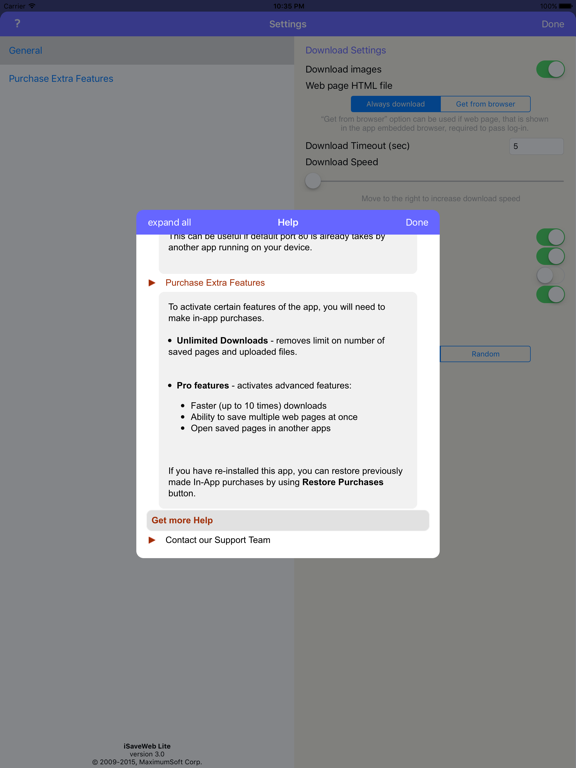
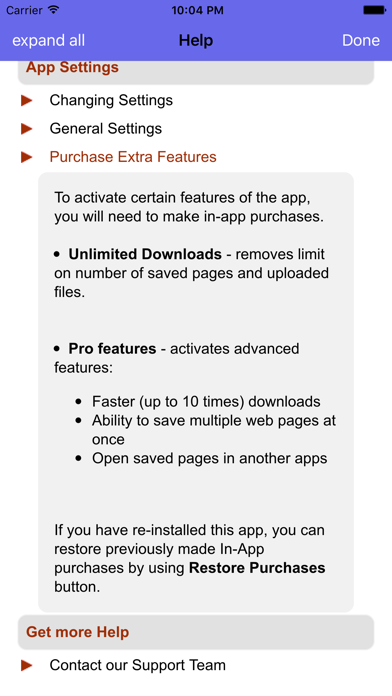
To save MULTIPLE pages at once - purchase 'Pro features'.
- Each page is saved with all shown images, JavaScript and CSS files.
- iSaveWeb can store public Internet web sites, as well as sites that require users to login. The information is stored directly on your device.
- Browse through sites and save only pages that you need.
Save pages either from
- iSaveWeb build-in browser, or
- Directly from iPhone Safari browser (when using special Safari bookmark, contact support for more information).
- Transfer saved pages from iPhone to desktop computer.
- Upload files from desktop computers directly to your iPhone / iPod touch / iPad.
You can upload single HTML files, Web Archives, Zip archives containing saved web sites, PDF and any other files that can be viewed in Safari browser on your iPhone.
Use iSaveWeb to store your favorite web sites, online books, news, pictures, study materials - everything you can see in your browser.
*** IMPORTANT ***
To save MULTIPLE pages at once - purchase 'Pro features'.
If you need greater control over website download (exclude certain links, file types, etc.), we recommend to use our desktop WebCopier products (available for Mac, Windows and Linux) that can download sites to your desktop computer and then transfer downloaded files directly to iSaveWeb running on iPad / iPhone / iPod touch.
*** YOU CAN TRY IT BEFORE BUYING ***
Still not sure if this app will work for you?
Try its free version "iSaveWeb Lite" that has same great features, but limits number of saved pages.